
Web data runs modern go-to-market work. Prices, hiring signals, tech stacks, and reviews all live on public pages, not in your CRM. A scraper turns those pages into structured rows your team can act on. Get it wrong and you inherit broken selectors, blocked requests, and stale exports.
Dozens of tools promise the same result, from no-code extensions to developer APIs. So how do you pick the one that fits your data, your scale, and your team?
We compared 10 web scraping tools on reliability, anti-blocking, ease of use, and price. We weighed what they return against what they promise. One truth held across all of them: for GTM and data teams, the win is not raw crawling. It is turning web data into records you can act on.
Here's the shortlist, then a closer look at each tool.
What is a web scraping tool?
A web scraping tool extracts structured data from web pages (product listings, company sites, directories, reviews) and hands it back as rows, JSON, or a CRM record. The concept that separates good from bad is how the tool handles the modern web: JavaScript rendering, anti-bot defenses, and layout changes that break brittle selectors. The best tools manage proxies, retries, and rendering for you, and increasingly use AI to read a page the way a person would, instead of relying on hand-mapped CSS paths. If you want the mechanics first, see our guide on [how to scrape data from any website](https://www.clay.com/guides/how-to-scrape-data-from-any-website).
The 10 best web scraping tools for 2026
| # | Tool | Best for | Pricing from | G2 rating |
|---|---|---|---|---|
| 1 | Clay | AI scraping into enriched GTM records | Free, paid from $185/mo | 4.6/5 |
| 2 | Apify | Marketplace of ready-made scrapers | Free, paid from $29/mo | 4.7/5 |
| 3 | Bright Data | Large-scale, hard-to-scrape targets | Usage-based, from ~$1.50/1K records | 4.6/5 |
| 4 | Browse AI | No-code scraping and monitoring | Free, paid from $19/mo | 4.7/5 |
| 5 | Octoparse | No-code desktop plus cloud runs | Free, paid from $69/mo | 4.8/5 |
| 6 | Diffbot | Structured entity data via API | From $299/mo | 4.9/5 |
| 7 | ScraperAPI | Simple anti-blocking API | Free, paid from $49/mo | 4.4/5 |
| 8 | ParseHub | Free visual desktop scraper | Free, paid from $189/mo | 4.3/5 |
| 9 | Import.io | Managed enterprise data-as-a-service | Quote-based, from ~$299/mo | 3.8/5 |
| 10 | Firecrawl | LLM-ready data for AI builders | Free, paid from $16/mo | No G2 yet |
1. Clay
- Best forGTM and data teams turning scraped web data into enriched records
- PricingFree plan, then Launch ($185/mo), Growth ($495/mo), and custom Enterprise
- What we likeClaygent AI web research plus a waterfall across 200+ data providers, aimed at usable GTM records
Full disclosure: Clay is our product, and we put it first. Turning scraped web data into enriched GTM records is one of the most common things teams build on Clay. Here's what it does well and where it doesn't fit.
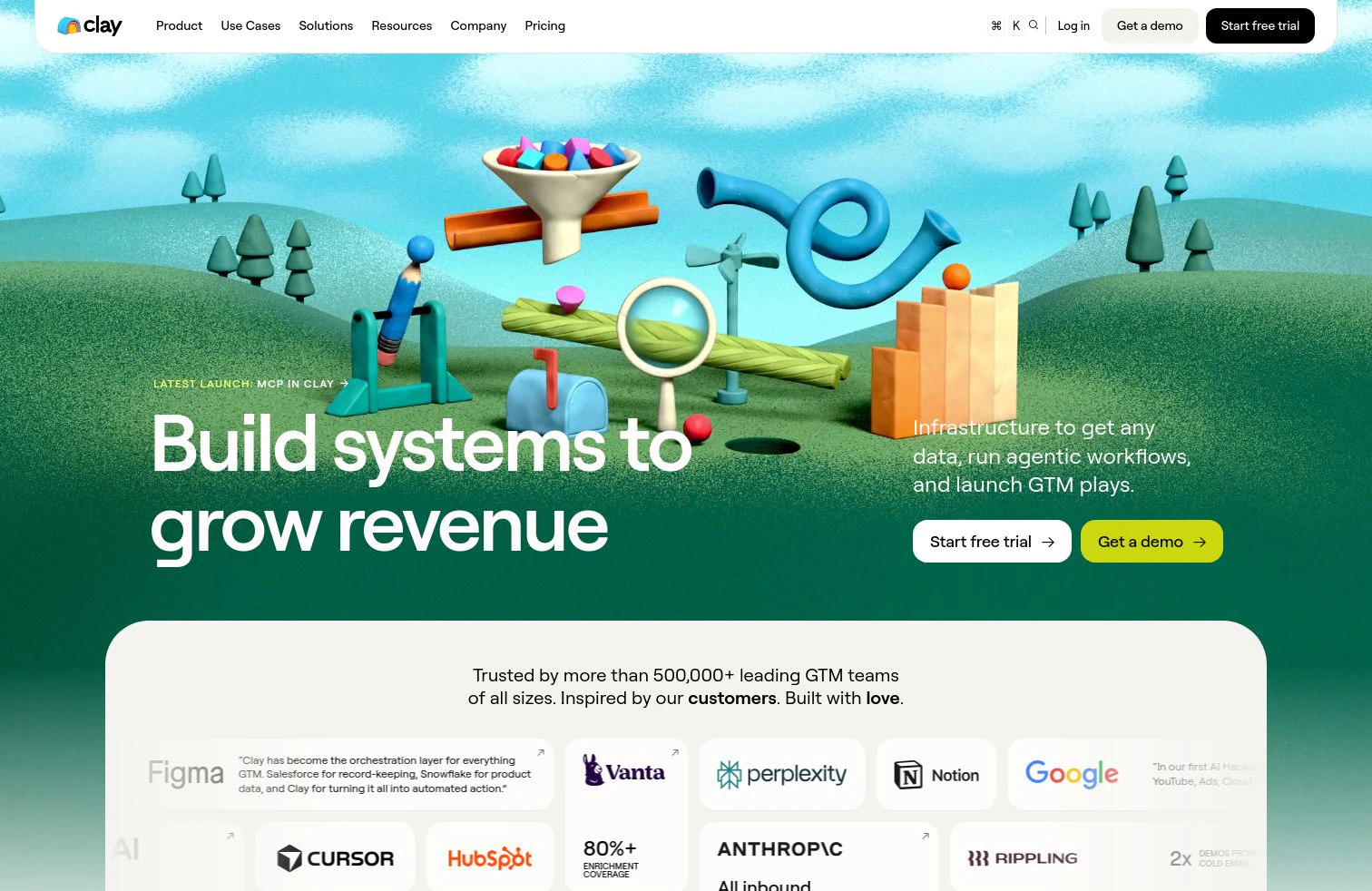
Clay approaches scraping from the outcome, not the crawl. Its AI research agent, Claygent, visits a page, reads it, and extracts the specific answer you asked for: whether a site mentions SOC 2, which tools a company lists on its careers page, or what a pricing page charges. On top of that sits a waterfall across 200+ data providers that fills emails, phones, and firmographics, so the scraped fact lands next to a complete contact record. The finished row syncs to Salesforce or HubSpot and re-runs as pages change. Clay is not a headless-browser crawler built to pull millions of raw pages, it shines when the goal is turning web data into GTM records you can act on.
Scrape and enrich your own list
Point Claygent at your target accounts and turn live web data into ready GTM records, free.
What we like about Clay
- Claygent reads a page and returns the exact answer, not just raw HTML
- A waterfall across 200+ providers enriches the record around each scraped fact
- Signals surface job changes, funding, and hiring alongside scraped data
- Writes enriched rows back to Salesforce and HubSpot and re-runs as pages change
- Audiences runs the same research across millions of records, not one page at a time
Where Clay could be better
- Not built as a raw crawler for millions of pages; a data-center-scale crawl belongs on a dedicated API
- You design the workflow yourself, so first-run setup takes more thought than a one-click extension
- Data Credits are usage-based, so large research runs need a look at spend
Why choose Clay? Other tools hand you the scraped page. Clay reads it with AI, enriches it from 200+ sources, and writes a record your team can act on.
Proof. Anthropic hit 3x data enrichment coverage on Clay after consolidating several point vendors into one waterfall.
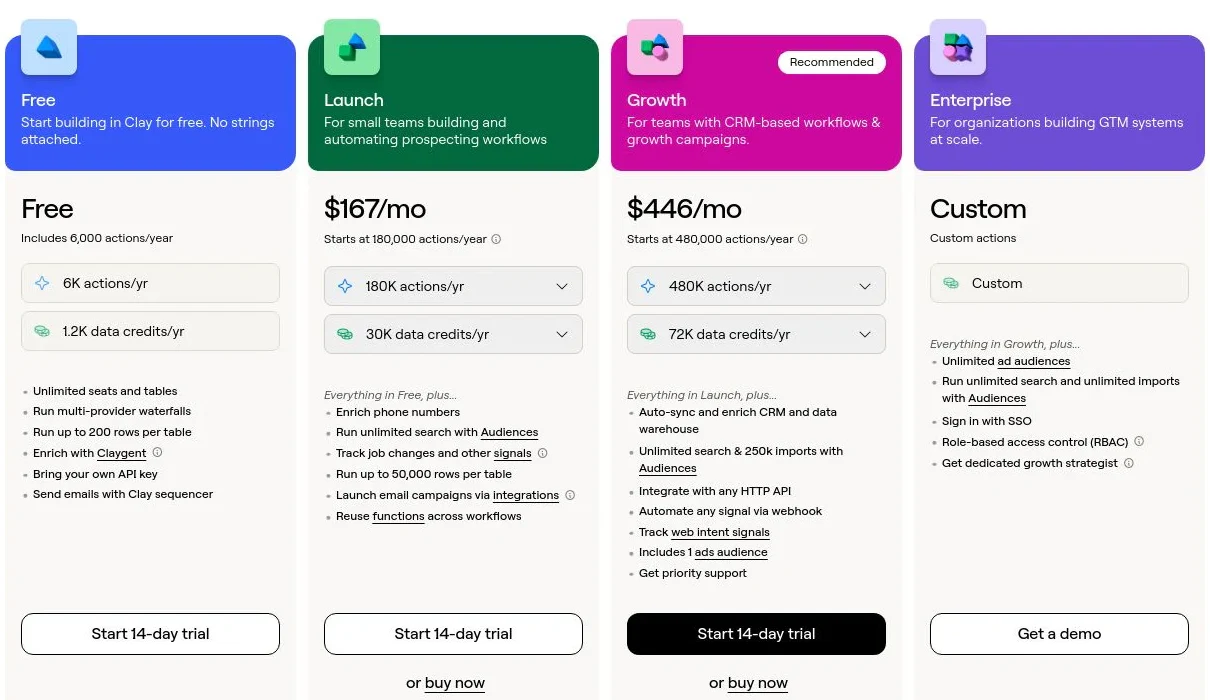
Clay pricing
- Free: $0/mo with 100 Data Credits, 500 Actions, unlimited seats and tables, multi-provider waterfalls, and Claygent
- Launch: starting at $185/mo with 2,500 Data Credits, 15,000 Actions, phone enrichment, and signal tracking
- Growth: starting at $495/mo with 6,000 Data Credits, 40,000 Actions, and CRM auto-sync
- Enterprise: custom pricing with an annual commitment, 100,000+ Data Credits, API access, SSO, and RBAC
Data Credits pay for the data itself and roll over; Actions pay for the platform work and reset monthly. Bring your own API keys and you skip Data Credits entirely. See Clay's pricing page for the full breakdown.
Clay reviews
- G2: 4.6/5 from 200+ reviews (G2)
2. Apify
- Best fordevelopers and teams wanting a marketplace of ready-made scrapers plus a platform to run them
- Pricingfree ($5 monthly credit), then Starter $29/mo, Scale $199/mo, Business $999/mo
- What we likethousands of pre-built Actors plus infrastructure to run and schedule them
Apify is a full scraping platform built around Actors, reusable scraping programs you grab from its store or write yourself. Thousands of pre-built Actors cover common targets like Google Maps, Amazon, and Instagram, so you often start collecting data in minutes without code. Under them sits managed infrastructure: proxies, scheduling, storage, and an API. For teams that want both a marketplace and a place to run custom crawls, it is one of the most complete options here.
The platform rewards some technical comfort. Pricing runs on compute units that can be hard to predict, and the most flexible workflows still expect you to configure or code an Actor.
What we like about Apify
- Thousands of pre-built Actors for popular sites
- Managed proxies, scheduling, storage, and a clean API
- Generous entry point with monthly free credit
- Strong docs and an active developer community
Where Apify could be better
- Compute-unit billing is hard to forecast on heavy jobs
- Custom crawls still expect some coding or configuration
- Costs climb quickly at scale
Why choose Apify? The most complete marketplace-plus-platform combo when you want ready-made scrapers and room to run your own.
Apify pricing
- Free: $0/mo with $5 of prepaid platform usage each month
- Starter: $29/mo with more compute and concurrency
- Scale: $199/mo with lower per-unit compute rates
- Business: $999/mo with the lowest per-unit rates
- Enterprise: custom
Compute is billed in compute units (1 GB of RAM running for 1 hour), and annual billing runs cheaper than monthly. See Apify's pricing page for current rates.
Apify reviews
- G2: 4.7/5 from 400+ reviews (G2)
3. Bright Data
- Best forenterprise teams needing large-scale, reliable collection with serious anti-blocking
- Pricingusage-based; Web Scraper API from around $1.50 per 1,000 records
- What we likea large proxy network and unlock tech that gets through where others get blocked
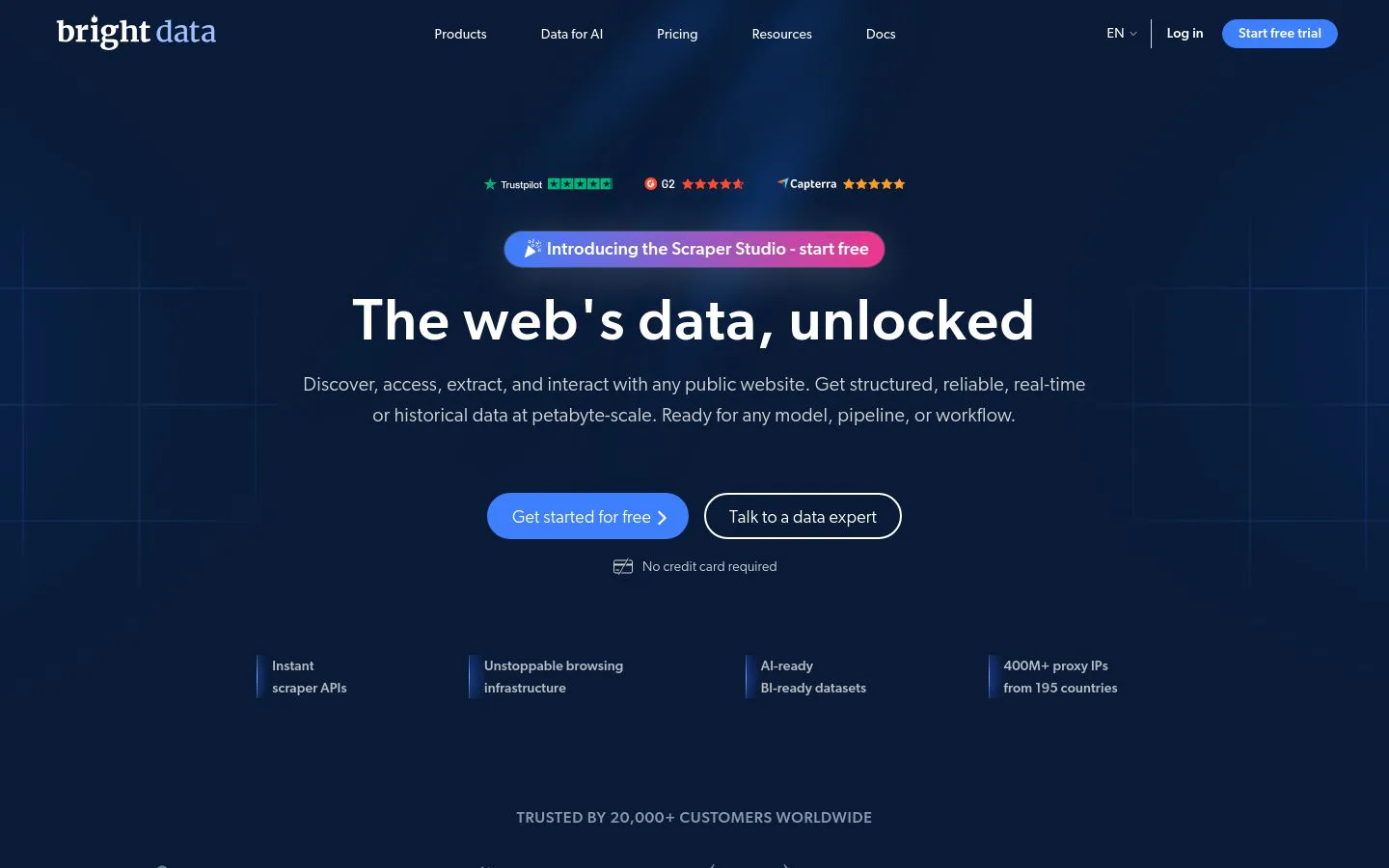
Bright Data is the heavyweight for large-scale collection. Its proxy network is one of the biggest available, and its Web Unlocker and Scraping Browser get past bot defenses that stop lighter tools. On top of proxies it offers Web Scraper APIs, ready-made datasets, and a growing set of AI features for non-technical users. For an enterprise crawl that has to succeed at volume, it is the reliability benchmark.
That capability is priced and structured for scale. Everything is usage-based across proxies, requests, and records, so costs need active monitoring, and the breadth of products can overwhelm a first-time buyer.
What we like about Bright Data
- One of the largest proxy networks, with strong unlock rates
- Web Scraper APIs, datasets, and browser tools in one place
- Reliable at high volume where lighter tools get blocked
- Compliance and enterprise controls built in
Where Bright Data could be better
- Usage-based pricing across many products needs active monitoring
- The product range is a lot to navigate for new users
- Overkill for small, occasional scraping jobs
Why choose Bright Data? Hard to beat for high-volume, hard-to-scrape targets where getting through reliably matters more than a simple UI.
Bright Data pricing
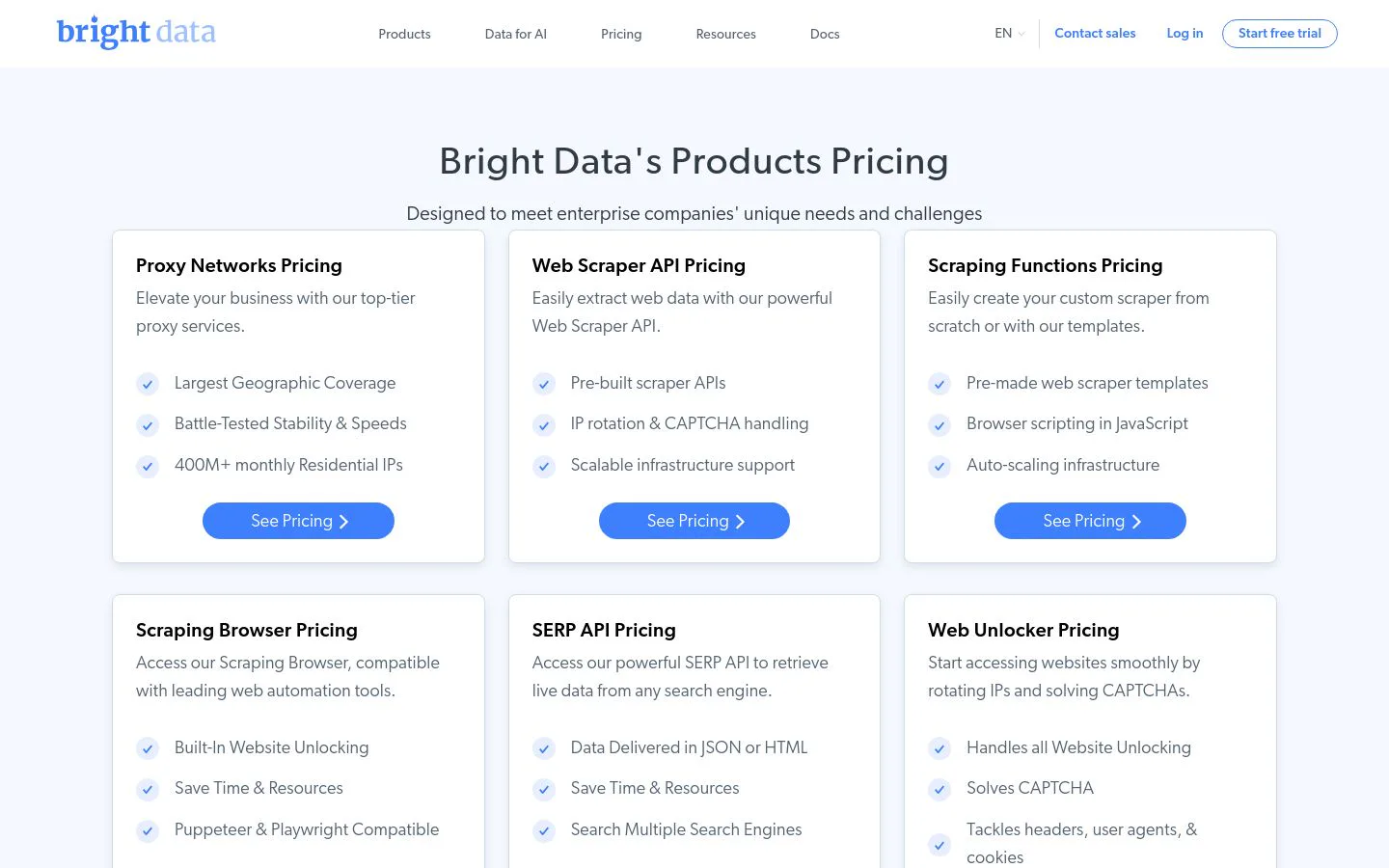
Bright Data is usage-based, with no fixed monthly plan. Web Unlocker runs around $3 per 1,000 successful requests, the Web Scraper API starts around $1.50 per 1,000 records, and datacenter proxies start around $3 per GB, with residential and mobile proxies costing more. Enterprise contracts are custom-quoted. See Bright Data's pricing page for current rates.
Bright Data reviews
- G2: 4.6/5 from 280+ reviews (G2)
4. Browse AI

- Best fornon-technical teams that want to scrape and monitor sites without code
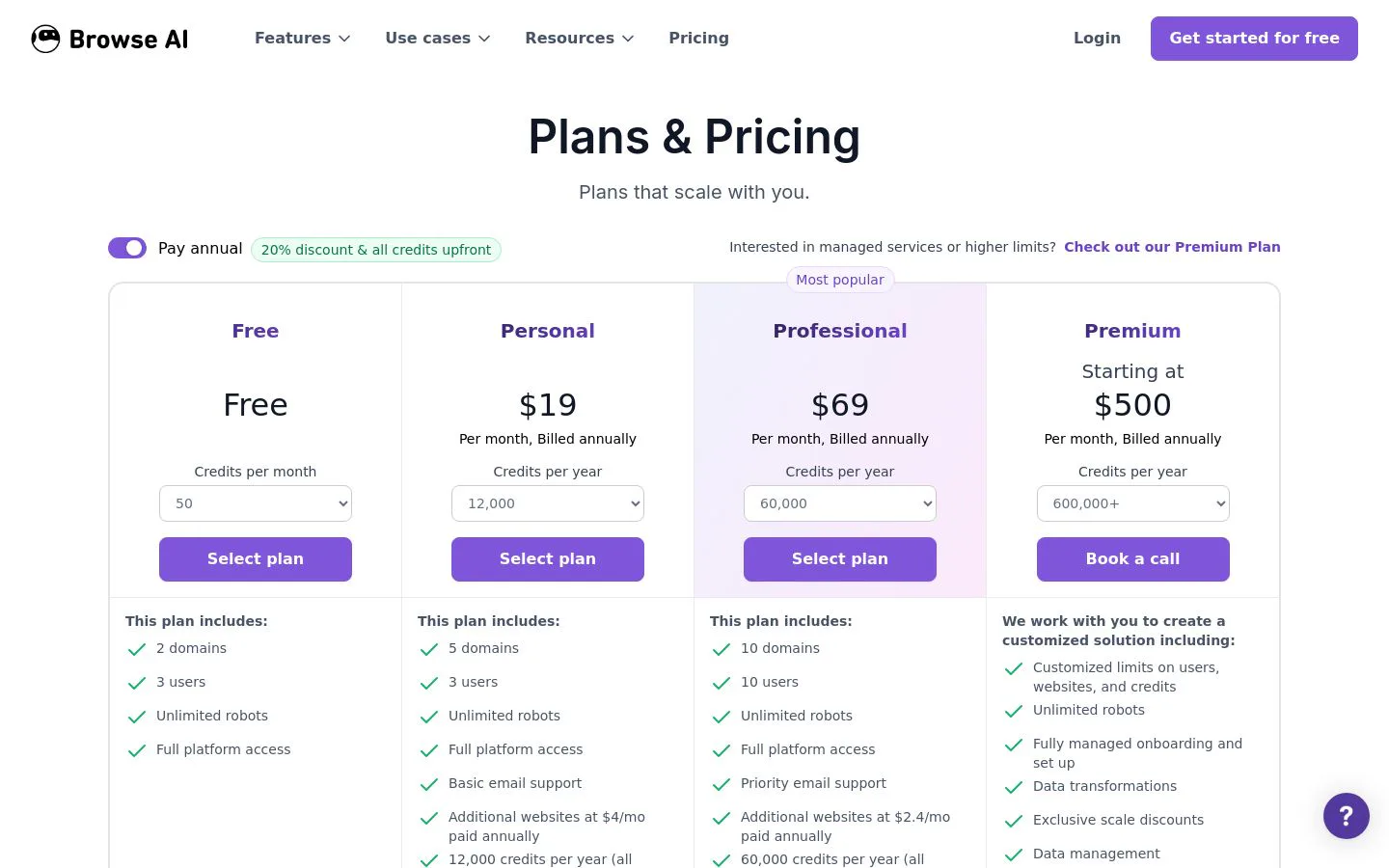
- Pricingfree (50 credits/mo), then Starter $19/mo, Professional $99/mo, Team $249/mo (annual)
- What we likepoint-and-click robots plus scheduled monitoring and change alerts
Browse AI is built for people who do not write code. You train a robot by clicking through a page once, and it repeats that extraction on a schedule, then alerts you when the data changes. Pre-built robots cover common sites, and results flow to Google Sheets, Airtable, or a webhook. For monitoring competitor prices, job boards, or directories without engineering help, it is one of the easiest tools to start with.
Ease comes with ceilings. Credit limits arrive fast on lower tiers, and very complex or heavily defended sites can trip up the point-and-click model.
What we like about Browse AI
- Train a robot by clicking, no code required
- Scheduled monitoring with change alerts
- Pre-built robots for common sites
- Sends data to Sheets, Airtable, and webhooks
Where Browse AI could be better
- Credit limits arrive quickly on lower tiers
- Complex or well-defended sites can break the recorder
- Less control than a code-first tool
Why choose Browse AI? The easiest way for a non-technical team to scrape and monitor sites on a schedule.
Browse AI pricing
- Free: $0/mo with 50 credits
- Starter: $19/mo (annual) with 10,000 credits/year and 10 robots
- Professional: $99/mo (annual) with 60,000 credits/year and 20 robots
- Team: $249/mo (annual) with higher limits for larger teams
Credits scale with the volume you extract, and monthly billing runs higher than the annual rates shown. See Browse AI's pricing page for current tiers.
Browse AI reviews
- G2: 4.7/5 from 50+ reviews (G2)
5. Octoparse
- Best foranalysts and small teams wanting a no-code desktop scraper with cloud runs
- Pricingfree forever, then Standard $69/mo, Professional $249/mo (annual)
- What we likea mature point-and-click builder with templates and cloud extraction
Octoparse is a veteran no-code scraper. Its desktop app lets you build a scraper by clicking elements on a page, and 500+ preset templates cover popular sites, so you often skip building at all. Paid plans add cloud extraction, IP rotation, and automatic CAPTCHA solving, so jobs run without tying up your machine. For analysts who want depth without code, it hits a useful middle ground.
The desktop-first model has trade-offs. There is a real learning curve for advanced workflows, and complex sites can still need trial and error to scrape cleanly.
What we like about Octoparse
- No-code point-and-click builder
- 500+ templates for common sites
- Cloud extraction, IP rotation, and CAPTCHA solving on paid plans
- Generous free-forever tier
Where Octoparse could be better
- Advanced workflows have a learning curve
- Desktop-first setup feels heavier than a browser extension
- Complex sites can need trial and error
Why choose Octoparse? A mature no-code scraper with templates and cloud runs, strong for analysts who want depth without code.
Octoparse pricing
- Free: $0 forever with 10 tasks, local extraction, and up to 50,000 rows exported per month
- Standard: $69/mo (annual) with 100 tasks, cloud extraction, IP rotation, and CAPTCHA solving
- Professional: $249/mo (annual) with 250 tasks, more concurrency, and priority support
- Enterprise: custom
Annual billing saves versus monthly. See Octoparse's pricing page for current plans.
Octoparse reviews
- G2: 4.8/5 from 50+ reviews (G2)
6. Diffbot
- Best forteams that want structured entity data and a knowledge graph via API
- Pricingfrom $299/mo (Startup), then Plus $899/mo
- What we likeAI that returns clean structured entities, plus a large knowledge graph
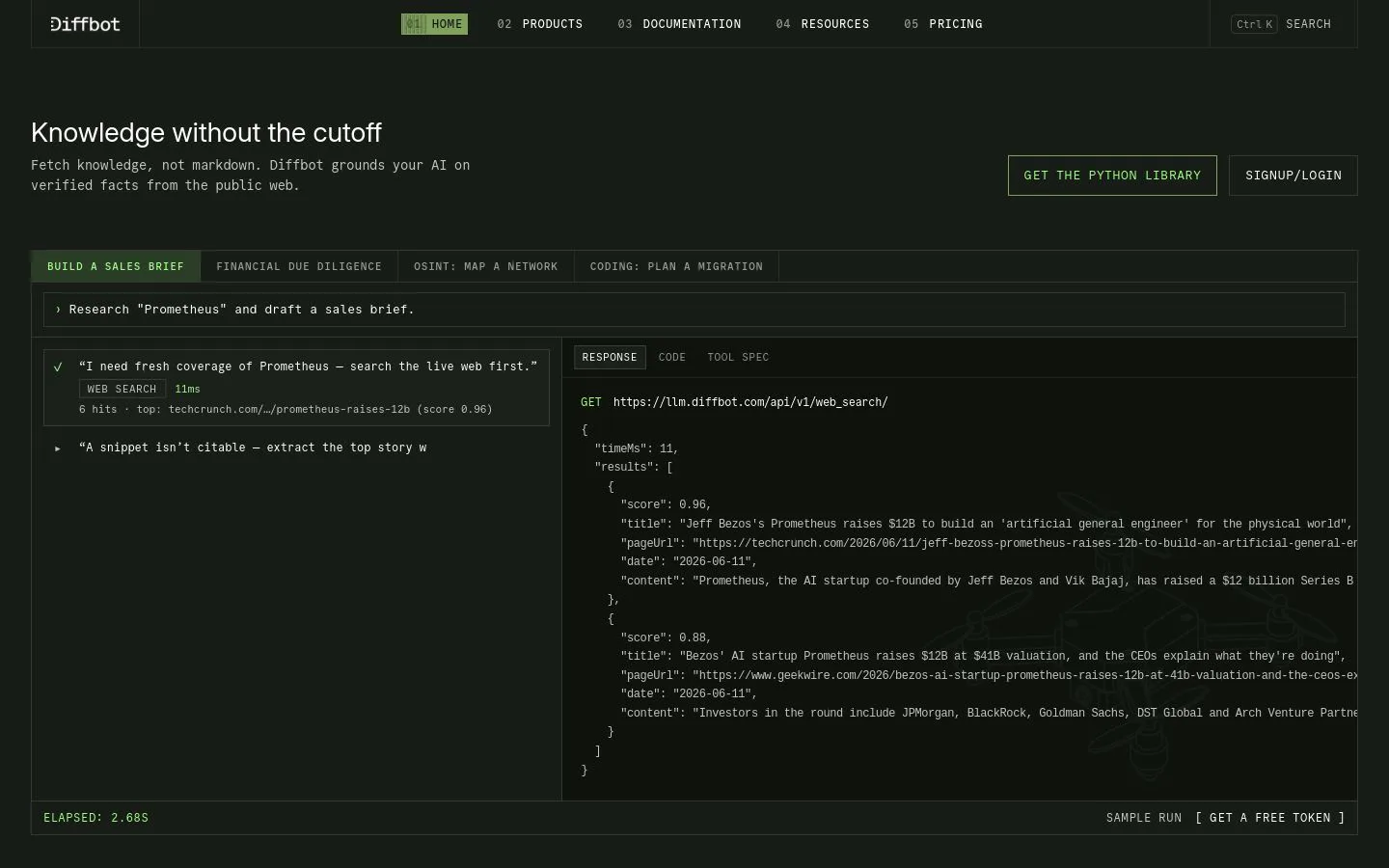
Diffbot takes a different approach. Instead of you mapping selectors, its AI reads a page and returns structured entities (articles, products, organizations, people) as clean JSON. Its Extract APIs and Knowledge Graph turn the open web into queryable data, which suits teams building datasets or feeding models rather than clicking through a UI. When you want structured output without maintaining scrapers, it does the parsing for you.
It is a developer and data-team tool. There is no point-and-click builder, pricing starts high for casual use, and it is aimed at API workflows, not one-off lookups.
What we like about Diffbot
- AI returns clean structured entities, not raw HTML
- Extract APIs plus a large Knowledge Graph
- No selector maintenance as pages change
- Strong for building datasets and feeding models
Where Diffbot could be better
- API-first, with no no-code builder
- Entry pricing is high for occasional use
- Aimed at developers and data teams, not casual users
Why choose Diffbot? The pick when you want AI-structured entity data and a knowledge graph through an API, with no scrapers to maintain.
Diffbot pricing
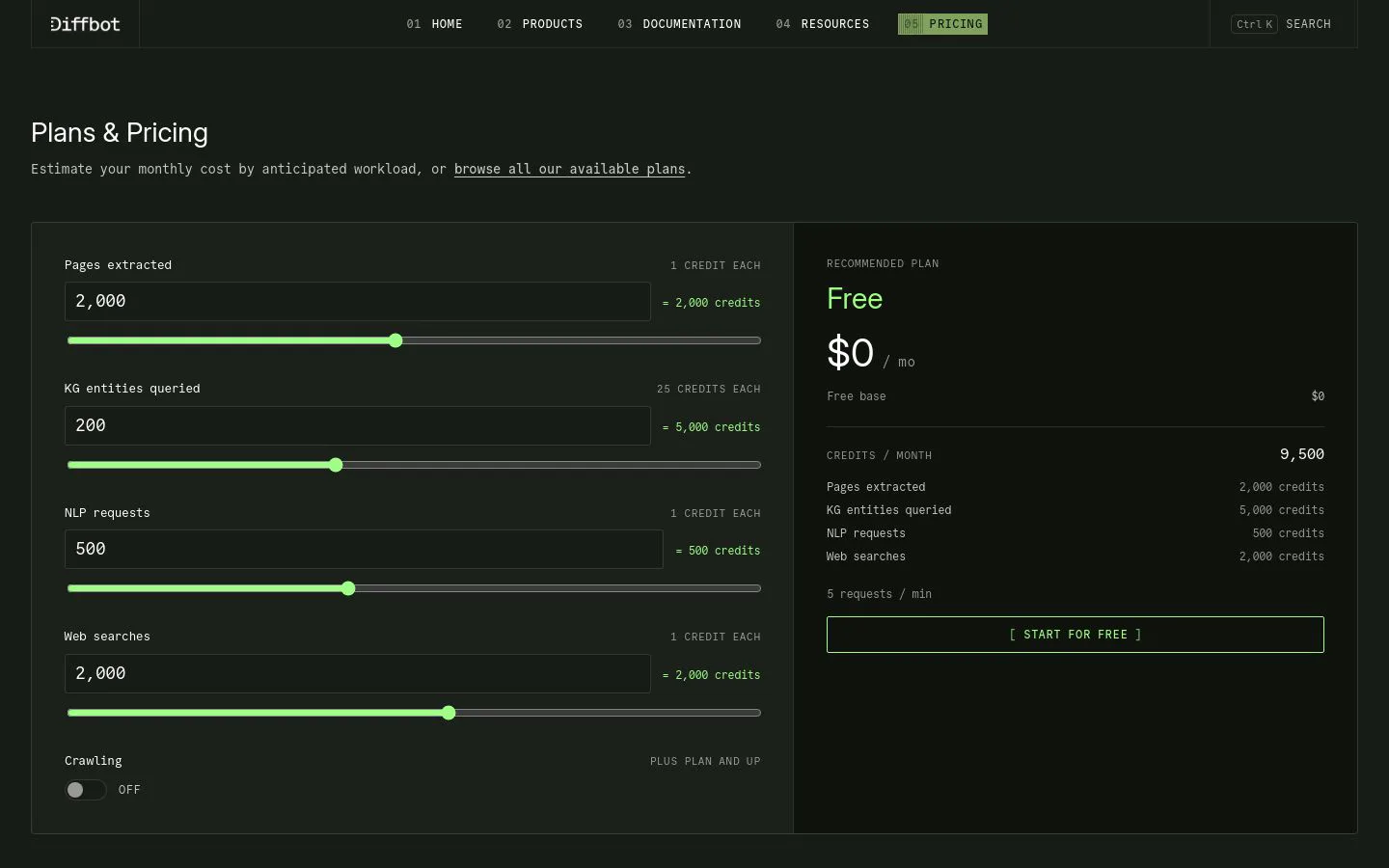
- Startup: $299/mo with 250,000 credits and API access
- Plus: $899/mo with 1,000,000 credits, higher rate limits, and Crawl
- Enterprise: custom
Overage credits are billed per call, and there is a free trial to test the APIs. See Diffbot's pricing page for current plans.
Diffbot reviews
- G2: 4.9/5 from 29 reviews (G2)
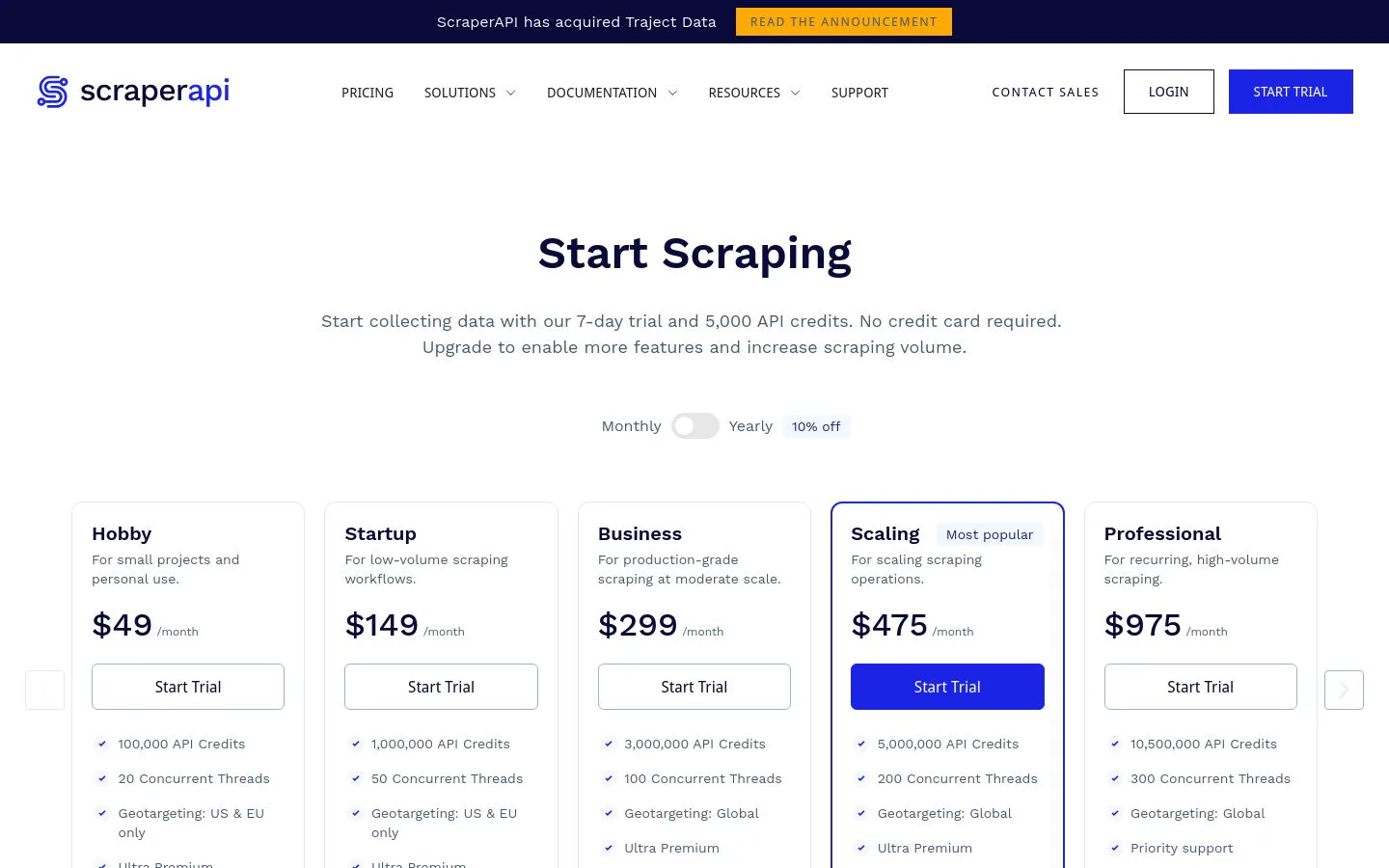
7. ScraperAPI
- Best fordevelopers who want a simple API that handles proxies and rendering
- Pricingfree (1,000 credits/mo), then Hobby $49/mo, Startup $149/mo, Business $299/mo
- What we likeone API call that manages proxies, browsers, and retries
ScraperAPI does one job for developers. Send it a URL and it returns the page, handling proxy rotation, headless browsers, CAPTCHAs, and retries behind the scenes. You keep your own parsing logic and skip the anti-blocking plumbing. It scales to millions of requests and has structured endpoints for common targets like Google and Amazon. For engineers who just want reliable HTML back, it is clean and focused.
It is a building block, not a full solution. You still write the code that parses and stores the data, so non-technical users will not get far on their own.
What we like about ScraperAPI
- One API call handles proxies, rendering, and retries
- Scales to millions of requests
- Structured endpoints for common targets
- Usable free tier and clear per-credit pricing
Where ScraperAPI could be better
- You bring your own parsing and storage code
- No no-code interface for non-developers
- Credits burn faster on JavaScript-heavy pages
Why choose ScraperAPI? The simplest anti-blocking API when you want to write the parser and let someone else handle proxies.
ScraperAPI pricing
- Free: $0/mo with 1,000 API credits
- Hobby: $49/mo with 100,000 credits
- Startup: $149/mo with 1,000,000 credits
- Business: $299/mo with 3,000,000 credits
- Scale: $475/mo, and custom Enterprise above that
JavaScript rendering and premium requests cost more credits per call. See ScraperAPI's pricing page for current tiers.
ScraperAPI reviews
- G2: 4.4/5 from 16 reviews (G2)
8. ParseHub
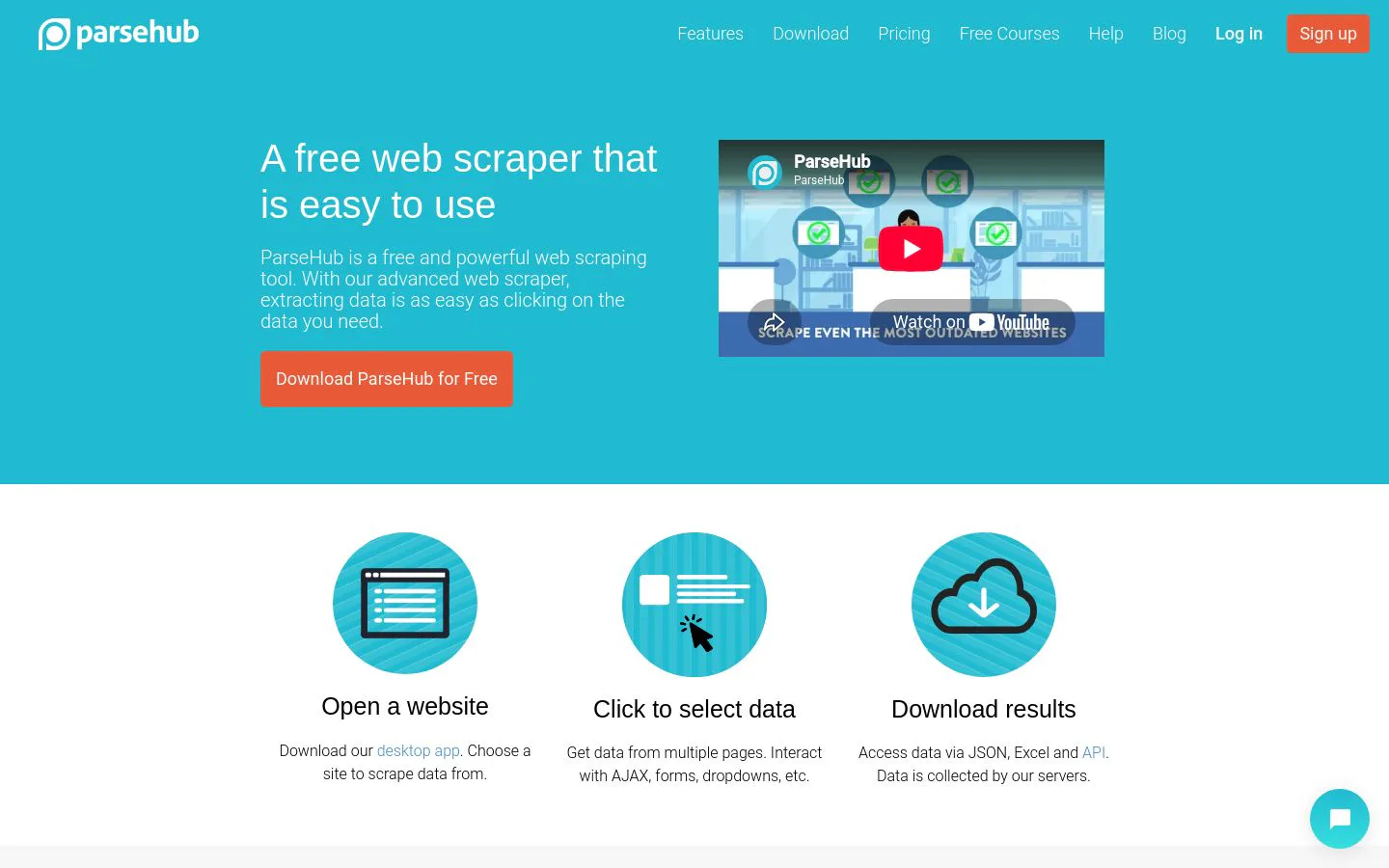
- Best forindividuals wanting a free, visual desktop scraper for smaller projects
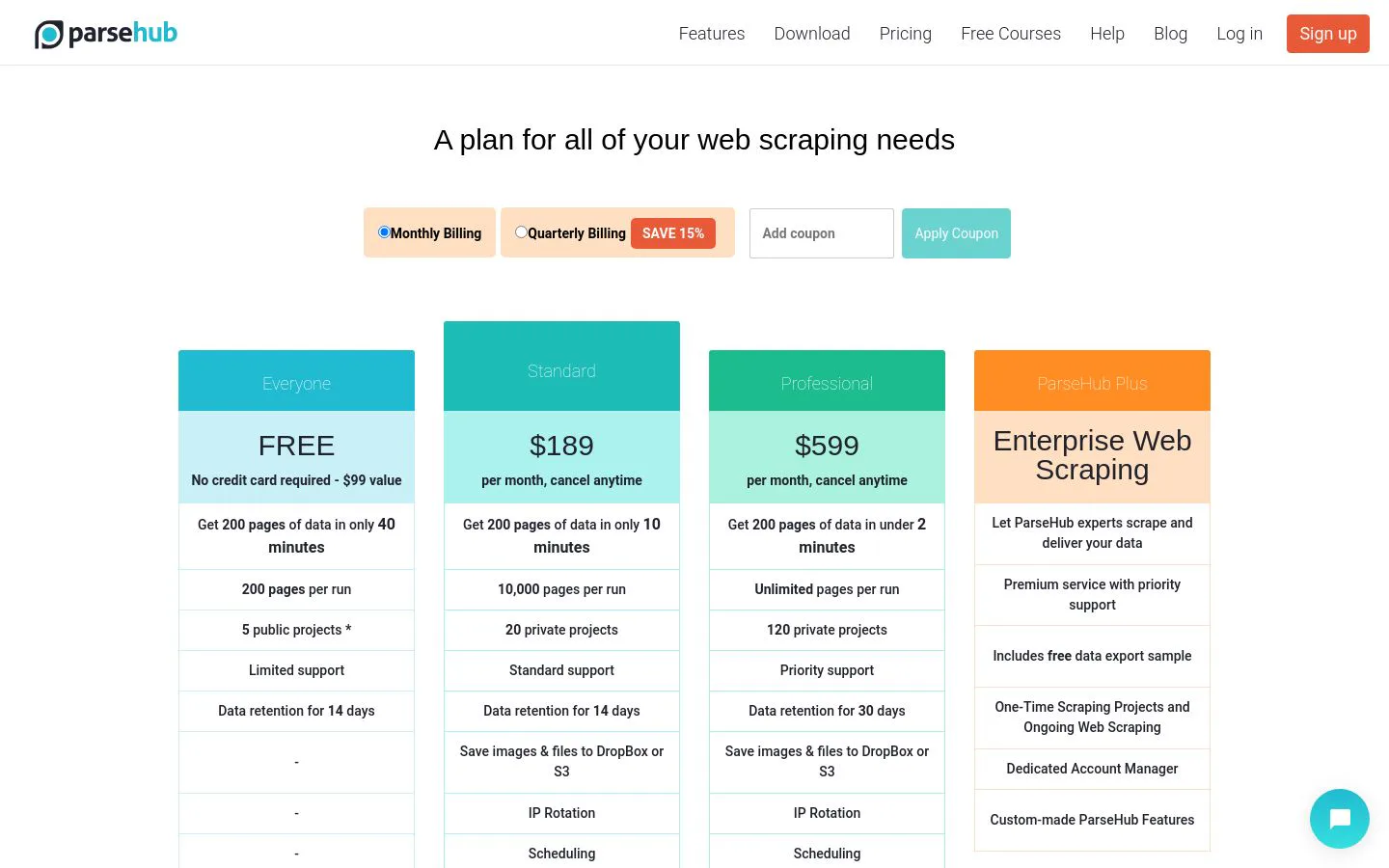
- Pricingfree plan (5 projects, 200 pages/run), then Standard $189/mo, Professional $599/mo
- What we likea visual desktop app that handles JavaScript-heavy sites
ParseHub is a visual desktop scraper. You click the elements you want, and it builds the extraction, including on JavaScript-heavy sites with dropdowns and infinite scroll. A free plan covers small projects, and paid tiers add more pages, scheduling, and IP rotation. For a one-off or occasional scrape without code, it is approachable and capable.
The tool shows its age in places. The desktop app is resource-heavy, the jump to paid pricing is steep, and reviewers note the builder can break when a site's layout changes.
What we like about ParseHub
- Visual point-and-click builder
- Handles JavaScript, dropdowns, and infinite scroll
- Free plan for small projects
- Scheduling and IP rotation on paid tiers
Where ParseHub could be better
- Desktop app is resource-heavy
- Big price jump from free to paid
- The builder can break when a site changes
Why choose ParseHub? A capable free visual scraper for individuals and smaller, occasional projects.
ParseHub pricing
- Free: $0 with 5 public projects and 200 pages per run
- Standard: $189/mo with 20 private projects, 10,000 pages per run, scheduling, and IP rotation
- Professional: $599/mo with 120 projects, unlimited pages per run, and priority support
- Enterprise: custom
Quarterly billing saves versus monthly. See ParseHub's pricing page for current plans.
ParseHub reviews
- G2: 4.3/5 from 10 reviews (G2)
9. Import.io
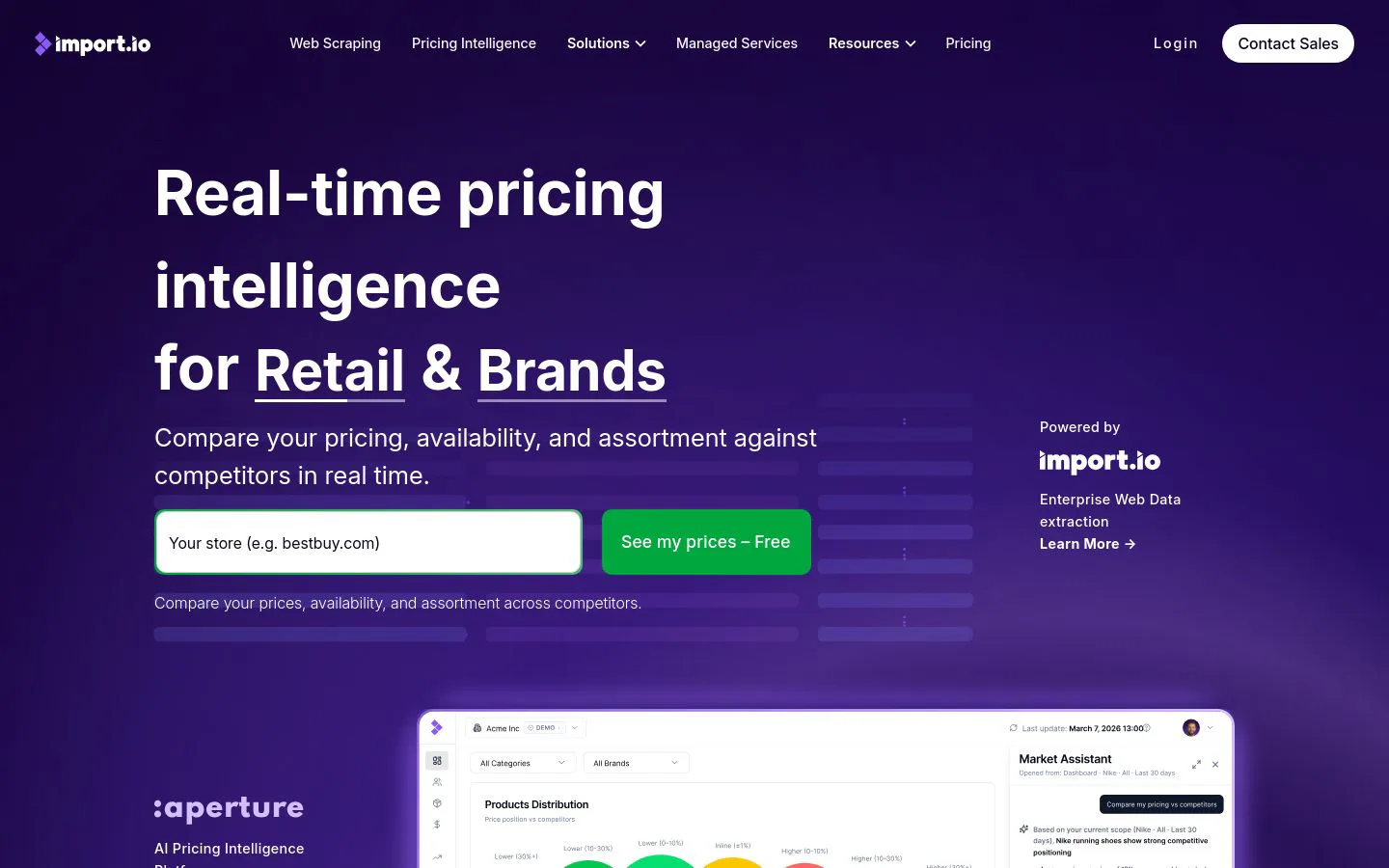
- Best forenterprises wanting a managed, done-for-you web data service
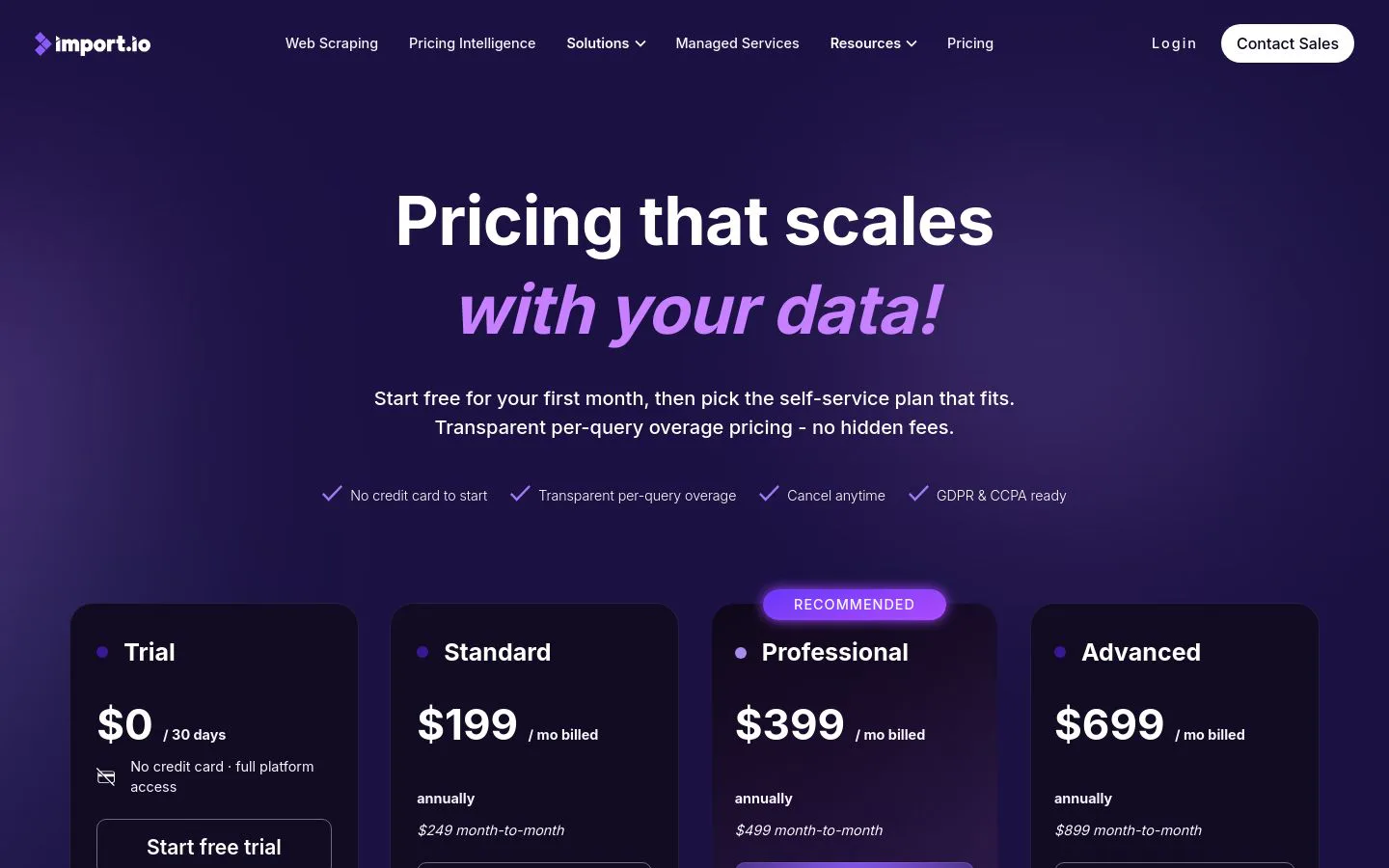
- Pricingquote-based; paid plans reported from around $299/mo
- What we likea managed platform plus services that deliver data as a feed
Import.io is one of the older web data platforms, now positioned for enterprise. It combines a point-and-click extractor with managed services, so a team can hand over targets and receive data as a feed rather than run scrapers themselves. It handles authentication, scheduling, and delivery into BI tools or APIs. For a large organization that wants data-as-a-service instead of a DIY tool, it fits the brief.
That model comes at enterprise cost and complexity. Pricing is quote-based and high, onboarding takes time, and its G2 rating is the lowest on this list, so evaluate it carefully against newer options.
What we like about Import.io
- Managed, done-for-you data delivery
- Handles authentication, scheduling, and delivery
- Feeds data into BI tools and APIs
- Built for enterprise-scale programs
Where Import.io could be better
- Quote-based pricing that runs high
- Longer onboarding than self-serve tools
- The lowest G2 rating on this list
Why choose Import.io? A managed data-as-a-service option for enterprises that would rather receive a feed than run scrapers.
Import.io pricing
Import.io is quote-based. Third-party pricing analyses report paid plans starting around $299/mo for a single user, rising with users and query volume, with enterprise programs custom-quoted on annual contracts. Pricing follows a query-based model, where each request to a site counts as one query. Contact Import.io through its pricing page for a quote sized to your volume.
Import.io reviews
- G2: 3.8/5 from 14 reviews (G2)
10. Firecrawl
- Best forAI builders who want clean, LLM-ready data from any URL
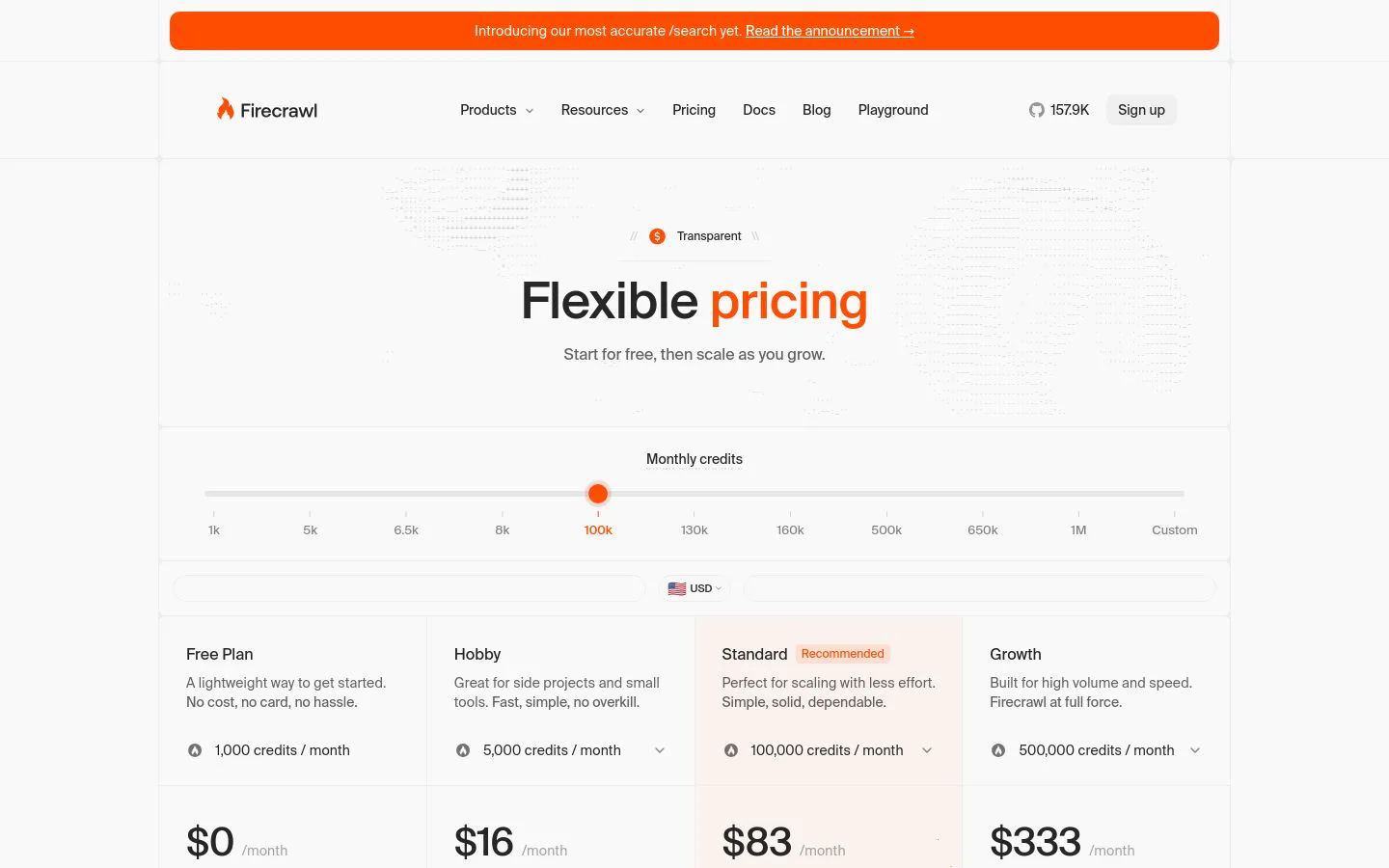
- Pricingfree (1,000 credits/mo), then Hobby $16/mo, Standard $83/mo, Growth $333/mo
- What we likeconverts messy pages into clean markdown or JSON built for LLMs
Firecrawl is the newest tool here and the one AI builders reach for. Give it a URL and it returns clean markdown or structured JSON, ready to drop into an LLM or a retrieval pipeline, with no selector mapping required. It handles crawling, JavaScript rendering, and extraction, and it has become a default web layer for AI apps, with a large open-source following. For agents and AI workflows that need current web content, it is fast and clean.
It is young, so third-party review volume is thin. It is also API-first and priced by credits, and premium extraction features multiply credit use, so heavy jobs need a spend check.
What we like about Firecrawl
- Returns clean, LLM-ready markdown or JSON
- Handles crawling, rendering, and extraction in one call
- Popular with AI builders, with a large open-source base
- Usable free tier and a low entry price
Where Firecrawl could be better
- Young product with thin third-party review volume
- API-first, so non-developers get less out of it
- Premium features multiply credit use on big jobs
Why choose Firecrawl? The go-to when you want clean, LLM-ready web data for AI agents and pipelines.
Firecrawl pricing
- Free: $0/mo with 1,000 credits and 2 concurrent requests
- Hobby: $16/mo (annual) with 5,000 credits
- Standard: $83/mo (annual) with 100,000 credits and 50 concurrent requests
- Growth: $333/mo (annual) with 500,000 credits
- Scale and Enterprise: $599/mo and up, with custom terms
One credit covers one standard page, and premium features cost more per page. See Firecrawl's pricing page for current tiers.
Firecrawl reviews
- No established G2 rating yet.
Which web scraping tool should you choose?
Match the tool to your situation, not the other way around.
- AI scraping into enriched GTM records: Clay. It reads pages with AI and enriches each fact into a record your team can act on.
- Large-scale, hard-to-scrape targets: Bright Data, when reliability at volume matters most.
- Marketplace plus a platform: Apify, for ready-made scrapers and room to run your own.
- No-code scraping and monitoring: Browse AI or Octoparse, depending on whether you want a browser tool or a desktop app.
- Structured entity data via API: Diffbot.
- Simple anti-blocking API: ScraperAPI, when you write the parser yourself.
- LLM-ready data for AI workflows: Firecrawl.
- Free visual desktop scraper for small jobs: ParseHub.
- Managed enterprise data-as-a-service: Import.io.
If your real goal is turning scraped pages into clean, usable records, that work overlaps with [data enrichment](https://www.clay.com/guides/best/data-enrichment-tools). Scraping gets you the raw fact; enrichment fills in the rest of the record and keeps it current. If your CRM data is already complete, a focused scraper is the fastest fix. If the accounts that matter are missing the fields you need, fix the data layer first.
What is the best free web scraping tool?
If you want to test scraping without paying, a few free tiers stand out. Octoparse's free-forever plan is the most generous no-code option, with 10 tasks and 50,000 rows a month. Firecrawl's free plan (1,000 credits) is the easiest way for a developer to pull clean, LLM-ready data. Apify gives you $5 of monthly credit against thousands of pre-built Actors, and ScraperAPI's free tier (1,000 credits) is enough to test its anti-blocking API. ParseHub's free plan covers small visual projects.
For AI-driven scraping that lands in a usable record, Clay's free plan is the one that lets you build a real workflow, run Claygent against your own target list, and enrich the results before you spend a credit. It is the best way to see what the data looks like on your actual accounts, not a vendor's demo list.
The catch with every free tier is limits. They are built for testing, not production, so treat them as a way to check output quality on your own targets before you commit.
Where web scraping is heading
For years, scraping meant mapping CSS selectors and babysitting brittle scripts that broke every time a site changed. That era is closing. The tools pulling ahead in 2026 use AI to read a page the way a person does, return clean structured output instead of raw HTML, and treat anti-bot defenses as a solved layer rather than your problem. The output is increasingly shaped for the next step, an LLM, a CRM, a dataset, not just a CSV dump.
Practically, start from your bottleneck rather than the brand name. If you just need a few pages monitored, a no-code tool beats a platform you will never fully use. If the real problem is turning scraped facts into records your team can act on, the data layer matters more than the crawler, because a clean export that never reaches your workflow changes nothing.
Whatever you shortlist, test it on your own targets before committing a budget. The demo site always scrapes cleanly. Yours is the only one that tells the truth.
Turn scraped pages into records you can act on
Start free, run Claygent against your own target list, and see the enriched result before you spend a credit.
FAQ
What is web scraping and is it legal?
Web scraping is the automated extraction of data from web pages into a structured format like rows or JSON. Scraping publicly available data is generally permitted, but it depends on the site's terms of service, the type of data, and local privacy laws. Avoid scraping personal data or content behind a login without a clear legal basis, and check each site's rules before you run at scale.
What is the difference between a web scraper and a scraping API?
A web scraper is a tool or app that extracts data, often through a point-and-click builder or a hosted platform. A scraping API is a service you call from code that returns a page or structured data, handling proxies and rendering for you while you write the parsing logic. No-code tools suit non-engineers; APIs suit developers who want control.
Do I need to know how to code to scrape a website?
No. No-code tools like Browse AI, Octoparse, and ParseHub let you build scrapers by clicking through a page, and Clay uses AI to extract answers without selectors. Code-first options like ScraperAPI, Diffbot, and Firecrawl give developers more control. Pick based on your comfort level and how much customization you need.
How do web scraping tools get past anti-bot blocks?
They rotate proxy IP addresses, render JavaScript with headless browsers, solve or avoid CAPTCHAs, and mimic real browser behavior. Enterprise tools like Bright Data invest heavily here, and API services like ScraperAPI bundle it into a single call. Even so, heavily defended sites can still block requests, so reliability varies by target.
What is AI web scraping?
AI web scraping uses a model to read a page and return the specific answer or structured entity you asked for, instead of relying on hand-mapped CSS selectors that break when a layout changes. Clay's Claygent, Diffbot, and Firecrawl are examples. It is more resilient to site changes and better at pulling nuanced, unstructured information.
Which web scraping tool is best for GTM and sales teams?
Clay, because the goal for GTM teams is not raw pages but records you can act on. Claygent reads target sites and pulls the specific facts you need, then a waterfall across 200+ providers enriches each contact, and the finished row syncs to your CRM. For pure crawling at massive scale, a dedicated API like Bright Data or Firecrawl fits better.
How is web scraping pricing usually structured?
Most tools charge by credits, pages, records, or requests, on tiered monthly plans. No-code tools like Browse AI and Octoparse use credits or tasks; API tools like ScraperAPI and Firecrawl charge per request or page; enterprise platforms like Bright Data and Import.io are usage-based or quote-based. Usage-based platforms like Clay separate the data cost from the platform cost.