
Revenue operations lives or dies on the quality of your data and the systems that move it. Forecasts slip, leads sit unrouted for hours, and reps chase records that went stale months ago. The cost shows up as missed pipeline long before anyone reads a dashboard.
But with so many tools all promising to fix your revenue engine, how do you know which one is actually right for your team?
We compared 10 of the most widely used RevOps tools across the jobs the category actually covers. That means forecasting, CRM data and operations, lead routing, reverse ETL, and revenue intelligence. We ranked them on real adoption rather than marketing claims. One thing held true across all of them: no single tool does every RevOps job. Most RevOps pain traces back to the data underneath the stack.
Here's the shortlist, then a closer look at each tool.
What is a RevOps tool?
A RevOps tool helps a revenue operations team run the systems, data, and workflows that sit under sales, marketing, and customer success. That's a broad category, and no two tools cover the same ground. Some forecast pipeline and predict the quarter. Some clean, enrich, and de-dupe CRM records. Some match leads to accounts and route them to the right rep in seconds. Some sync data from a warehouse back into your GTM tools (reverse ETL). And some analyze calls and deals for revenue intelligence. Most RevOps teams run several of these at once, because the work spans several jobs that rarely live in one product.
The 10 best RevOps tools for 2026
| # | Tool | Best for | Pricing from | G2 rating |
|---|---|---|---|---|
| 1 | Clay | Clean, enriched, well-routed CRM data | Free, paid from $185/mo | 4.6/5 |
| 2 | Gong | Conversation and deal intelligence | Quote-based | 4.7/5 |
| 3 | Salesforce Sales Cloud | Enterprise system of record | From $25/user/mo | 4.4/5 |
| 4 | Clari | Forecasting and revenue operations | Quote-based | 4.6/5 |
| 5 | LeanData | Lead-to-account matching and routing | From $39/user/mo | 4.6/5 |
| 6 | Fullcast | Go-to-market planning and execution | Quote-based | 4.6/5 |
| 7 | Hightouch | Reverse ETL into GTM tools | Free, paid from $350/mo | 4.6/5 |
| 8 | HubSpot Operations Hub | HubSpot data cleanup and sync | Free, paid from $20/mo | 4.4/5 |
| 9 | Census | Reverse ETL and data activation | Free, then usage-based | 4.5/5 |
| 10 | Syncari | RevOps data automation and MDM | Custom pricing | 4.8/5 |
1. Clay
- Best forRevOps and GTM teams who need clean, complete, well-routed CRM data as the foundation under everything else
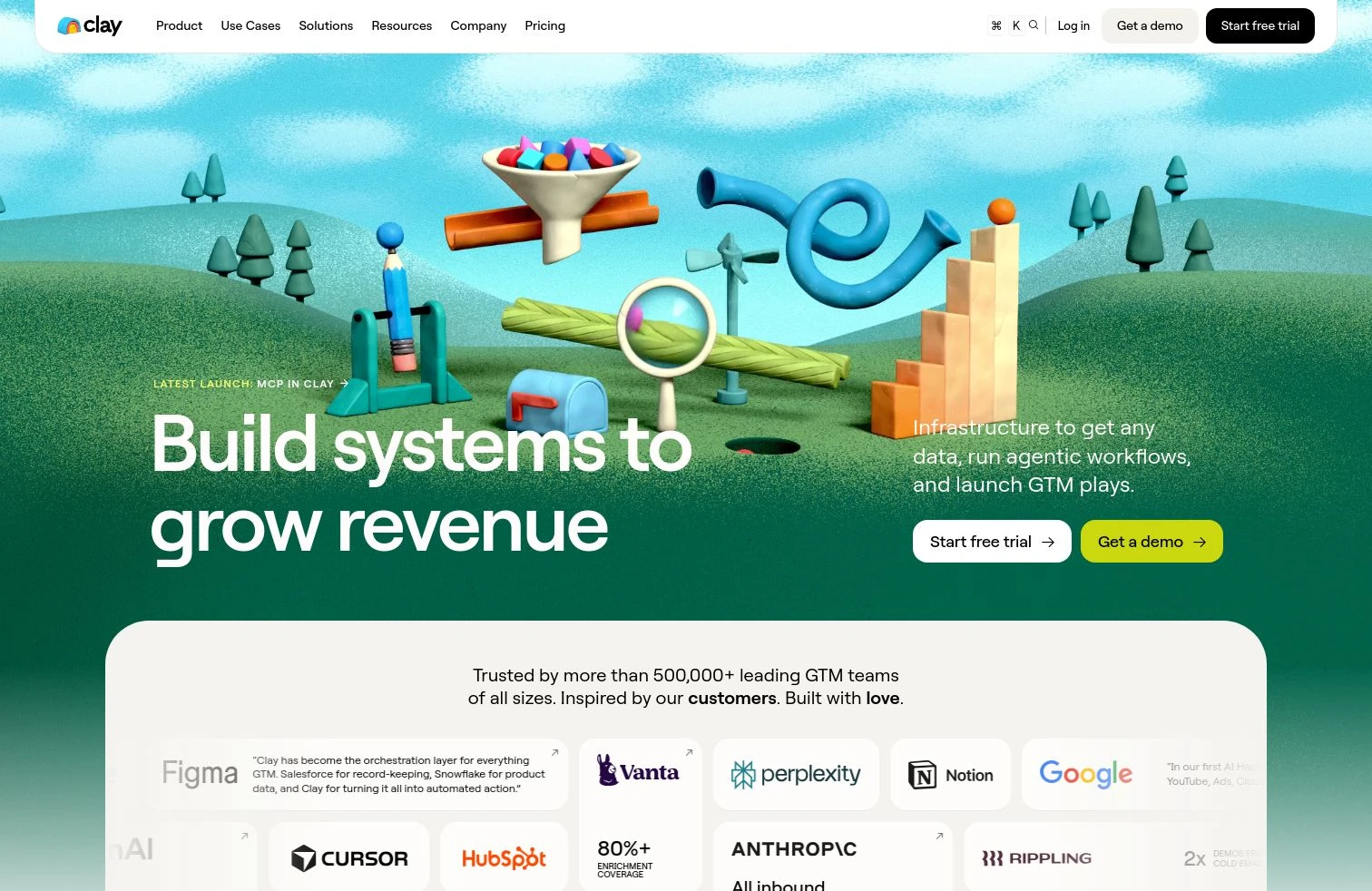
- PricingFree plan, then Launch ($185/mo), Growth ($495/mo), and custom Enterprise
- What we likeCRM enrichment as the RevOps data foundation, so you enrich, de-dupe, route, and keep records fresh across 200+ sources for clean data hygiene
Full disclosure: Clay is our product, and we put it first. Keeping CRM data clean and enriched is one of the most common RevOps jobs teams run on Clay. Here's what it does well and where it doesn't fit.
Clay is the data foundation for RevOps, the layer that keeps CRM records trustworthy and complete. It enriches, scores, routes, and syncs records across your GTM systems, running 200+ data sources in a waterfall so a miss with one becomes a hit with the next, then de-dupes and keeps everything fresh as people change jobs and companies change shape. Because it works at the data layer, Clay complements forecasting and revenue-intelligence tools like Clari rather than replacing them. A better forecast and smarter routing both start with records you can trust.
Fix the data under your RevOps stack
Enrich, de-dupe, and keep your CRM records fresh in Clay, free.
What we like about Clay
- CRM enrichment and de-duplication across 200+ providers, so you pay once per record for the best available hit
- De-duplication and normalization that keep CRM records clean at scale
- Records refresh automatically as job changes, funding, and firmographics move
- Writes enriched records back to Salesforce and HubSpot and re-runs as data changes
- Orchestrates data across the whole GTM stack, so downstream tools act on clean inputs
Where Clay could be better
- You design the enrichment and routing workflows rather than toggling a preset ops module
- There's a ramp for teams used to a single-purpose ops or CRM add-on
- It's a data foundation, not a forecasting or call-recording tool, so you pair it with those
- Credits are usage-based, so enriching large record volumes needs budget planning
Why choose Clay? Nearly every RevOps problem is a data problem in disguise. Clay fixes the data layer other tools depend on, so your forecasts, routing, and reporting act on records you can actually trust.
Proof. Sana lifted CRM accuracy 60% across 150,000 accounts on Clay.
Clay pricing
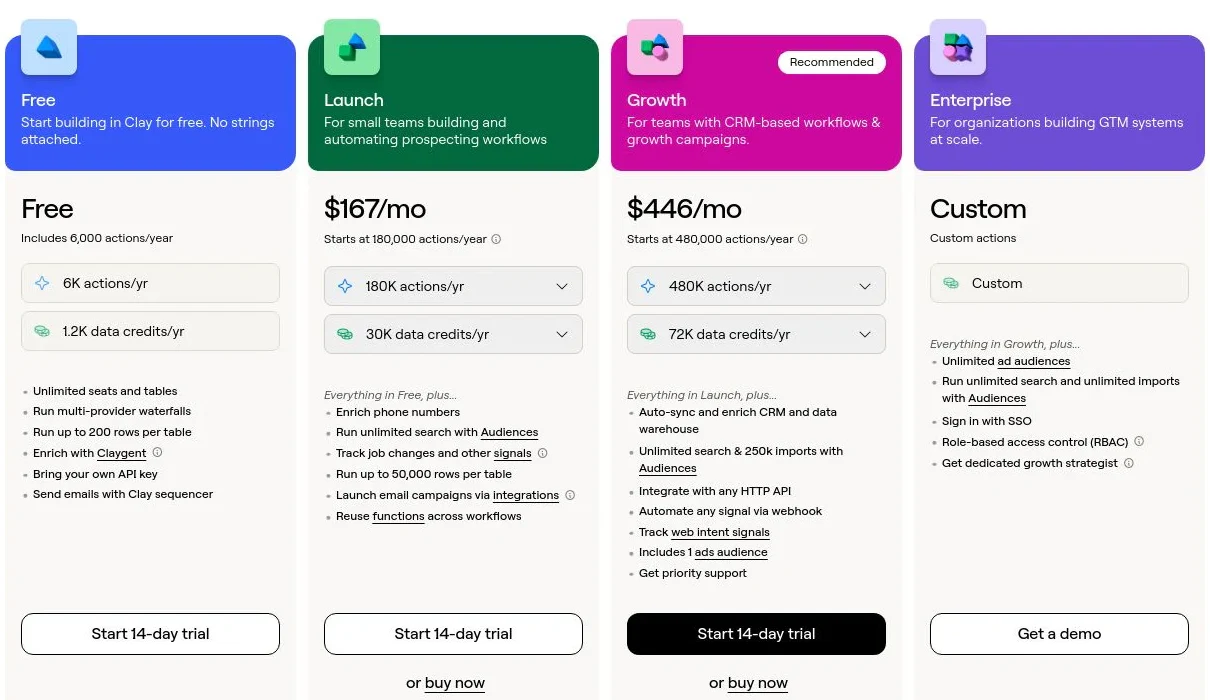
- Free: $0/mo with 100 Data Credits, 500 Actions, unlimited seats and tables, multi-provider waterfalls, and Claygent
- Launch: starting at $185/mo with 2,500 Data Credits, 15,000 Actions, phone enrichment, and signal tracking
- Growth: starting at $495/mo with 6,000 Data Credits, 40,000 Actions, CRM auto-sync, and ads-audience pushes
- Enterprise: custom pricing with an annual commitment, 100,000+ Data Credits, unlimited Audiences, API access, SSO, and RBAC
Data Credits pay for the data itself and roll over; Actions pay for the platform work and reset monthly. Bring your own API keys and you skip Data Credits entirely. See Clay's pricing page for the full breakdown.
Clay reviews
- G2: 4.6/5 from 200+ reviews (G2)
2. Gong
- Best forrevenue teams that want conversation and deal intelligence from real customer interactions
- Pricingquote-based, annual contracts
- What we likedeep call analysis and deal insight built on your actual pipeline
Gong records, transcribes, and analyzes sales calls, emails, and deals, then turns them into coaching insights and pipeline signals. For RevOps teams, the value is visibility: which deals are at risk, what reps are saying, and where the process breaks down. It's the category leader in revenue intelligence for a reason, with the largest review base of any tool built for this job.
The depth comes at enterprise cost. Pricing is quote-based on annual contracts with a platform fee plus per-seat licenses, and the insights are only as good as the CRM data the deals are tied to. If your pipeline records are messy, Gong reports on messy pipeline.
What we like about Gong
- Conversation intelligence that analyzes real calls and emails at scale
- Deal and pipeline signals that flag risk before the quarter closes
- Coaching insights grounded in what reps actually say
- Deep integrations with major CRMs and sales tools
Where Gong could be better
- Quote-based, premium pricing on annual contracts
- Insights depend on the quality of the CRM and deal data behind them
- Heavier than smaller teams need for pure call recording
Why choose Gong? The clearest window into what's happening inside your deals and calls, backed by the largest user base in revenue intelligence.
Gong pricing
Gong doesn't publish prices. Plans are quote-based on annual contracts, typically a platform fee plus per-seat licenses, sized by team and modules. Third-party analyses put all-in costs in the range of roughly $150 to $250 per user per month once the platform fee and onboarding are included. Get a quote on Gong's pricing page for your configuration.
Gong reviews
- G2: 4.7/5 from 6,600+ reviews (G2)
3. Salesforce Sales Cloud
- Best forthe enterprise system of record that most RevOps teams build everything else around
- Pricingfrom $25/user/mo (Starter), scaling to enterprise tiers
- What we likethe deepest customization and ecosystem of any CRM
Salesforce Sales Cloud is the CRM the rest of the RevOps stack usually plugs into. It's the system of record for accounts, contacts, opportunities, and forecasts, and its customization, automation, and app ecosystem are unmatched. For a RevOps team, it's less a single tool than the platform every other tool reads from and writes to. It's also the most reviewed B2B software product in the world.
That power is also the burden. Salesforce is complex to configure and maintain, usually needs a dedicated admin or partner, and costs climb fast once you add seats, editions, and add-ons. And because it's the system of record, the duplicate, incomplete, and stale data that piles up inside it is exactly the problem the rest of this list exists to solve.
What we like about Salesforce Sales Cloud
- The deepest customization and automation of any CRM
- The system of record almost every RevOps tool integrates with
- A massive ecosystem of apps, integrations, and partners
- Reporting and forecasting that scale to enterprise complexity
Where Salesforce Sales Cloud could be better
- Complex to set up and maintain, usually needs a dedicated admin
- Costs climb quickly with seats, editions, and add-ons
- Data quality inside it decays without a separate cleanup layer
Why choose Salesforce Sales Cloud? The default system of record for enterprise RevOps, and the platform the rest of your stack is built to connect to.
Salesforce Sales Cloud pricing
- Starter Suite: $25/user/mo (annual) with core CRM and sales tools
- Pro Suite: $100/user/mo (annual) with more customization and automation
- Enterprise: $165/user/mo (annual) with advanced pipeline and forecasting
- Unlimited: $330/user/mo (annual) with the full feature set and support
- Einstein 1 / Agentforce Sales: $500/user/mo (annual) with built-in AI
See Salesforce's pricing page for current editions and add-ons.
Salesforce Sales Cloud reviews
- G2: 4.4/5 from 25,000+ reviews (G2)
4. Clari
- Best forRevOps and sales leaders who need accurate forecasting and revenue visibility at scale
- Pricingquote-based, annual contracts
- What we likea purpose-built forecasting and revenue platform trusted at enterprise scale
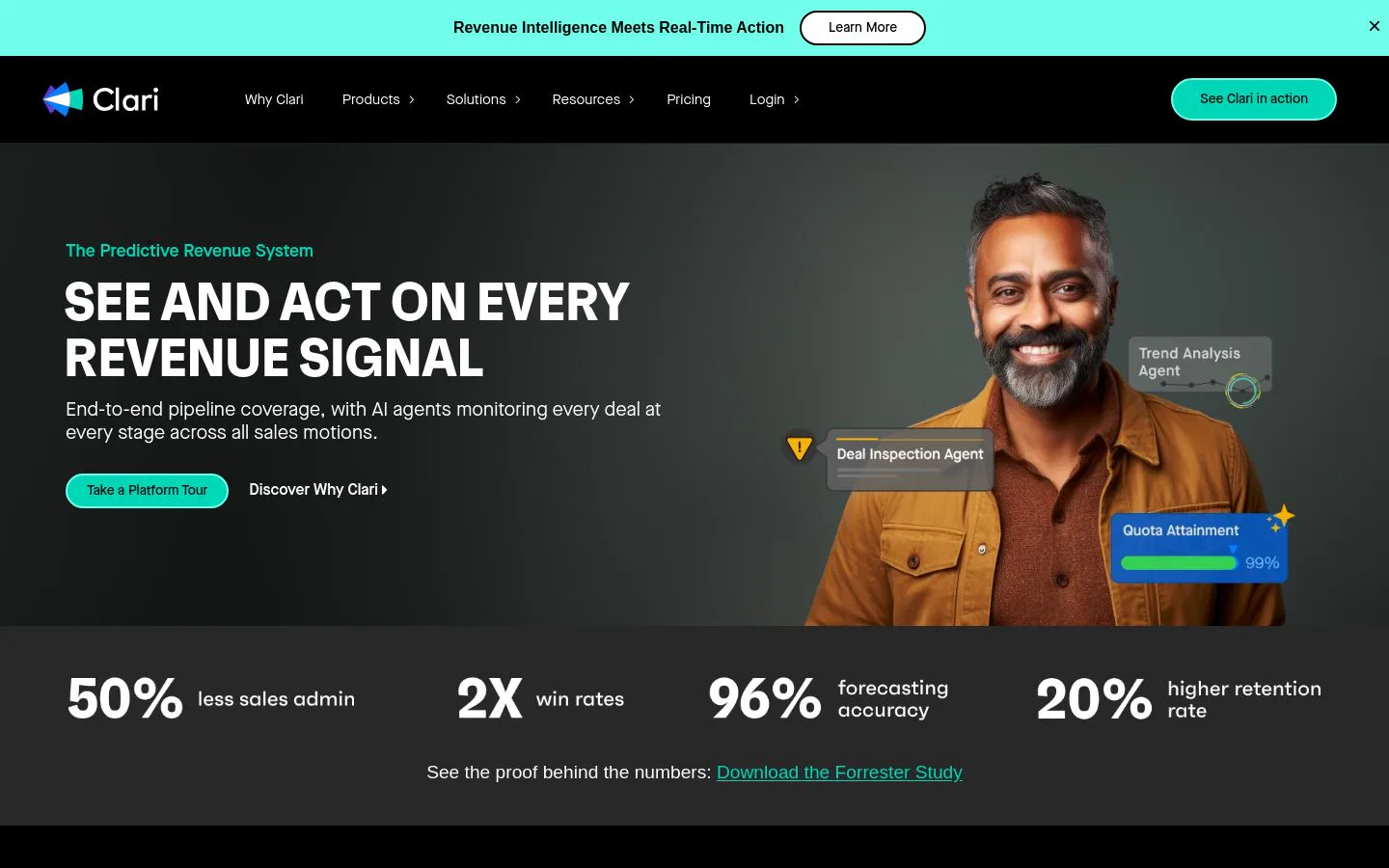
Clari is a revenue platform built around forecasting. It pulls activity and pipeline data to predict the quarter, surface deals that are slipping, and give RevOps a single view of revenue across the funnel. G2 created a Revenue Operations category and positioned Clari at the top of it, and the platform is used to manage trillions in revenue for large enterprises. For teams whose bottleneck is an unreliable forecast, it's the specialist.
Clari is a premium, quote-based product priced per user per module, and it sits on top of your CRM data. Its forecasts and pipeline signals inherit whatever quality your CRM records carry, so the platform is at its best when the data underneath is already clean and complete.
What we like about Clari
- Purpose-built forecasting and pipeline inspection
- A single view of revenue across the funnel for RevOps and leaders
- Deal and risk signals that flag slippage early
- Trusted at enterprise scale across large revenue organizations
Where Clari could be better
- Premium, quote-based pricing sold per user and per module
- Forecasts inherit the quality of the CRM data feeding them
- More than smaller teams need for basic pipeline tracking
Why choose Clari? The specialist for forecasting and revenue visibility when predicting the quarter accurately is the job that matters most.
Clari pricing
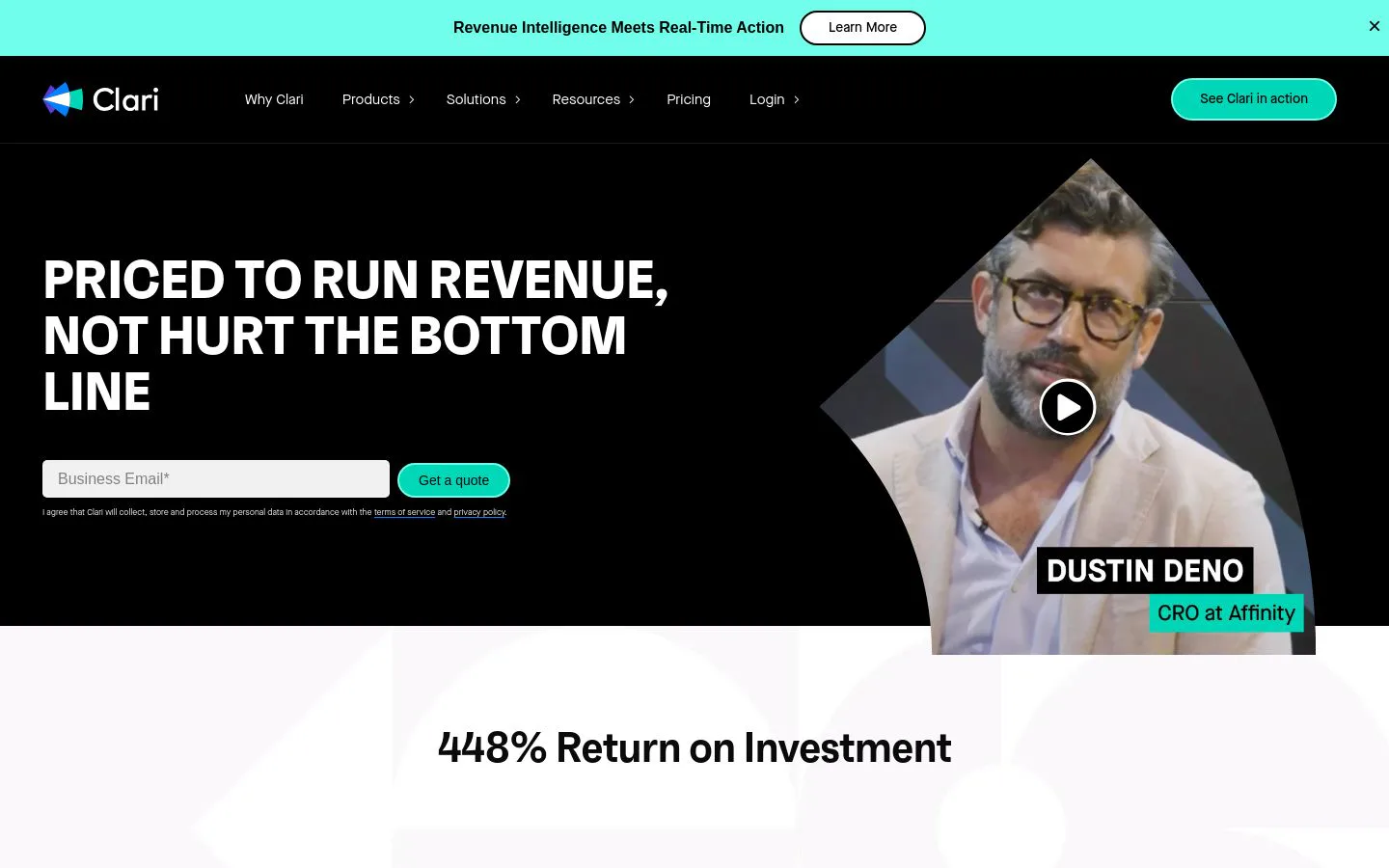
Clari is quote-based on annual contracts, priced per user and per module. Third-party pricing analyses put the base forecasting module around $100 to $120 per user per month, with conversation intelligence and engagement modules adding more on top. Talk to Clari for a quote sized to your team and modules. Start on Clari's pricing page.
Clari reviews
- G2: 4.6/5 from 5,500+ reviews (G2)
5. LeanData
- Best forRevOps teams that need lead-to-account matching and fast, accurate routing
- Pricingfrom $39/user/mo (annual)
- What we likethe category leader in lead-to-account matching and routing
LeanData solves one RevOps job well: getting the right lead to the right rep, fast. It matches leads to accounts, applies routing rules with a visual flow builder, and handles round-robin assignment inside Salesforce. It's led the lead-to-account matching and routing category on G2 for years, and for teams where leads sit unrouted or land with the wrong owner, it's the specialist that fixes it.
Routing is the whole point, and also the limit. LeanData is priced per user, usually needs a Salesforce admin to build and maintain the flows, and matching quality depends on clean account data. Duplicate or incomplete records lead to bad matches, so it pairs best with a data layer that keeps records clean.
What we like about LeanData
- The leader in lead-to-account matching and routing
- Visual flow builder for complex routing rules
- Round-robin and territory assignment inside Salesforce
- Deep native Salesforce integration
Where LeanData could be better
- Priced per user, which adds up for larger teams
- Usually needs a Salesforce admin to build and maintain flows
- Matching quality depends on clean, de-duplicated account data
Why choose LeanData? The proven specialist for routing when getting leads to the right rep quickly is your bottleneck.
LeanData pricing
- Standard: around $39/user/mo (annual) for core matching and routing
- Advanced: around $49/user/mo (annual) with more routing capability
- Premium: around $59/user/mo (annual) with the full feature set
Pricing is per user and billed annually, and larger deployments are quote-based. See LeanData's pricing page for current tiers.
LeanData reviews
- G2: 4.6/5 from 1,000+ reviews (G2)
6. Fullcast
- Best forRevOps teams that plan and run go-to-market coverage, territories, quotas, and routing in one place
- Pricingquote-based, priced by rep headcount
- What we likeend-to-end RevOps planning and execution tied straight into Salesforce
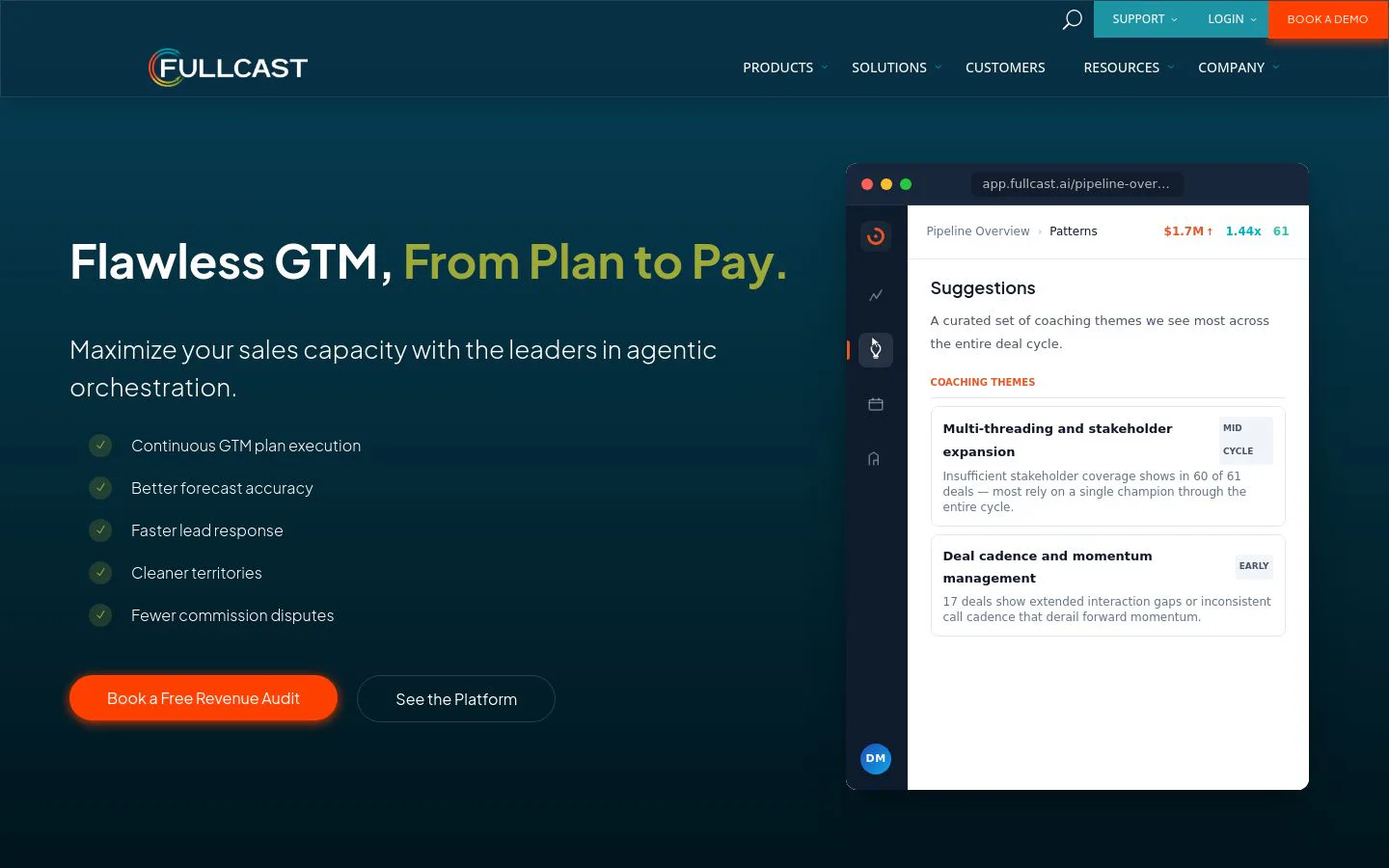
Fullcast is a go-to-market planning and execution platform built for RevOps. It designs territories, sets quotas, models capacity, and routes leads and accounts, then pushes those plans into Salesforce and keeps them synced. For teams whose bottleneck is planning coverage and operationalizing it, it connects the plan to the execution in one system. G2 lists it in the Revenue Operations and Intelligence category with a 4.6 rating across 460 reviews.
Fullcast is an enterprise product priced through sales, with no free plan or public tiers. It runs on top of your CRM, so territory design, routing, and quota logic all depend on clean account data underneath. Messy records lead to misrouted leads and skewed capacity models.
What we like about Fullcast
- Territory design, quota setting, and capacity planning in one platform
- Lead, account, and opportunity routing that syncs to Salesforce automatically
- What-if scenario modeling to test coverage before you deploy it
- Plan-to-pay scope that reaches from GTM planning to commissions
Where Fullcast could be better
- Enterprise pricing sold through sales, with no free plan or public tiers
- Planning and routing quality depend on clean account data in the CRM
- More than smaller teams need for basic territory or routing work
Why choose Fullcast? The pick when your bottleneck is planning go-to-market coverage and turning that plan into live territories, quotas, and routing.
Fullcast pricing
Fullcast is quote-based with no public tiers, sold across Standard, Professional, and Enterprise plans and priced by the number of reps in your revenue org. There's no free plan or trial. Add-on products cover forecasting, sales performance, and commissions. Talk to Fullcast for a quote sized to your team. Start on Fullcast's pricing page.
Fullcast reviews
- G2: 4.6/5 from 460+ reviews (G2)
7. Hightouch
- Best forteams that want to sync clean warehouse data into their GTM tools
- Pricingfree plan, then paid from around $350/mo
- What we likethe reverse ETL leader for activating warehouse data in the tools reps use
Hightouch is a reverse ETL platform: it takes the trusted data sitting in your warehouse (Snowflake, BigQuery, Databricks) and syncs it into the tools your GTM teams actually use, from Salesforce and HubSpot to ad platforms. For RevOps teams whose source of truth lives in the warehouse, it closes the gap between the data team's models and the CRM. It's held the top spot in G2's reverse ETL category for several seasons.
Reverse ETL assumes you have a warehouse and modeled data to begin with. Hightouch is for teams with a data stack, not those starting from a raw CRM, and syncs move whatever quality your warehouse holds. It moves data reliably; it doesn't clean or enrich it on the way.
What we like about Hightouch
- The leader in reverse ETL for activating warehouse data
- Syncs modeled data into CRMs, ad platforms, and GTM tools
- No-code audience and sync builder for RevOps and marketing
- A free plan to test before committing
Where Hightouch could be better
- Assumes you already have a data warehouse and modeled data
- Moves data but doesn't clean or enrich it in transit
- More technical than a native CRM sync for smaller teams
Why choose Hightouch? The pick when your source of truth lives in a warehouse and you need it reliably synced into GTM tools.
Hightouch pricing
Hightouch offers a free plan for a limited number of syncs, then paid tiers that start around $350/mo for the Starter plan and scale to custom Business pricing based on syncs, destinations, and volume. See Hightouch's pricing page for current tiers.
Hightouch reviews
- G2: 4.6/5 from 380+ reviews (G2)
8. HubSpot Operations Hub
- Best forHubSpot teams that want native data sync, cleanup, and automation
- Pricingfree tools, then paid from $20/mo
- What we likedata quality and sync built right into HubSpot
HubSpot Operations Hub (now grouped under Data Hub) brings RevOps data work into HubSpot itself. It syncs data two ways with other apps, automates data-quality fixes like formatting and de-duplication, and runs programmable automation and webhooks. If your stack lives in HubSpot, it keeps records clean and connected without stitching in a separate tool.
The value is tied to that ecosystem. Operations Hub is most worthwhile inside HubSpot, the useful automation lands on the Professional tier and up, and its data-quality tools handle formatting and simple de-duplication rather than deep, multi-source enrichment. Teams selling on a wider stack will feel the limits.
What we like about HubSpot Operations Hub
- Native to HubSpot, so data ops happen where records already live
- Two-way data sync with other apps out of the box
- Automated data-quality fixes for formatting and duplicates
- Programmable automation and webhooks on higher tiers
Where HubSpot Operations Hub could be better
- Most of the value requires living in HubSpot
- The useful automation starts on the Professional tier
- Handles cleanup, not deep multi-source enrichment
Why choose HubSpot Operations Hub? The default data-ops layer if your RevOps stack already runs on HubSpot.
HubSpot Operations Hub pricing
- Free: $0 with two-way sync, default field mappings, and third-party integrations
- Starter: from $20/mo with custom field mappings and more sync control
- Professional: around $800/mo with programmable automation, data-quality automation, and webhooks
- Enterprise: around $2,000/mo with datasets, advanced data prep, and Snowflake data sharing
See HubSpot's Operations Hub pricing for current tiers.
HubSpot Operations Hub reviews
- G2: 4.4/5 from 570+ reviews (G2)
9. Census
- Best fordata teams that want to activate warehouse data across GTM tools
- Pricingfree tier, then usage-based
- What we likea data-activation platform that syncs the warehouse to the CRM
Census is a reverse ETL and data-activation platform, the closest alternative to Hightouch. It syncs modeled data from your warehouse into Salesforce, HubSpot, ad platforms, and more, so RevOps and marketing act on the same source of truth the data team maintains. It's been a category leader in reverse ETL, and after the Fivetran acquisition it sits inside a broader data-movement stack.
Like any reverse ETL tool, Census assumes you already have a warehouse and modeled data. Pricing shifted to a consumption-based model tied to how many rows sync, which can be harder to predict than a flat fee, and the platform moves data rather than cleaning or enriching it.
What we like about Census
- Reverse ETL that activates warehouse data in GTM tools
- Syncs to Salesforce, HubSpot, ad platforms, and more
- A category leader in data activation
- Now part of the broader Fivetran data stack
Where Census could be better
- Assumes you already have a warehouse and modeled data
- Consumption-based pricing can be harder to forecast
- Moves data but doesn't clean or enrich it
Why choose Census? A strong reverse ETL option when your data team owns the warehouse and wants it activated across GTM tools.
Census pricing
Census has a free tier, then consumption-based pricing tied to Monthly Active Rows, the number of records that sync. A typical warehouse-to-CRM sync runs in the low hundreds of dollars per month at list rate, scaling with volume, destinations, and features. See Census's pricing page for current details.
Census reviews
- G2: 4.5/5 from 330+ reviews (G2)
10. Syncari
- Best forRevOps teams that need data unification and quality automation across the stack
- Pricingcustom pricing
- What we likemultidirectional sync and master data management built for RevOps
Syncari is a RevOps data-automation and master data management platform. It unifies records across CRMs, marketing tools, and other systems, then normalizes, de-duplicates, and syncs them multidirectionally so every tool works from the same clean data. For RevOps teams whose problem is conflicting records scattered across systems, it aims to be the single source of truth. Gartner named it a Cool Vendor in the RevOps data automation category.
Syncari is newer with a smaller user base, so its review count is modest next to the incumbents. It's pitched at teams with real data-integration complexity, priced through sales, and it carries a learning curve for building and maintaining the sync models.
What we like about Syncari
- Multidirectional sync that keeps every system on the same data
- Normalization and de-duplication across the stack
- Master data management aimed squarely at RevOps
- Recognized by Gartner in the RevOps data automation category
Where Syncari could be better
- Newer with a smaller user base and fewer reviews
- Custom, quote-based pricing with no public tiers
- A learning curve to build and maintain sync models
Why choose Syncari? The pick when your RevOps problem is conflicting data scattered across many systems and you want one clean source of truth.
Syncari pricing
Syncari is quote-based with no public tiers, priced by the systems you connect, data volume, and features. Talk to Syncari for a quote sized to your stack. Start on Syncari's pricing page.
Syncari reviews
- G2: 4.8/5 from 40+ reviews (G2)
Which RevOps tool should you choose?
Match the tool to the job that's actually blocking your revenue engine, not the other way around.
- Clean, enriched, well-routed CRM data: Clay. It fixes the data layer nearly every other tool on this list depends on.
- Conversation and deal intelligence: Gong, when visibility into calls and deals is the priority.
- The enterprise system of record: Salesforce Sales Cloud, the platform the rest of your stack connects to.
- Forecasting and revenue visibility: Clari, when predicting the quarter accurately is the job.
- Lead-to-account matching and routing: LeanData, when leads sit unrouted or land with the wrong rep.
- Go-to-market planning and execution: Fullcast, when planning territories, quotas, and coverage is the job.
- Reverse ETL from a warehouse: Hightouch or Census, when your source of truth lives in the data warehouse.
- HubSpot-native data ops: HubSpot Operations Hub, if your stack already runs on HubSpot.
- Data unification and MDM: Syncari, when conflicting records are scattered across many systems.
Most RevOps teams end up running several of these together, because the jobs are genuinely different. But if reps can't trust the records in the CRM, fix the data first, because a forecast, a routing rule, or a report built on bad data will be wrong no matter which tool produces it.
What is the best free RevOps tool?
If you want to test a RevOps tool without paying, a few stand out. HubSpot Operations Hub has free data-sync tools if your stack already lives in HubSpot. Hightouch and Census both offer free tiers to try reverse ETL from a warehouse.
For the data foundation the rest of your stack depends on, Clay's free plan is the one that lets you build a real workflow, enrich and de-dupe a live list, and see coverage on your own accounts before spending a credit. It's the best way to check quality on your actual CRM data, not a vendor's demo list, before committing.
The catch with every free tier is limits. They're built for testing, not production, so treat them as a way to check fit on your own data before you choose.
Where RevOps is heading
For most of the last decade, RevOps meant buying a tool for each problem: one for forecasting, one for routing, one for call recording, one for reporting. That still holds, and the specialists on this list earn their place. But the teams pulling ahead in 2026 have noticed that most of those tools quietly fail for the same reason. They all read from and write to the CRM, and when the CRM is full of duplicate, incomplete, and stale records, every tool downstream inherits the mess. A forecast is a guess, a routing rule misfires, and a report misleads.
Practically, that means the smart move is to start from the bottleneck rather than the category with the most buzz. If your forecast is the problem, a specialist like Clari or Gong is the right buy. If leads sit unrouted, LeanData is. But if reps don't trust the records, or half your accounts are missing fields, or the same company shows up three times, no dashboard can fix data that isn't there. Fix the data layer first, then let the specialists act on records you can trust.
Whatever you shortlist, test it on your own data before committing a budget. The demo always looks clean. Your CRM is the only one that tells the truth.
RevOps starts with clean data
Enrich, de-dupe, and keep your CRM fresh in Clay, free.
FAQ
What is a RevOps tool?
A RevOps tool helps a revenue operations team run the systems, data, and workflows under sales, marketing, and customer success. The category is broad and spans several jobs: forecasting, CRM data and operations, lead routing, reverse ETL, and revenue intelligence. Most teams run several tools at once because no single product covers every job.
What's the difference between forecasting, routing, reverse ETL, and revenue intelligence tools?
Forecasting tools like Clari predict the quarter and flag deal risk. Routing tools like LeanData match leads to accounts and assign them to reps. Reverse ETL tools like Hightouch and Census sync warehouse data into GTM tools. Revenue intelligence tools like Gong analyze calls and deals. Data tools like Clay and Syncari keep the CRM records underneath all of them clean.
Why does data quality matter so much for RevOps?
Almost every RevOps tool reads from and writes to the CRM. When those records are duplicate, incomplete, or stale, forecasts, routing rules, and reports all inherit the errors. Cleaning and enriching the data layer first makes every downstream tool more accurate.
Do RevOps tools integrate with Salesforce and HubSpot?
Most do. Salesforce Sales Cloud and HubSpot are usually the system of record other tools connect to. Clay, Clari, Gong, LeanData, Hightouch, Census, and Syncari all read from and write to Salesforce, HubSpot, or both. Clay also writes enriched records back and re-runs them as data changes.
How much do RevOps tools cost?
It varies by job. Data tools like Clay and HubSpot Operations Hub have free plans and published paid tiers. Enterprise platforms like Gong, Clari, Fullcast, and Syncari are quote-based on annual contracts. Salesforce and LeanData are priced per user. Reverse ETL tools like Hightouch and Census use usage-based pricing.
Can one tool cover all of RevOps?
No. The category spans jobs that are genuinely different, and each tool here does one or two of them well. Most RevOps teams run a stack of several tools, and the common thread is that they all depend on clean, current CRM data underneath.
Which RevOps tool should a small team start with?
Start from your biggest bottleneck. If you run on HubSpot, Operations Hub is the quickest native win. If your problem is data quality, Clay's free plan lets you enrich and de-dupe a real list before you spend a credit. Fix the data layer first, then add specialists as the team grows.
What is reverse ETL and why do RevOps teams use it?
Reverse ETL syncs modeled data from a data warehouse back into the GTM tools teams use every day, like Salesforce and HubSpot. RevOps teams use it so the CRM reflects the same source of truth the data team maintains in the warehouse. Hightouch and Census are the leading options.