






































.avif)




























How to append demographic data
Paste your contact list or CRM segment
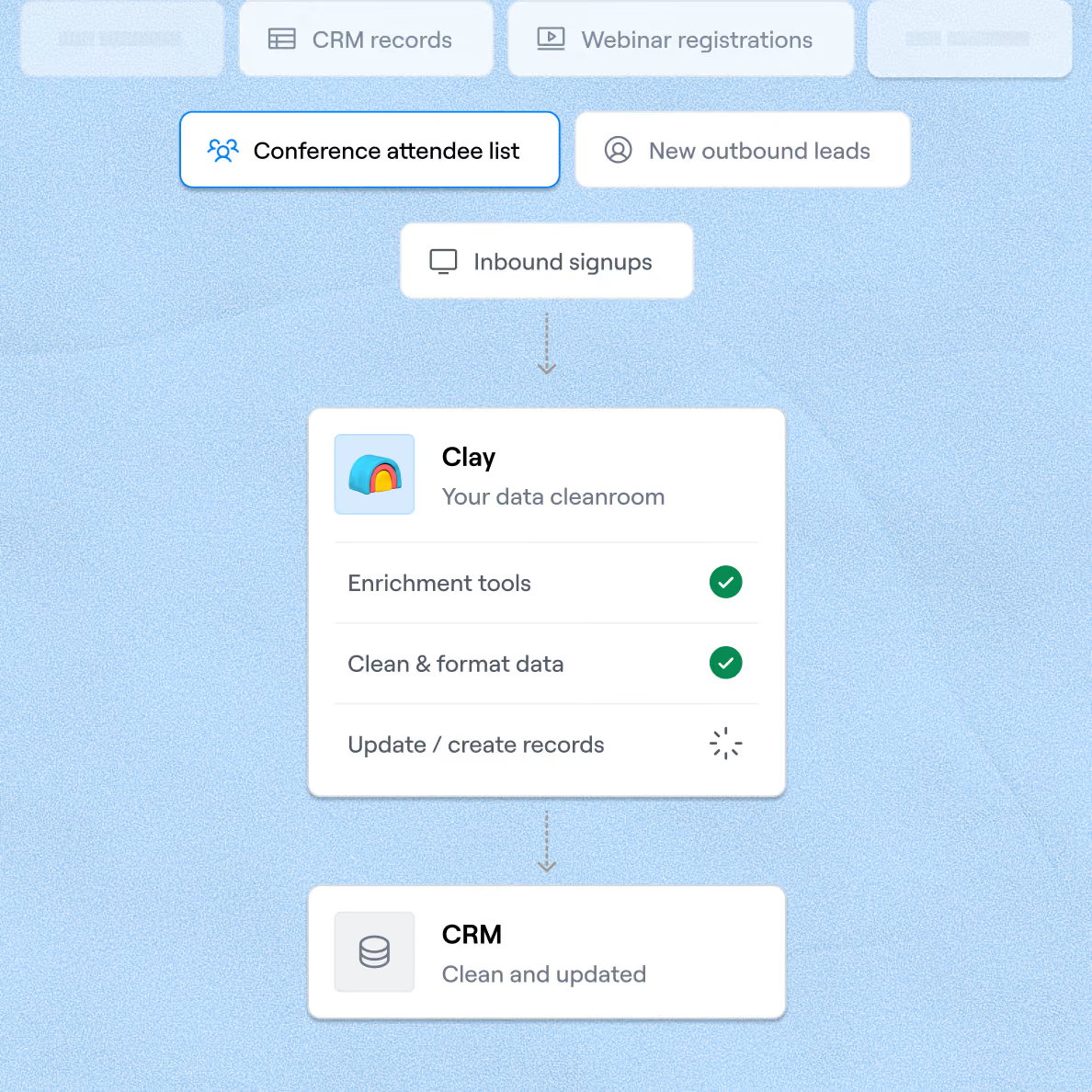
Drop in your contact list or CRM segment. Sculptor waterfalls through 150+ providers to append demographic data to each contact.
Sculptor enriches every contact with demographic fields
Sculptor waterfalls through Clay's provider network to append demographic fields like job title, seniority, and role to each row. Matched rows return a verified work email for the title you specified. Only contacts with a confirmed match get the enriched fields.
Get enriched contacts with name, title, and email
The finished table has contact name, demographic fields, and a verified email for matched rows. Push to Smartlead, Instantly, or your sequencer to trigger a campaign the moment a row lands.
Why Clay for finding and appending demographic data
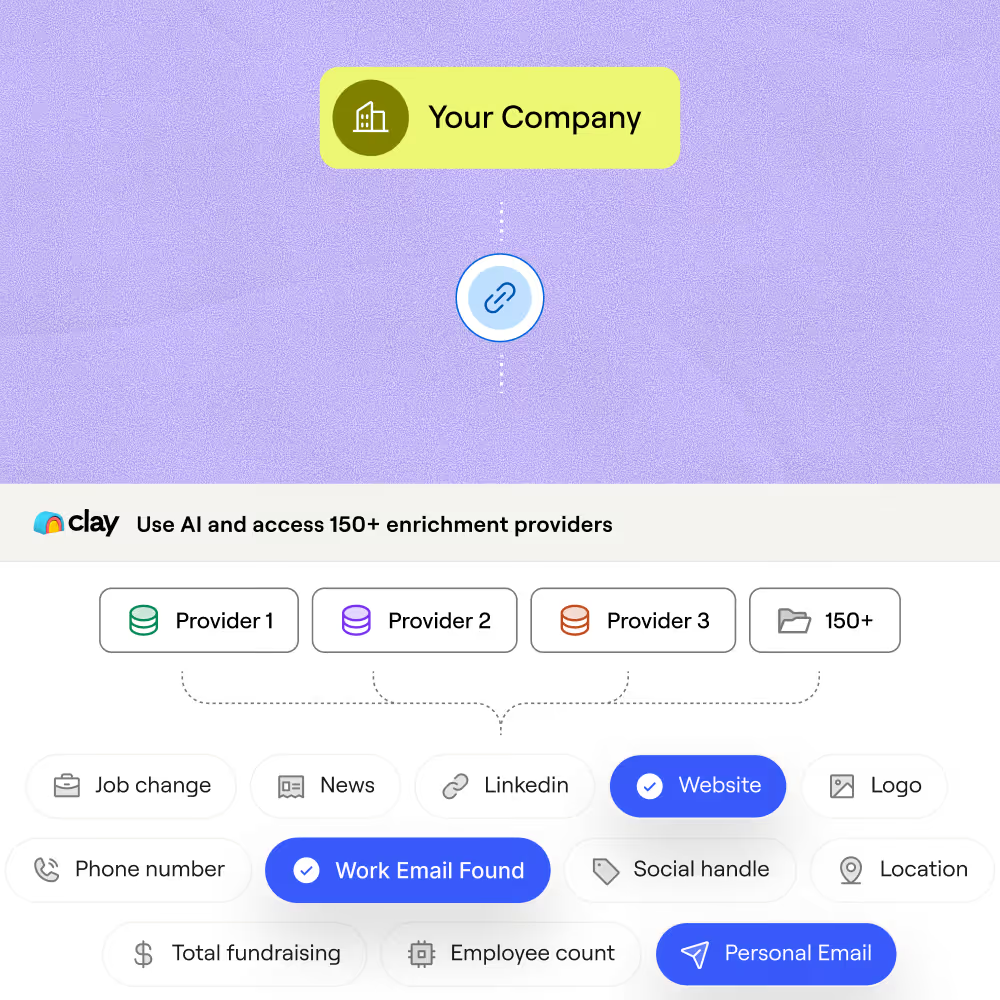
Waterfall coverage across 150+ providers
Get verified work emails and demographic fields like job title, seniority, and role for matched contacts. Clay waterfalls through 150+ providers and only charges credits when a provider returns a hit.
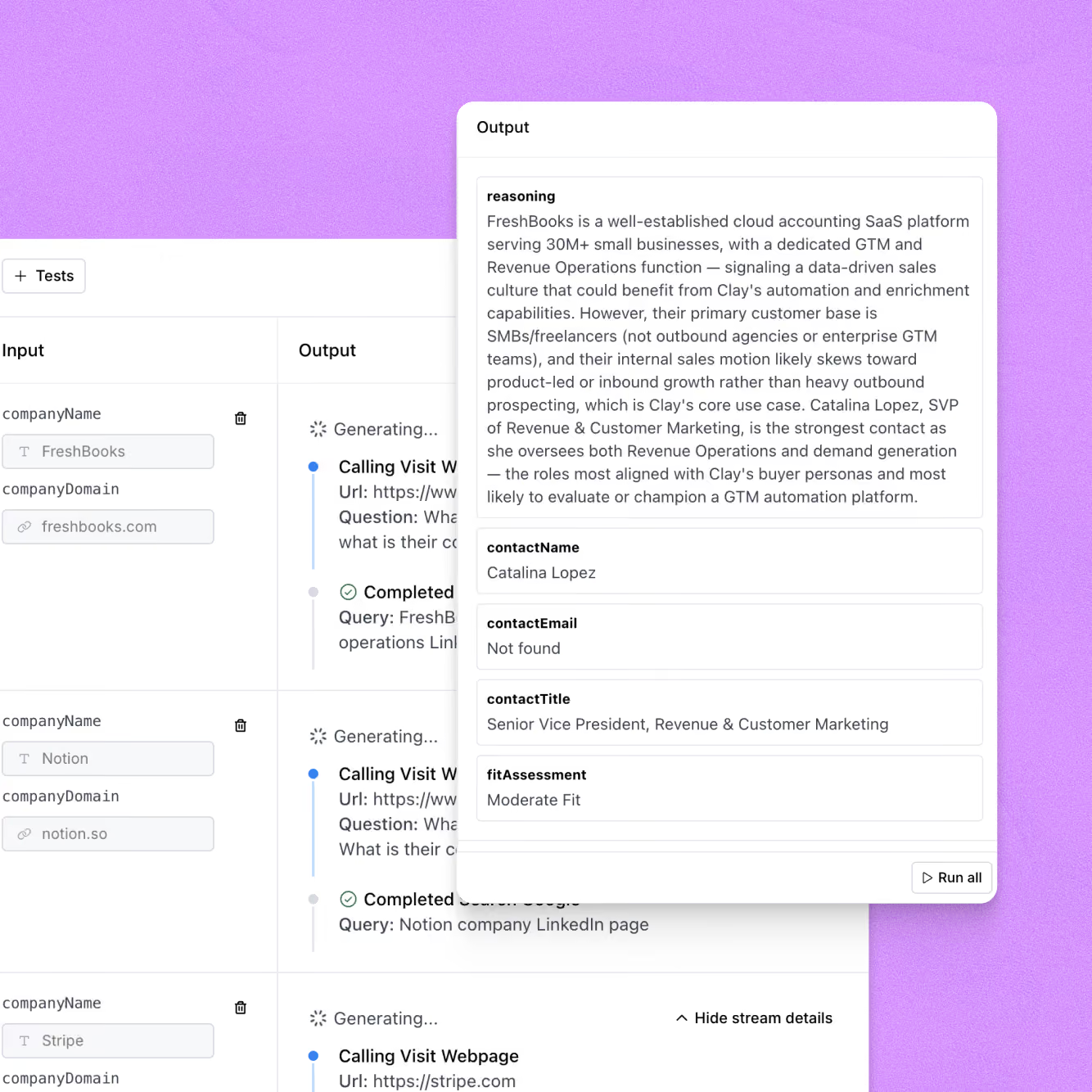
Claygent reads LinkedIn to fill gaps
When standard providers miss a seniority level or role classification, Claygent browses LinkedIn and each contact's public profile to extract the demographic fields your waterfall couldn't return.
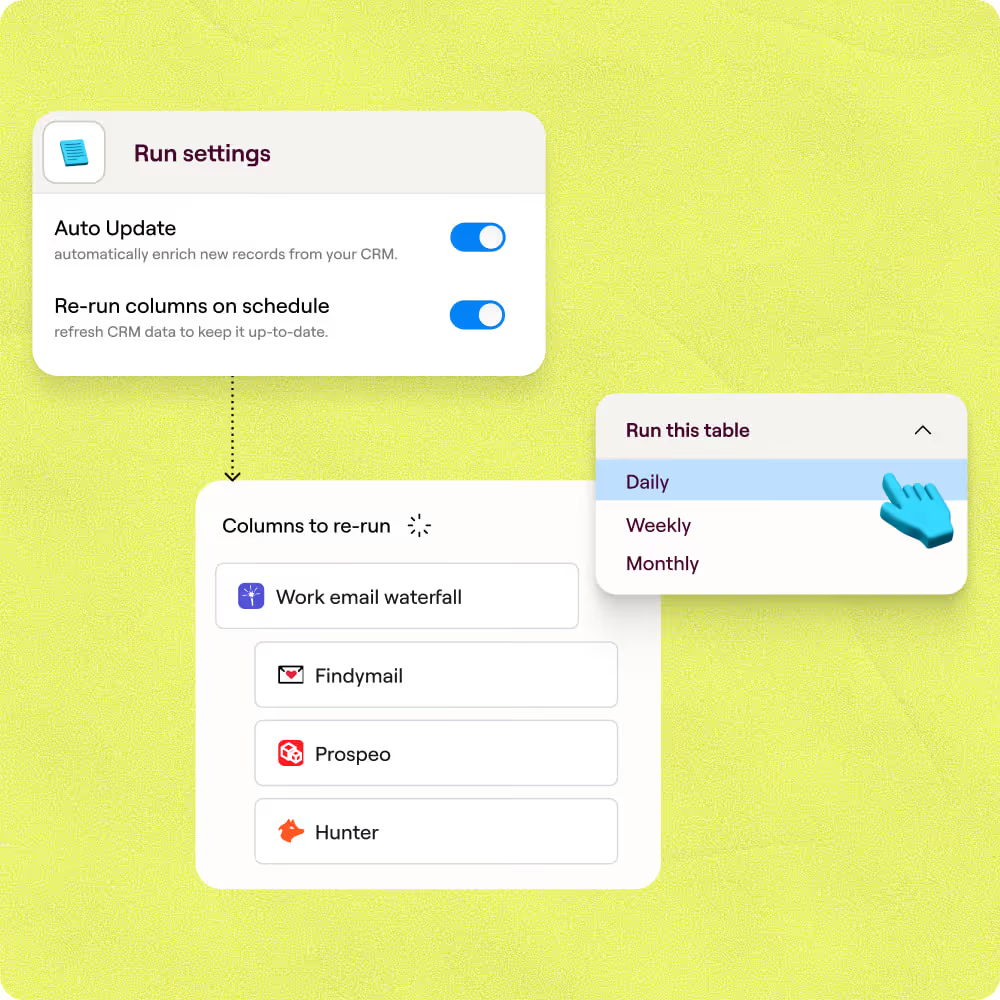
Auto-refresh keeps demographic data current
Schedule re-enrichment on a set cadence so job changes, new titles, and seniority shifts are caught automatically. Contacts stay accurate without manual spot-checks or re-imports.
Sync enriched records to HubSpot or Salesforce
Push enriched demographic fields directly to the right contact record in HubSpot or Salesforce. Clay maps job title, seniority, and role to your CRM fields and updates records without a manual export.

Clay is a game changer for marketing, data, and operations. We have 3x our enrichment rate with Clay’s combination of data providers. Clay makes it easy to use AI for GTM initiatives, unlocking new workflows that were infeasible before.
Frequently asked questions
How does Sculptor append demographic data to my contacts?
Connect your CRM or paste a list, and Sculptor maps each contact row for enrichment automatically. It then runs a 10-provider waterfall that includes Apollo, Clearbit, Lusha, and Datagma to resolve fields like job title, seniority, and location. Each row returns the appended demographic fields plus a verified email, ready to push back to your CRM or export as a CSV.
How accurate is the demographic data Clay appends?
Stacking providers in a waterfall lifts verified email coverage from roughly 30% with a single source to 80% or higher, and Clay charges credits only when a provider returns a match. For seniority and job title, Clay resolves each field across 10 providers and keeps the first confident result. ZeroBounce validates every returned email, so bad addresses get filtered before they reach your CRM.
Can I append demographic data to a whole list at once?
Yes. Paste contacts directly into a Clay table, upload a CSV, or pipe records from HubSpot or Salesforce. Sculptor enriches every row in the table in one run, pulling job title, seniority, location, and verified email for each contact. Push the finished table straight to your CRM or download the CSV for segmentation and outreach.
Is it legal to collect and use appended contact data for outreach?
In the U.S., the CAN-SPAM Act applies to all commercial email, including B2B. It requires accurate sender info, a working opt-out mechanism honored within 10 business days, and a valid physical address. Penalties reach up to $53,088 per non-compliant email. In the EU, GDPR allows B2B outreach under a legitimate interest basis, but you must document a balancing test, disclose how you obtained the data, and honor opt-out requests promptly.
Rules vary by jurisdiction, so check the regulations that apply to your recipients before sending.