





































.avif)




























How to append email to records
Paste your contact list or CRM export
Drop in your contact list or CRM export with names and companies. Sculptor waterfalls through 150+ providers to find a verified email for each contact.
Sculptor waterfalls through verified email providers
Sculptor chains together Clay's waterfall of data providers, querying each one in sequence per contact. It stops and charges a credit only when a verified work email is found, skipping providers that return no match.
Get a table with verified contact emails
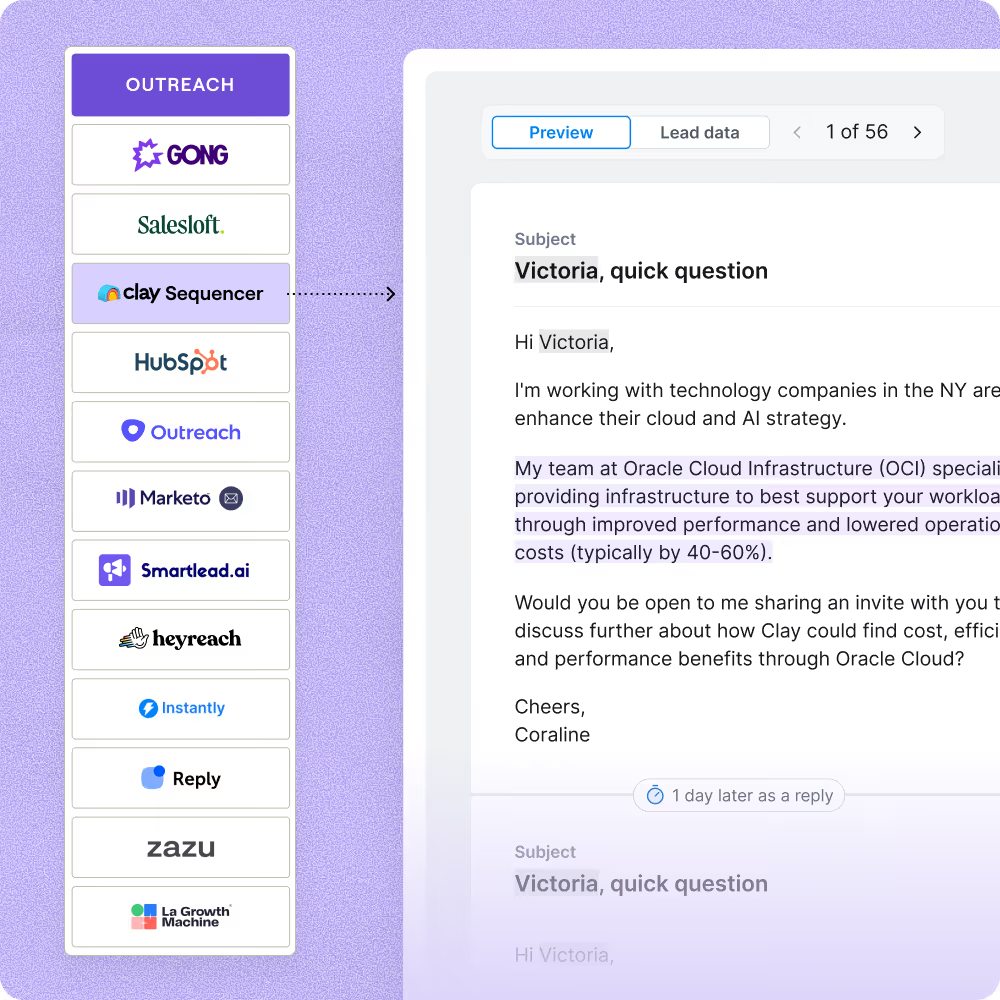
The finished table has contact name and verified work email for matched rows. Push to Smartlead, Instantly, or your sequencer to trigger a campaign the moment a row lands.
Why Clay for appending email to records

150+ providers in a single waterfall
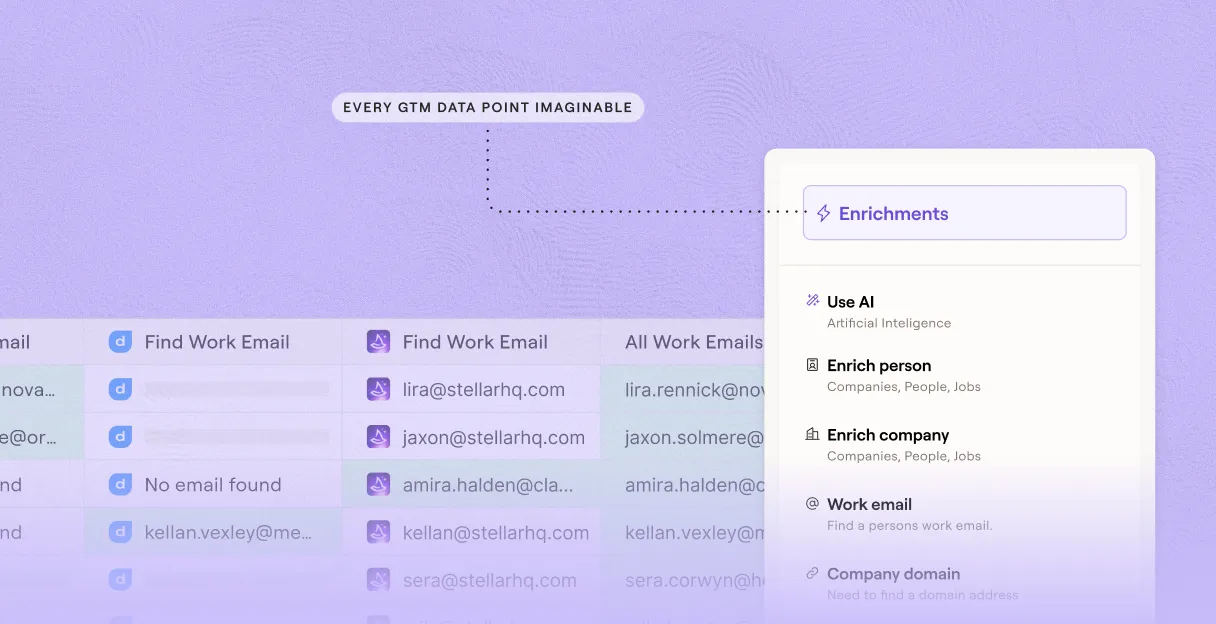
Lift verified email coverage for matched contacts from a single provider's 30% to 80% or higher. Clay waterfalls through 150+ providers in sequence, charging credits only when a provider returns a confirmed hit.
Built-in verification before any row ships
Get a validated email on matched rows before anything leaves Clay. The waterfall runs each result through email verification, flagging catch-alls and role inboxes so your bounces stay low.
Auto-refresh keeps appended emails fresh
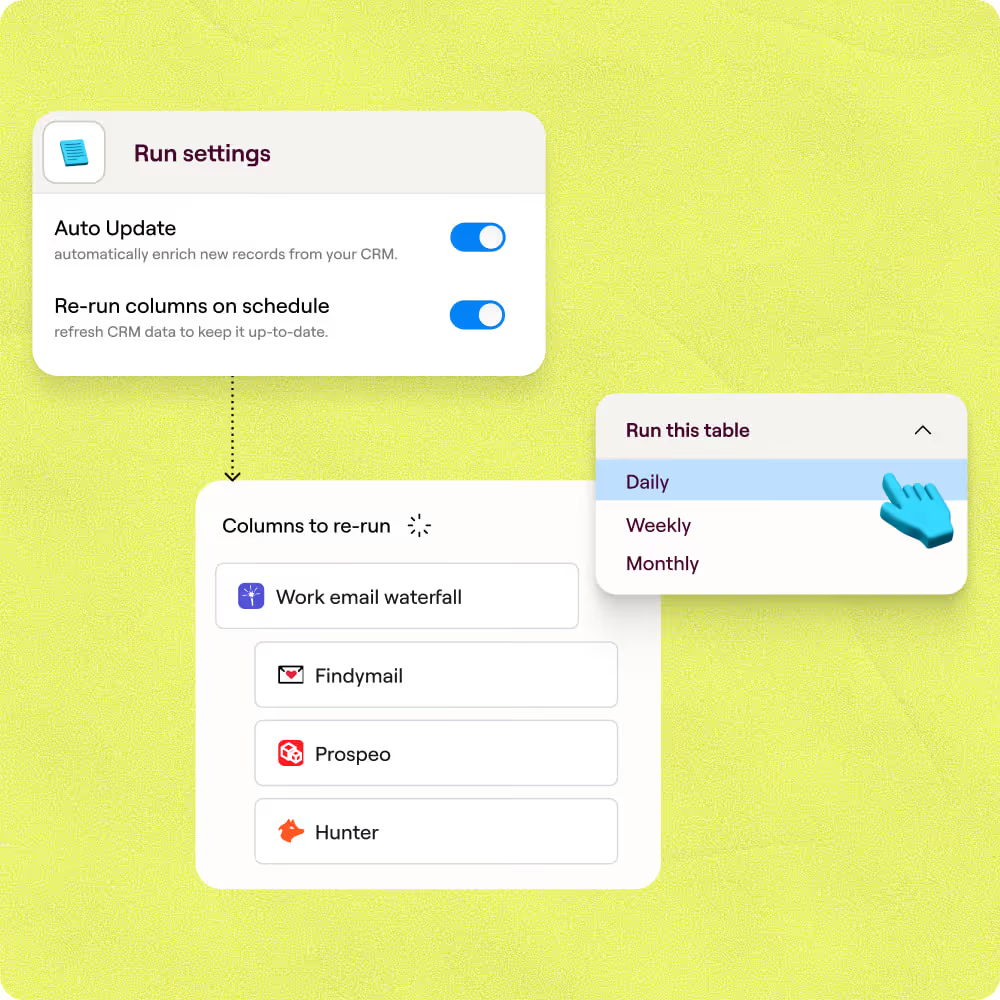
Appended emails are re-enriched on schedule as contacts change roles or domains. Enriched rows write back automatically to HubSpot or Salesforce, keeping your CRM current without manual exports.
Push verified emails straight to sequencer
Matched, verified emails land in Smartlead or Outreach in minutes, with no manual CSV steps. Clay maps the validated email column directly to your campaign, so leads enter the sequence the moment enrichment completes.

When one provider doesn’t have it, Clay automatically checks the next one. It really helps our inbound and outbound motions because we can leverage the best source of data. I’ve never seen a tool that was so easy to do this process.
Frequently asked questions
How does Sculptor append emails to my contact records?
Sculptor runs each contact through Clay's Work Email waterfall, querying 10+ email-finding providers in sequence. It stops the moment a provider returns a match, then validates the result through ZeroBounce before writing it to your table. You start by connecting your CRM or pasting a CSV, and each row comes back with a name and verified work email you can push to HubSpot, Salesforce, or export for your sequencer.
How accurate are the appended email results?
Coverage typically climbs from roughly 30% with a single provider to 80%+ when Clay's waterfall sequences all 10+ sources. In Clay's own test across 4,238 known-valid contacts, stacking providers dramatically increased match rates. Every returned email passes ZeroBounce validation, and you can choose Conservative, Balanced, or Aggressive thresholds to match your deliverability goals.
Can I append emails to a whole list at once?
Yes. Paste contacts directly, upload a CSV, or pull records from HubSpot or Salesforce into a Clay table to run the waterfall across your entire list in one pass. Once enrichment finishes, push verified emails back to your CRM natively or export a CSV to load into your sequencer. Credits only charge when a provider returns a confirmed match, so bulk runs stay cost-efficient.
Is it legal to append and use emails for B2B outreach?
In the U.S., the CAN-SPAM Act governs all commercial email, including B2B. It requires accurate sender info, a physical postal address, a working opt-out mechanism, and honoring unsubscribe requests within 10 business days. Penalties reach up to $53,088 per violating email. In the EU, GDPR allows B2B outreach under a legitimate-interest basis, but you must document that interest and respect data-subject rights.
Regulations vary by jurisdiction, so check the rules that apply to your recipients before sending.