






































.avif)




























How to build a TAM list
Describe your ICP filters to map your TAM
Add your ICP filters, such as industry, headcount, funding stage, location, and tech stack. Sculptor compiles a matching company list from Clay's B2B company data.
Sculptor builds and enriches your company list
Sculptor assembles a matched company list filtered by your ICP criteria, then waterfalls through 150+ providers to find a verified Head of Marketing email. Rows where the waterfall finds a match include the contact.
Get your TAM table with verified contact emails
The finished table has company name and, for matched rows, a verified Head of Marketing email. Export to CSV, sync to Salesforce, or pipe into your outbound tool of choice.
Why Clay for building a TAM list
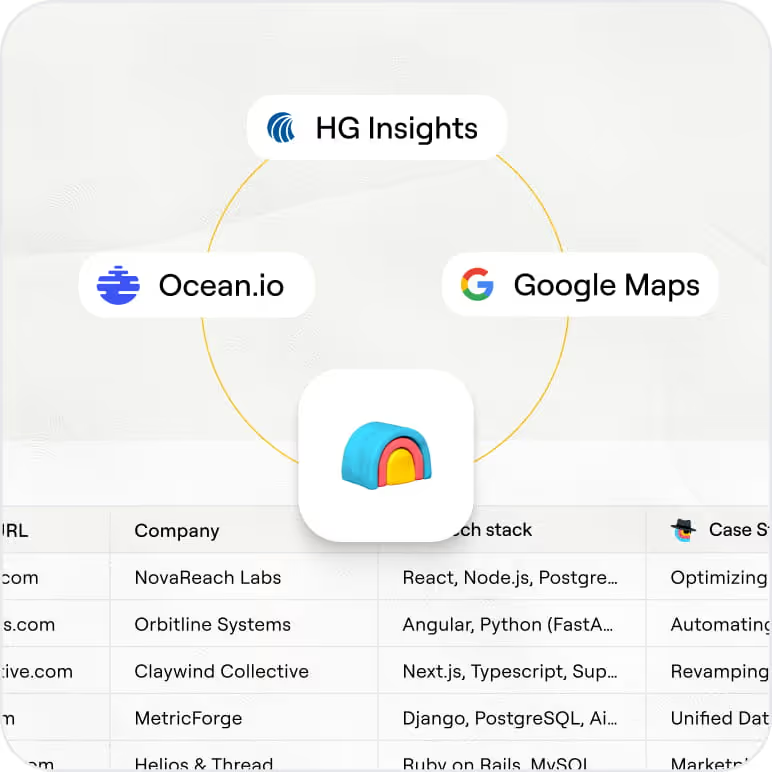
Clay's B2B company database with ICP filters
Map your TAM using Clay's B2B company database, filtered by industry, headcount range, funding stage, geography, and tech stack. Hiring signals and Claygent's AI web research let you layer in custom criteria no generic export can match.
Waterfall enrichment for verified contact emails
Get a verified Head of Marketing email on matched rows. Clay waterfalls through 150+ providers in sequence and only charges credits when one returns a hit, delivering high match rates on common B2B titles.

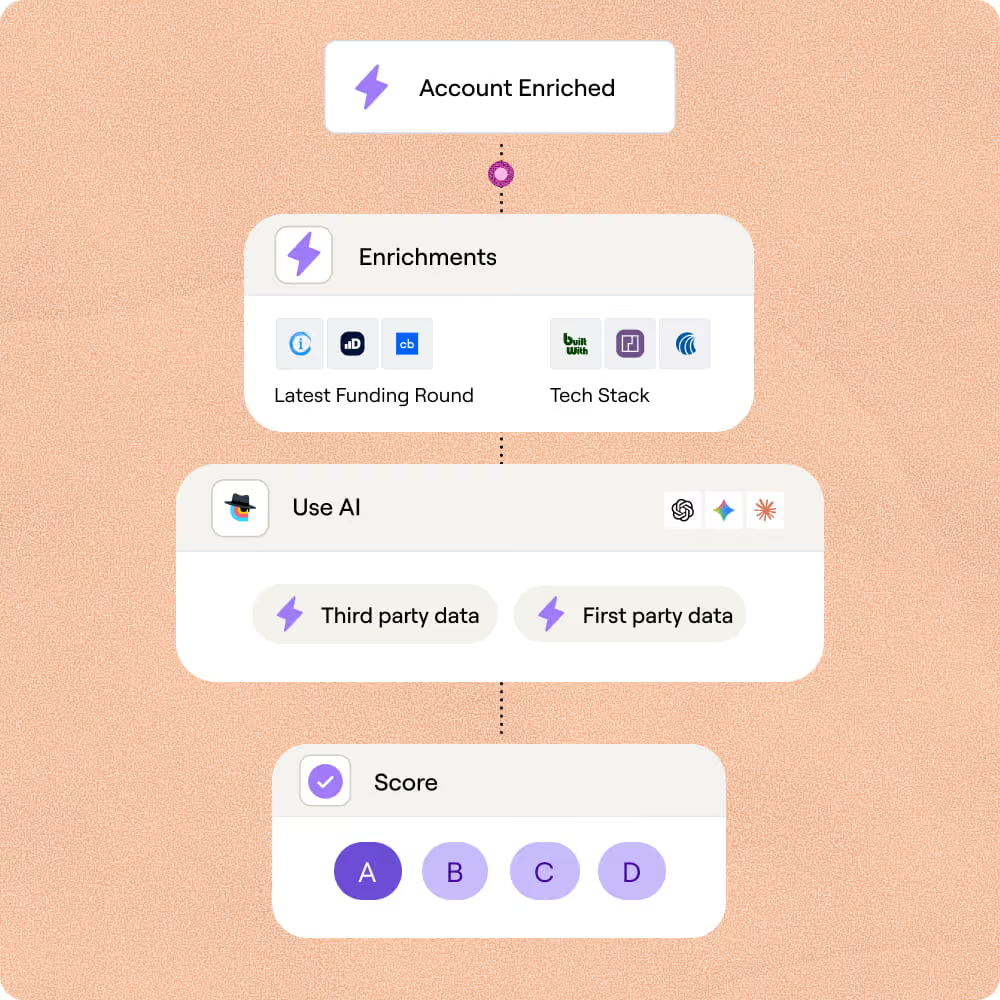
AI ICP scoring across multi-signal layers
Score every account against your ICP using a formula that weights funding stage, hiring velocity, tech stack, and headcount. Claygent reads each company's site to fill in signals no structured database carries.
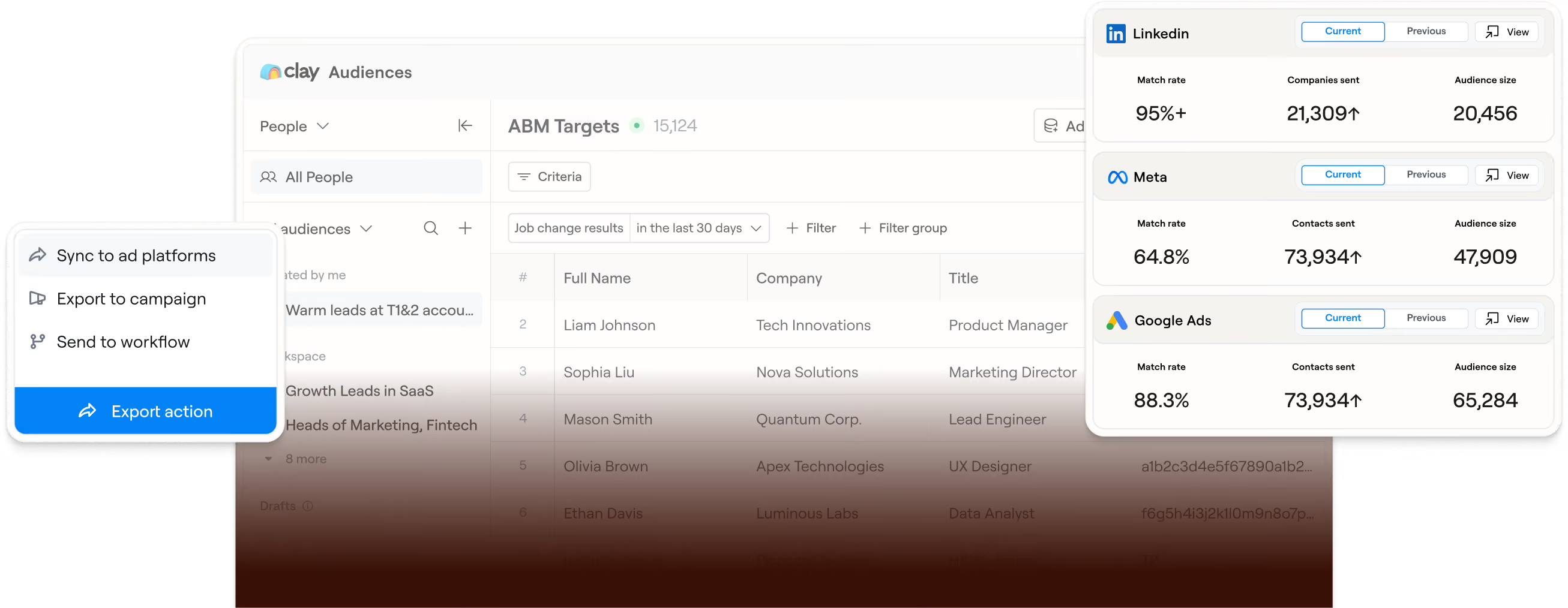
Sync scored accounts to Salesforce and LinkedIn Ads
Push your qualified TAM directly to Salesforce or into LinkedIn and Meta ad audiences via Clay Ads. Audiences refresh automatically, so your CRM and ad targeting stay current without manual CSV uploads.

This job has always been about creativity, despite how it might seem, and Clay enables me to answer more 'what if we could...' questions from our GTM teams than I ever could before.
Frequently asked questions
How does Sculptor build a TAM list from my ICP?
Sculptor lets you describe your ideal customer in plain language instead of stacking filters manually. It searches Clay's 40M+ company database by industry, employee count, geography, and tech stack, then returns matching accounts. For each company, waterfall enrichment queries multiple contact-data providers in sequence to find a verified VP of Sales email, so you get both the account and the contact in one step.
How accurate are the company and email results?
Email coverage typically reaches around 80% when Clay's waterfall enrichment runs across 150+ providers, compared to roughly 30% from a single provider like ZoomInfo alone. B2B contact data decays at about 25 to 30% per year, so Clay re-verifies emails at lookup time rather than serving a static cache. You only pay per successful match, which means failed lookups do not cost you credits.
Can I build a TAM list for thousands of companies at once?
Yes. Sculptor generates the full list in a single run, so there is no row-by-row limit on your initial pull. You can also paste domains, upload a CSV, or pipe data from another Clay table to enrich an existing account list in bulk. Once enriched, push every row straight into Salesforce or HubSpot as new account records, or export the CSV to load into your sequencer.
Is it legal to collect and email B2B contacts from a TAM list?
CAN-SPAM governs commercial email in the US and requires accurate sender info, a physical address, and a working opt-out link honored within 10 business days. GDPR applies when contacting EU prospects and allows B2B outreach under the legitimate interest basis (Article 6(1)(f)), provided the message is relevant to the recipient's role and you document your rationale. CCPA's B2B exemption expired in 2023, so California contacts carry full consumer-privacy rights including opt-out-of-sale requests.
Always check the rules for your jurisdiction before launching outreach, and honor every opt-out promptly.