







































.avif)




























How to find people by role
Describe your target role and industry
Add the role you want to reach and the industry or market you're targeting. Sculptor searches Clay's people database for matching contacts.
Sculptor sources and verifies matching contacts
Sculptor searches Clay's B2B contact data for professionals matching your target role and industry, then waterfalls through 150+ providers to find a verified work email. Credits are only spent on rows where a match is found.
Get a contact list with verified emails
The finished table has name and verified work email for matched rows. Push to Smartlead, Instantly, or your sequencer to trigger a campaign the moment a row lands.
Why Clay for finding people by role (discovery)
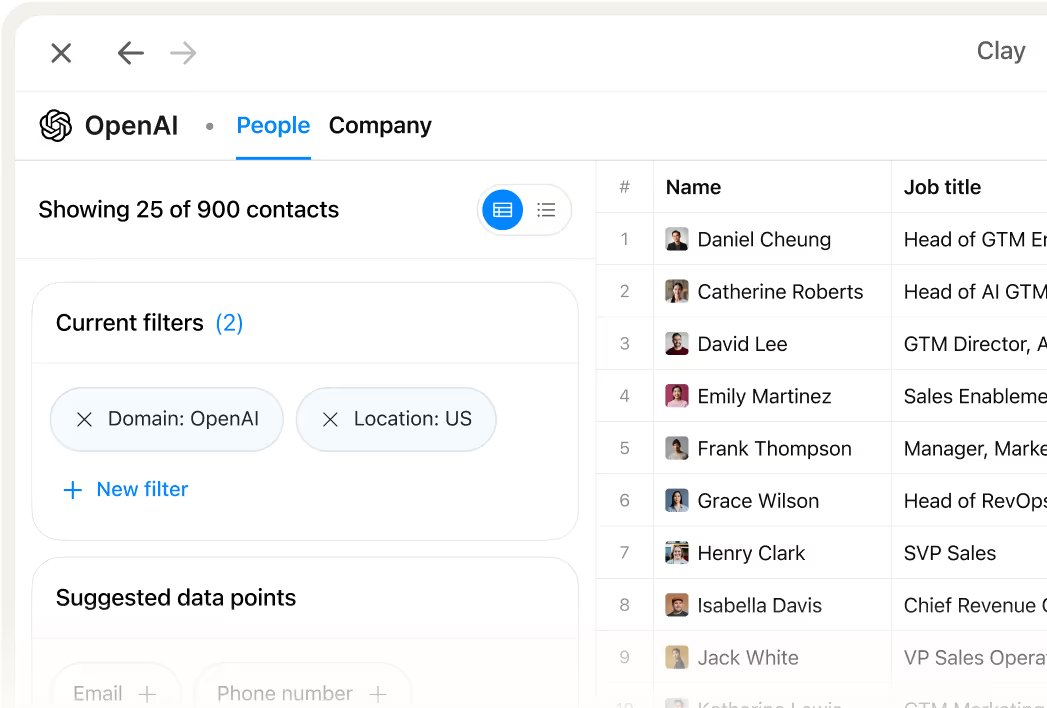
Role-aware filters across title, function, and seniority
Pinpoint the exact personas you need using Clay's Find People filters: job title keywords, job function, seniority level, location, and industry. Title matching uses synonym detection, so "VP of Revenue Operations" also surfaces "Head of RevOps" and similar variants.
Waterfall enrichment across 150+ providers
Get verified work emails for matched contacts without paying for misses. Clay cascades through 150+ providers in the waterfall and charges credits only on rows where a provider returns a confirmed hit.

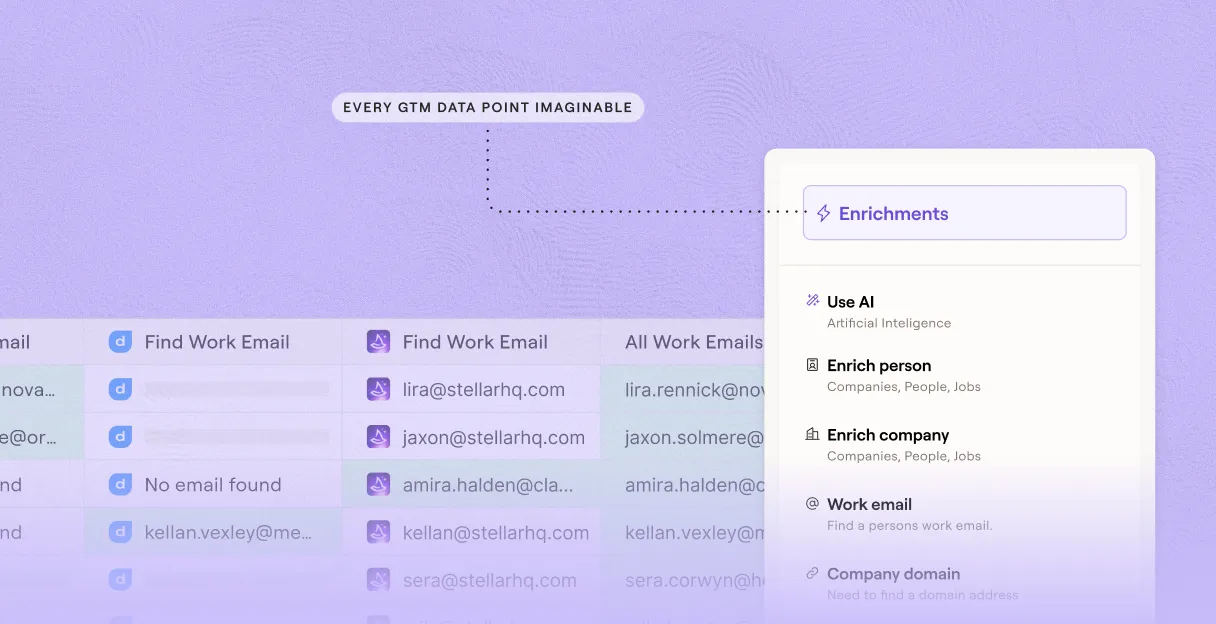
Catch-all detection and role inbox suppression
Every discovered email runs through verification before it leaves Clay, flagging catch-all domains and suppressing shared inboxes like info@ or support@ so your outreach lands on real individual addresses.
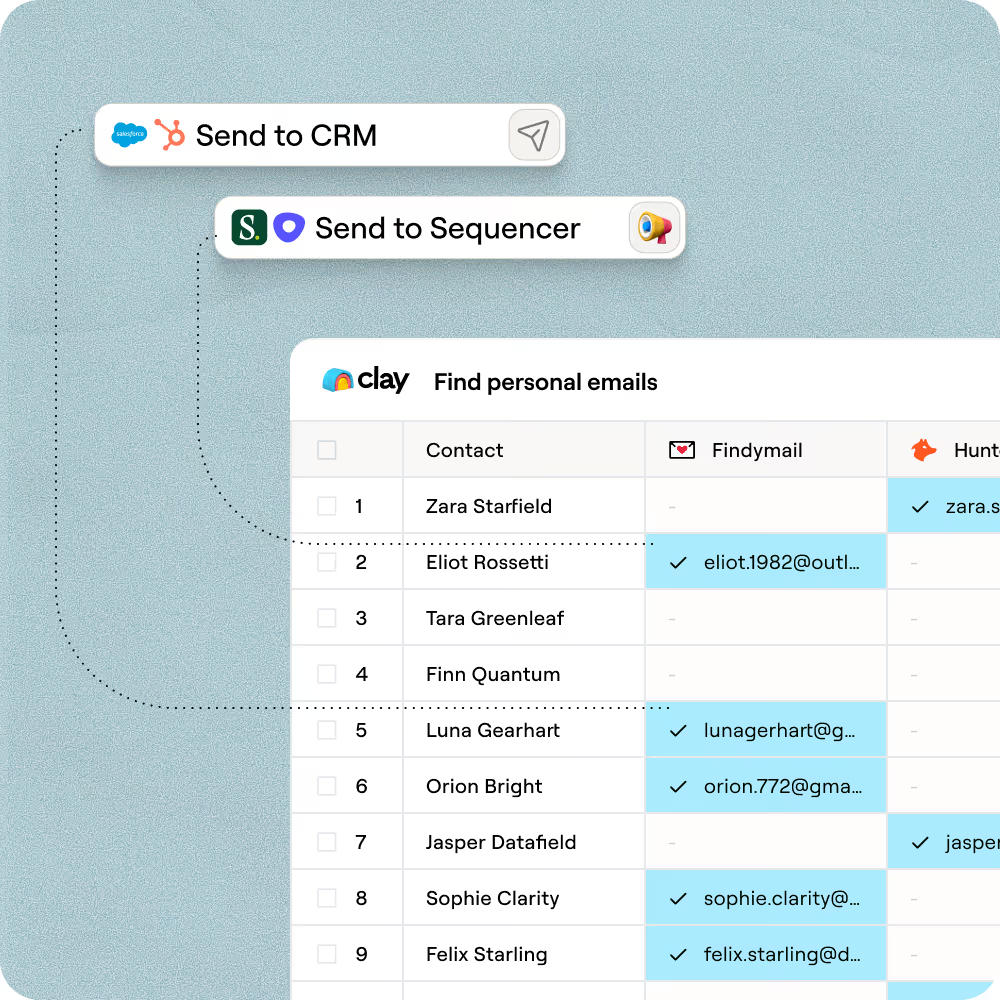
One-click sync to Outreach, Salesloft, or HubSpot
Push your finished contact table directly to Outreach, Salesloft, or HubSpot in minutes, with name, verified email, title, and company domain already mapped to the right fields.

We consolidated three vendors into Clay and started enriching data points that didn't exist in any traditional database. Our reps went from starting every conversation cold to knowing exactly who to call and what to say.
Frequently asked questions
How does Sculptor find people by role at target companies?
Sculptor converts your plain-English prompt into precise filters for job title, seniority level, and industry. It searches multiple contact-data sources, returns matching contacts, and lets you preview the result count before importing any rows. Each result includes the company name and a verified email found through Clay's waterfall enrichment across 150+ providers.
How accurate are the emails Clay finds for role-based searches?
Clay's waterfall enrichment typically lifts valid email coverage from around 30% with a single provider to 80% or higher across 150+ sources. Every email runs through ZeroBounce validation by default, which flags catch-all and invalid addresses before they reach your CRM. In Clay's own tests, the waterfall delivered roughly 79% valid prospect coverage with an 89% validity rate on returned emails.
Can I find people by role in bulk for a whole list?
Yes. Paste a list of target industries or company names, upload a CSV, or pipe data from an existing Clay table to run role-based discovery at scale. Sculptor applies the same title and seniority filters across every row automatically. Push verified contacts directly to HubSpot, Salesforce, or Pipedrive, or export as a CSV for your outreach sequence.
Is it legal to cold email people found through role-based discovery?
In the U.S., the CAN-SPAM Act covers all commercial email, including B2B. It requires accurate sender info, a physical postal address, a working opt-out mechanism, and honoring unsubscribes within 10 business days. Penalties reach up to $53,088 per non-compliant email. In the EU, GDPR Article 6(1)(f) allows B2B outreach under a legitimate interest basis, provided the contact's rights are not overridden.
Always include a clear unsubscribe option, honor opt-outs promptly, and check the rules for your jurisdiction before launching outreach.