







































.avif)




























How to enrich CRM records
Paste your CRM or account list
Drop in your CRM export or account list, and Sculptor enriches every row with updated firmographic and technographic data.
Sculptor waterfalls through enrichment providers
Sculptor waterfalls through Clay's provider network, appending updated industry, headcount, funding, and tech stack fields. For gaps no provider covers, Claygent browses each company's site to fill in the missing data.
Enriched table ready to write back to CRM
The finished table has company name, updated industry, headcount, and tech stack per row. Write enriched fields back to HubSpot or Salesforce automatically as Clay refreshes the data.
Why Clay for enriching CRM records
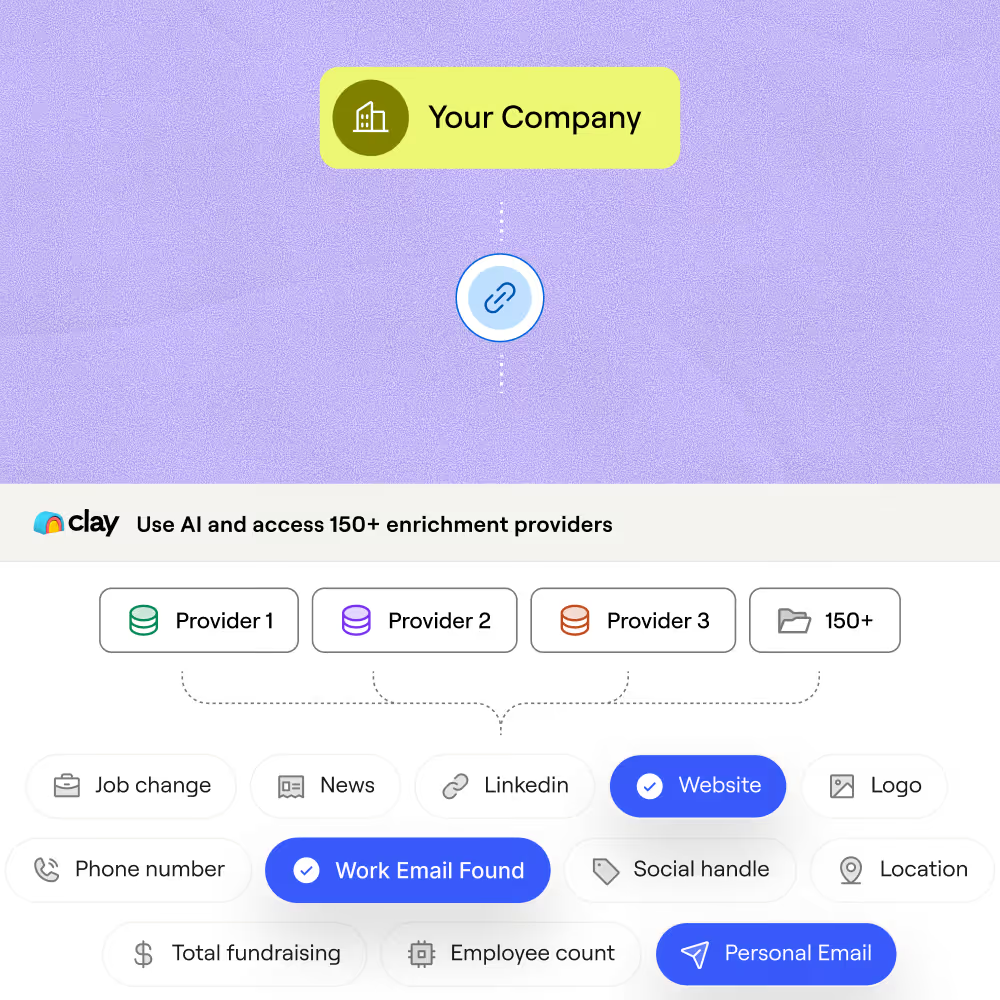
Waterfall enrichment across 150+ providers
Get updated firmographic and technographic fields for matched records. Clay waterfalls through 150+ providers in sequence and only charges credits when a provider returns a hit.
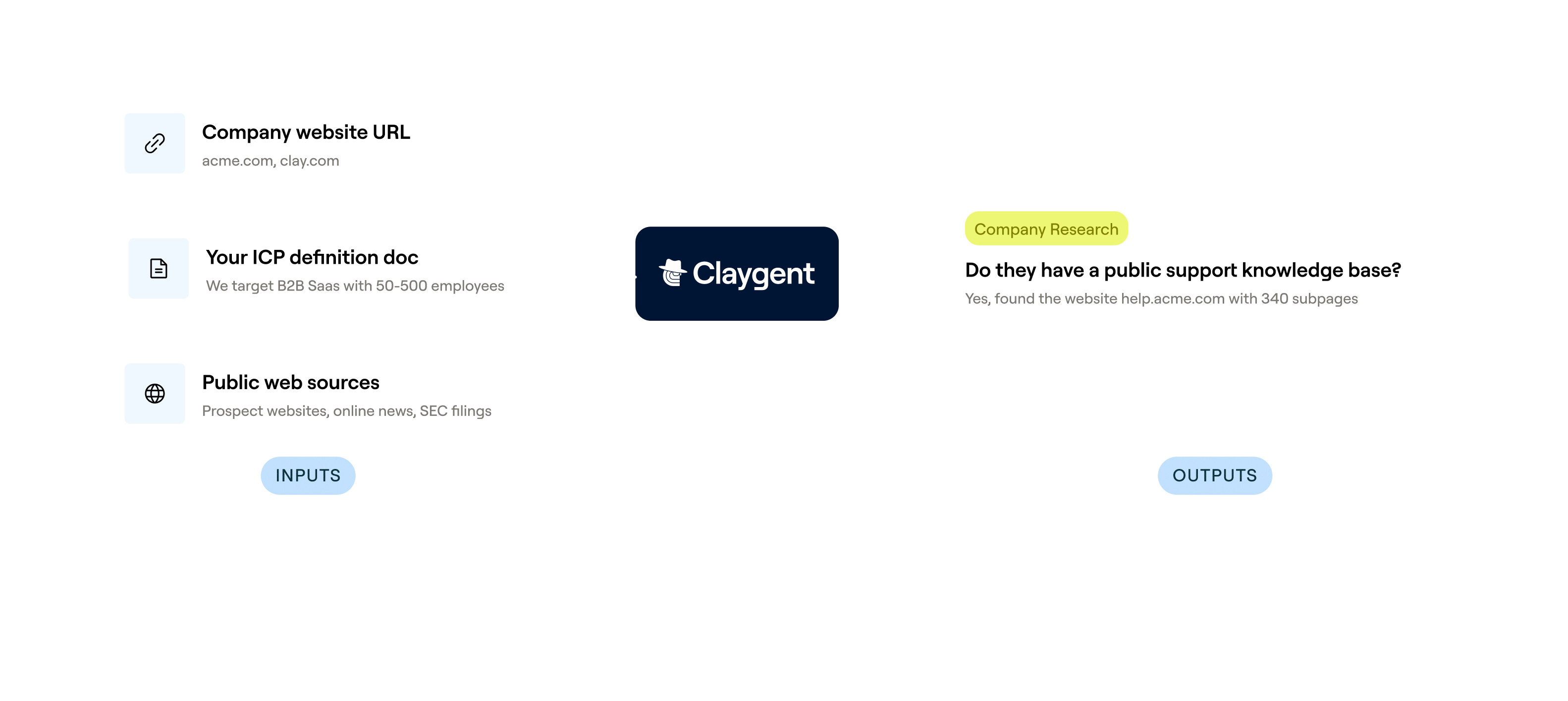
Claygent fills gaps no provider covers
Niche fields like support team size or tech stack depth often live only on company websites. Claygent browses each company's site and synthesizes the data into structured columns on matched rows.
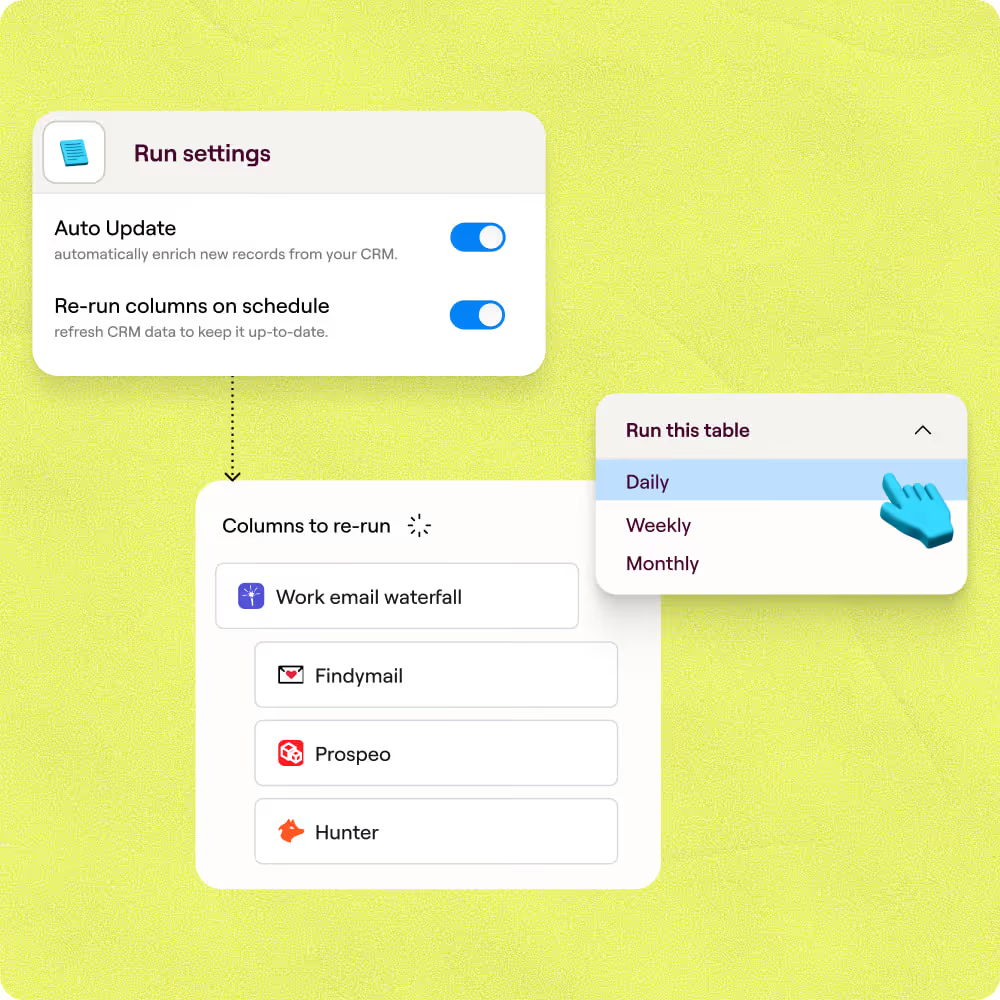
Auto-refresh keeps records from going stale
CRM accuracy drifts fast without scheduled updates. Clay re-runs enrichment on a schedule, so industry, headcount, funding stage, and hiring signals stay current without manual intervention.
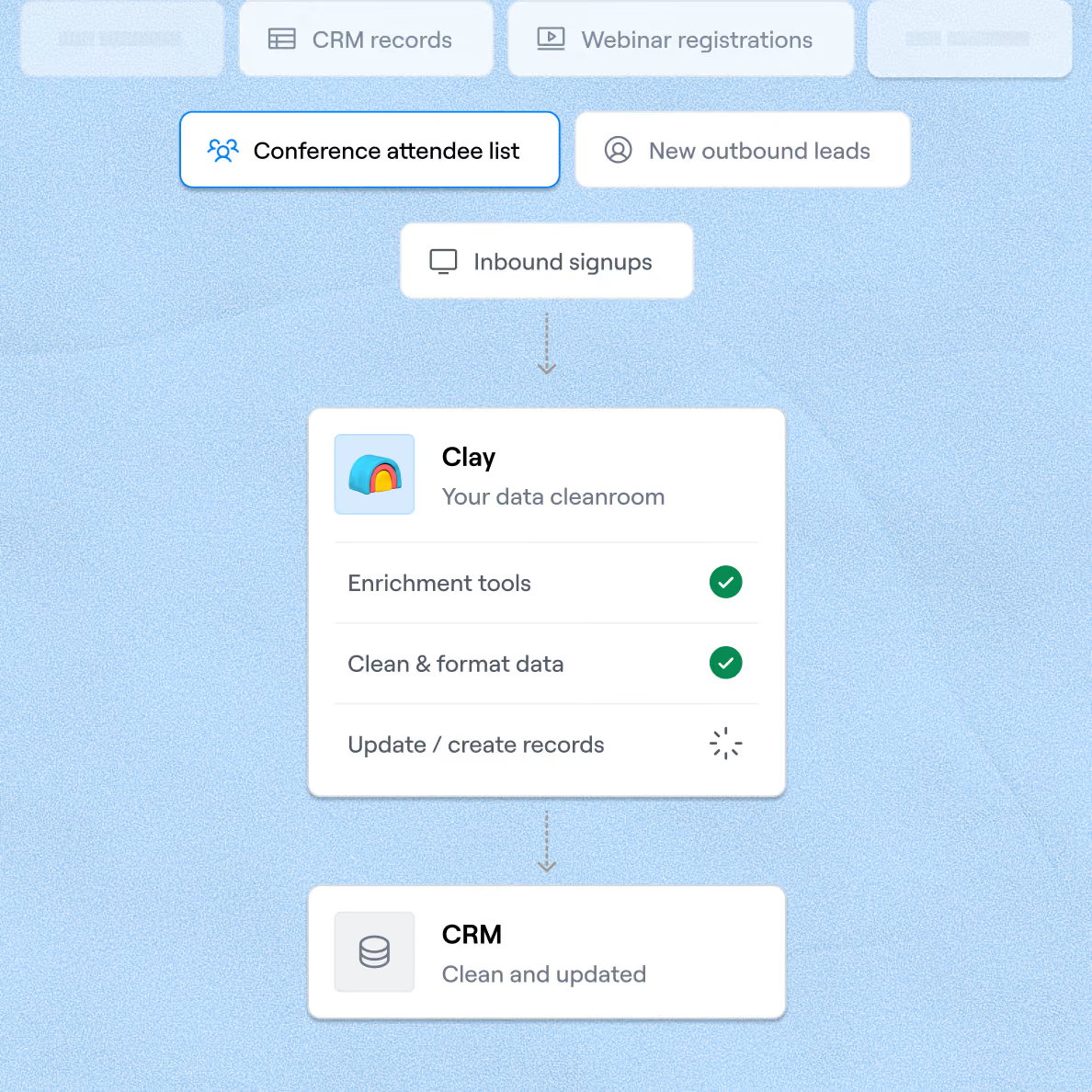
Bidirectional sync to HubSpot and Salesforce
Enriched fields write back to the exact existing record in HubSpot or Salesforce, keyed on record ID, with blank-value protection so good data is never overwritten by empty results.

Clay is a game changer for marketing, data, and operations. We have 3x our enrichment rate with Clay’s combination of data providers. Clay makes it easy to use AI for GTM initiatives, unlocking new workflows that were infeasible before.
Frequently asked questions
How does Sculptor enrich CRM records with missing data?
Sculptor imports your contacts from HubSpot, Salesforce, or a CSV, then runs each record through a waterfall enrichment sequence across 150+ data providers. It queries providers one by one, stopping as soon as it finds a verified email and company name. You review the enriched table, then sync results back to your CRM using lookup-and-update logic that prevents duplicates.
How accurate is Clay's CRM enrichment for emails?
Waterfall enrichment typically lifts email coverage from around 30% with a single provider to roughly 80% by layering multiple sources. In Clay's own testing, top email providers scored above 96% confidence on SMB contacts and up to 89% coverage rates. Each returned email also passes a verification check, so you only write validated addresses back to your CRM.
Can I enrich an entire CRM contact list at once?
Yes. Import your full contact list by connecting HubSpot or Salesforce directly, pasting records, or uploading a CSV. Sculptor processes every row in parallel, enriching company name and verified email for the entire batch. Once enrichment finishes, sync the results back to your CRM or export the table as a CSV for your outreach sequences.
Is enriching CRM contacts with third-party data legally compliant?
In the U.S., CAN-SPAM allows B2B commercial email without prior opt-in but requires a working unsubscribe link, a valid physical address, and honoring opt-outs within 10 business days. Penalties reach up to $53,088 per non-compliant message. Under GDPR, most B2B enrichment relies on legitimate interest (Article 6(1)(f)), which requires a documented balancing test and notifying contacts at first outreach.
Rules vary by jurisdiction, so confirm local regulations before emailing enriched contacts.