







































.avif)




























How to find company turnover
Describe the companies you want to research
Paste a company name or a list of companies into Sculptor. Claygent browses the web to find annual turnover, headcount, and industry for each.
Claygent researches each company at scale
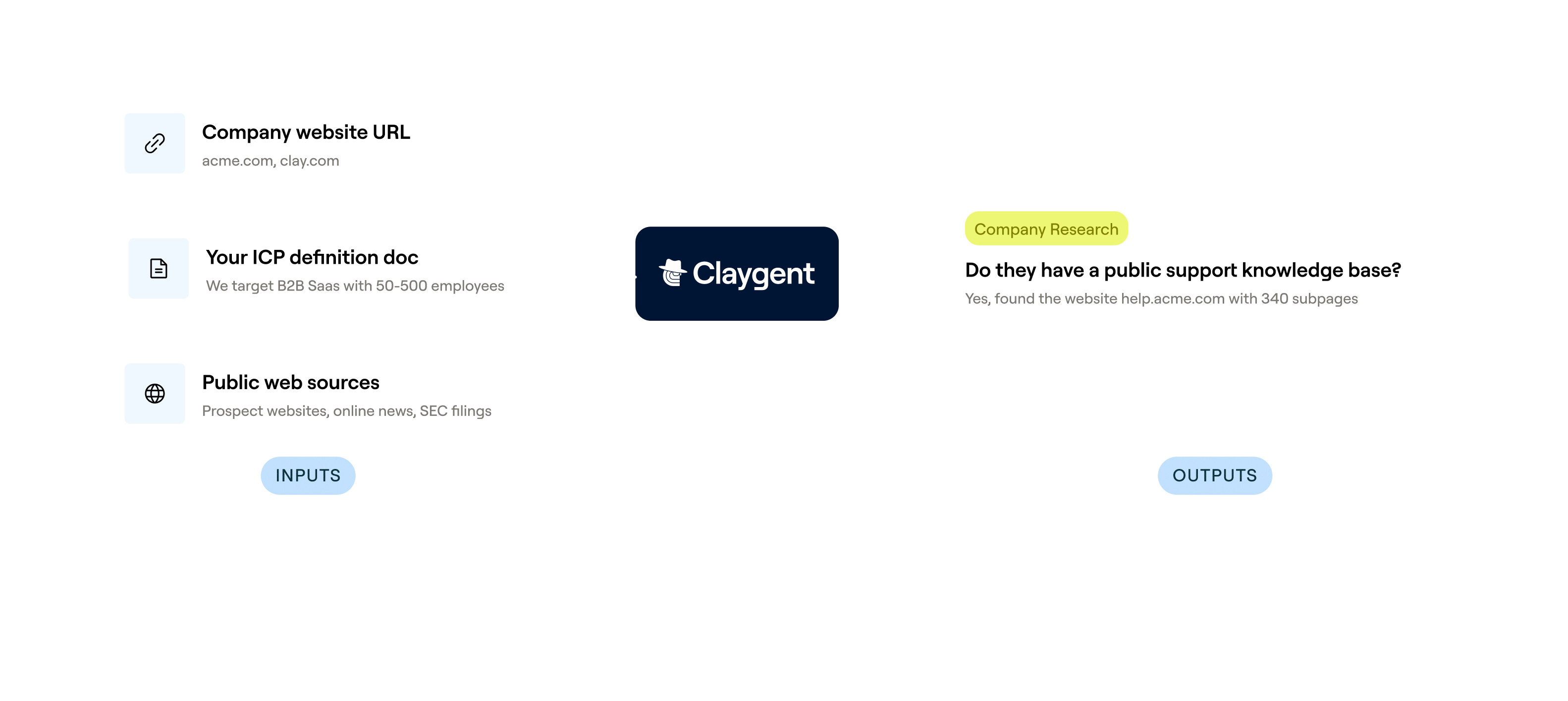
Claygent browses company websites, news sources, and public filings row by row, then queries Clay's provider network to cross-reference revenue estimates, headcount, and industry classification. Each field is returned as structured data.
Review your enriched turnover, headcount, and industry table
The finished table has company name, annual turnover, headcount, and industry per row. Sync enriched accounts to HubSpot or Salesforce, or push to your outbound tool of choice.
Why Clay for how to find company turnover
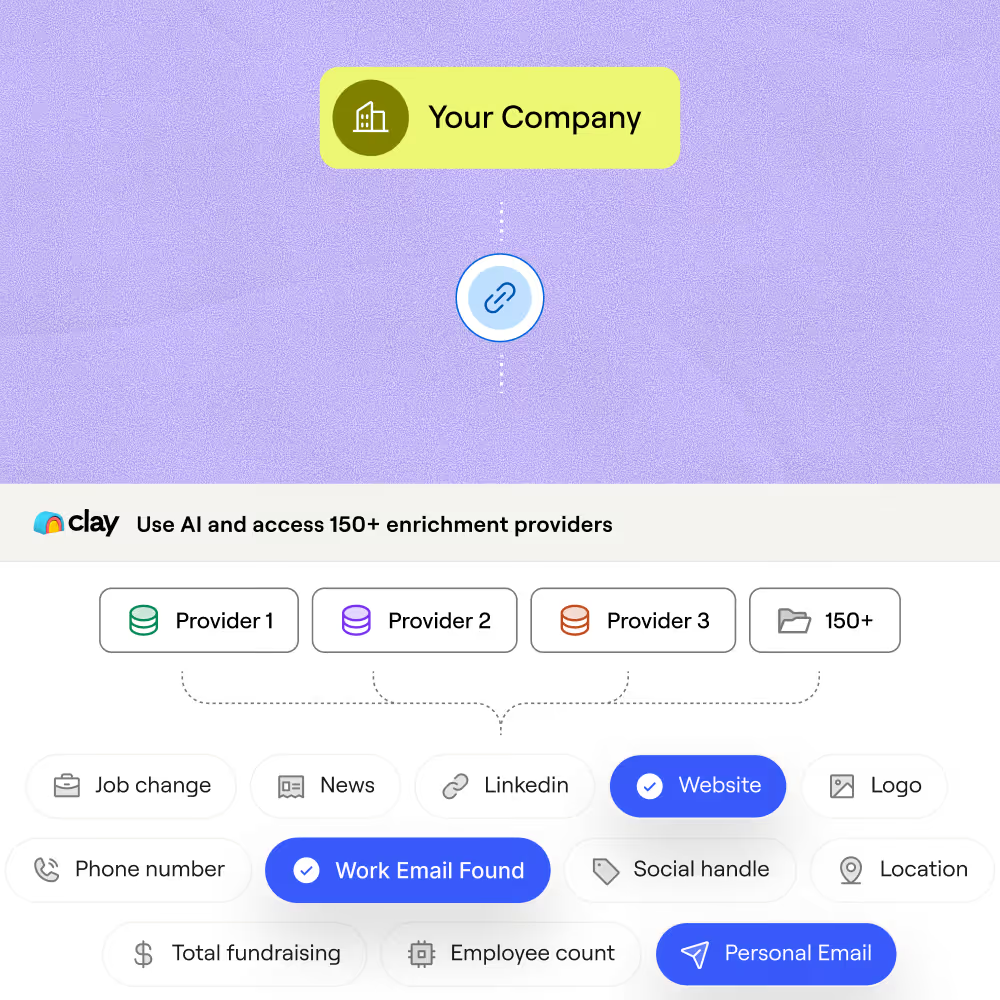
Waterfall coverage across providers for revenue
Get annual turnover estimates for matched rows at higher coverage than any single source. Clay waterfalls through multiple providers in sequence, charging credits only when a match is returned.
Claygent browses filings and sites for deeper data
Get turnover, headcount, and industry even when standard databases fall short. Claygent browses company websites, news sources, and public filings to extract structured figures row by row.
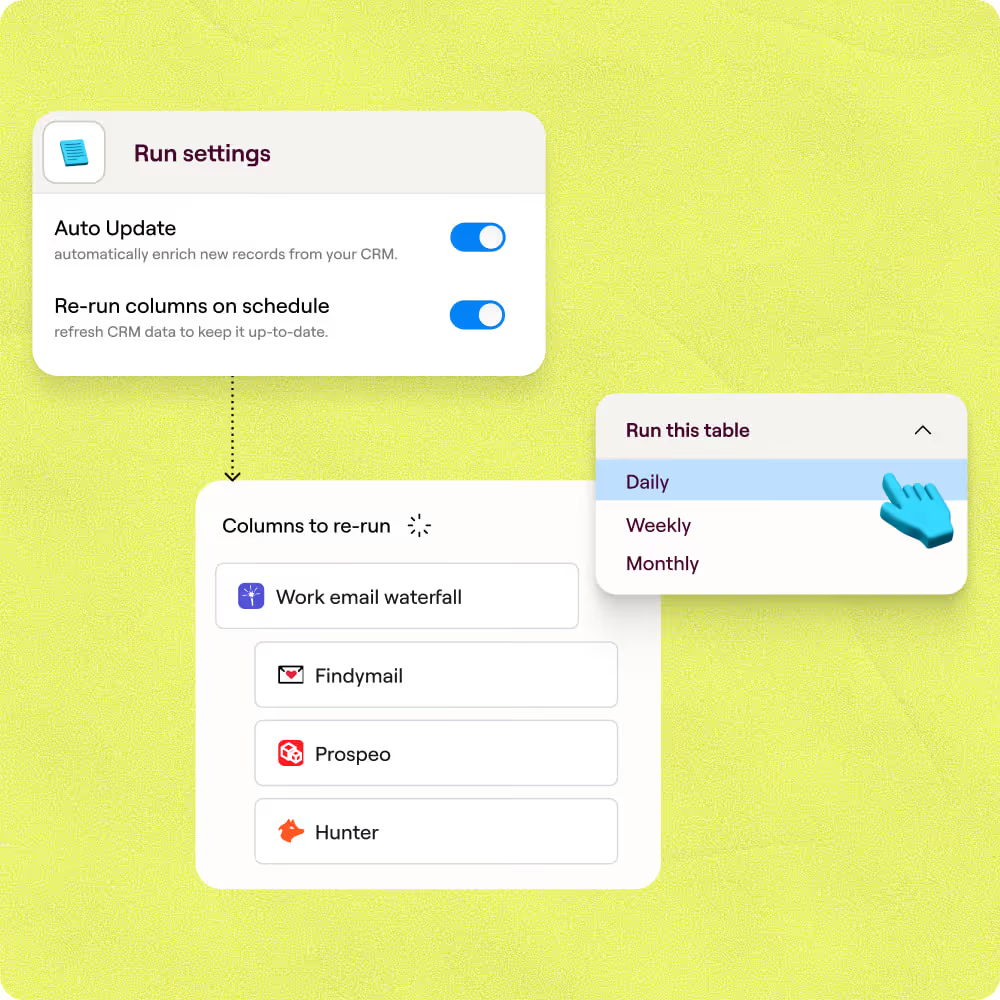
Auto-refresh keeps turnover figures current
Revenue figures go stale fast. Clay auto-refreshes enrichment on a schedule so your table reflects the latest annual turnover, headcount, and industry without manual re-runs.
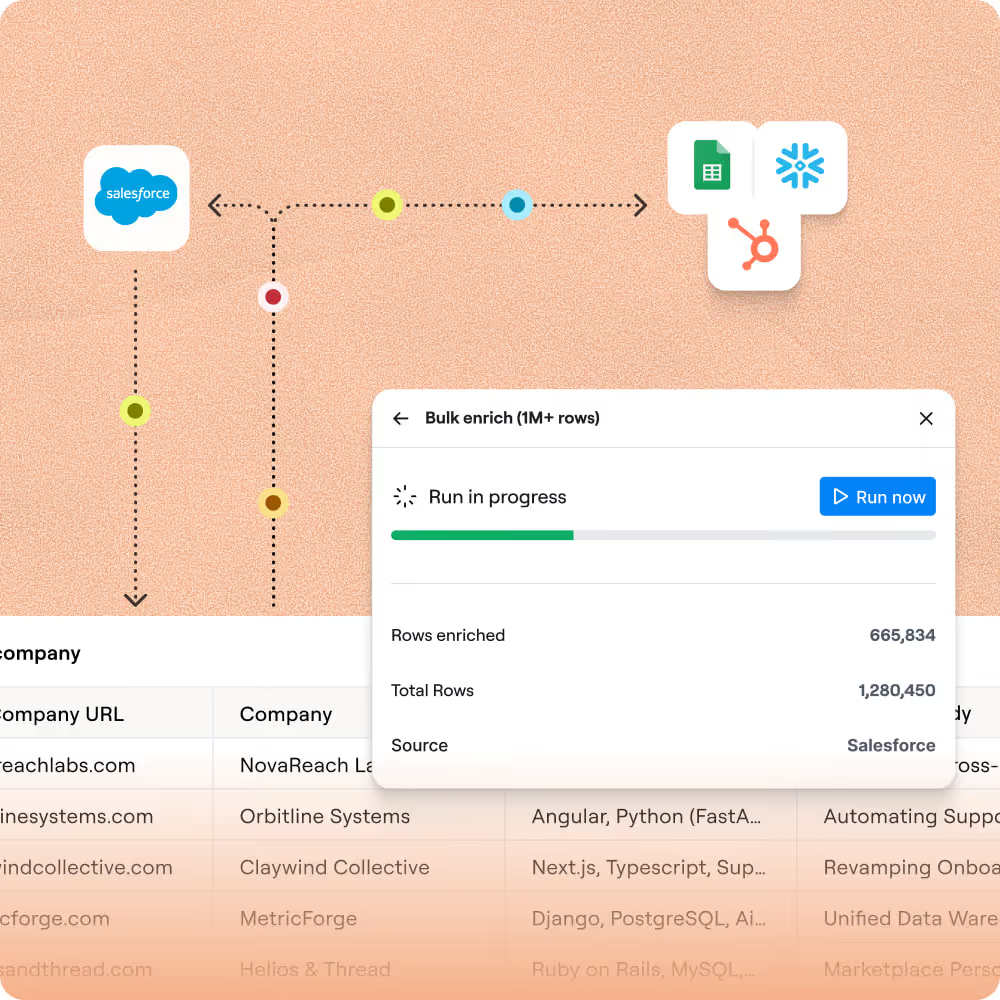
Sync enriched accounts to HubSpot or Salesforce
Push your finished turnover table directly to HubSpot or Salesforce with bidirectional sync. Enriched fields like annual revenue and headcount land on the right CRM object automatically.

Clay is a game changer for marketing, data, and operations. We have 3x our enrichment rate with Clay’s combination of data providers. Clay makes it easy to use AI for GTM initiatives, unlocking new workflows that were infeasible before.
Frequently asked questions
How does Sculptor find companies by turnover?
Sculptor uses Clay's Find Companies source with built-in revenue range filters, covering brackets from $0–$500K up to $100B+. Type your target industry or region into the prompt, set a turnover band, and Sculptor returns only companies that match. It then runs a waterfall enrichment sequence through providers like Prospeo, Datagma, and PeopleDataLabs to find a verified VP of Sales email for each company.
How accurate is the company revenue data Clay returns?
In Clay's own firmographic benchmark, the most accurate single revenue provider was right 88% of the time but covered only 42% of records. Clay solves this tradeoff by pulling from 50+ providers, including Crunchbase, PitchBook, and Owler, so gaps one source misses get filled by another. For contact emails, waterfall enrichment pushes coverage from roughly 30% to 80%+, giving you far more complete lists than any single tool.
Can I find turnover for a whole list of companies at once?
Yes. Sculptor generates your full company list in one shot based on your revenue range and industry filters. You can also paste a list of domains, upload a CSV, or pipe rows from an existing Clay table to enrich them with turnover data. Push finished rows directly to HubSpot, Salesforce, or Pipedrive, or export as a CSV to load into your sequencer.
Is it legal to cold email VPs of Sales found this way?
In the US, CAN-SPAM uses an opt-out model, so cold B2B email is permitted as long as you include a working unsubscribe link, a valid physical address, and honest sender info. Penalties reach $53,088 per non-compliant email. In the EU and UK, GDPR requires a legitimate interest justification for B2B outreach to professional addresses, with fines up to 4% of global turnover.
Always honor opt-outs within 10 days and check the rules for your jurisdiction before launching a campaign.