






































.avif)




























How to find email from phone number
Paste your contact list with phone numbers
Drop in your contact list. Sculptor waterfalls through 150+ providers to find a verified work email for each row.
Sculptor resolves and enriches each contact
Sculptor uses Clay's people database to match each phone number to a name and company, then waterfalls through 150+ providers to find a verified work email. Credits are charged only when a match is found, and catch-all and invalid inboxes are flagged before delivery.
Get verified name and email, ready to send
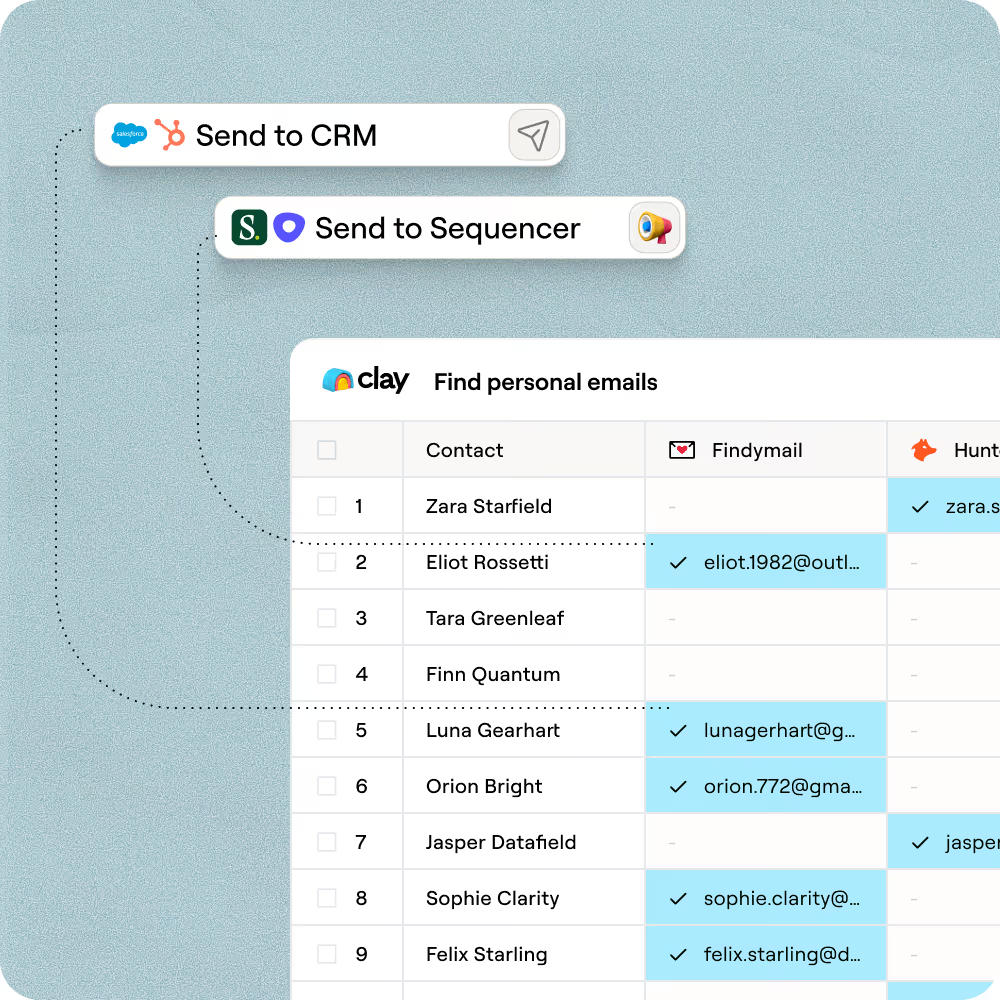
The finished table has contact name and verified work email for matched rows. Push to Smartlead, Instantly, or your sequencer to trigger outreach the moment a row lands.
Why Clay for finding email from phone number
AI identity resolution from any phone number
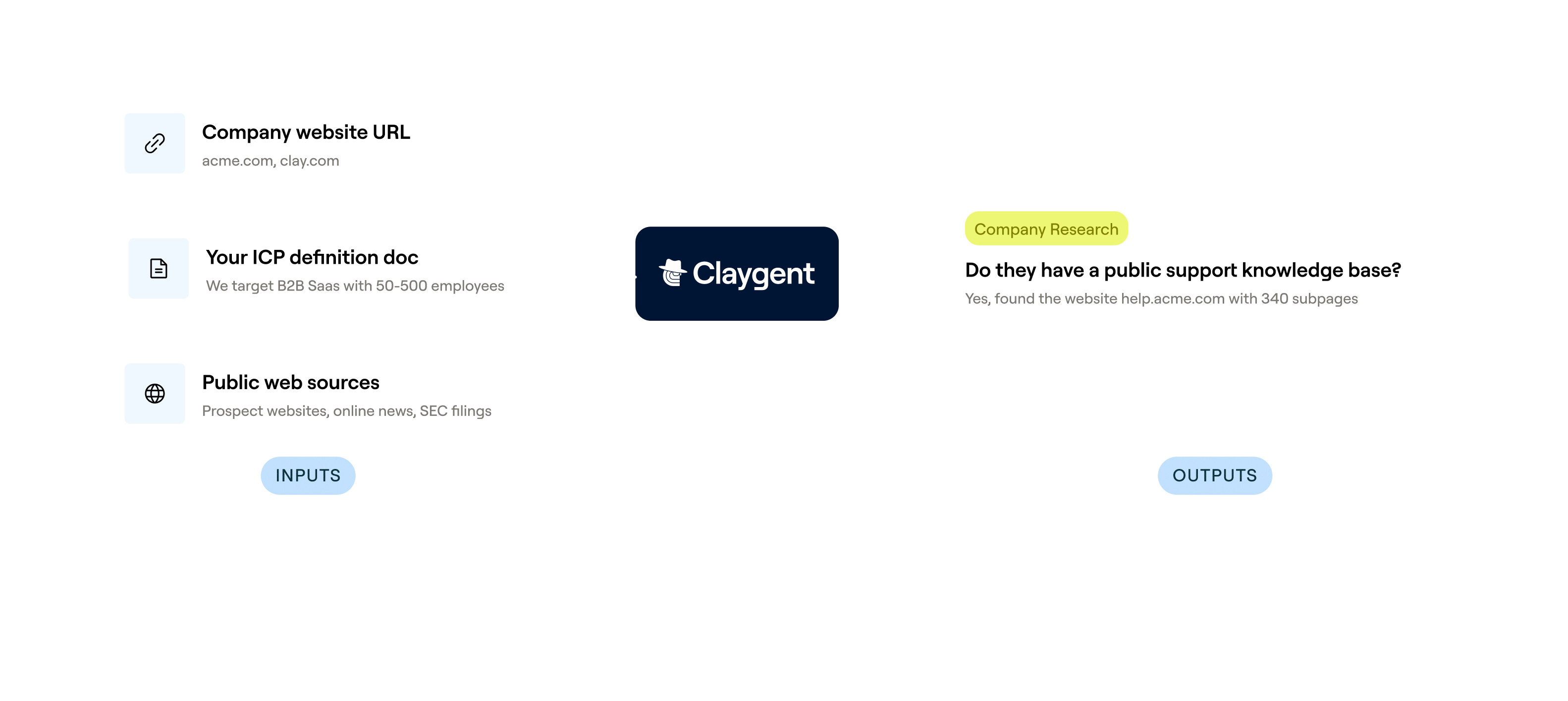
Get a confirmed name, company, and job title for matched rows before the email search begins. Claygent browses public professional sources to resolve the person behind a number, so you hand the waterfall a strong identity anchor, not just a digit string.
150+ provider waterfall, credits only on a hit
Get a verified work email for matched contacts without paying for misses. Clay waterfalls through 150+ providers in sequence, stopping at the first hit and charging credits only when one lands.


Verification flags catch-alls and role inboxes
Every found address is scored before it reaches your sequencer: Valid rows are cleared to send, catch-all domains get a dedicated verification pass, and role-based inboxes are flagged so your bounces stay low.
One-click push to Smartlead or Instantly
Send verified rows straight to Smartlead, Instantly, Outreach, or Salesloft the moment the waterfall closes. No CSV exports, no reformatting, just an outreach sequence that starts firing in minutes.

When one provider doesn’t have it, Clay automatically checks the next one. It really helps our inbound and outbound motions because we can leverage the best source of data. I’ve never seen a tool that was so easy to do this process.
Frequently asked questions
How does Sculptor find emails from phone numbers?
Sculptor takes your CRM or contact list records that have a phone number but no email, then runs waterfall enrichment across multiple contact-data providers in sequence. Each provider is queried one after another until a verified work email is found. ZeroBounce validates every returned email so only deliverable addresses reach your results. You can push enriched records straight back to HubSpot, Salesforce, or Pipedrive, or export as CSV.
How accurate are the email results from phone number lookups?
Coverage typically jumps from around 30% with a single provider to 80%+ using Clay's waterfall across providers like Hunter, Datagma, and Findymail. In Clay's own benchmark of 12 email providers, seven scored above 96% confidence on SMB contacts, with Datagma leading at 97.70%. Every result also passes ZeroBounce verification, which filters out catch-all and invalid addresses before they hit your CRM.
Can I find emails from phone numbers in bulk?
Yes. Paste a list of contacts, upload a CSV, or pipe records directly from a Clay table. Sculptor processes every row in parallel through the same waterfall enrichment, returning contact name and verified work email for each match. Push the full batch to your CRM (HubSpot, Salesforce, or Pipedrive) or export as CSV to load into your outreach sequences.
Is it legal to enrich phone contacts with email addresses?
CAN-SPAM governs all commercial email in the US, including B2B. It requires accurate sender info, a physical address, and a working opt-out link in every message. Penalties rose to $53,088 per violation as of January 2025. In the EU, GDPR lets you process B2B contact data under legitimate interest (Article 6(1)(f)), but you must document a balancing test and disclose your data source under Article 14.
Always check the rules for your jurisdiction before sending outreach, and honor opt-out requests promptly.