




























.avif)










.avif)




























How to find BDR and SDR hiring managers
Describe your target market or industry
Add the market or industry you want to target, and Sculptor scans job boards for companies actively posting BDR or SDR openings.
Sculptor surfaces companies hiring sales roles
Sculptor identifies companies in your target market with active BDR or SDR job postings, treating each opening as a hiring signal, then waterfalls through 150+ providers to find a verified Head of Sales email on matched rows.
Get company names and Head of Sales emails
The finished table has company name and, for rows the waterfall enriched, a verified Head of Sales email. Push to Smartlead, Instantly, or your sequencer to trigger a campaign.
Why Clay for finding BDR/SDR hiring managers
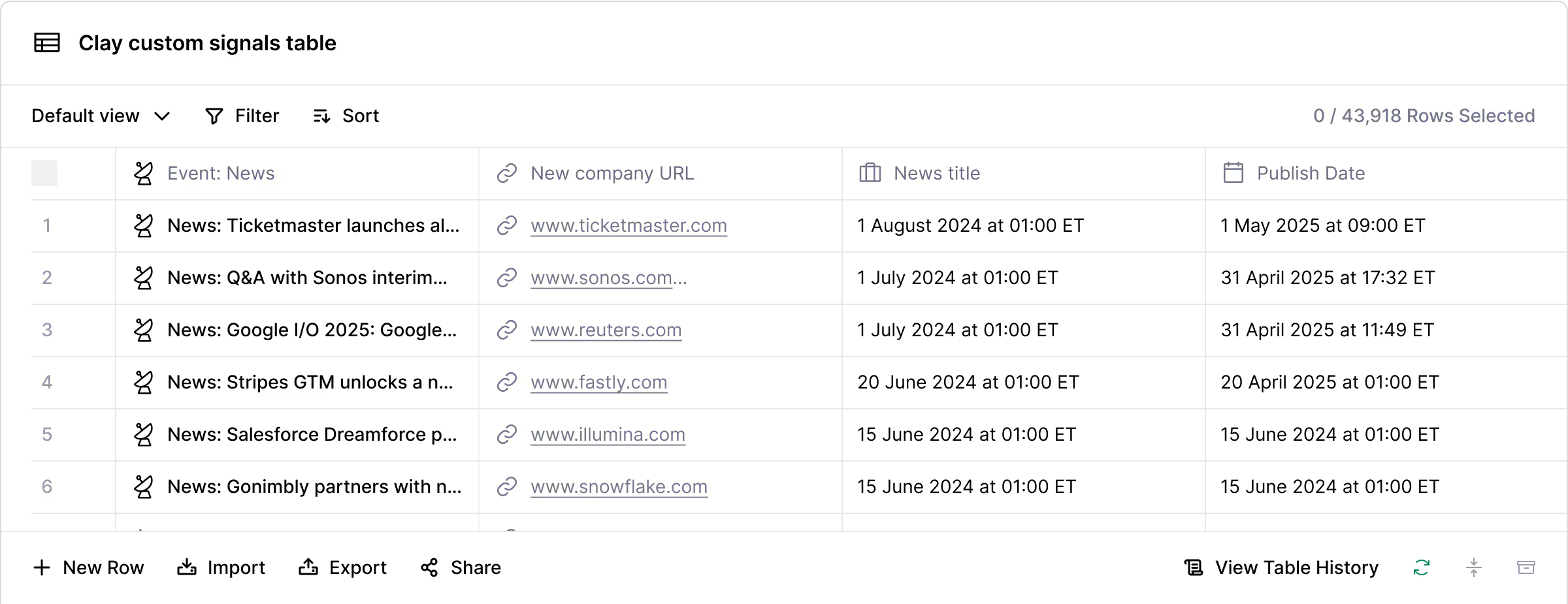
Live job signal detection across boards
Identify companies actively posting BDR or SDR roles, pulled through Clay's Find Jobs source spanning PredictLeads, Google Jobs, and Clay's native jobs database. Each posting is a timed signal, not stale list data, so you reach hiring managers while the role is still open.
Waterfall enrichment for verified Head of Sales emails
Get a verified work email for matched Head of Sales contacts on hiring rows. Clay waterfalls through 150+ providers and only charges credits when one returns a hit, with catch-alls and role inboxes flagged before anything reaches your sequencer.

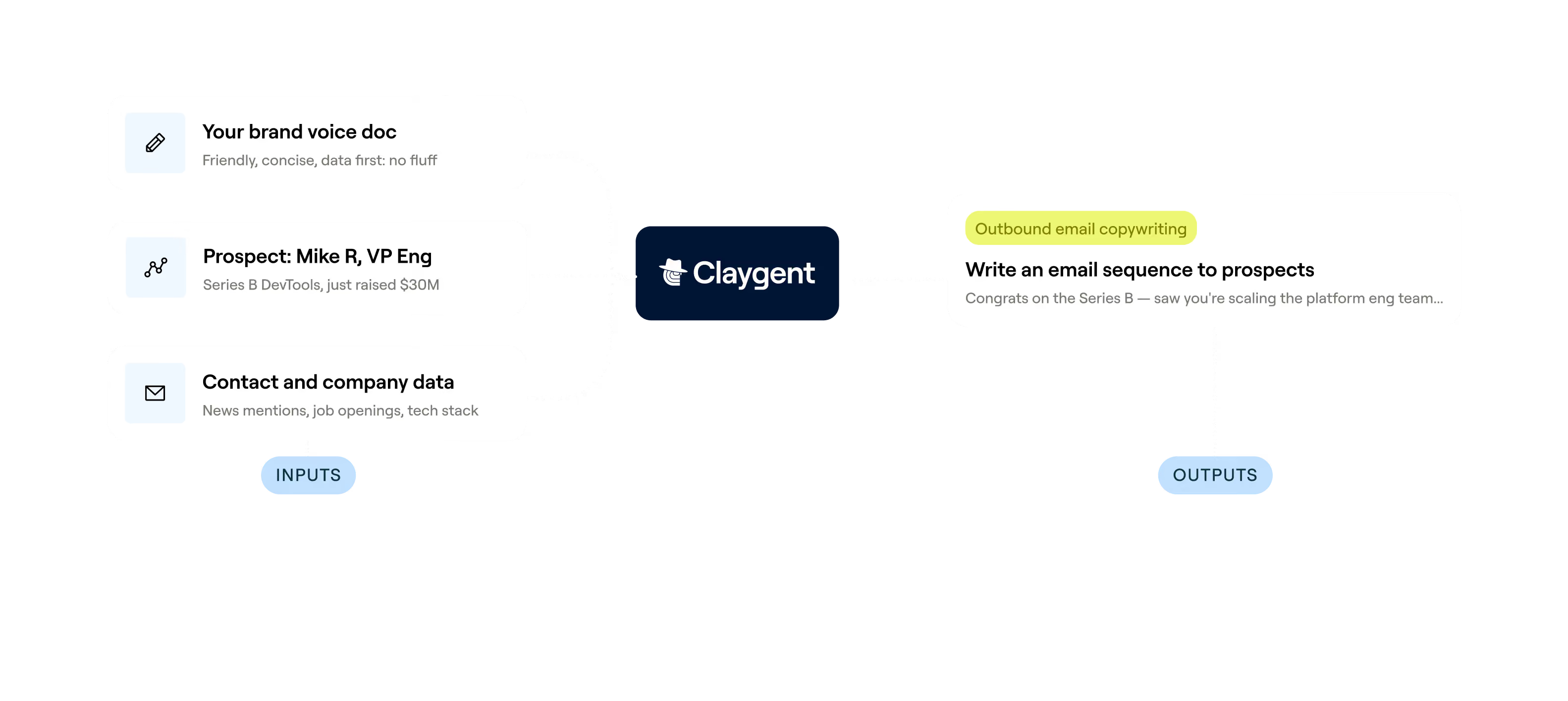
Claygent reads job descriptions for personalization
Get a context-aware first line for every outreach email in minutes. Claygent browses each job posting, extracts the responsibilities, and feeds them into an AI prompt that drafts a message referencing the exact problems the company is trying to solve with the hire.
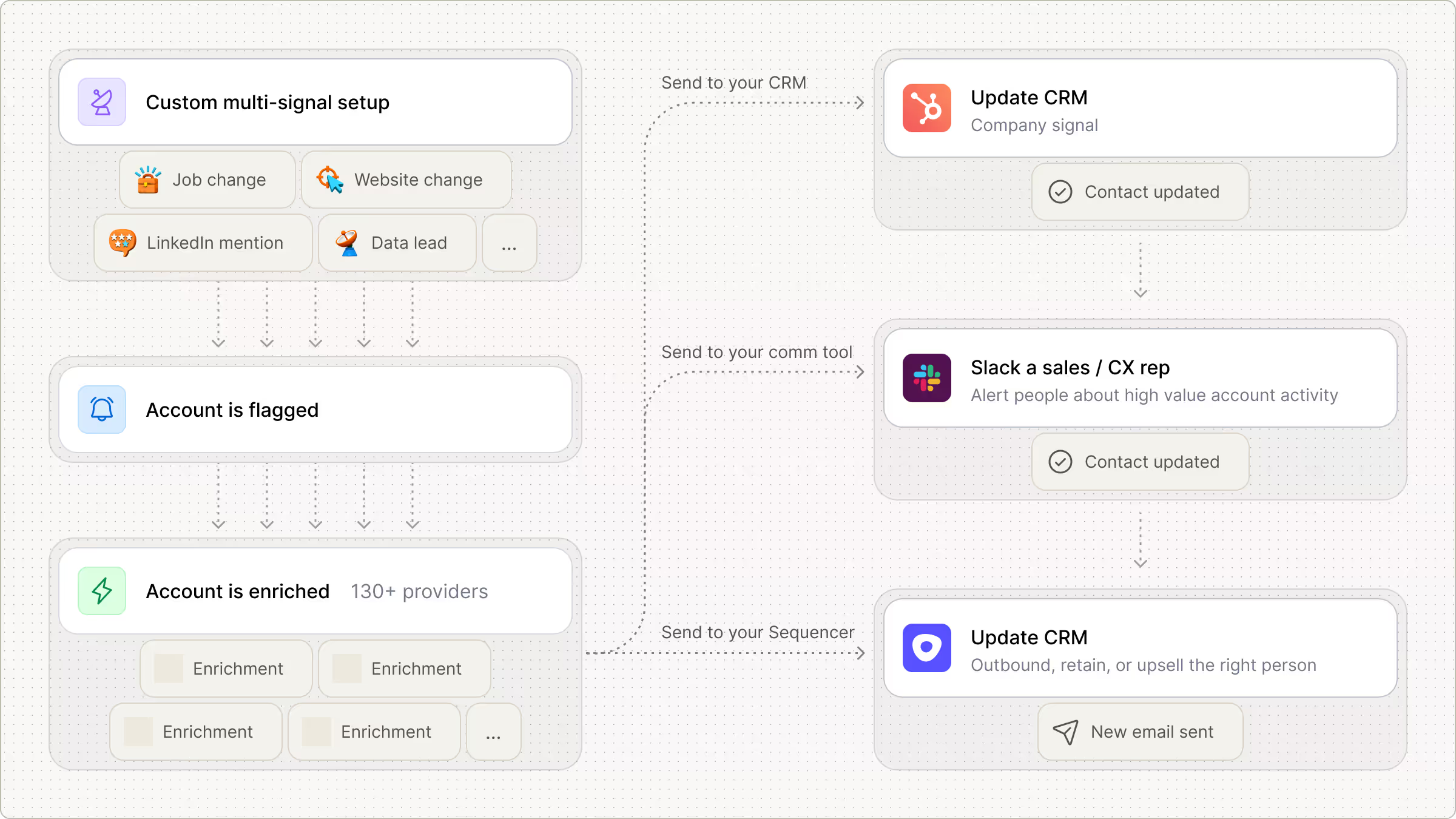
Scheduled signal refresh with sequencer push
New BDR or SDR postings surface automatically on a daily or weekly schedule, so your table stays current without manual re-runs. Enriched rows push directly to Smartlead or Instantly the moment a hiring signal is detected.

Clay is the Rippling marketing team's secret weapon. It has helped us build an experimentation-driven GTM motion that iterates on ideas and scales what works. We've greatly improved our outbound email performance, deeply enriched our customer base with AI, and more.
Frequently asked questions
How does Sculptor find BDR/SDR hiring managers?
Sculptor uses Clay's Find Jobs source to scan active job postings aggregated from 16,000+ sources, including TheirStack and PredictLeads, filtering for open BDR or SDR roles in your target industry or location. It then runs a Find People lookup filtered by job title and seniority to identify the Head of Sales Development at each hiring company and pulls a verified work email through waterfall enrichment across providers like Hunter, Apollo, and People Data Labs.
How accurate are the hiring manager emails Clay finds?
Clay's waterfall enrichment sequences 10+ email providers and typically reaches 80 to 95% coverage, compared to roughly 30 to 50% from a single provider. Each returned address goes through a verification step that flags it as valid, catch-all, or invalid, so you can filter to only confirmed deliverable contacts before launching outreach. Credits for lookups that return no result are refunded automatically.
Can I find BDR/SDR hiring managers in bulk?
Yes. Type your criteria into Sculptor and it generates a full table of hiring companies with decision-maker emails in one shot. You can also paste a list of companies, upload a CSV, or pipe results from an existing Clay table. Once your list is built, push verified contacts directly to HubSpot, Salesloft, Outreach, or Smartlead to start sequences the same day.
Is it legal to cold email BDR/SDR hiring managers?
In the US, the CAN-SPAM Act permits unsolicited B2B email as long as you include a valid physical address, a clear opt-out mechanism, and honor unsubscribe requests within 10 business days. Penalties reach up to $53,088 per non-compliant message. In the EU and UK, GDPR allows B2B cold outreach under a legitimate interest basis when the message is relevant to the recipient's professional role and you provide a way to opt out.
Always check the rules for your specific jurisdiction before sending, as local regulations can add stricter requirements.