







































.avif)




























How to find and append firmographic data
Paste your target account list to enrich
Paste your account list into Sculptor and specify the firmographic fields you need: industry, headcount, revenue, and funding stage. Sculptor enriches every row.
Sculptor waterfalls through providers for each field
Sculptor enriches each company by waterfalling through Clay's provider network in sequence, querying the most cost-effective source first and stopping when a match is found. It fills industry, headcount, revenue, and funding stage per row.
Get a complete firmographic profile per company
The finished table has company name, industry, headcount, revenue, and funding stage for matched rows. Write enriched fields back to HubSpot or Salesforce automatically as Clay refreshes the data.
Why Clay for finding and appending firmographic data
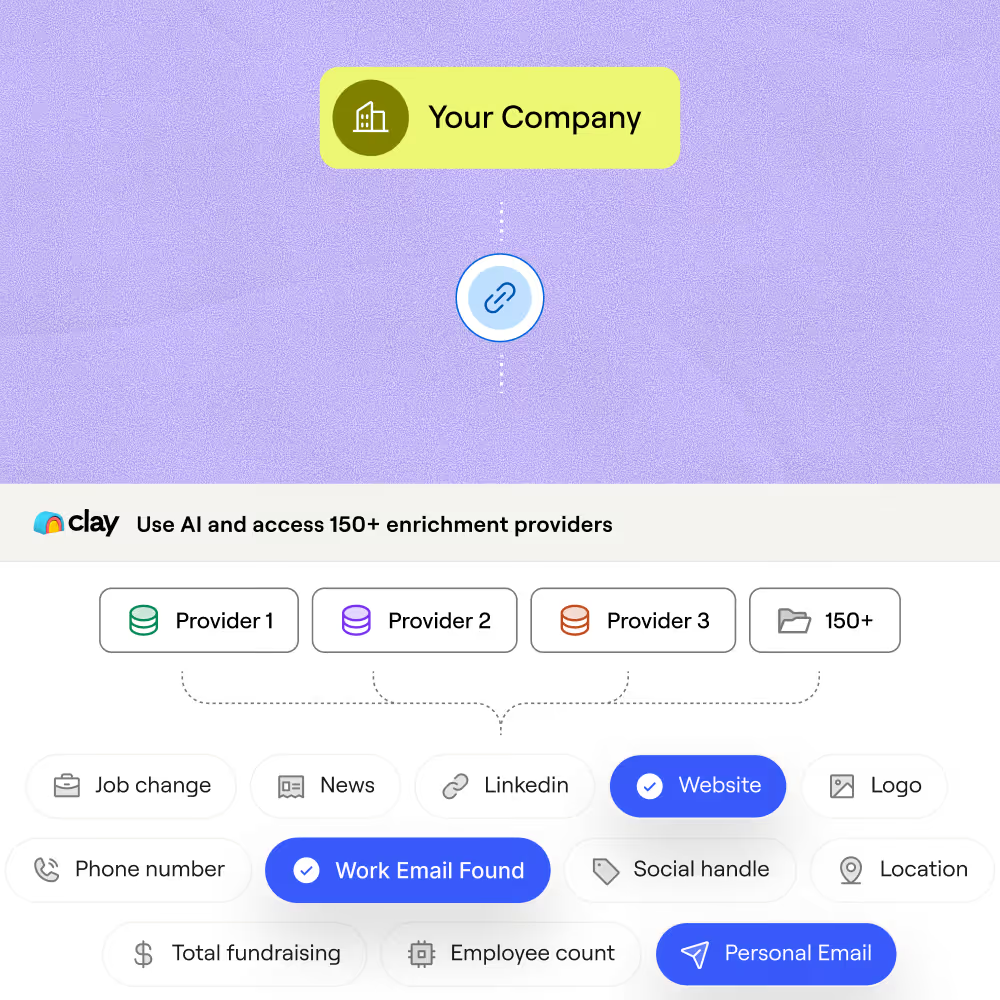
Waterfall coverage across providers, pay per match
Get industry, headcount, revenue, and funding stage filled in for matched rows. Clay waterfalls through providers in cost order, stopping at the first confident hit, and only charges credits when one returns a match.
Claygent fills gaps no database covers
Where providers return empty or conflicting values, Claygent browses each company's own site, filings, and recent news to confirm or fill the field. Inferred fields like revenue estimates come back with a one-line source note.
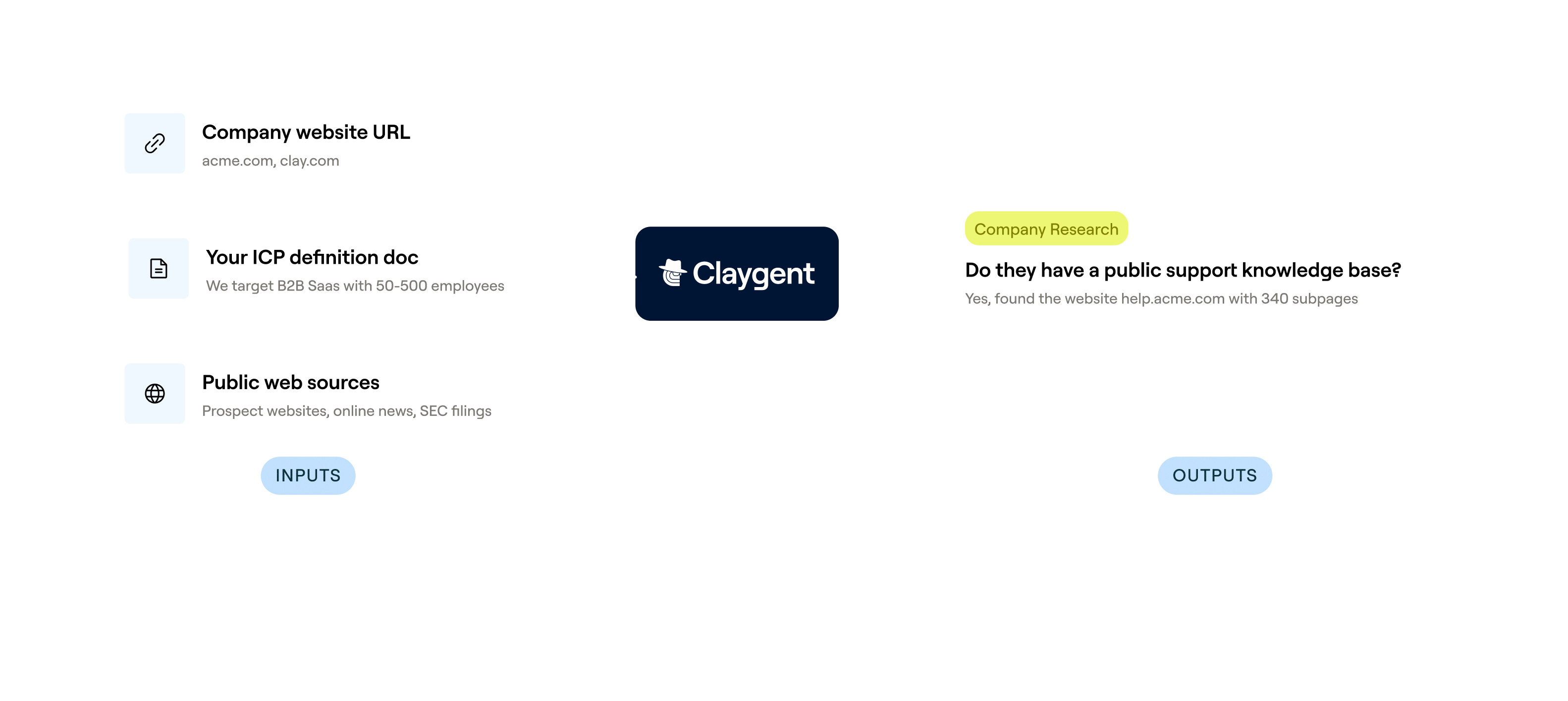

AI formulas score accounts on enriched fields
Turn enriched firmographics into a scored, tiered list using Clay's formula columns. Weight headcount, funding stage, hiring velocity, and tech stack (via HG Insights) to classify accounts into ICP tiers before routing.
Auto-refresh and sync back to Salesforce or HubSpot
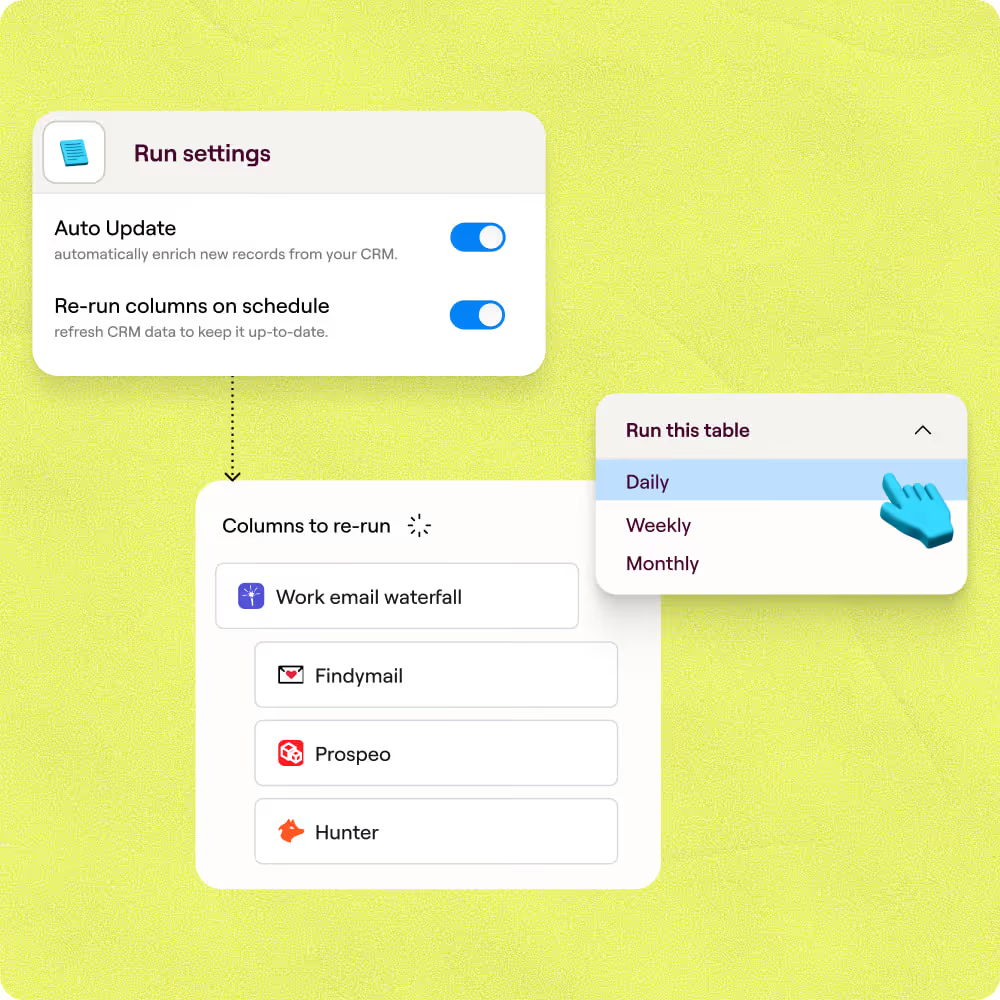
Firmographics drift as companies grow and raise. Clay schedules re-runs on your cadence and writes updated fields back to Salesforce or HubSpot automatically, keeping your CRM a reliable source of truth.

Our most successful campaigns are built on data that doesn’t exist in off-the-shelf tools. Clay helps us find those signals — and transform ambitious ideas into executable, high-performing campaigns.
Frequently asked questions
How does Sculptor find and append firmographic data?
Sculptor takes your target industry or segment, pulls matching B2B companies from multiple company-data sources, then runs each record through a waterfall of 75+ providers to fill firmographic fields like revenue, headcount, industry, and funding stage. It also locates the VP of Sales at each company and queries multiple contact-data providers to return a verified work email.
How accurate is Clay's firmographic enrichment data?
Coverage typically lands around 80% when you stack providers in a waterfall, roughly double what a single source like Clearbit or People Data Labs delivers on its own. Clay's cheapest-first ordering queries providers like Clearbit, HG Insights, RocketReach, and SMARTe in sequence, so each record resolves from the most accurate source that returns a match before falling through to broader ones.
Can I append firmographic data for a whole list at once?
Yes. Paste a list of domains, upload a CSV, or pipe records from an existing Clay table, and Sculptor runs the full waterfall across every row automatically. Once enriched, push the results directly into Salesforce or HubSpot using Create or Update actions, or export to your outbound sequencer for immediate prospecting.
Is it legal to collect and email B2B contacts using firmographic data?
In the U.S., the CAN-SPAM Act permits unsolicited commercial email to business addresses but requires accurate sender info, a physical postal address, and a working opt-out mechanism honored within 10 business days. Penalties reach up to $53,088 per non-compliant message. In the EU, GDPR Article 6(1)(f) allows B2B outreach under a legitimate-interest basis, but you must document the balancing test and honor data-subject rights.
Always check the rules for your jurisdiction before launching outreach campaigns.