







































.avif)




























How to find company NAICS code
Paste your target account list into Sculptor
Drop in your target account list and specify that you need each company's NAICS code with industry description. Sculptor enriches every row against Clay's provider network.
Sculptor enriches each company with NAICS data
Sculptor waterfalls through Clay's company enrichment providers in sequence, appending a six-digit NAICS code and the matching industry description to each row. Only rows where a provider returns a match are populated.
Review your table with NAICS codes and industry descriptions
The finished table has company name, NAICS code, and industry description per matched row. Export to CSV, sync to Salesforce, or pipe into your outbound tool of choice.
Why Clay for finding company NAICS codes
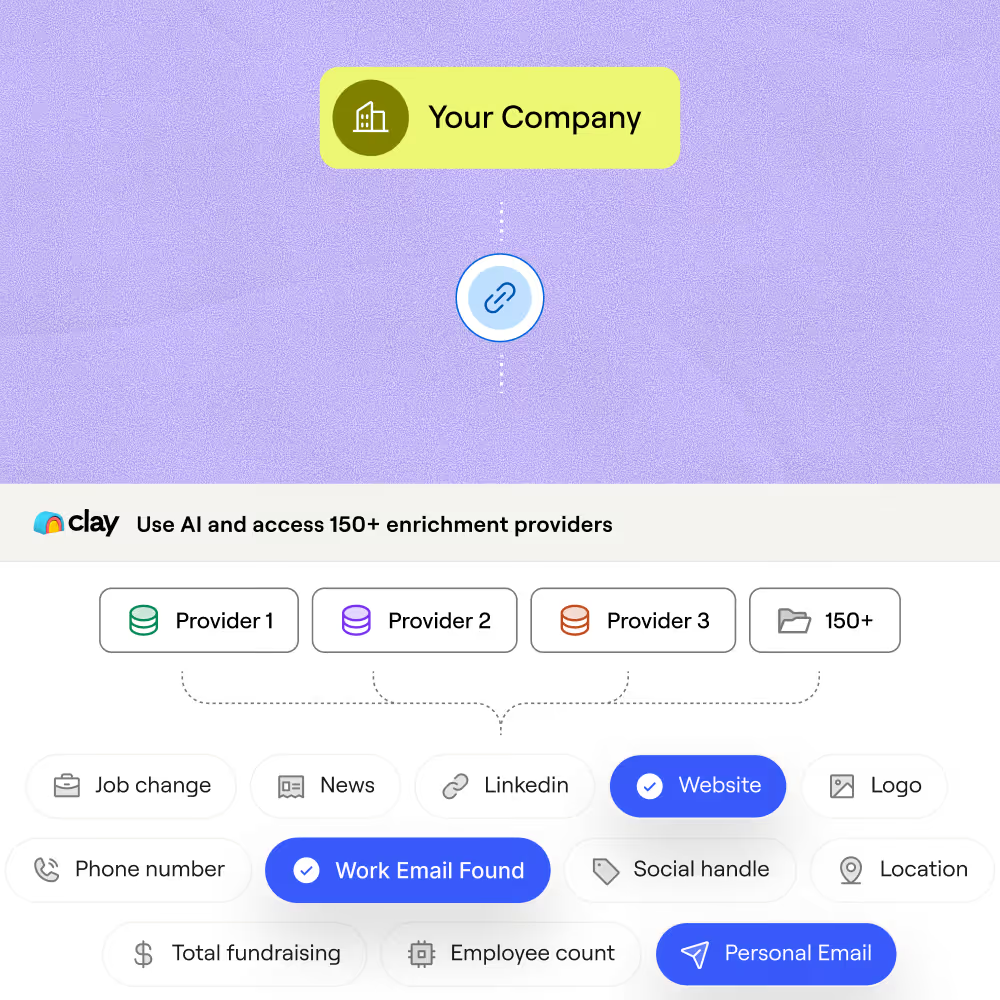
Waterfall enrichment across multiple NAICS providers
Get a NAICS code and industry description for matched rows across your account list. Clay waterfalls through providers like HG Insights, People Data Labs, ZoomInfo, and Versium in sequence, charging credits only when a match is returned.
AI research fills gaps standard databases miss
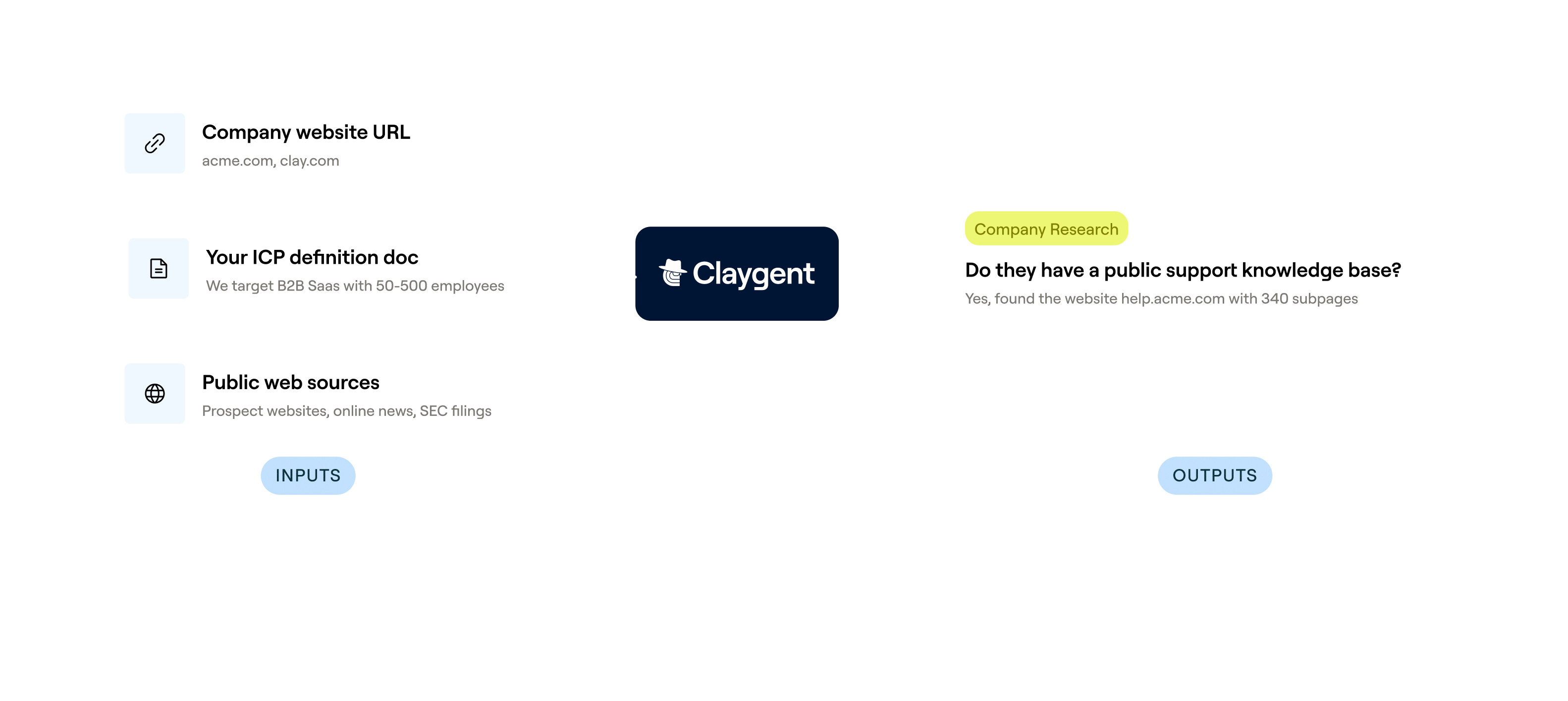
When structured providers don't return a NAICS code, Claygent browses each company's site and public filings to infer and return the closest industry classification. No manual lookup required.
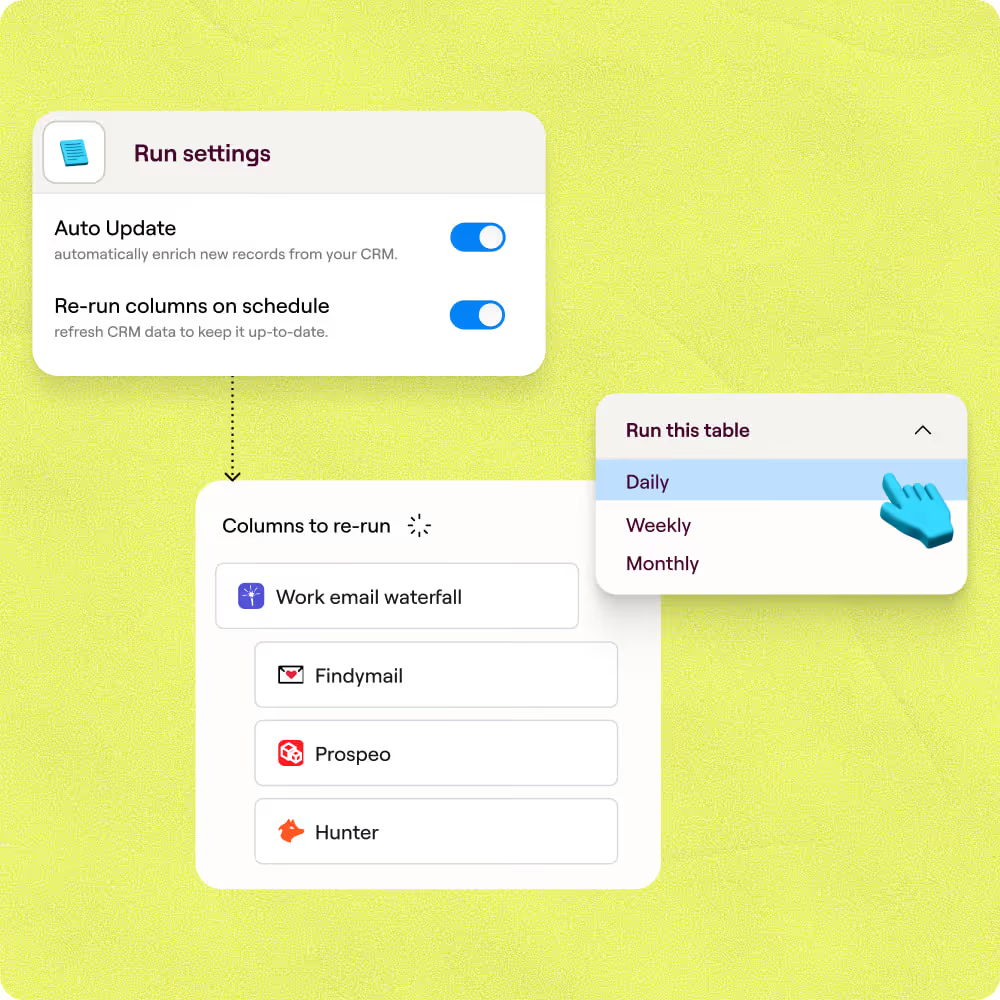
Auto-refresh keeps NAICS data current on schedule
Clay re-runs your NAICS enrichment on a schedule so reclassified or newly added accounts stay accurate. Only rows that have aged past your chosen window are re-enriched, keeping credit costs low.
Sync enriched NAICS data back to HubSpot or Salesforce
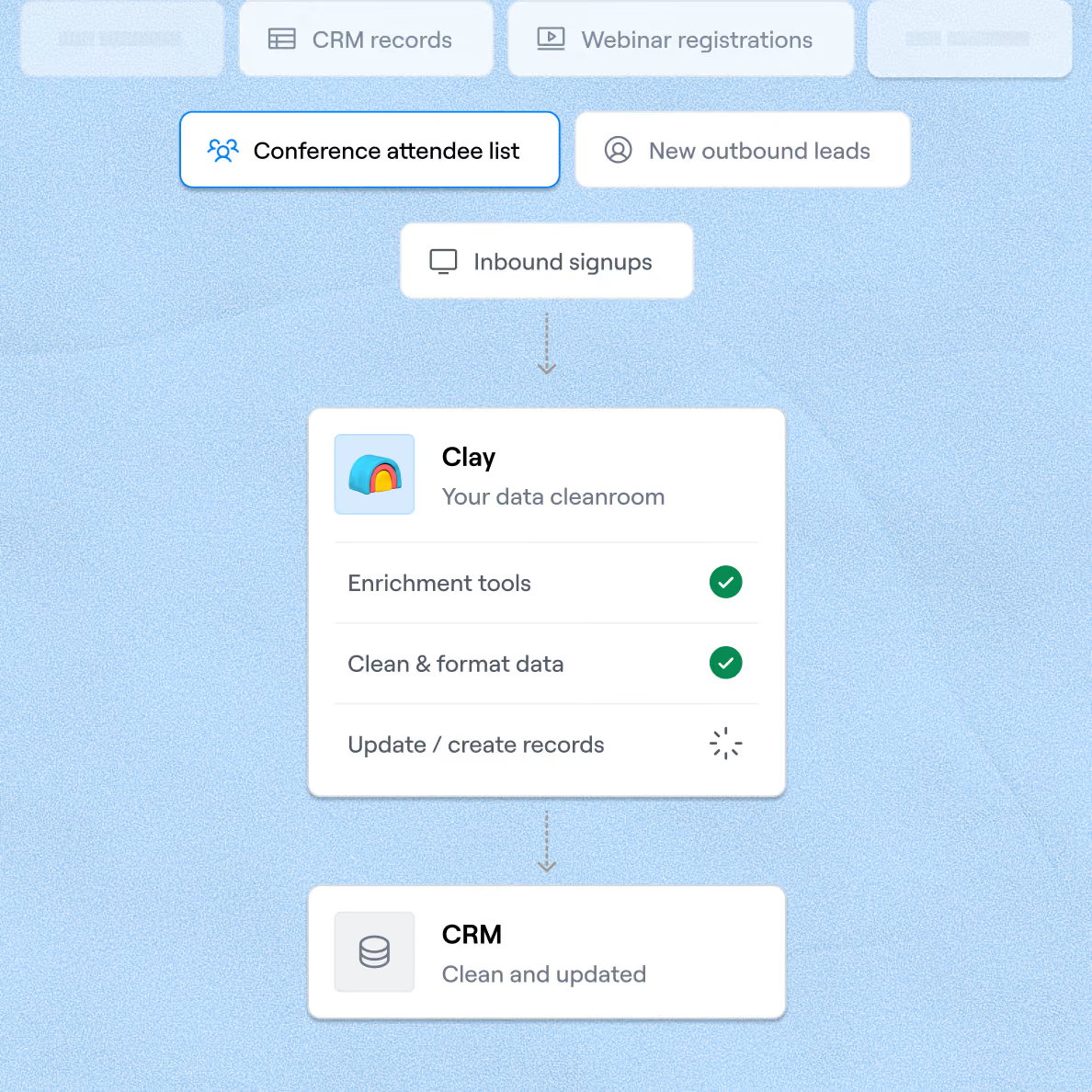
Push verified NAICS codes and industry descriptions directly to HubSpot or Salesforce via Clay's native integration, keyed on record ID so no duplicates are created and no manual exports are needed.

Clay is a game changer for marketing, data, and operations. We have 3x our enrichment rate with Clay’s combination of data providers. Clay makes it easy to use AI for GTM initiatives, unlocking new workflows that were infeasible before.
Frequently asked questions
How does Sculptor find a company's NAICS code?
Type your target industry or sector into Sculptor's prompt and hit Generate. Sculptor builds a company table, then runs waterfall enrichment across up to 9 NAICS providers, including People Data Labs, ZoomInfo, and Clearbit, stopping as soon as a code is found. Claygent can also review a company's homepage to verify or override provider-supplied codes when classifications conflict.
How accurate are the NAICS codes Clay returns?
Industry classification via waterfall enrichment typically hits 92-97% accuracy, compared to 85-90% from a single source. Clay's own firmographic guide notes that NAICS classification varies by provider, which is why querying up to 9 sources and cross-checking with Claygent matters. The waterfall stops at the first match, but you can add a verification column to flag discrepancies.
Can I look up NAICS codes for a whole list at once?
Yes. Paste a list of company names or domains, upload a CSV, or pipe records from an existing Clay table. Sculptor and the NAICS waterfall enrich every row in parallel. When the table is complete, push results directly to HubSpot, Salesforce, or Pipedrive with custom field mapping, or export as a CSV for segmentation and scoring.
Is collecting company NAICS data compliant with privacy laws?
NAICS codes are firmographic company attributes, not personal data, so they sit outside most individual privacy regulations. Under CAN-SPAM, using NAICS codes to segment outreach lists is standard practice as long as emails include opt-out mechanisms and honest sender identification. GDPR's legitimate interest basis (Article 6(1)(f)) can support B2B outreach tied to firmographic targeting, but you must document a balancing test.
Always check the rules for your jurisdiction before launching campaigns, especially when pairing NAICS data with individual contact records.