






































.avif)




























How to find company employee count
Paste your target account list
Drop in your list of target companies. Sculptor waterfalls through Clay's provider network to append accurate employee counts to every row.
Sculptor enriches headcount across multiple providers
Sculptor waterfalls through Clay's company data providers in sequence, querying each for employee count and stopping once a match is found. Rows with a confirmed match return the verified headcount alongside company name.
Finished table with company name and headcount
The finished table has company name and employee count for matched rows. Sync enriched records back to HubSpot or Salesforce, or export to CSV for scoring and segmentation.
Why Clay for finding company employee count / headcount
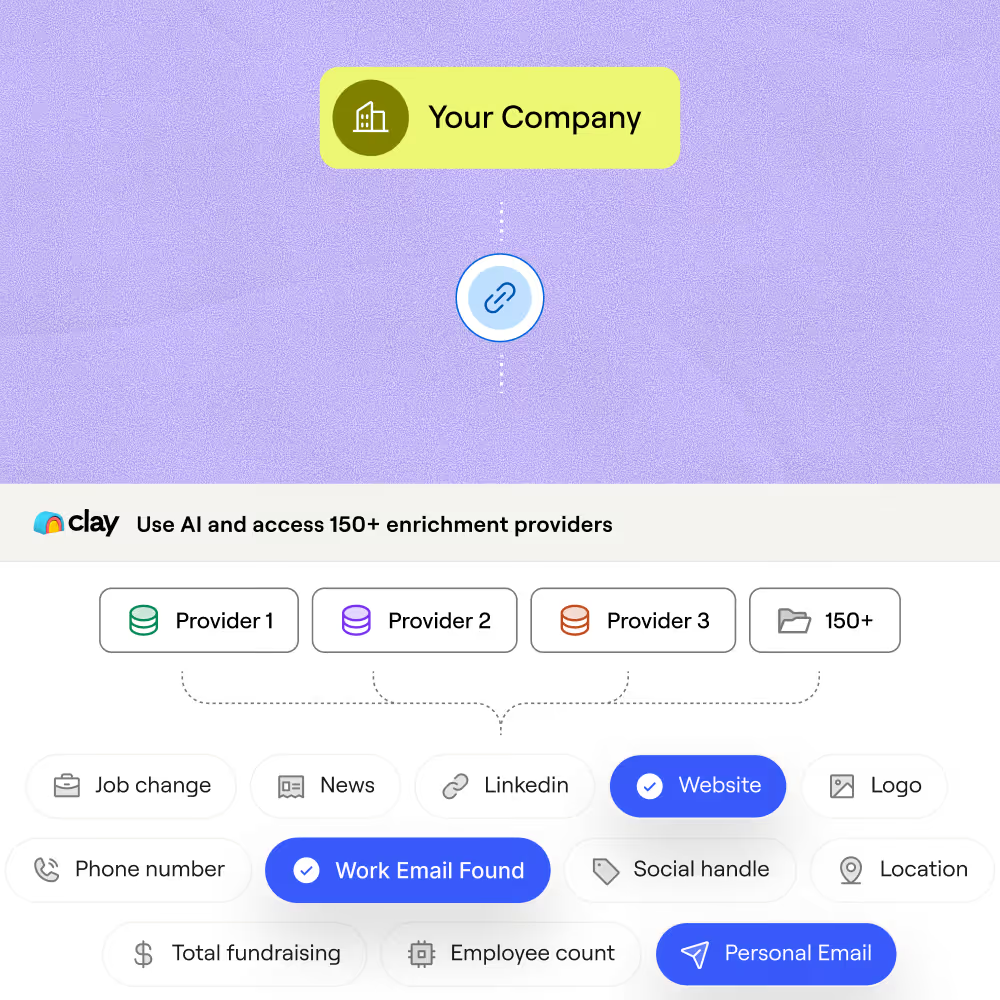
Waterfall coverage across multiple providers
Get accurate headcount for matched rows across your account list. Clay waterfalls through multiple providers in sequence, stopping as soon as one returns a result and charging credits only on a match.
Credits only charged on a confirmed match
Providers that return nothing cost nothing. Clay's waterfall skips past empty results, so you pay only for the rows where a headcount figure is actually returned, keeping enrichment costs predictable.

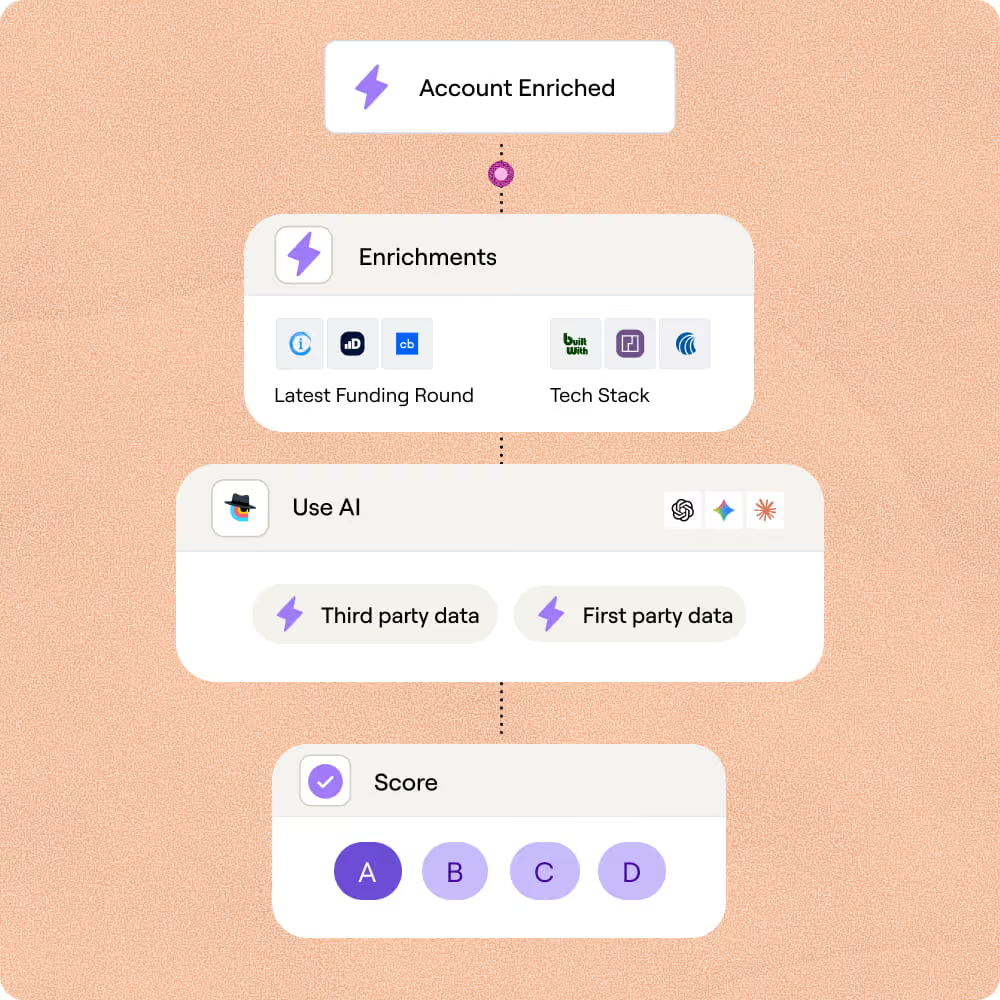
ICP scoring built on enriched headcount
Turn raw headcount into segment labels like "SMB" or "mid-market" using Clay's formula columns. Combine employee count with funding stage and hiring signals to auto-score every row against your ICP.
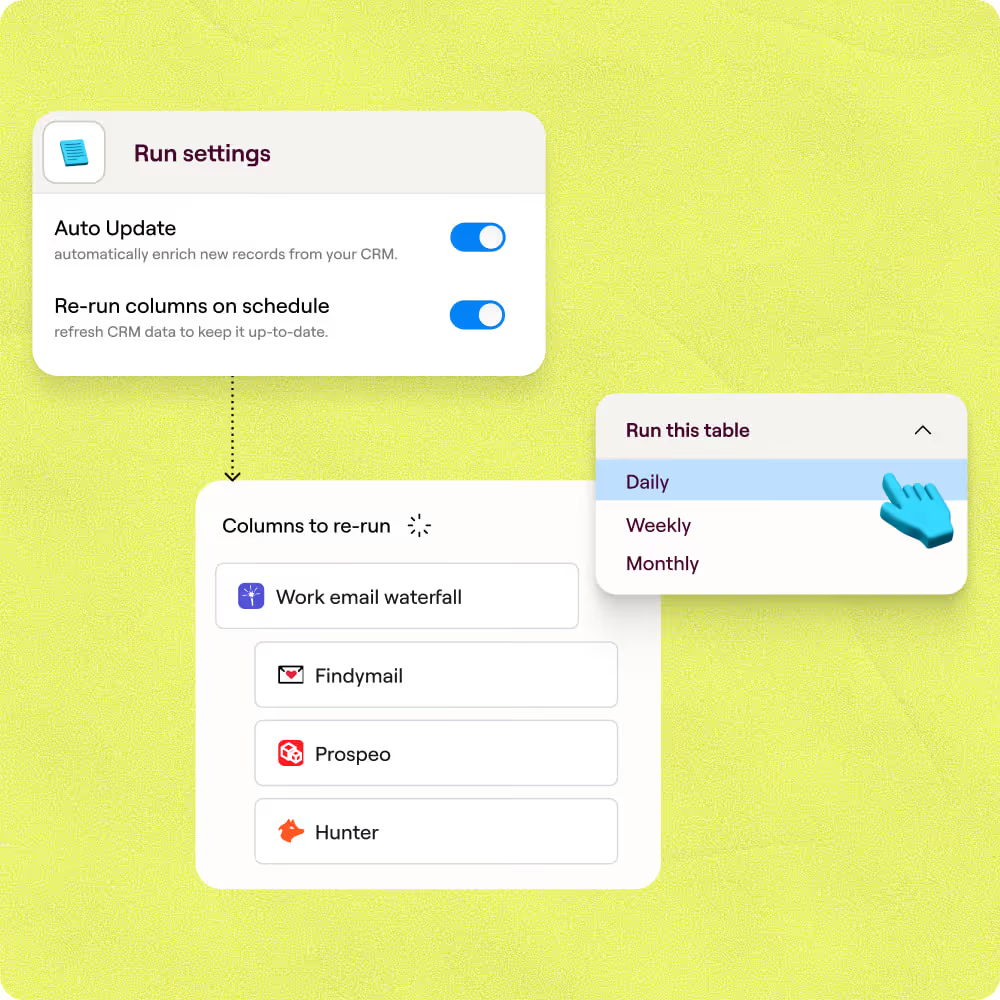
Auto-refresh and CRM sync on schedule
Headcount data decays as companies grow or shrink. Set Clay to re-enrich on a schedule and write updated values back to Salesforce or HubSpot automatically, with no manual exports required.

Clay is a game changer for marketing, data, and operations. We have 3x our enrichment rate with Clay’s combination of data providers. Clay makes it easy to use AI for GTM initiatives, unlocking new workflows that were infeasible before.
Frequently asked questions
How does Sculptor find company employee count?
Sculptor runs a waterfall enrichment across Clay's 150+ data providers. You enter your target headcount range or industry, and Sculptor queries multiple firmographic sources in sequence. If the first provider misses a company, the next one fires automatically. It returns each matching company's name, then layers on a contact email waterfall using providers like Findymail and LeadMagic to surface a verified VP of Sales email.
How accurate is Clay's company headcount data?
Coverage typically lands between 30% with a single provider and 80%+ when Clay's waterfall cycles through multiple sources. For the VP of Sales email appended to each row, Clay tested 12 email providers and found seven scored above 80% accuracy on SMB contacts. Running providers like Findymail and LeadMagic in sequence compounds those hit rates so fewer rows come back empty.
Can I find employee counts for a whole list at once?
Yes. Paste a list of company names or domains, upload a CSV, or pipe records from an existing Clay table. Sculptor enriches every row in parallel, pulling headcount and VP of Sales emails across the full list. When the run finishes, push the results directly to HubSpot, Salesforce, or export as a CSV to kick off your outbound sequence.
Is it legal to cold email VPs found through headcount data?
In the US, the CAN-SPAM Act permits unsolicited B2B email as long as you include a physical address, accurate headers, and a working opt-out link. Fines can reach $53,088 per non-compliant message. In the EU, GDPR Article 6(1)(f) allows B2B outreach under the legitimate interest basis, provided the recipient would find the email relevant and you honor data subject requests.
Rules vary by country and industry, so check the regulations for your jurisdiction before launching any campaign.