





































.avif)




























How to find prospects
Describe your ICP and target title
Paste your target market or ICP description and the title you want to reach. Sculptor searches Clay's people database for matching contacts.
Sculptor builds and enriches your prospect list
Sculptor assembles a list of contacts matching your ICP, filtered by industry, headcount, and role, then waterfalls through 150+ providers to find a verified work email for the title you specified. Only matched rows get an email.
Get your table of verified prospect emails
The finished table has company name and verified contact email where the waterfall found a match. Push to Smartlead, Instantly, or your sequencer to trigger a campaign the moment a row lands.
Why Clay for finding prospects
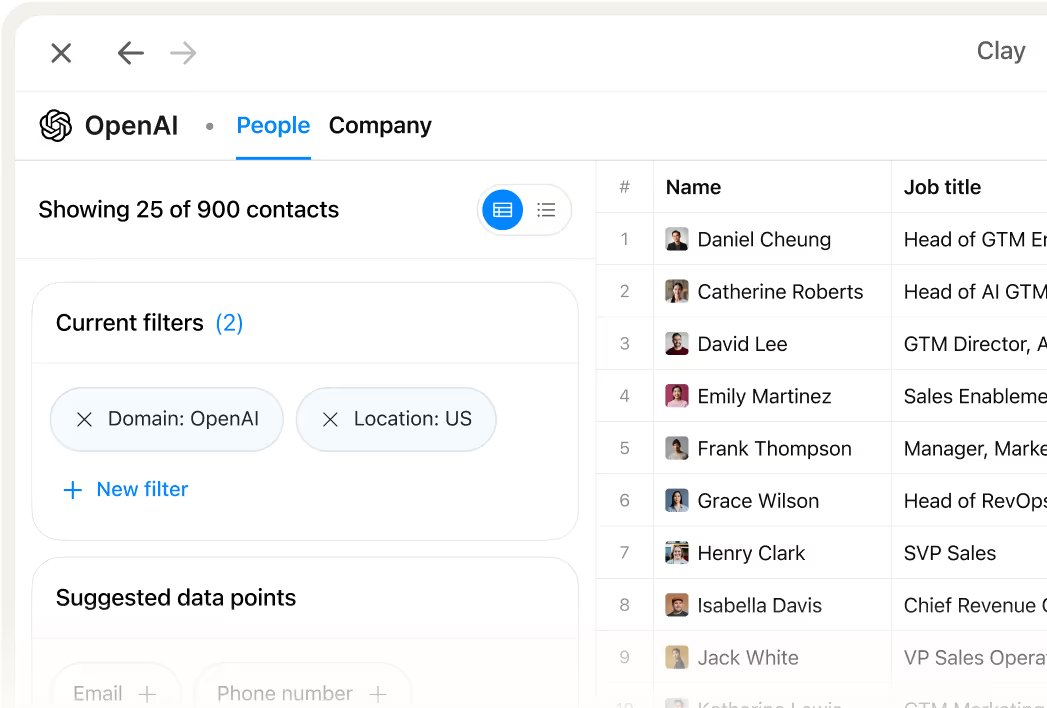
ICP-filtered prospect sourcing in one table
Get a targeted list of contacts matched to your ICP, filtered by industry, headcount, funding stage, tech stack, and hiring signals. Clay pulls matching rows from its people database in minutes, so no manual list-building is needed.
Waterfall coverage across 150+ providers
Get a verified work email for matched contacts without paying for misses. Clay waterfalls through 150+ providers in sequence and only charges credits when one returns a confirmed hit, pushing coverage well beyond a single provider.

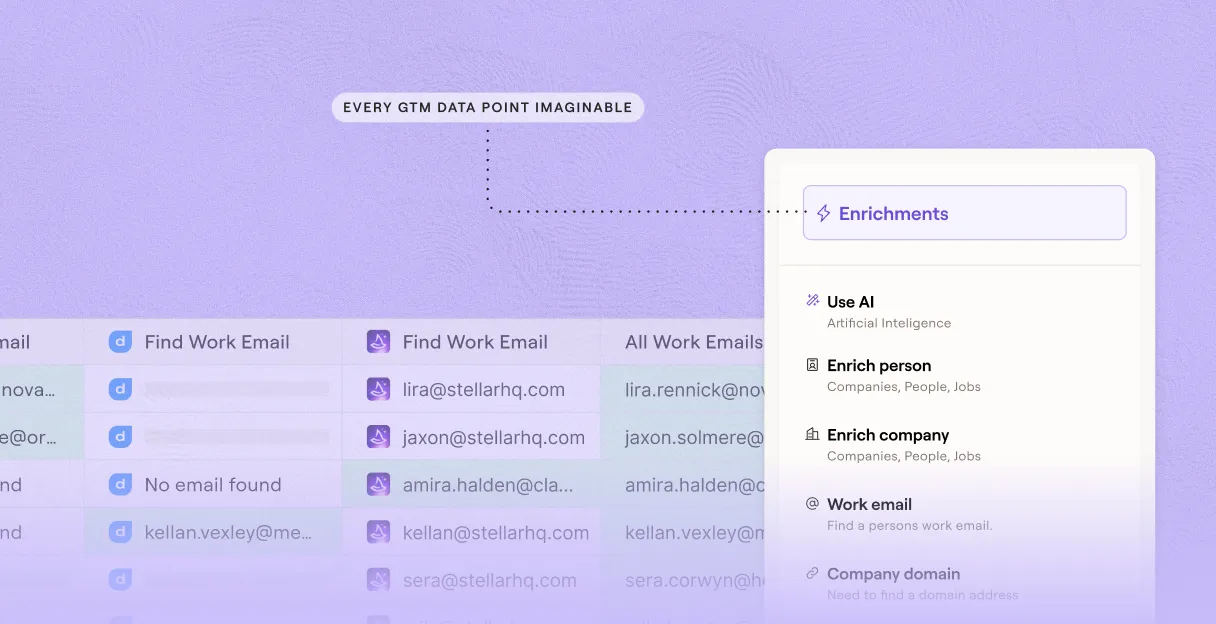
Verification that flags risky emails before send
Every matched email runs through multi-layer verification before it leaves Clay, flagging catch-alls and role inboxes so your bounces stay low. Claygent cross-checks email prefixes and domains against each company's live site.
Direct sequencer push to Smartlead or Outreach
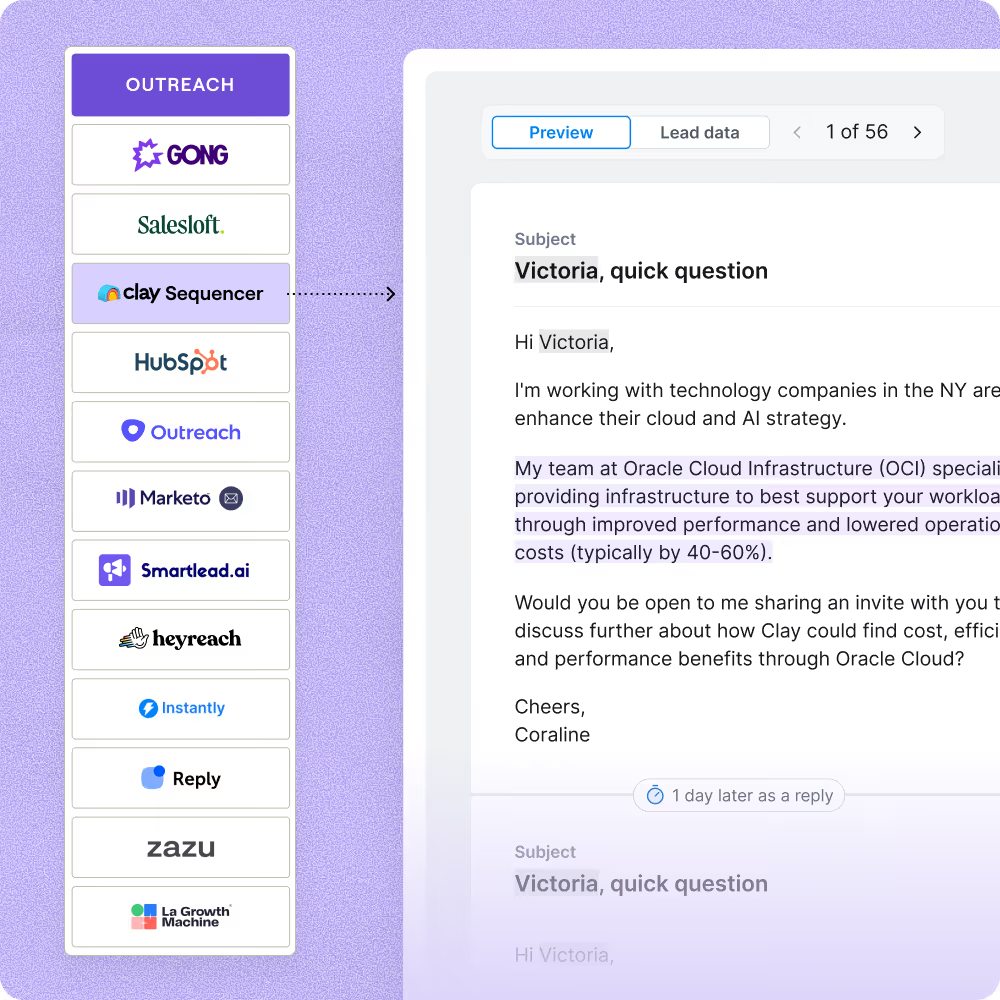
Finished prospect rows push directly to Smartlead, Instantly, or Outreach with field mapping preserved, no CSV required. Campaigns trigger the moment a row lands, so your outreach starts in seconds.

Clay should be an essential pillar of every company's GTM stack, enabling outbound built on the highest quality data foundation possible. Now you can automate hours of manual research so sales teams can focus on selling.
Frequently asked questions
How does Sculptor find prospects by industry?
Sculptor queries 100+ company-data sources to match your target industry or market, then runs a waterfall enrichment across multiple contact-data providers to locate a verified VP of Sales email for each company. You type a description like "enterprise SaaS" or "B2B logistics" into the prompt field, hit Generate, and Sculptor builds a complete prospect table with company name and email in one step.
How accurate are the prospect emails Sculptor returns?
Clay's waterfall enrichment pushes email coverage to roughly 80%, compared to the ~30% a single provider like ZoomInfo typically delivers. Every returned email also passes through ZeroBounce validation before it reaches your table. Toggle "Only mark Safe to Send emails as valid" to filter out catch-all addresses and keep your bounce rate low.
Can I find prospects in bulk for a whole list at once?
Yes. Paste a list of target industries, upload a CSV of company domains, or pipe data from an existing Clay table to generate prospects at scale. Sculptor processes every row through the same waterfall enrichment and validation steps. Push the finished table directly to HubSpot, Salesforce, or Outreach, or export as a CSV to load into any sequencer.
Is it legal to cold email prospects found this way?
The CAN-SPAM Act governs all commercial email in the U.S., including B2B outreach, and requires accurate sender info, a physical address, and a working opt-out link honored within 10 business days. Penalties can reach $53,088 per non-compliant message. In the EU, GDPR Article 6(1)(f) permits B2B prospecting under legitimate interest, but you must document that interest and offer a clear way to object.
Always check the rules for your jurisdiction before launching outreach campaigns.