


























.avif)











.avif)




























How to find social profiles by email
Paste your target account list into Sculptor
Paste your target account list. Sculptor searches Clay's people database to match contacts at each account and surface their social profile URLs.
Sculptor enriches contacts and finds social profiles
Sculptor searches Clay's B2B contact data for people at your target accounts, then waterfalls through 150+ providers to find verified LinkedIn and social profile URLs for each matched contact.
Your table shows names and verified social profile URLs
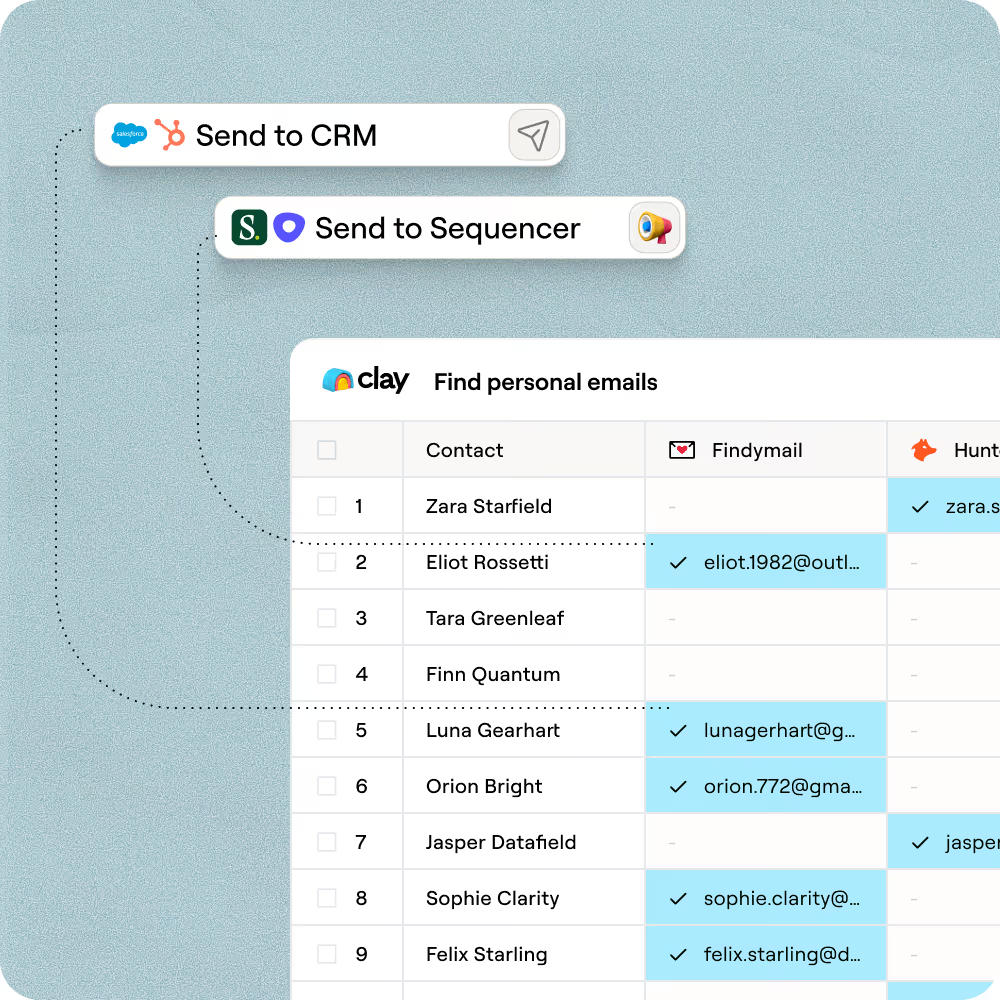
The finished table has contact name and social profile URL for matched rows. Push to HubSpot or Salesforce to log each contact, or route to Outreach to start a personalized sequence.
Why Clay for finding social profiles
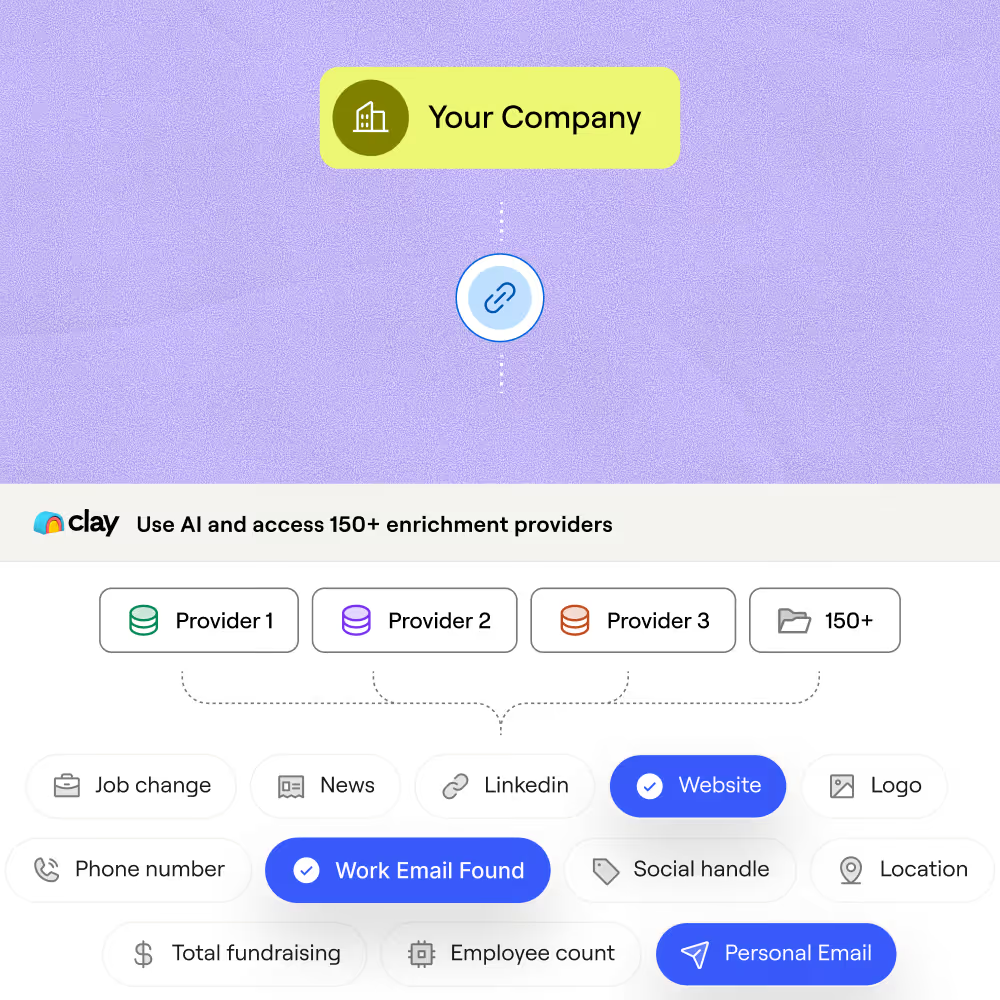
Multi-provider waterfall for social URL coverage
Get LinkedIn and social profile URLs for matched contacts at your target accounts. Clay waterfalls through 150+ providers and only charges credits when a provider returns a confirmed hit.
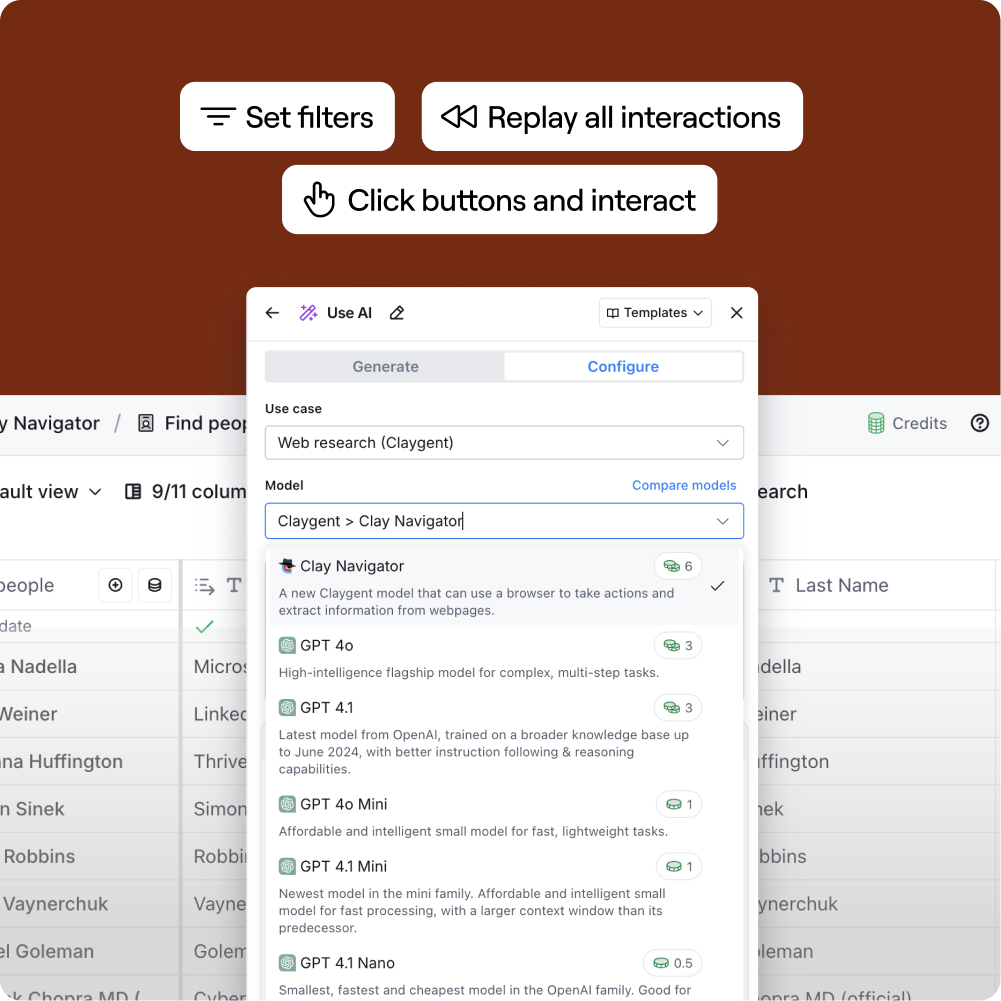
Claygent fills gaps structured data misses
When structured enrichment returns no social URL, Claygent browses Google to find and verify the LinkedIn profile from the contact's name and company, passing the result directly into your table.
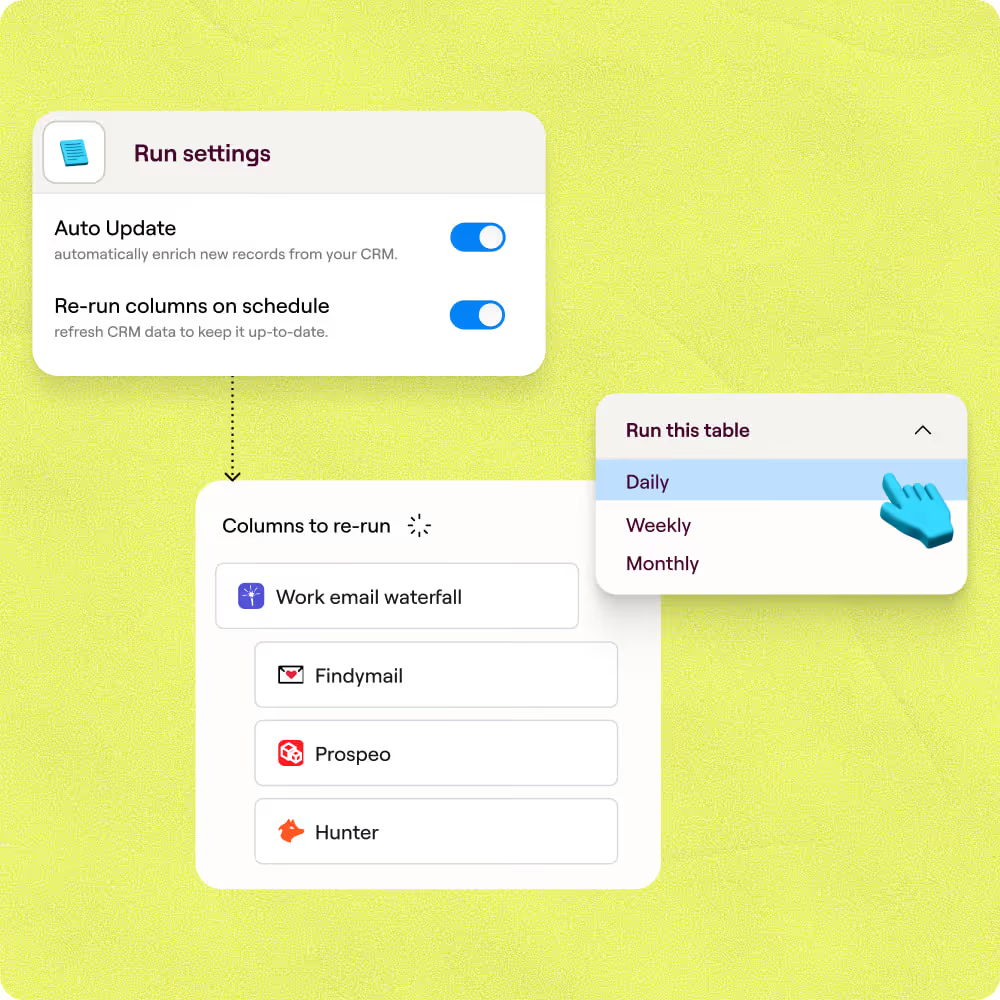
Auto-refresh keeps social profiles current
Set social URL enrichment on a schedule so stale records re-run automatically, flagging any rows where a profile URL has changed or gone inactive before they reach your sequences.
Push enriched profiles to Salesforce or Outreach
Route the finished table, with contact names and verified social profile URLs, directly into Salesforce for CRM logging or Outreach to trigger a personalized sequence without a manual export.

When one provider doesn’t have it, Clay automatically checks the next one. It really helps our inbound and outbound motions because we can leverage the best source of data. I’ve never seen a tool that was so easy to do this process.
Frequently asked questions
How does Sculptor find social profiles from a contact list?
Sculptor runs each contact through a waterfall of providers like LiveData, Datagma, and ContactOut. It passes the work email or full name (plus company domain when available) to each source in sequence until a verified social profile URL is returned. You only spend credits when a match comes back, so no budget is wasted on empty lookups.
How accurate are the social profile URLs Sculptor returns?
Clay's waterfall approach routinely pushes data coverage from around 40% with a single provider to 78% or higher by stacking sources like LiveData, Datagma, and ContactOut. Adding a company domain alongside each name or email sharpens match accuracy because providers can cross-reference the person against a specific organization, reducing false positives.
Can I find social profiles for an entire list at once?
Yes. Paste your contacts, upload a CSV, or pipe records from your CRM directly into a Clay table. Sculptor processes every row in bulk and returns a name and verified social profile URL for each match. When the run finishes, push results to HubSpot or Salesforce with Clay's native integrations, or export as a CSV.
Is enriching contacts with social profiles legal under GDPR?
Under GDPR, B2B social profile enrichment typically falls under legitimate interest (Article 6(1)(f)), provided the outreach is relevant to the contact's professional role and you document a balancing test. CAN-SPAM applies once you email those contacts and requires a working unsubscribe link, a real postal address, and honoring opt-outs within 10 business days. Inform prospects of the data source on first contact (Article 14) and apply data minimization.
Rules vary by country. Germany, for example, requires stricter opt-in even for B2B. Always check the regulations for your jurisdiction before launching outreach.