






































.avif)




























How to generate auto insurance leads
Describe your target city or region
Add your target city or region, and Sculptor searches Google Maps for auto insurance agencies matching your area.
Sculptor sources agencies and finds Owner emails
Sculptor scans Google Maps for auto insurance agencies in your location, then waterfalls through 150+ providers to find a verified Owner email. Only rows where the waterfall finds a match return a contact email.
Get a table with company name and Owner email
The finished table has company name and, for matched rows, a verified Owner email. Export to CSV or push to your outbound tool.
Why Clay for generating auto insurance leads

Google Maps sourcing for local agencies
Get a structured list of auto insurance agencies in any city or region, pulled directly from Google Maps by category and location. Each result includes business name, address, phone, and website, covering local shops invisible to traditional B2B databases.
Waterfall enrichment for owner emails
Get a verified owner email for matched rows. Clay waterfalls through 150+ providers in sequence and only charges credits when one returns a hit, so coverage climbs without wasted spend on misses.

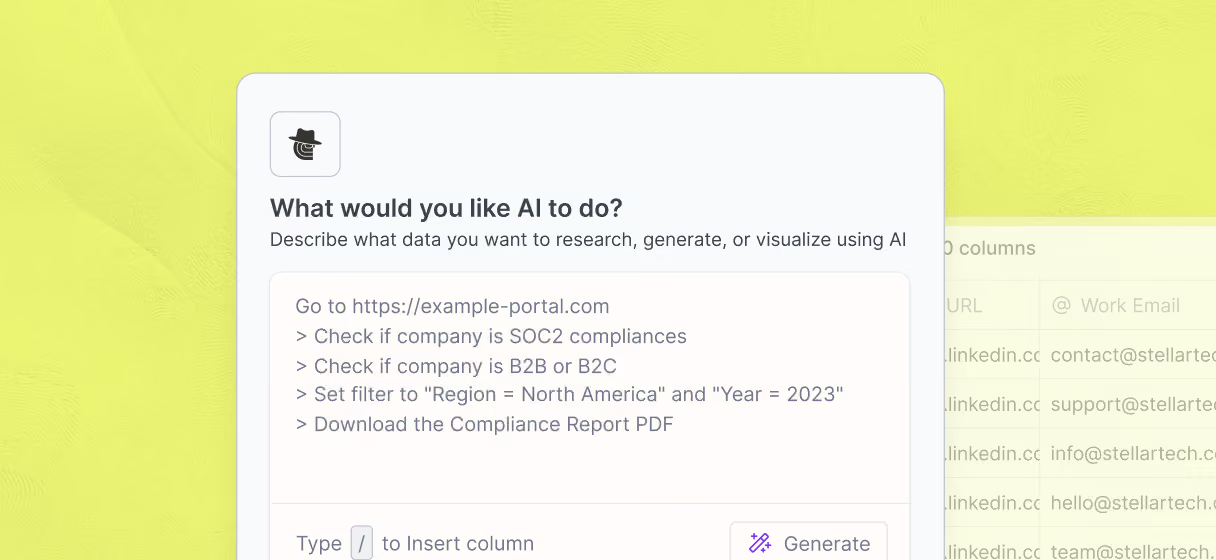
Claygent verifies current ownership from the web
Confirm each contact is the active owner before you reach out. Claygent reads each agency's website and public listings to verify ownership and flag outdated records, so your list stays clean without manual review.
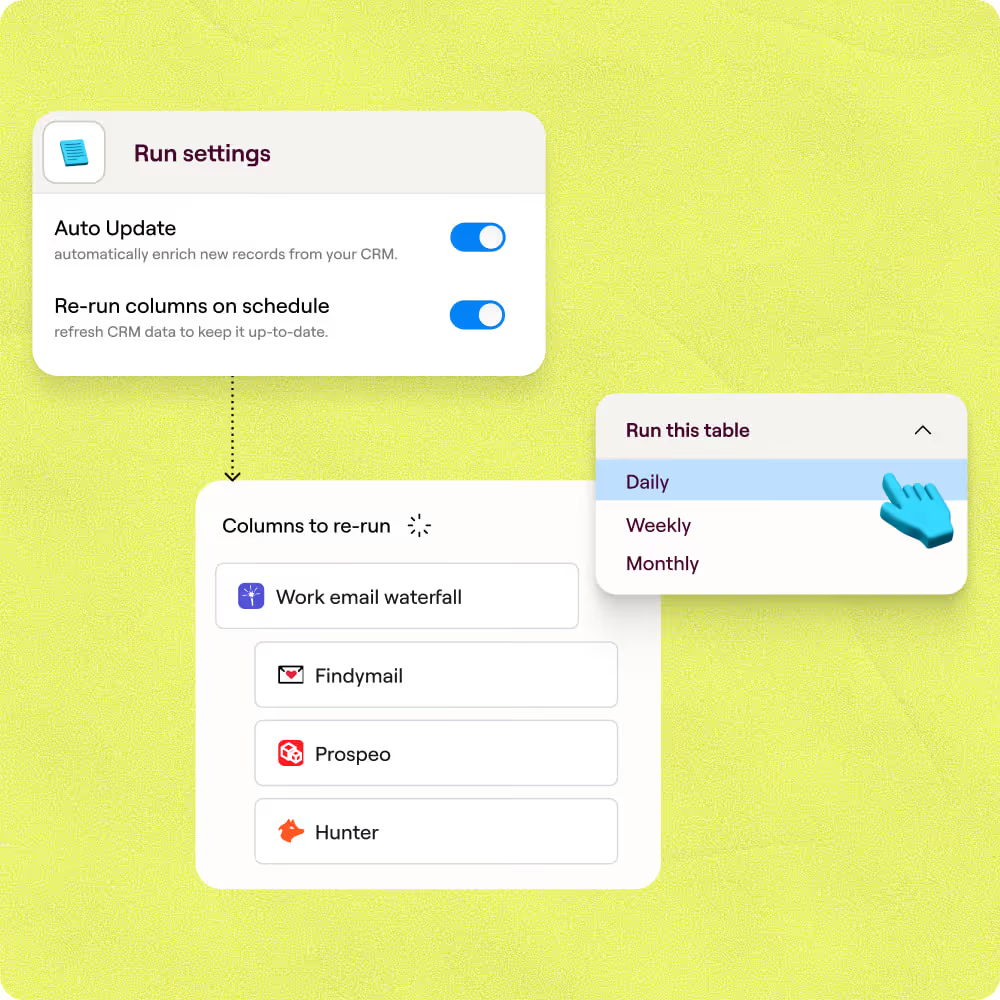
Scheduled refresh keeps the list current
New agencies open and ownership changes every quarter. Clay re-runs the same Google Maps search on a schedule, deduplicates by Place ID, and pushes net-new rows with verified owner emails straight to Smartlead or Instantly.

Our most successful campaigns are built on data that doesn’t exist in off-the-shelf tools. Clay helps us find those signals — and transform ambitious ideas into executable, high-performing campaigns.
Frequently asked questions
How does Sculptor generate auto insurance leads?
Sculptor uses Clay's Google Maps integration to search your target city or region and pull auto insurance prospects into a table. It then runs waterfall enrichment across multiple contact-data providers to find a verified owner email for each prospect, with ZeroBounce validating every result by default. You get owner name, email, and phone number ready for outreach.
How accurate are the emails Sculptor finds for insurance leads?
Coverage typically lands between 30% with a single provider and 80% or higher when Clay's waterfall cascades across multiple sources. ZeroBounce validates each email by default, so bounced or invalid addresses get filtered before they reach your outreach list. You can toggle a "Safe to Send" setting to exclude catch-all addresses for stricter deliverability.
Can I generate auto insurance leads in bulk with Sculptor?
Yes. Paste a list of target cities or upload a CSV, and Sculptor enriches every row in parallel. Google Maps searches return up to 1,000 results per territory, so you can cover multiple regions in a single run. Push completed rows directly to HubSpot, Salesforce, or Pipedrive to keep your pipeline current without manual exports.
Is cold email outreach legal for auto insurance agents?
The CAN-SPAM Act permits unsolicited commercial email in the U.S. as long as you include accurate sender info, a physical address, and a working unsubscribe link honored within 10 business days. If you plan to cold call prospects, the TCPA and federal Do Not Call registry also apply, requiring you to scrub lists every 31 days.
Some states impose additional solicitation rules for licensed insurance products, so check your state insurance department's guidance before launching campaigns.