






































.avif)




























How to generate event leads
Describe your target event and contact
Name the event or industry and the title you want to reach, such as VP of Sales at SaaStr companies. Sculptor sources matching companies and finds a verified contact email.
Sculptor sources companies and enriches contacts
Sculptor searches Clay's company database for businesses linked to your target event or industry, filtered by firmographic signals. It then waterfalls through 150+ providers to find a verified work email for the title you specified. Only matched rows return an email.
Get your event lead table, ready to export
The finished table has company name and, for rows the waterfall enriched, a verified contact email. Export to CSV, sync to Salesforce, or pipe into your outbound tool of choice.
Why Clay for generating event leads
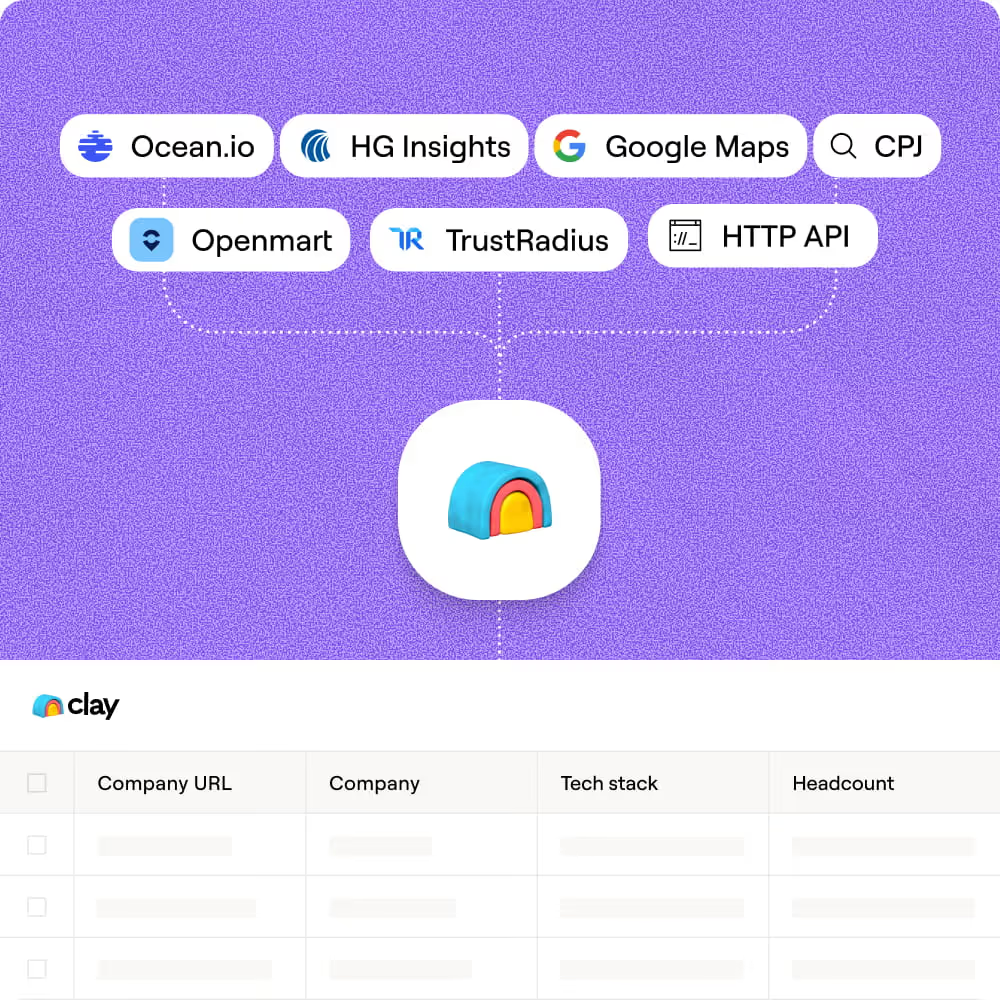
ICP filters pinpoint event-relevant companies
Scope your target list by industry, headcount, location, and founding date from Clay's B2B company database. Layer in Claygent to browse event sponsor pages, exhibitor lists, and conference sites to confirm attendance and qualify each account.
Waterfall enrichment finds verified contact emails
For each matched company, Clay waterfalls through 150+ providers in sequence to find a verified work email for your target title. Credits only charge when a provider returns a hit, keeping costs proportional to actual coverage.

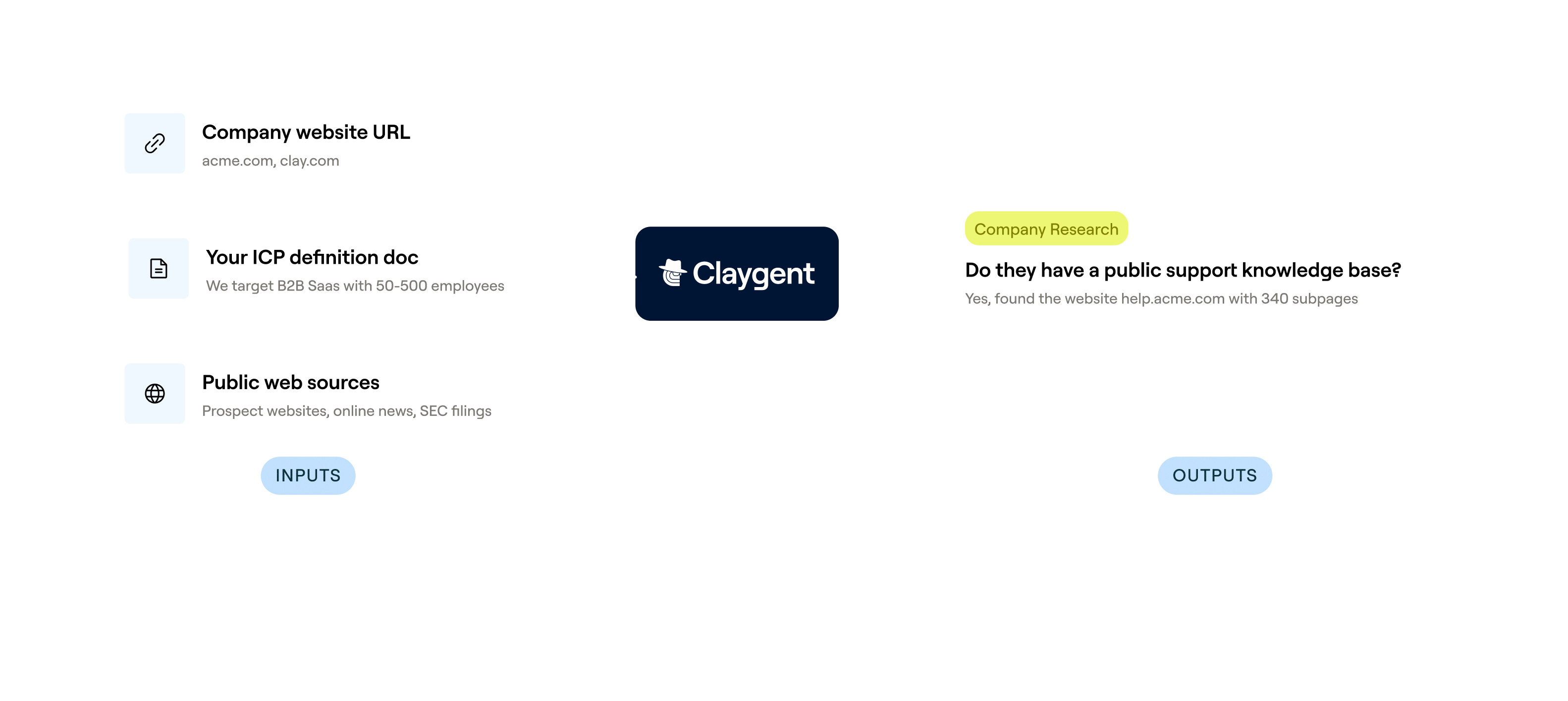
Claygent reads event pages for custom research
Get company descriptions, funding stage, and tech signals for every account on your list. Claygent browses Crunchbase, LinkedIn, and each company's site to extract the context your reps need before reaching out.
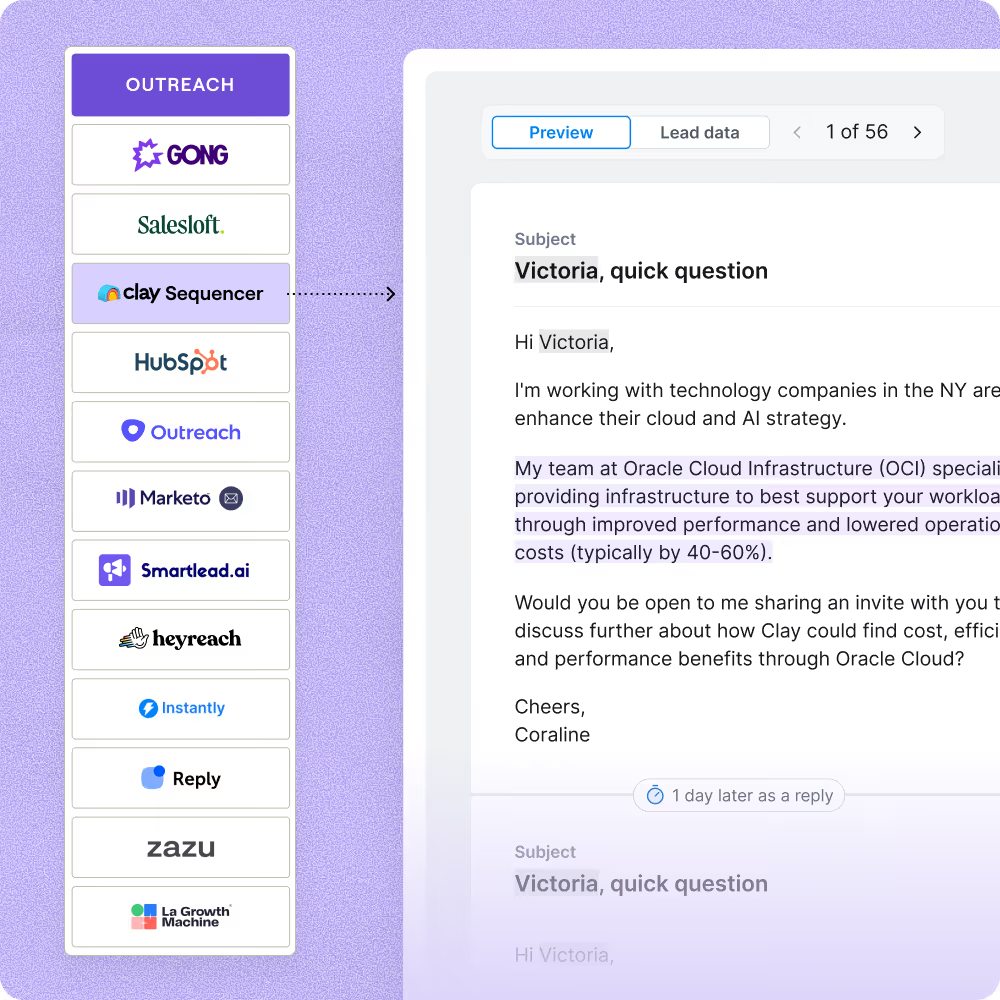
One-click sync to your outbound sequencer
Push enriched event leads directly to Smartlead, Instantly, Outreach, or Salesloft with field mapping preserved. Your finished table flows into a live campaign in minutes, with no manual CSV exports required.

Clay gave us the ability to define what a great customer looks like on our terms. Not just industry and title, but the signals that actually predict who will buy. Our reps are working better lists, closing faster, and generating 19% more revenue per head.
Frequently asked questions
How does Sculptor find event attendees?
Sculptor searches multiple data sources for attendees tied to the event or conference you name and builds a table with each person's name and company. From there you can add waterfall enrichment steps that pull emails and firmographics from 200+ providers in sequence, filling gaps one source at a time. Terrapinn cut what used to take two months of manual research down to about ten minutes using this workflow.
How accurate are event attendee lists from Sculptor?
Coverage depends on how publicly visible the event's attendee data is, so results vary by conference. Once you have your starting list, Clay's waterfall enrichment lifts email coverage from roughly 30% with a single provider to 80% or higher across multiple providers. Running Claygent on each row adds custom signals like recent publications or job changes, so you can verify relevance before outreach.
Can I generate event leads in bulk for multiple conferences?
Yes. Paste a list of event names into a Clay table, pipe each row through Sculptor, and it builds attendee lists for every conference in one run. Add enrichment columns to pull contact details across all rows at once. When the table is ready, push it directly to HubSpot, Salesforce, or Pipedrive, or export as a CSV to feed your outreach sequence.
Is it legal to use conference attendee data for outreach?
In the US, CAN-SPAM requires a working opt-out link in every outbound email but does not require prior consent for B2B messages. Under GDPR, B2B outreach to EU contacts typically relies on legitimate interest (Article 6.1.f), which requires a documented assessment, data minimization, and a clear opt-out path. The CCPA's B2B exemption expired in January 2023, so California contacts now carry full consumer-privacy protections.
Check the privacy rules for your jurisdiction and the event's own terms of service before building outreach lists from attendee data.