






































.avif)




























How to generate health insurance leads
Describe your ideal employer to target
Add your target industry and employee range, such as restaurants with 20 to 200 employees. Sculptor scans Clay's company database for businesses that likely need group health coverage.
Sculptor sources companies and enriches contacts
Sculptor assembles a filtered company list by industry, headcount, location, and hiring activity, then waterfalls through 150+ providers to find a verified email for the target title you specified. Only matched rows return a contact.
Review your table of qualified employer leads
The finished table has company name, industry, headcount, and a verified contact email where the waterfall found a match. Export to CSV, sync to Salesforce, or pipe into your outbound tool of choice.
Why Clay for generating health insurance leads
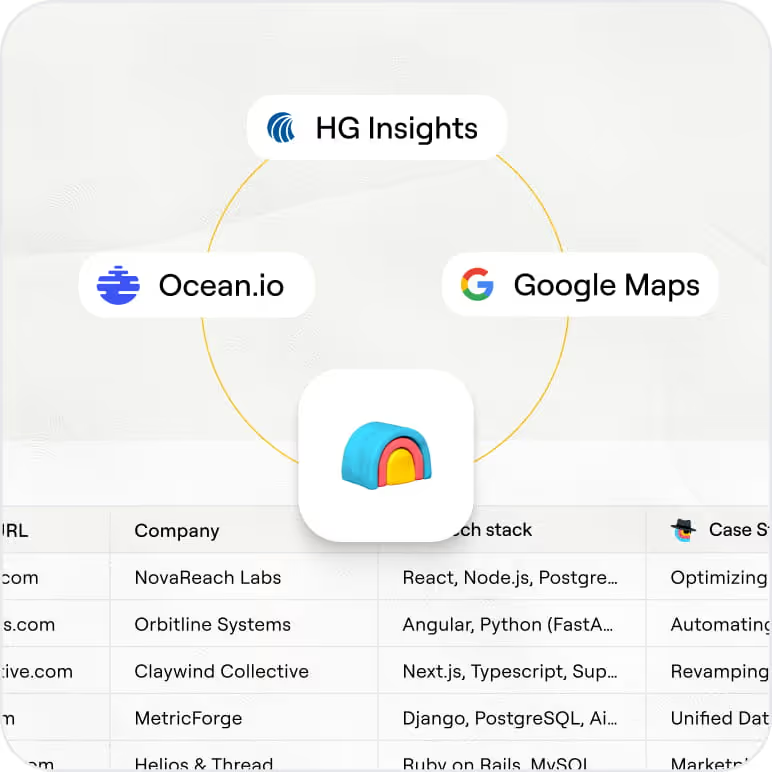
Employer ICP filters from one B2B database
Target the right employers from the start. Clay's B2B company database lets you filter by industry, headcount range, location, funding stage, and hiring activity to isolate groups likely to need coverage.
Waterfall enrichment finds verified decision-maker emails
Get a verified contact email for matched employer rows. Clay waterfalls through 150+ providers in sequence and only charges credits when one returns a hit, maximizing coverage across benefits and HR titles.

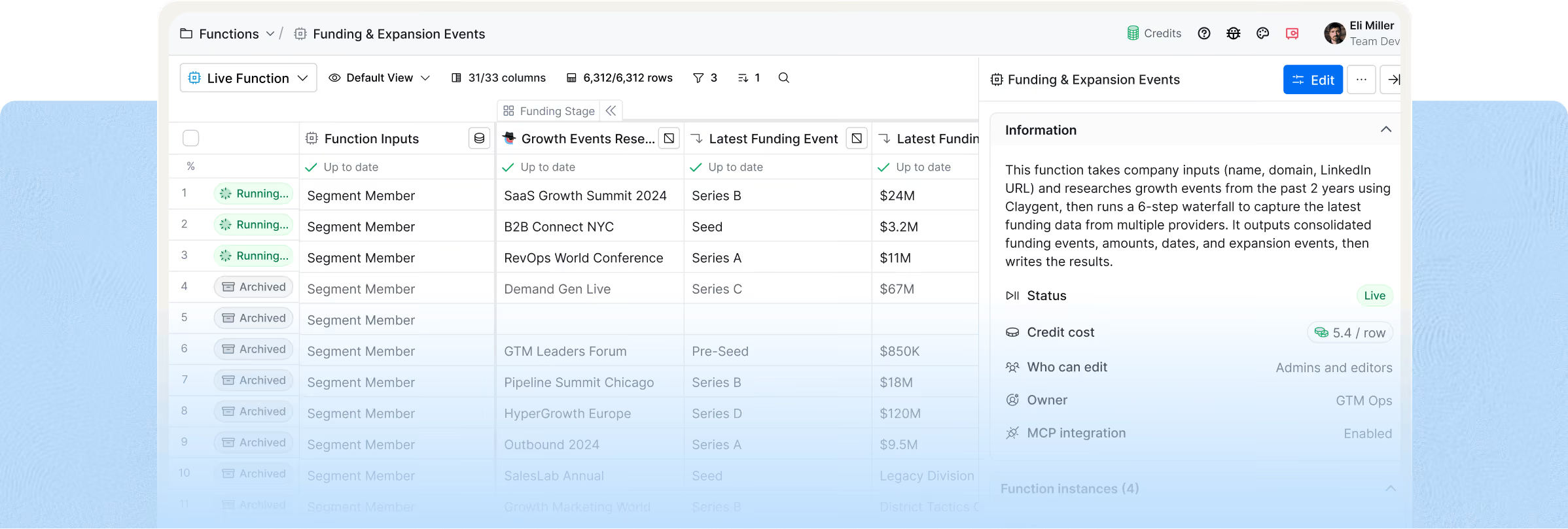
Hiring and funding signals flag in-market employers
Reach employers at the right moment. Clay layers hiring signals and funding events onto your company list so you can prioritize accounts where headcount growth or new budget makes coverage decisions timely.
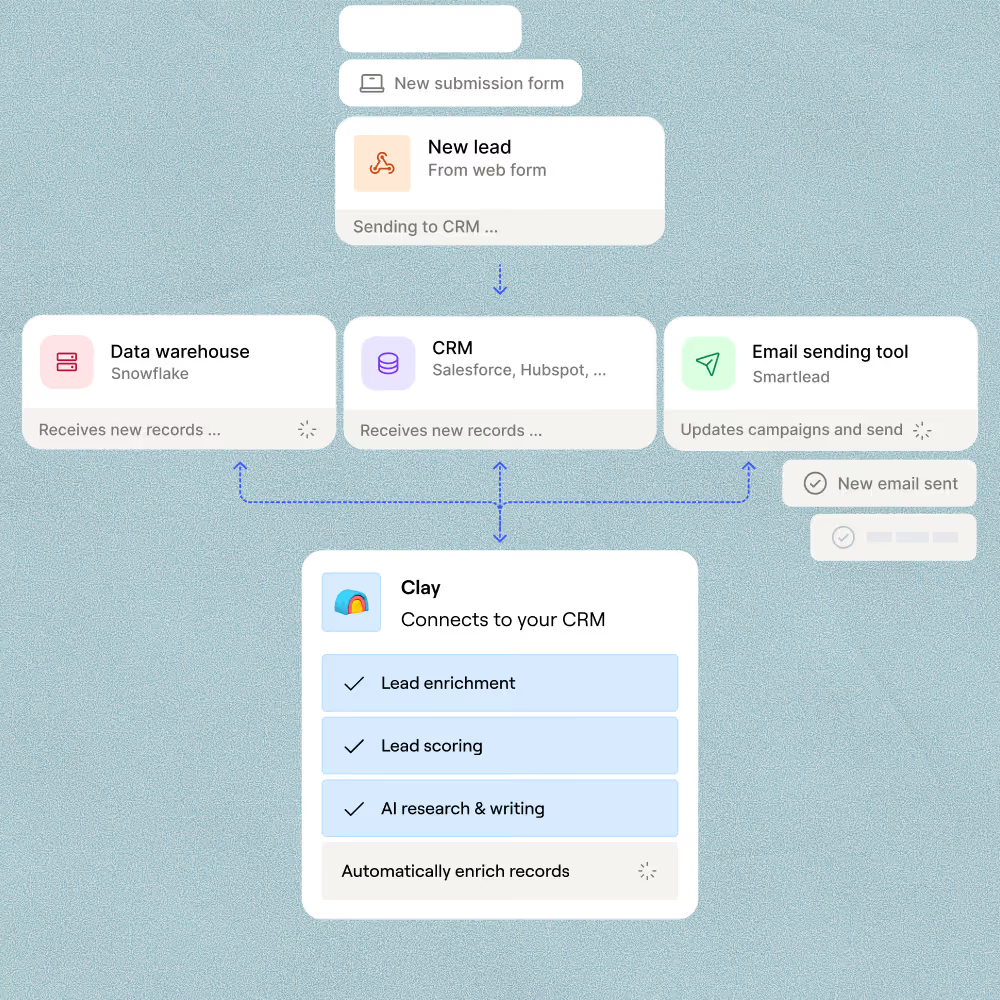
One-click sync to Salesforce or your sequencer
Push enriched employer leads directly to Salesforce, HubSpot, Outreach, or Smartlead without a CSV export. Clay writes each verified row to your CRM or sequencer automatically when the table is ready.

Our most successful campaigns are built on data that doesn’t exist in off-the-shelf tools. Clay helps us find those signals — and transform ambitious ideas into executable, high-performing campaigns.
Frequently asked questions
How does Sculptor generate health insurance leads?
Sculptor pulls small businesses from Google Maps based on the city or industry you enter, then runs each result through Clay's SMB enrichment recipe. That recipe waterfalls 5+ contact-data sources in sequence to find a verified owner email for every business. It also uses AI to confirm the listed owner is still current before returning results, so you reach actual decision-makers.
How accurate are the owner emails Sculptor finds?
Coverage typically lands around 80% or higher when Clay waterfalls multiple providers, compared to roughly 30% from a single source. Clay's SMB enrichment recipe validates each email through providers like Debounce before surfacing it, and AI checks that the owner listed is still the current one. Expect strong coverage on established small businesses with a web presence.
Can I generate health insurance leads in bulk?
Yes. Paste a list of cities or industries, upload a CSV, or pipe data from an existing Clay table to generate leads at scale. Sculptor processes each row, sourcing businesses from Google Maps and enriching owner emails automatically. Export your finished list to HubSpot, Salesforce, or a CSV to feed directly into your outreach sequences.
Is cold emailing small businesses about health insurance legal?
The CAN-SPAM Act permits B2B cold email in the U.S. as long as you include accurate sender identification, a non-deceptive subject line, your physical address, and a working unsubscribe link. Penalties can reach $53,088 per non-compliant email. TCPA rules apply to cold calls and texts but not to email. If you contact prospects in the EU, GDPR requires a legitimate-interest basis for processing.
Insurance is also regulated at the state level, so check your state insurance department's solicitation rules before launching outreach.