






































.avif)




























How to generate home improvement leads
Pick your city and contractor type
Drop in your target city or region. Sculptor searches Google Maps for home improvement contractors in your area and assembles a matched business list.
Sculptor scans Google Maps and finds Owner emails
Sculptor searches Google Maps for local home improvement contractors, returning business name, location, and site. Claygent then browses each site to identify the Owner, and Clay waterfalls through 150+ providers to surface a verified email on matched rows.
Get your table of business names and Owner emails
The finished table has business name and, for rows the waterfall enriched, a verified Owner email. Export to CSV or push to your outbound tool of choice.
Why Clay for generating home improvement leads
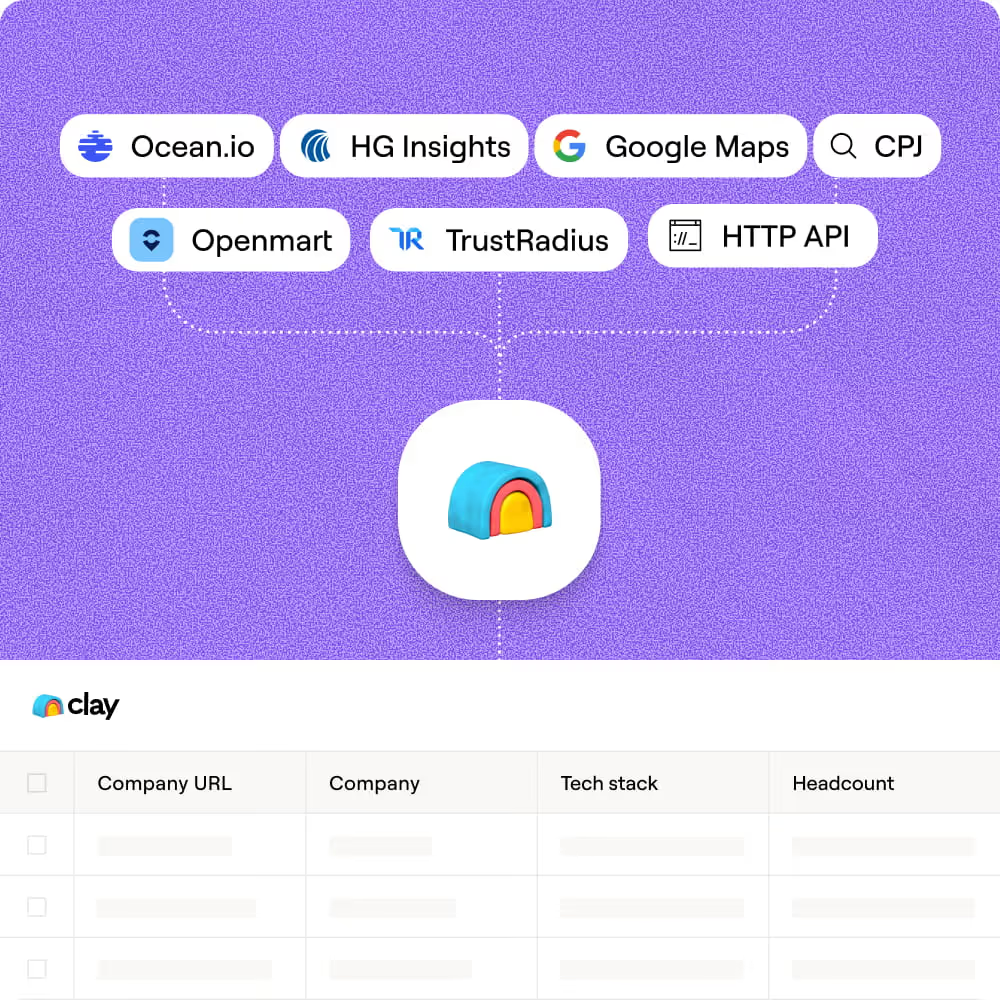
Google Maps sourcing for local contractors
Get a targeted list of home improvement contractors in any city or radius in minutes. Clay's native Google Maps integration returns business name, phone, website, ratings, and review count in one pull.
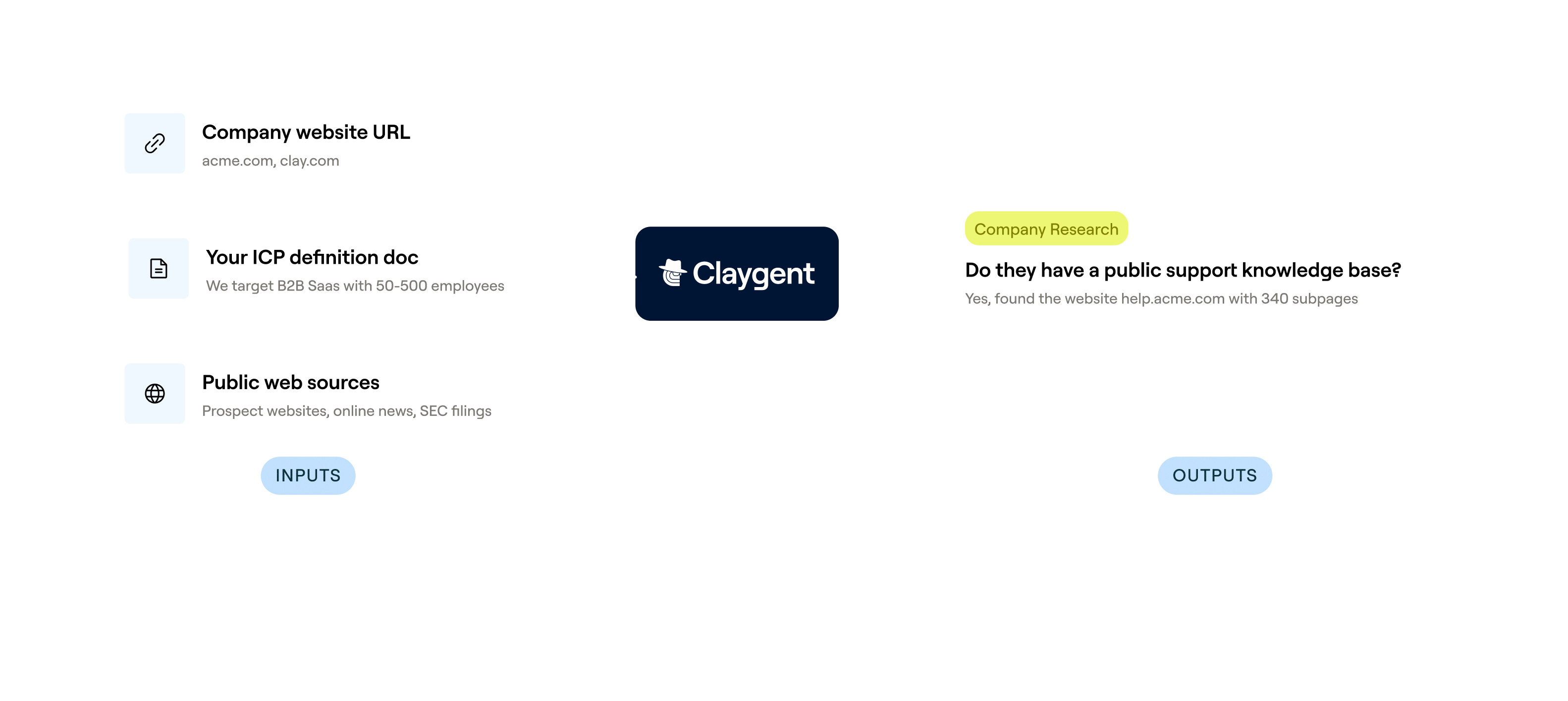
Claygent browses each site for the owner
Know who to contact before you send a single email. Claygent browses each contractor's website to identify and verify the current business owner, so you're not emailing a generic inbox.

Waterfall enrichment finds verified Owner emails
Get a verified email for matched rows without manual research. Clay waterfalls through 150+ providers and only charges credits when one returns a hit, keeping your list clean before it hits your sequencer.
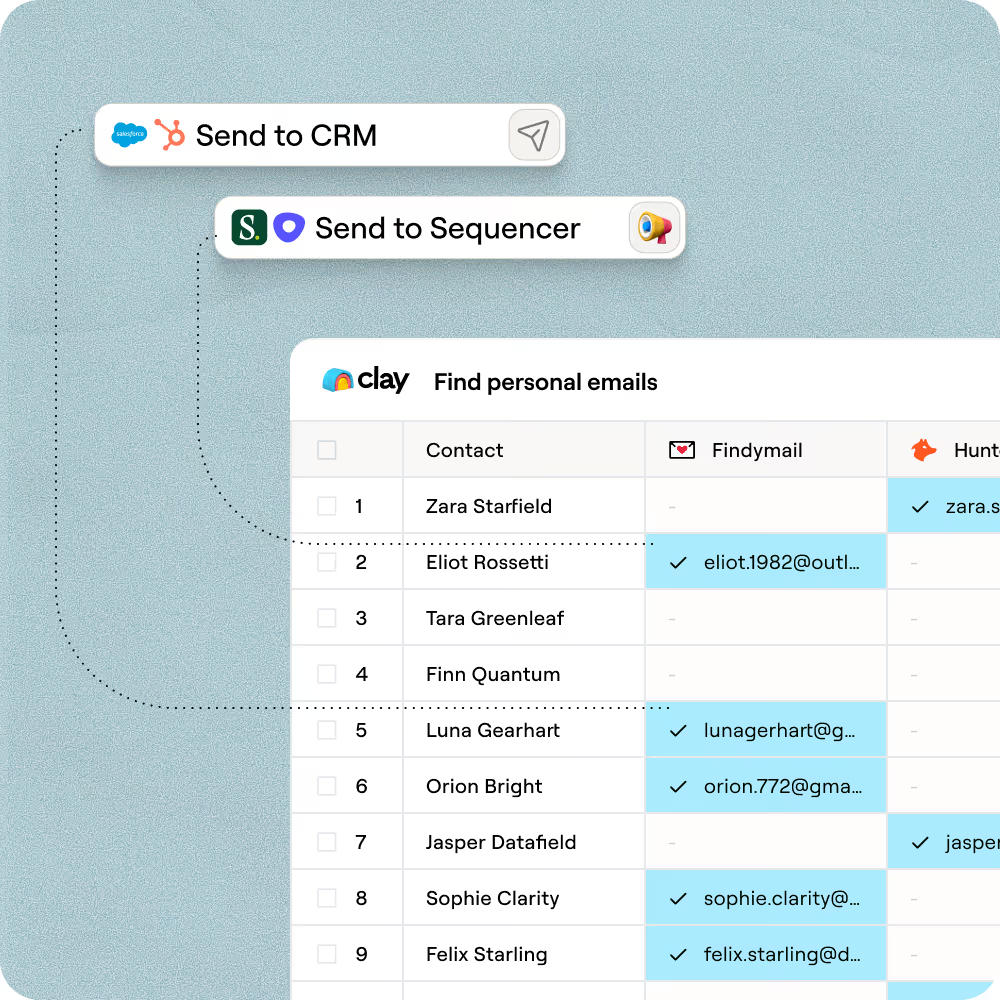
Push enriched leads to any outbound tool
Send your finished table of verified contractors directly to Smartlead, Instantly, or a CSV export. AI-generated personalization lines using ratings and review snippets go along for the ride.

When one provider doesn’t have it, Clay automatically checks the next one. It really helps our inbound and outbound motions because we can leverage the best source of data. I’ve never seen a tool that was so easy to do this process.
Frequently asked questions
How does Sculptor generate home improvement leads by zip code?
Sculptor searches public property records for homeowners in the city or zip code you enter, then returns owner name and a verified email for each match. It runs a waterfall across up to five email providers, including Mixrank and RocketReach, so you get personal contact info without manually skip-tracing each record. Results land in a Clay table you can push to HubSpot, Salesforce, or download as a CSV.
How accurate are the homeowner emails Sculptor finds?
Clay's waterfall tested across 2,354 prospects delivered 79% valid personal email coverage, compared to roughly 30% from any single provider. ZeroBounce validates every address before export, so only safe-to-send emails reach your outreach list. Property ownership data comes from public records, which are updated at the county level, so accuracy depends on recording frequency in your target area.
Can I generate home improvement leads in bulk for multiple areas?
Yes. Paste a list of cities or zip codes into your Clay table and run Sculptor across every row at once. You can also upload a CSV of target areas or pipe data from another Clay table. Once enrichment finishes, export owner names and emails directly into HubSpot, Salesforce, Pipedrive, or download a single CSV for canvassing and door-knocking routes.
Is it legal to cold email homeowners for home improvement services?
The CAN-SPAM Act governs all commercial email in the U.S., including messages sent to personal addresses. You must identify the email as an ad, include a valid physical address, and honor opt-out requests within 10 business days. Penalties can reach $53,088 per non-compliant message. If you plan to cold call, the TCPA and the National Do Not Call Registry also apply to residential phone numbers.
Some states enforce additional home improvement contractor licensing and solicitation rules. Always check the regulations in your target state and scrub your lists against the DNC registry before any phone outreach.