







































.avif)




























How to generate leads from your website
Describe your ICP for website visitors
Paste your ICP criteria, such as industry, headcount, and region. Sculptor filters your site visitors against those criteria and surfaces the matching accounts.
Sculptor filters, matches, and enriches visitor accounts
Sculptor identifies which visiting companies fit your ICP using Clay's company database, then waterfalls through 150+ providers to find a verified email for the target title on matched accounts. Claygent can also browse each company's site to add richer context per row.
Review verified contacts and route to outreach
The finished table has company name and, for matched rows, a verified contact email. Push qualified accounts to Smartlead or Instantly, or sync to HubSpot with Slack alerts so reps act in real time.
Why Clay for generating leads from your website

Waterfall de-anonymization for higher match rates
Identify more visiting accounts by running your site traffic through a waterfall of de-anonymization providers in sequence, stopping on the first match. This approach improves coverage across regions, including dedicated EU providers for European traffic.
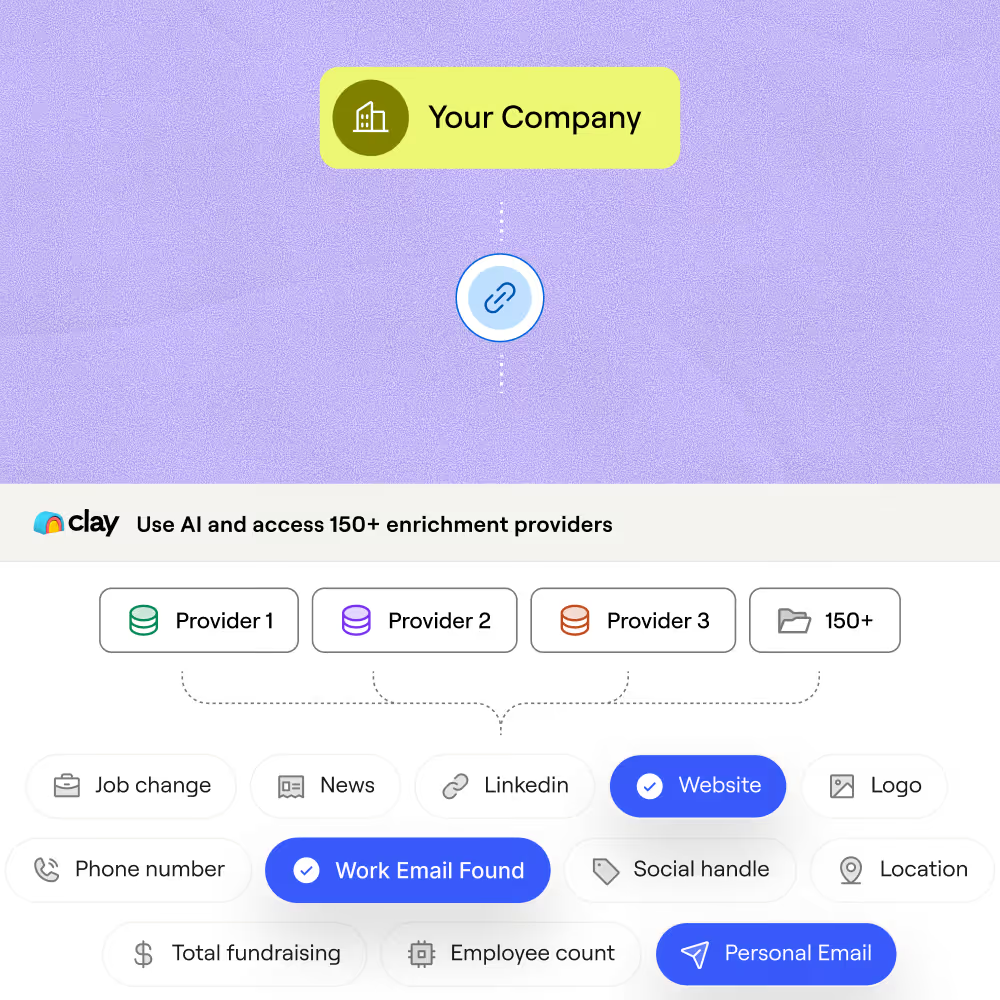
Layer 150+ enrichment providers on matched accounts
Once a visitor account is identified, waterfall through 150+ providers to find a verified email for your target title on matched rows. Credits are only charged when a provider returns a hit, so you never pay for misses.
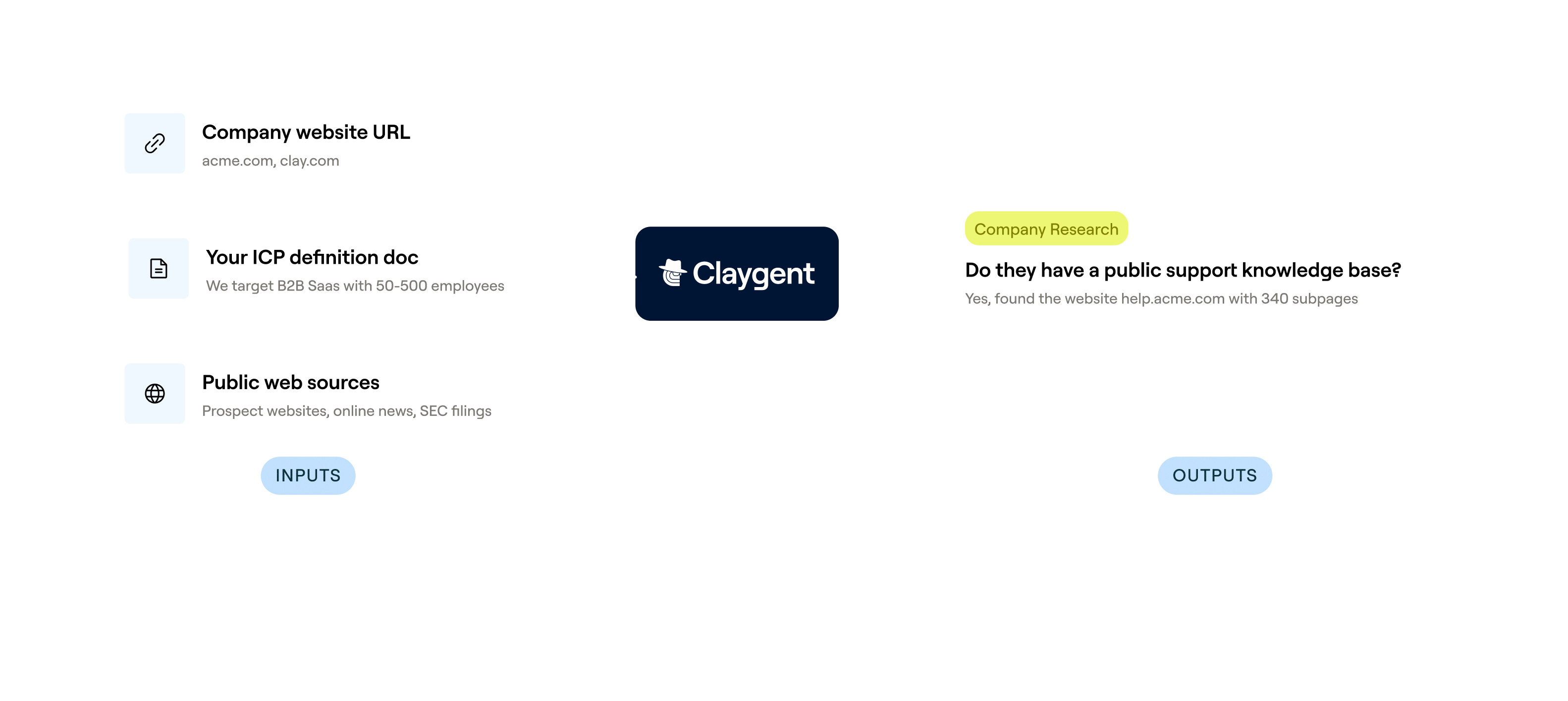
Richer buyer context from Claygent research
Go beyond company name and email with signals like funding stage, tech stack, and hiring activity. Claygent browses each company's site and sources like Crunchbase to pull context that makes outreach relevant from the first line.
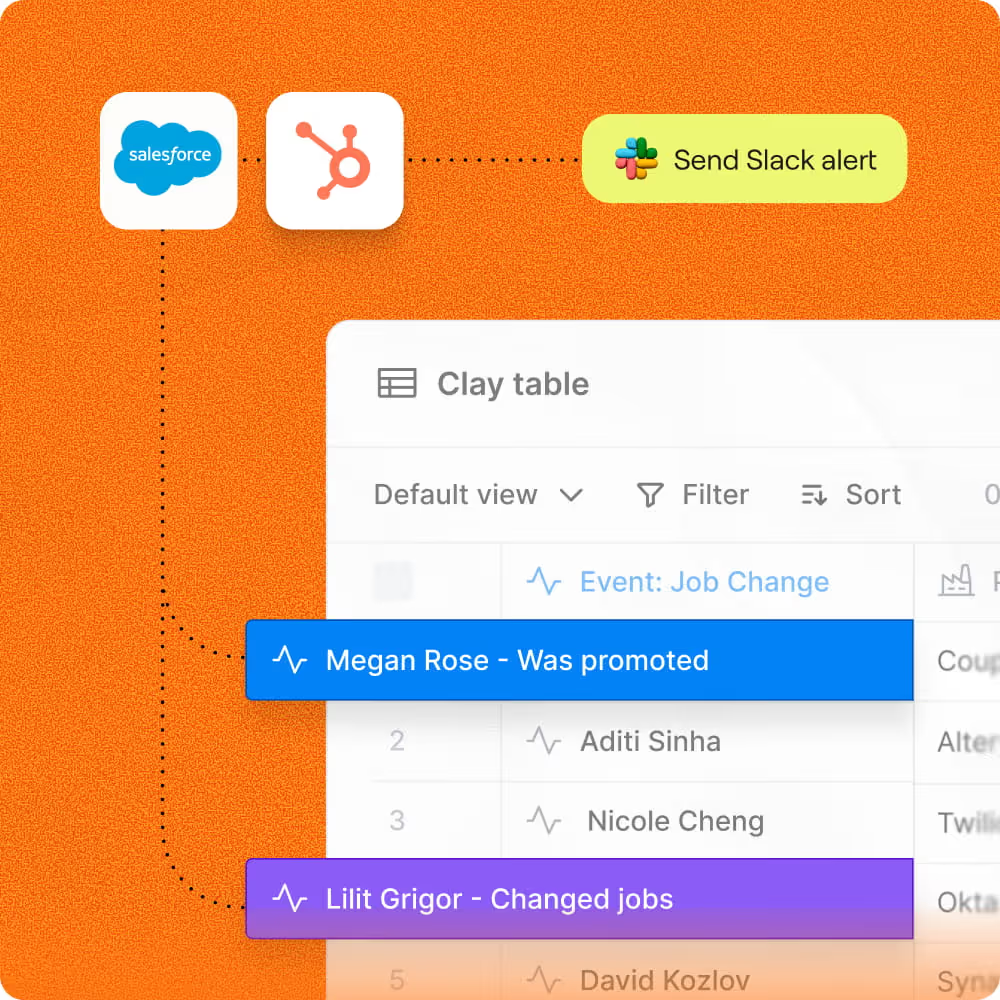
Instant Slack alerts and CRM sync on trigger
Qualified visitor accounts and their verified contacts route automatically to HubSpot or Salesforce and fire a Slack alert so reps act on intent in real time, not days later.

Every lead is pre-qualified, scored on unique signals, and routed automatically through Clay. We're now generating pipeline from segments we weren't even touching before.
Frequently asked questions
How does Sculptor generate leads from my website?
Sculptor installs Clay's Web Intent tracking snippet on your site, then runs a waterfall across up to 7 de-anonymization providers, including Warmly and Demandbase, to resolve visitor IPs to company domains. Once a company is matched, it queries 150+ enrichment providers to locate a verified VP of Sales email for each account. You set engagement filters like minimum session time and page-visit thresholds so only high-intent visitors make the list.
How accurate is website visitor identification for leads?
Company-level match rates for a single de-anonymization provider typically land between 30% and 65% of B2B traffic. Clay's waterfall approach queries up to 7 providers, stopping at the first match, which lifts overall coverage because accounts one provider misses a second or third often catches. Engagement filters like page-visit and session-time thresholds further sharpen the list so you only outreach accounts showing real buying intent.
Can I generate website visitor leads in bulk?
Yes. Clay's Web Intent continuously captures every qualifying visitor session and pipes matched companies straight into a Clay table, no manual paste or CSV upload needed. From there, you can push the entire list into HubSpot or your CRM of choice, or export as a CSV. Clay checks for existing records before syncing, so duplicates never enter your pipeline.
Is it legal to email leads identified from website traffic?
In the U.S., the CAN-SPAM Act permits unsolicited commercial email to business addresses as long as you include a valid physical address, a clear unsubscribe link, and honor opt-outs within 10 business days. Penalties can reach over $50,000 per non-compliant message. In the EU, GDPR allows B2B outreach under a legitimate interest basis, but you must document a balancing test and offer an easy opt-out.
Rules vary by jurisdiction, so review local regulations and your company's privacy policies before launching any outbound campaign.