






































.avif)




























How to generate leads with HubSpot CRM
Paste your HubSpot contacts into Sculptor
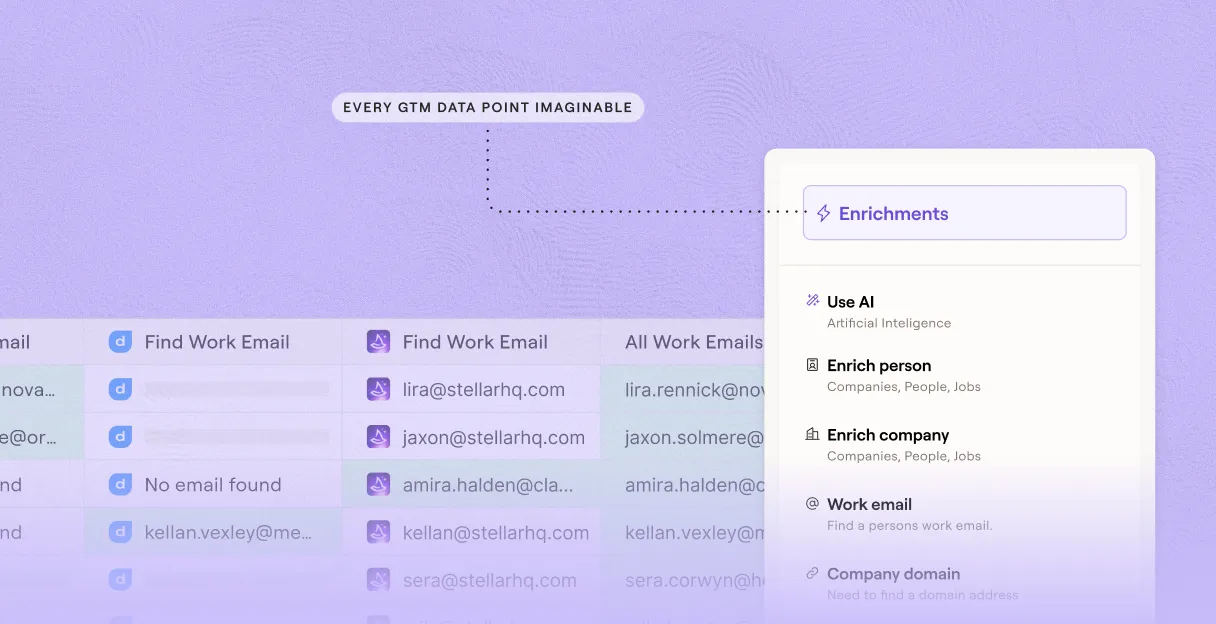
Drop in your HubSpot CRM and the target title you want to reach. Sculptor waterfalls through 150+ providers to find a verified work email for each contact.
Sculptor enriches every contact row automatically
Sculptor imports your HubSpot contacts into a Clay table, then runs waterfall enrichment across Clay's provider network, checking source after source until it finds a verified email for the target title on each matched row. Only matched rows get an email appended.
Verified email and company name, ready to sync
The finished table has company name and verified contact email where the waterfall found a match. Write enriched fields back to HubSpot automatically, or push warm rows to Smartlead or Instantly to start a campaign.
Why Clay for generating leads with HubSpot/CRM

Waterfall coverage across 150+ providers
Get verified emails for matched rows in your HubSpot contacts list. Clay waterfalls through 150+ providers in sequence, charging credits only when a provider returns a hit.
Verification gate before any CRM write-back
Enriched emails are verified before they reach HubSpot, flagging catch-alls and role inboxes so unverified values never overwrite your existing records.
Auto-refresh on schedule keeps data fresh
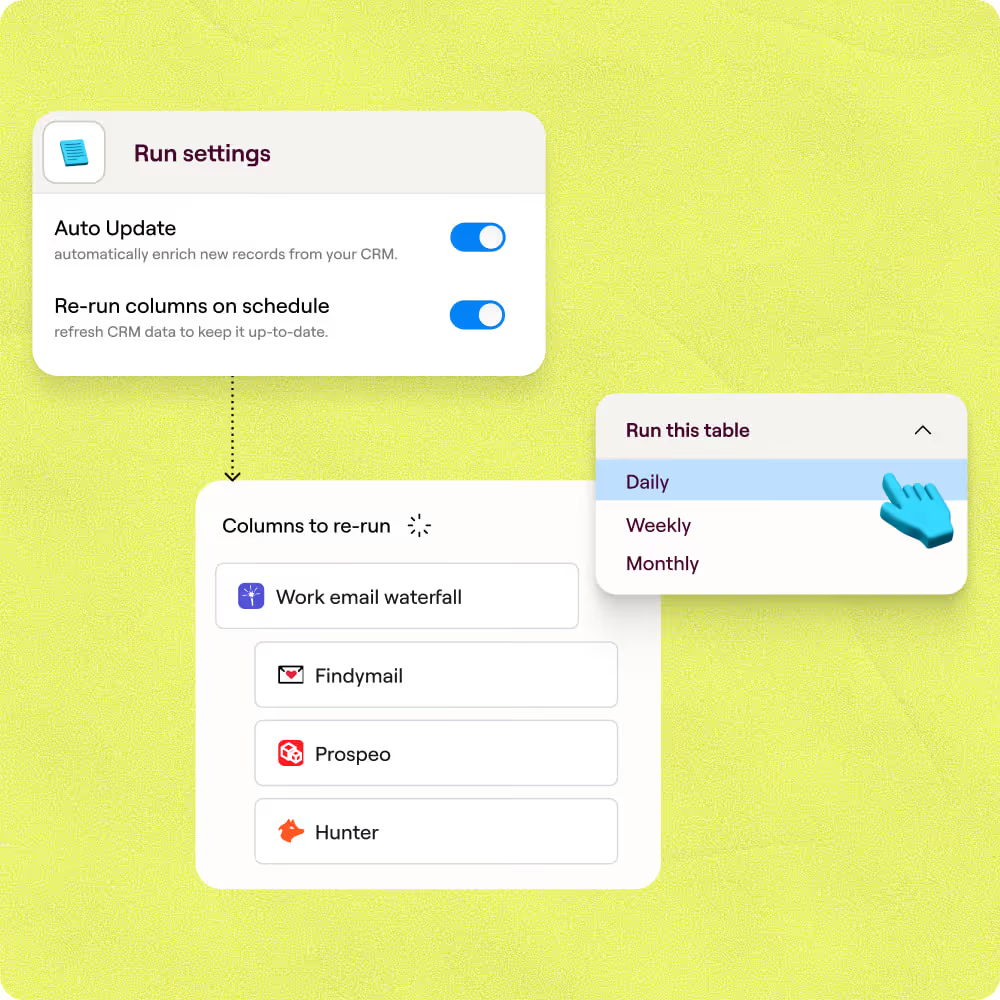
Set a refresh window and Clay re-imports contacts from your HubSpot list on schedule, re-runs enrichment, and writes updated fields back automatically to keep records current.
Push warm rows to Salesforce or a sequencer
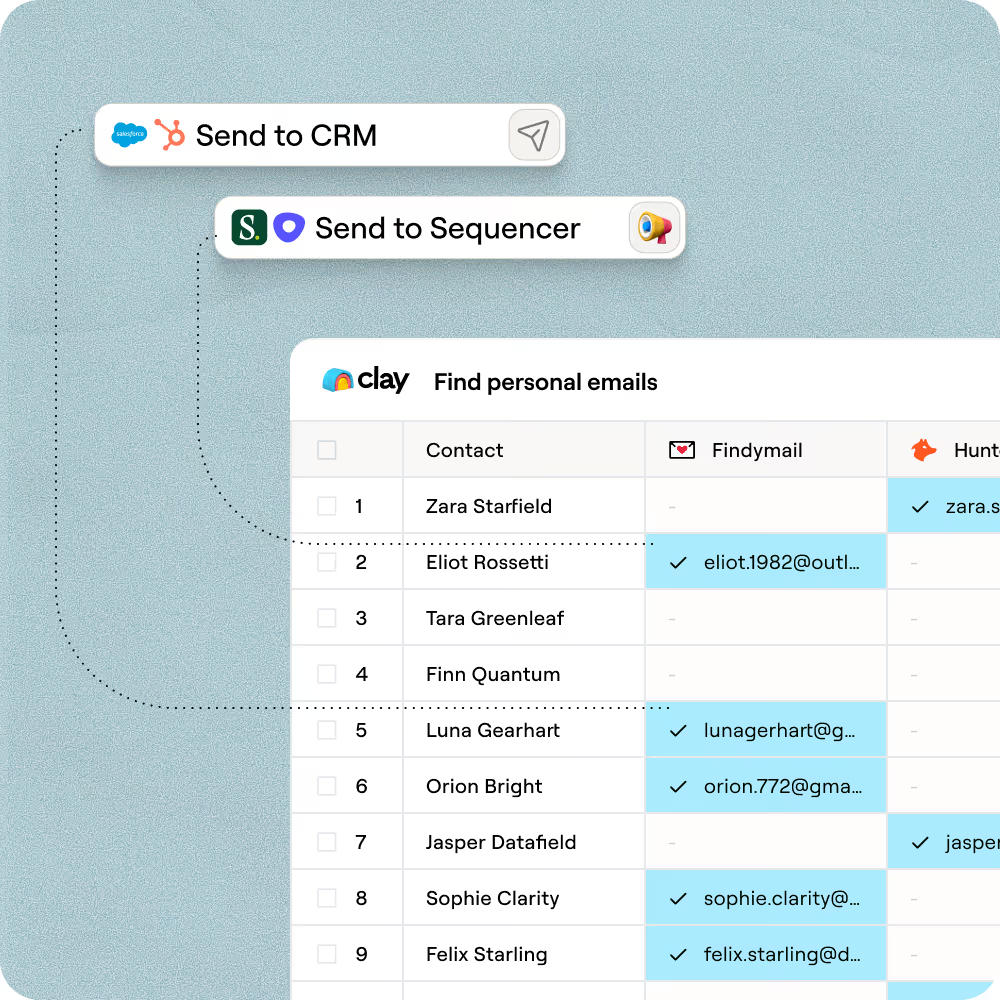
Once enrichment completes, route verified contacts to Salesforce or launch a campaign in Smartlead or Instantly, all without a manual export from Clay.

Clay is a game changer for marketing, data, and operations. We have 3x our enrichment rate with Clay’s combination of data providers. Clay makes it easy to use AI for GTM initiatives, unlocking new workflows that were infeasible before.
Frequently asked questions
How does Sculptor generate leads from my HubSpot CRM?
Sculptor connects to your HubSpot account and imports companies from any list or CRM segment you specify. It then runs waterfall enrichment across 75+ contact-data providers in sequence to find a verified email contact for each company. Results land in a Clay table with company name and verified email, ready to push back to HubSpot via Create or Update actions.
How accurate are the enriched emails and company data?
Coverage typically lifts from around 30% with a single provider to 80% or higher when Clay's waterfall queries multiple sources. In Clay's own benchmark of 12 email finders tested on 4,700+ contacts, top providers like Datagma and Hunter scored above 97% confidence on SMB emails. A Lookup action also checks HubSpot for existing records before creating new ones, preventing duplicates and keeping your CRM clean.
Can I generate leads from my entire HubSpot list at once?
Yes. Import a full HubSpot list or CRM segment in one step, and Sculptor enriches every company in bulk. You can also paste company names or upload a CSV. Once enrichment finishes, push all verified records back to HubSpot with a single Create or Update action, or export the table as a CSV for your outreach tool.
Is it legal to email contacts enriched from my CRM data?
In the U.S., the CAN-SPAM Act permits B2B commercial email without prior opt-in, but every message must include a valid physical address, a working unsubscribe link, and honest sender and subject lines. Non-compliant emails can cost up to $53,088 per violation. In the EU, GDPR Article 6(1)(f) allows B2B outreach under a legitimate-interest basis, provided you honor data-subject rights and document your interest assessment.
Regulations vary by jurisdiction, so check the rules that apply to your recipients before launching any campaign.