







































.avif)




























How to generate moving company leads
Pick your city or region for movers
Describe your target market, say moving companies in Austin or the Pacific Northwest. Sculptor searches Google Maps for matching businesses in that area.
Sculptor sources and enriches each moving company
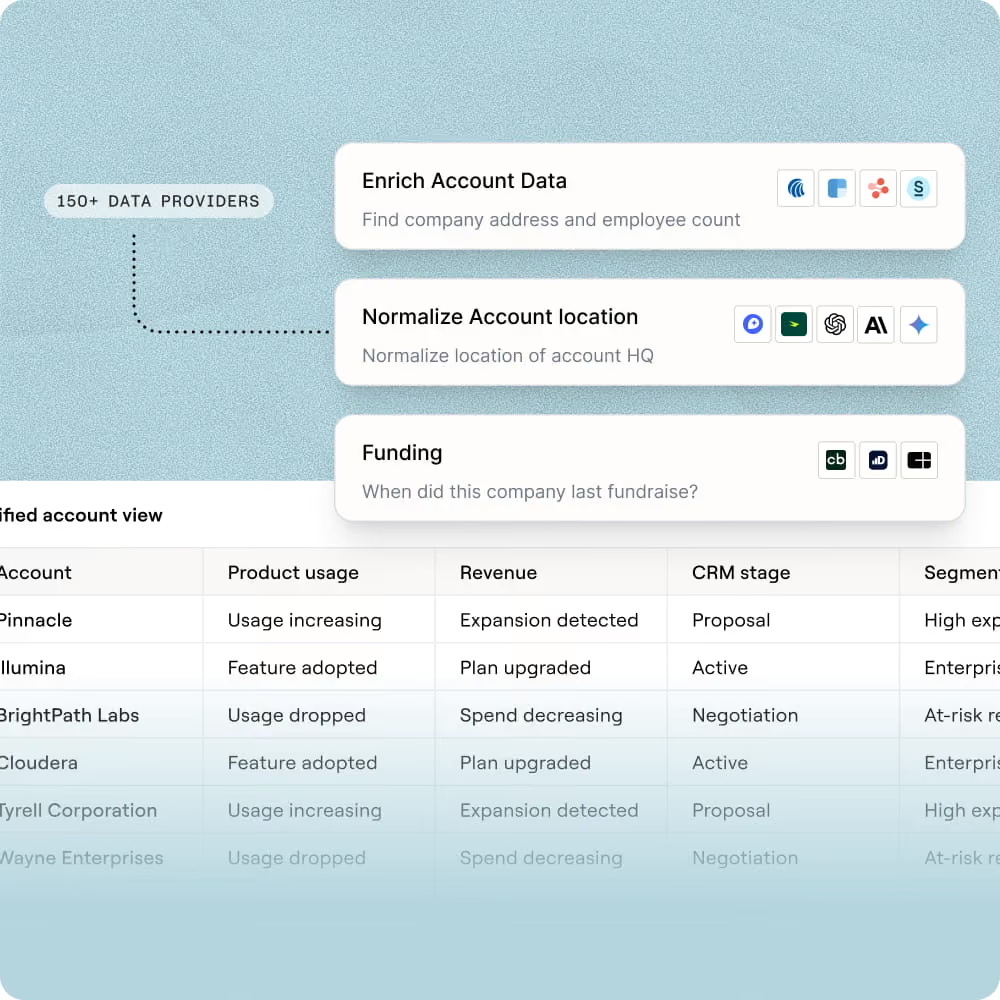
Sculptor scans Google Maps for moving companies in your specified area, then waterfalls through 150+ providers to find a verified Owner email. Where the waterfall falls short, Claygent browses the business site to surface contact details.
Get your table of moving company Owner emails
The finished table has company name and Owner email for matched rows. Export to CSV, sync to Salesforce, or pipe into your outbound tool of choice.
Why Clay for generating moving company leads
Google Maps sourcing built for local movers
Get a targeted list of moving companies for any city or region, pulled directly from Google Maps. Traditional B2B databases miss local SMBs, but Google Maps carries near-complete local business coverage with current, owner-maintained data.
Waterfall enrichment finds Owner emails at scale
Get verified Owner emails for matched rows by running each contact through 150+ providers in the waterfall. Credits only charge on a match, so you only pay when Clay finds a result.


Claygent browses business sites as fallback
When the email waterfall falls short, Claygent reads each moving company's website to surface owner contact details. The AI agent extracts emails, social profiles, and other signals directly from the live page.
Scheduled refresh dedupes new movers by Place ID
Newly opened moving companies are added automatically on each scheduled run, deduplicated by Google Place ID so no rows repeat. Pipe the finished table into Smartlead or Instantly to start outreach in minutes.


Our most successful campaigns are built on data that doesn’t exist in off-the-shelf tools. Clay helps us find those signals — and transform ambitious ideas into executable, high-performing campaigns.
Frequently asked questions
How does Sculptor generate moving company leads?
Enter a target city or industry (for example, "Chicago" or "financial services") into the Sculptor prompt and hit Generate. Sculptor searches a 40M+ company database for businesses offering employee relocation, filters by your location or vertical, then runs a waterfall across 10+ email providers to return a verified HR Director email for each match. Every row lands in your Clay table ready for export.
How accurate are the emails and company data returned?
Clay's waterfall enrichment lifts email coverage from roughly 20-30% with a single provider to 80%+ by querying providers like Prospeo, Hunter, and Apollo in sequence. After enrichment, ZeroBounce validation flags undeliverable addresses automatically, so only verified emails reach your outbound list. Company records pull from 100+ sources and can be spot-checked with an Enrich Company action for live data.
Can I generate moving company leads in bulk?
Yes. Paste a list of target cities or industries directly into a Clay table, upload them via CSV, or pipe rows from another Clay workbook. Sculptor processes every row through the same company search and email waterfall automatically. Once enrichment finishes, push the full list to HubSpot, Salesforce, or Pipedrive with Clay's native CRM sync, or download as a CSV.
Is it legal to collect and use B2B company data for outreach?
In the U.S., CAN-SPAM permits commercial B2B email as long as messages include a working unsubscribe link and a physical address. Under GDPR, processing business contact data for outreach typically relies on a "legitimate interest" basis, but you must disclose the purpose and honor opt-out requests promptly. The CCPA and newer state laws (Virginia CDPA, Colorado CPA) may also apply when contacts are in those jurisdictions.
Always check the rules for your specific jurisdiction before launching a campaign, and keep records of how each contact was sourced.