



























.avif)











.avif)




























How to identify business owners via sales nav
Paste your Sales Navigator search filters or URL
Drop in your Sales Navigator search URL or filter set. Sculptor scans Clay's people database for contacts matching the Owner title and company criteria you defined.
Sculptor sources contacts and waterfalls for verified emails
Sculptor matches contacts from your Sales Navigator search, then waterfalls through 150+ providers to find a verified work email for each Owner. Only rows where the waterfall finds a match get an email appended.
Review your table of Owner names and emails
The finished table has contact name and, for matched rows, a verified Owner email. Push to Smartlead or Instantly to trigger your outbound campaign, or sync to HubSpot so reps have full context.
Why Clay for identifying business owners via Sales Nav
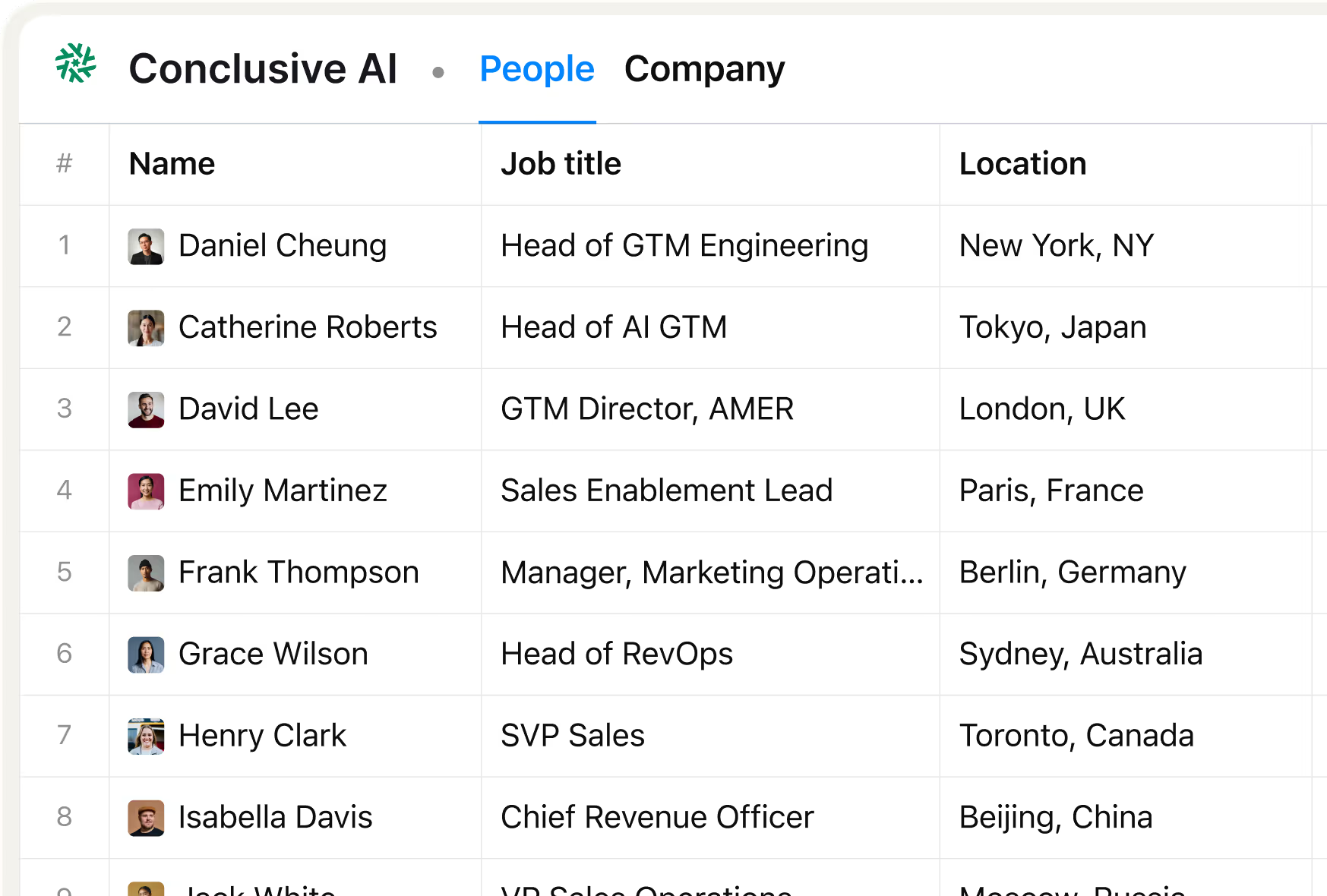
Sales Nav title filters map directly to Clay
Match contacts with the Owner title from your Sales Navigator search in minutes. Clay's Companies, People, and Jobs integration reads your filters and surfaces matching contacts without manual export steps.
Waterfall enrichment finds verified owner emails
Get a verified work email for matched Owner rows. Clay waterfalls through 150+ providers in sequence and only charges credits when one returns a hit, keeping your bounce risk low by flagging catch-alls automatically.

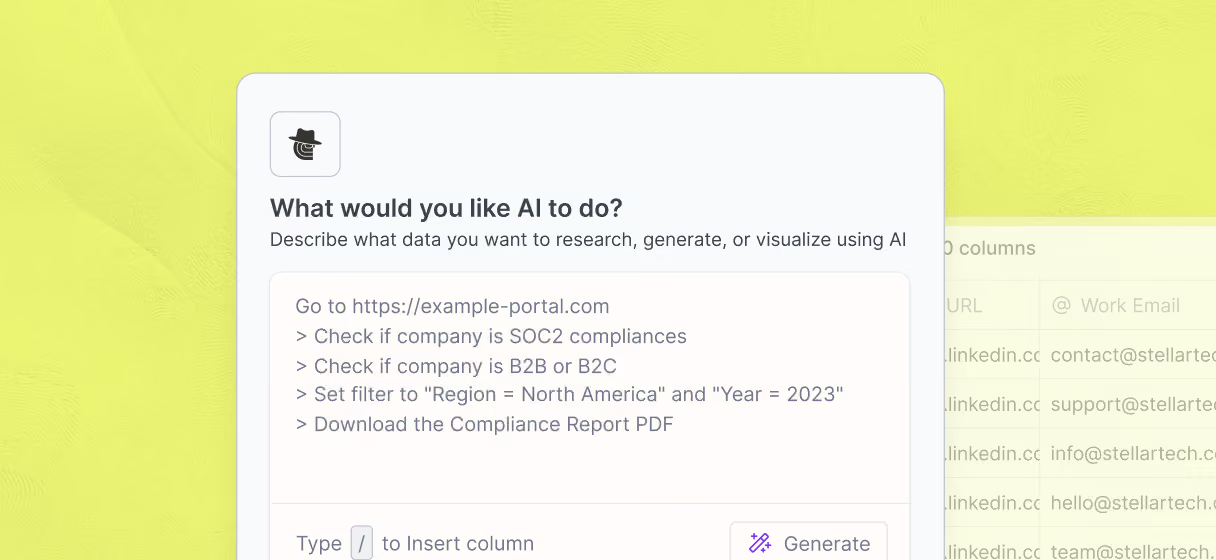
Claygent validates owner identity from company sites
Confirm each contact is still the active owner. Claygent browses each company's website and LinkedIn profile to extract current role, business description, and any recent signals relevant to your outreach.
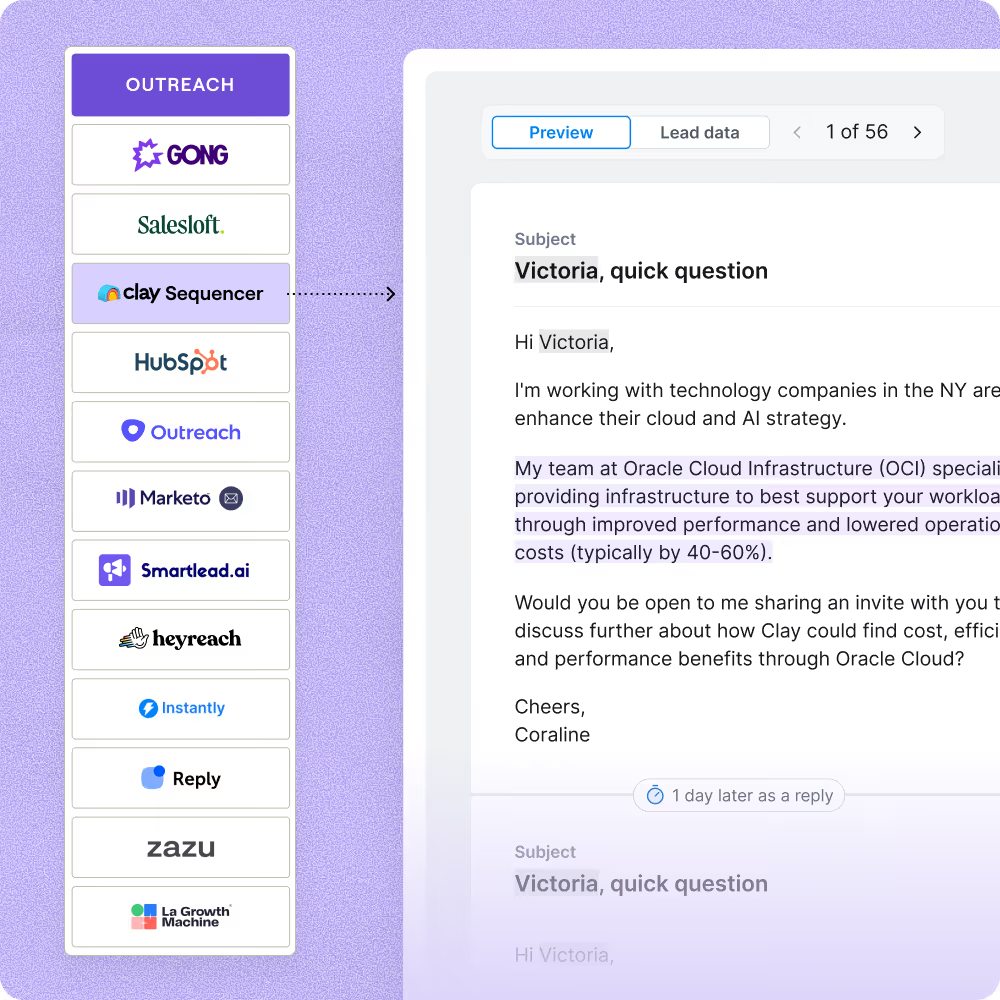
One-click sync to Smartlead or Instantly
Push your verified owner contact list directly to Smartlead or Instantly with personalized fields like first name and AI-written openers already mapped, so your campaign launches without extra setup.

Clay should be an essential pillar of every company's GTM stack, enabling outbound built on the highest quality data foundation possible. Now you can automate hours of manual research so sales teams can focus on selling.
Frequently asked questions
How does Sculptor identify business owners via Sales Nav?
Sculptor rebuilds your Sales Navigator search filters (title, industry, company size) inside Clay and imports matching owner-level profiles straight into a table. It then runs a waterfall across up to 12 contact-data providers, including Findymail, Wiza, and LeadMagic, to find each owner's verified email. Claygent checks every row to confirm the person still holds an owner-level title before you launch outreach.
How accurate are the owner emails Clay finds?
Coverage typically lands between 70 and 80% when Clay runs its waterfall across multiple providers, up from roughly 20 to 30% with any single source. Clay tested 12 providers (including Findymail, LeadMagic, and Hunter) across thousands of contacts and found the waterfall can triple single-provider hit rates. Each email passes through verification before it reaches your export, so bounce risk stays low.
Can I identify business owners in bulk from Sales Nav?
Yes. Paste a Sales Navigator search URL or set your industry and title filters, and Sculptor pulls every matching owner into a Clay table in one run. You can also upload a CSV of names or domains if you already have a list. Once enrichment finishes, push the full batch to HubSpot, Salesforce, or Smartlead so your team can start sequences immediately.
Is it legal to pull business owner data from Sales Navigator?
The hiQ v. LinkedIn ruling held that accessing publicly available data does not violate the Computer Fraud and Abuse Act (CFAA), but it did not override platform terms of service. LinkedIn's User Agreement (Section 8) prohibits automated scraping. Clay's approach uses Sales Navigator filters as a source and enriches contact details from external databases like Findymail and LeadMagic rather than scraping profiles directly. GDPR and CCPA may also apply when you collect personal data like email addresses.
Always review the platform's terms of service and check the data-privacy rules for your jurisdiction before running outreach.