


























.avif)












.avif)




























How to identify free vs corporate email domains
Paste your contact list or CRM export
Drop in your contact list or CRM export with email addresses. Sculptor scans each email to detect whether the domain is a free consumer provider or a corporate address.
Sculptor classifies each email domain type
Sculptor applies conditional logic to each row, checking the domain against a list of known free providers (gmail.com, yahoo.com, and similar). Each email gets labeled "free" or "corporate" with no manual review needed.
Review your labeled table and route results
The finished table has email address and domain type per row. Sync to HubSpot or Salesforce to segment contacts, or export to CSV for list hygiene and downstream targeting.
Why Clay for identifying free vs corporate email domains
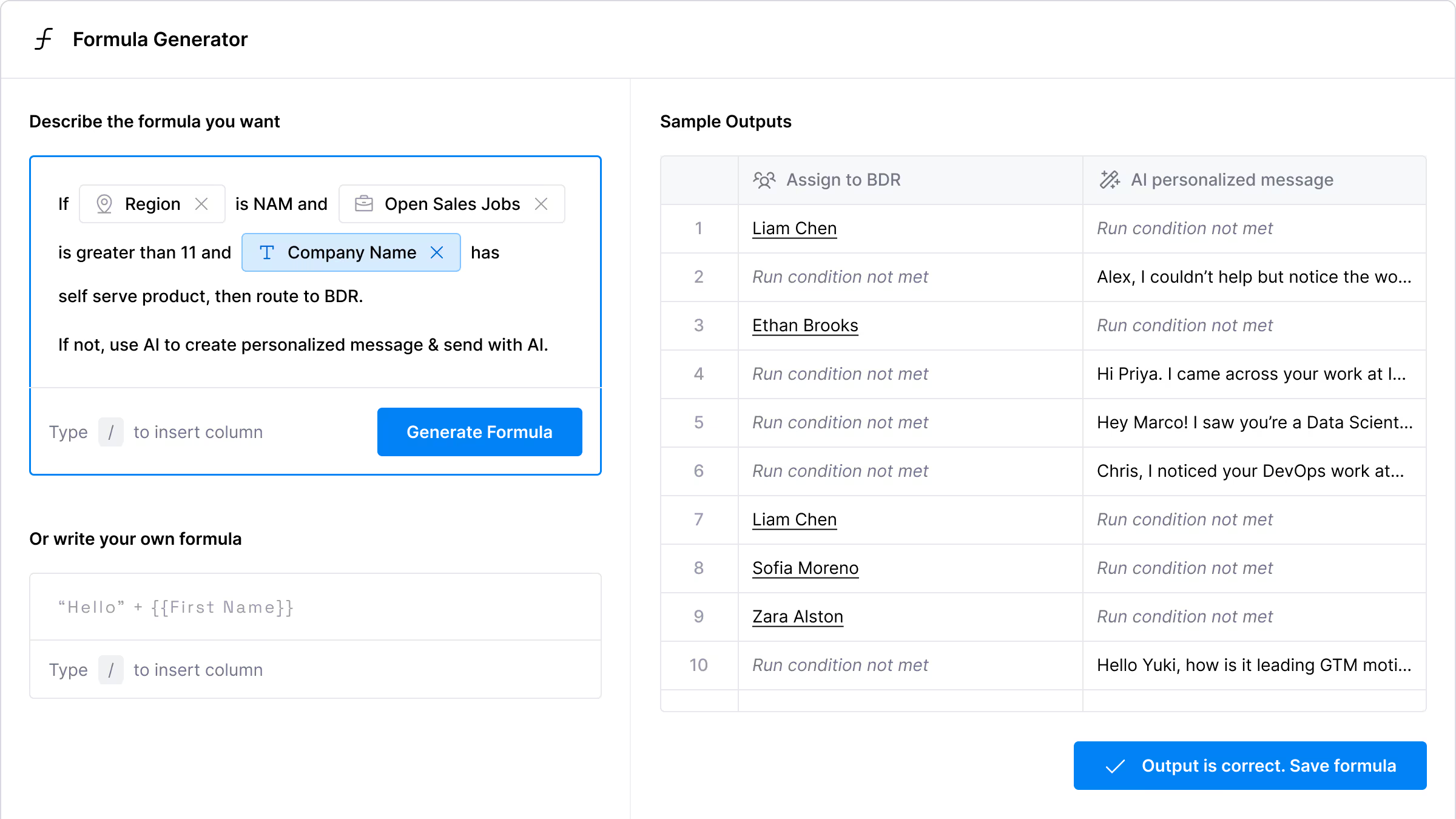
Instant formula-based domain classification
Get a "free" or "corporate" label on every row in seconds. Clay's AI Formula Generator writes the conditional logic for you, checking each email domain against known free providers like gmail.com and yahoo.com without manual review.
Verification flags catch-alls and free domains
Free-domain emails are flagged as invalid before they reach your sequencer. Clay's email verification layer treats personal email addresses as a separate class, keeping your corporate list clean and your bounces low.
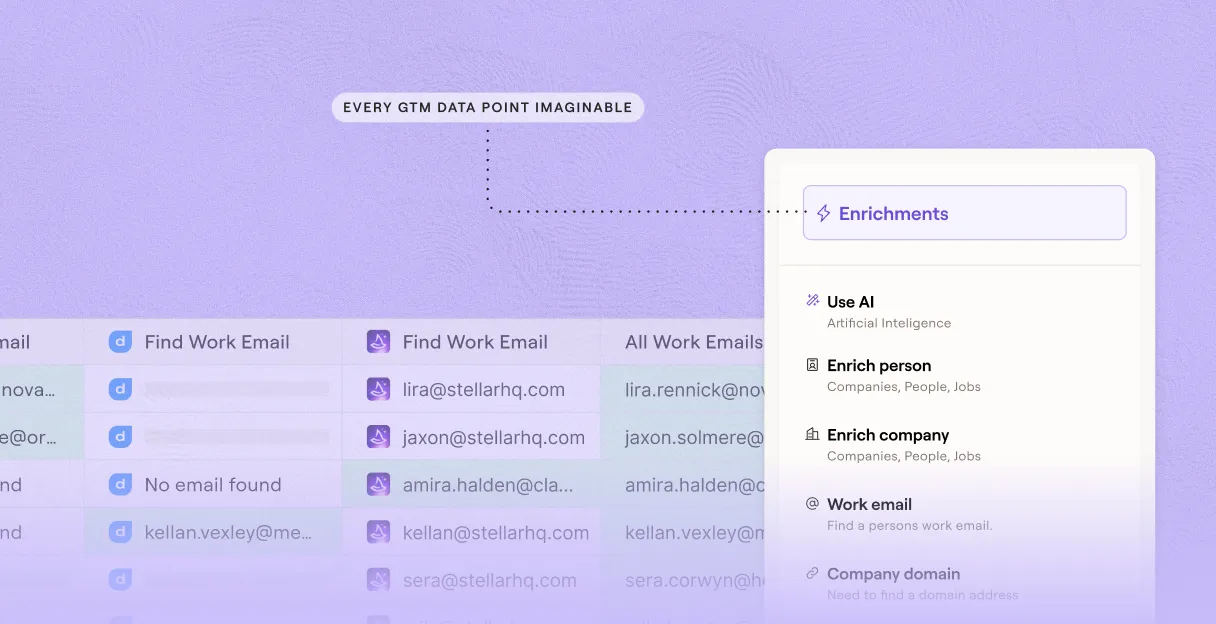

Conditional runs skip free-domain rows automatically
Save credits by running enrichment only on corporate-domain rows. Conditional run logic in Clay checks the domain type column first, so waterfall enrichment through 150+ providers fires only where it makes sense.
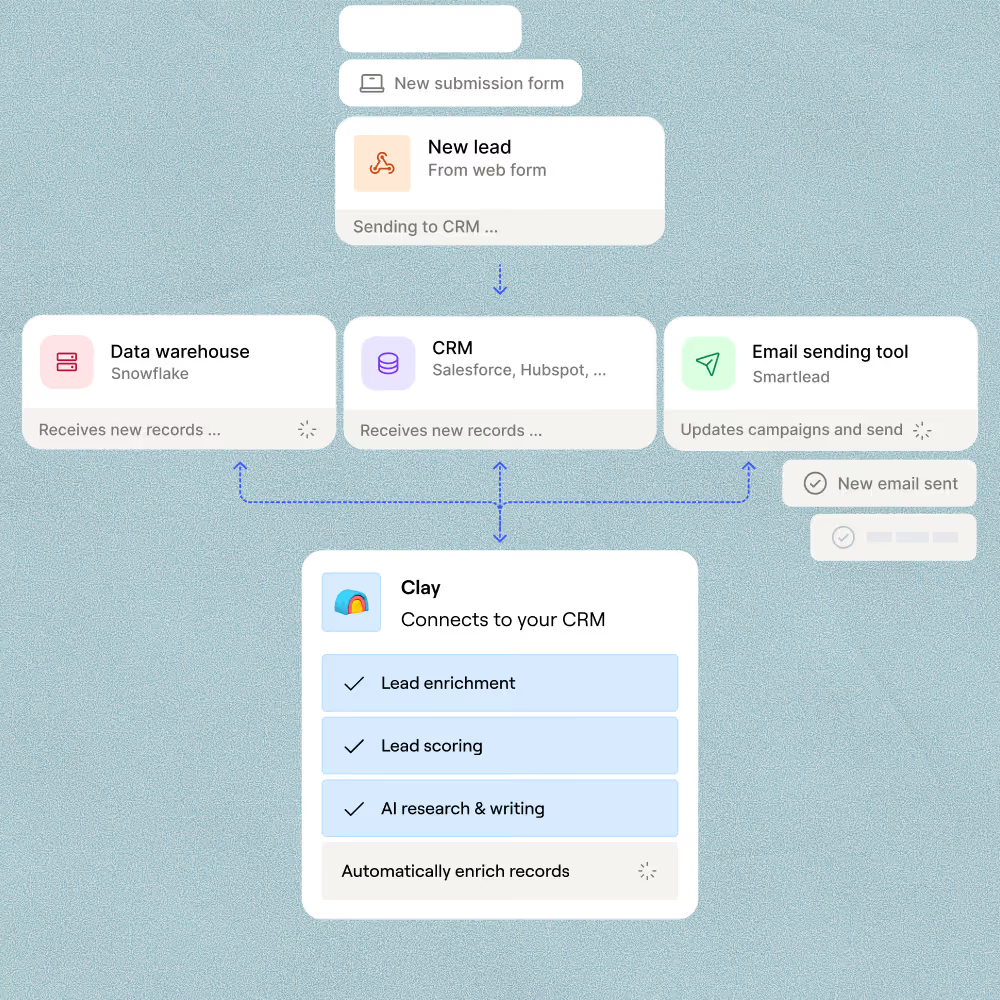
Push labeled contacts to HubSpot or Salesforce
Route the classified table directly to HubSpot or Salesforce, or export to CSV for downstream list hygiene. Domain-type labels sync as a field, so your CRM segments stay accurate without any manual tagging.

Every lead is pre-qualified, scored on unique signals, and routed automatically through Clay. We're now generating pipeline from segments we weren't even touching before.
Frequently asked questions
How does Sculptor classify free vs corporate email domains?
Sculptor pulls your inbound contacts into a Clay table, then runs an IF/ELSE conditional on each email address. The formula checks whether the domain matches known free providers like Gmail, Yahoo, or Hotmail and labels the row "free" or "corporate." Each row also returns the extracted company domain, so you can route corporate contacts straight to HubSpot while queuing free-domain signups for a separate work-email recovery pass using Claygent and Clay's waterfall enrichment.
How accurate is free vs corporate email domain detection?
Domain-type classification itself is near 100% accurate because it matches against a known list of 4,700+ free email providers (Gmail, Yahoo, Outlook, and thousands of regional and disposable domains). The harder question is what happens next: Clay's work-email waterfall pushed coverage from 40% to 80% in the OpenAI case study, meaning most free-domain contacts can still be resolved to a corporate address and qualified.
Can I classify free vs corporate domains for a whole list?
Yes. Paste your contacts, upload a CSV, or pipe rows from a connected source like HubSpot or Typeform directly into a Clay table. Sculptor applies the domain-type formula to every row at once, labels each contact free or corporate, and extracts the company domain. From there, push classified contacts to HubSpot or Salesforce in bulk, routing corporate leads to reps and free-domain contacts to an enrichment queue.
Are there legal concerns when emailing contacts classified by domain type?
CAN-SPAM governs all commercial email in the U.S., with no B2B exemption, and penalties reach $53,088 per non-compliant message as of January 2025. Every email must include a valid physical address, an unsubscribe link, and honest sender info. In the EU, GDPR requires documented legitimate interest or consent before outreach, and fines can hit €20 million or 4% of global revenue.
Classifying domains does not change these obligations. Whether the contact used a Gmail or corporate address, include an opt-out, honor removal requests within 10 business days (CAN-SPAM) or immediately (GDPR), and check the rules for your jurisdiction before launching any campaign.