






































.avif)




























How to re-verify stale emails
Paste your stale contact list in
Drop in your target contact list. Sculptor waterfalls through Clay's provider network to re-verify each email address against live mailbox checks.
Sculptor chains verifiers across your list
Sculptor waterfalls through multiple verified email providers in sequence, flagging each address as valid, catch-all, or invalid. Catch-all inboxes are bucketed separately so you never send blind.
Get a clean table with verified email status
The finished table has contact name and verified email status per row. Push clean rows to Smartlead or Instantly and route invalid addresses to a suppression list in HubSpot or Salesforce.
Why Clay for re-verifying stale emails

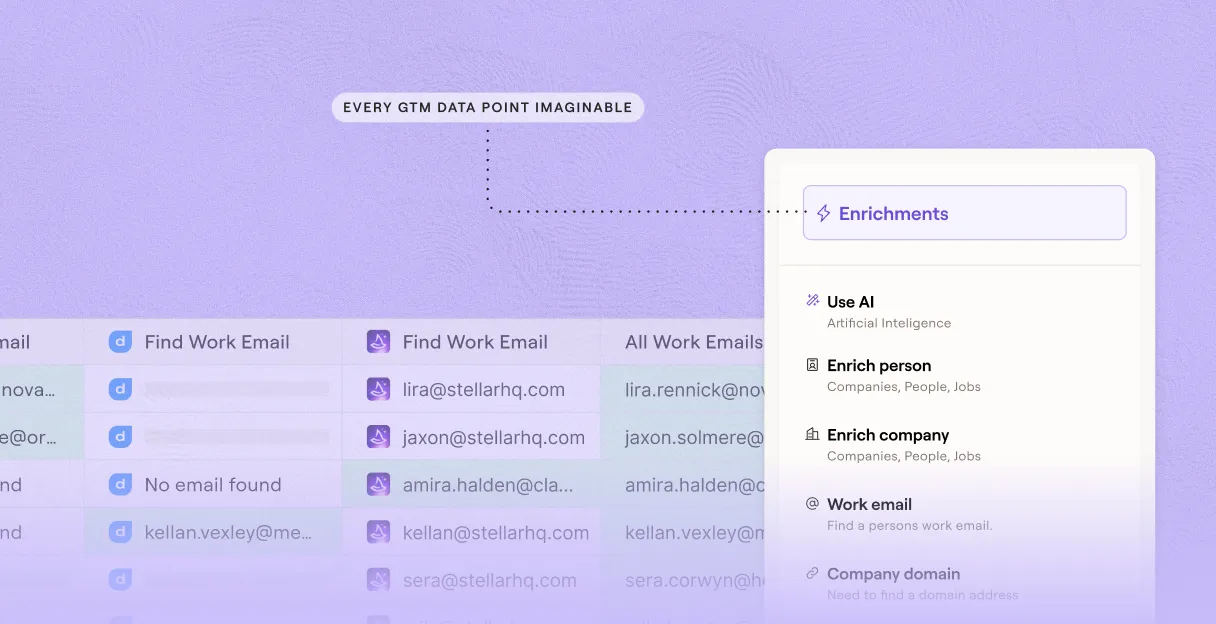
Waterfall verification across 150+ providers
Get higher verified coverage on matched rows. Clay waterfalls through 150+ providers in sequence and only charges credits when one returns a confirmed result, so a single provider's blind spots don't ground your list.
Catch-all and role inbox risk labeling
Every address returns one of five statuses: valid, invalid, catch-all, role-based, or unknown. Catch-all rows are routed to a dedicated catch-all verifier chain so you never send blind to risky domains.
Auto-refresh keeps verification current
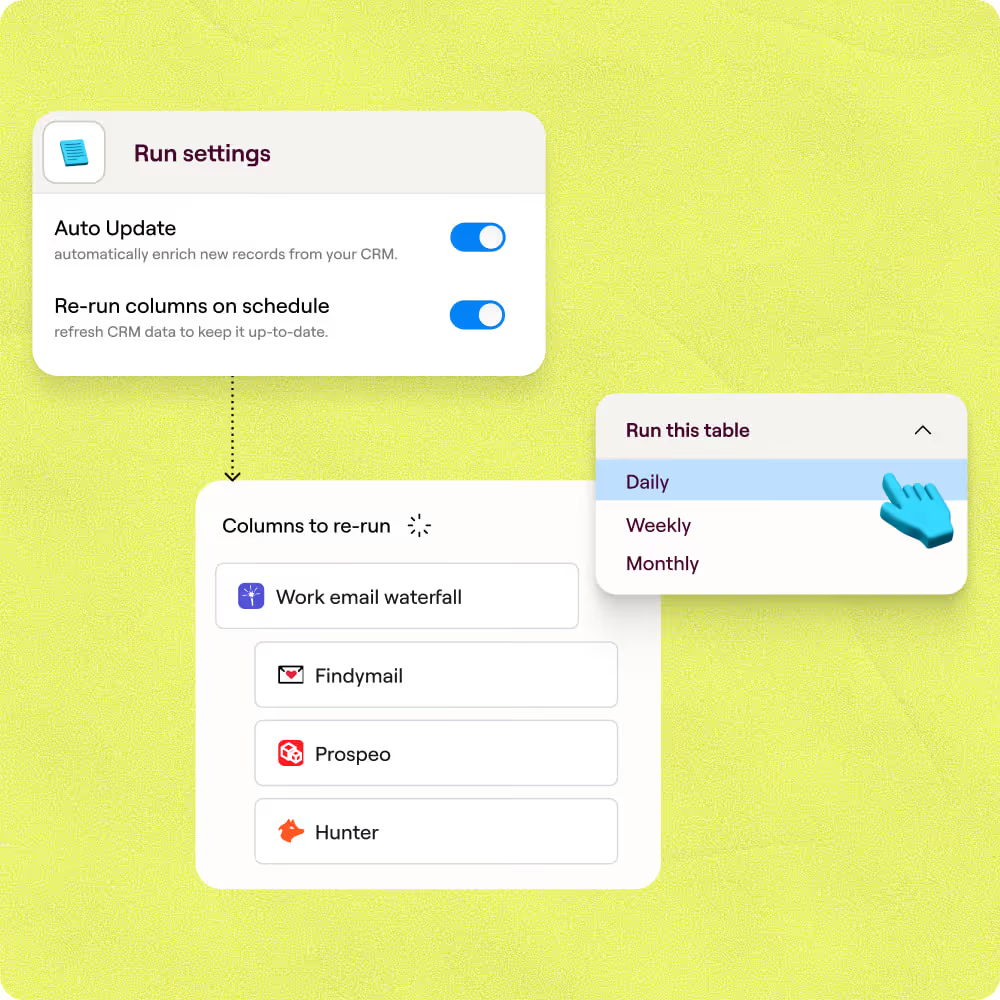
Schedule re-verification so stale rows are re-checked on a recurring cadence. Clay filters contacts by last-enrichment date and re-runs the waterfall automatically, no manual list exports required.
Write verified status back to HubSpot or Salesforce
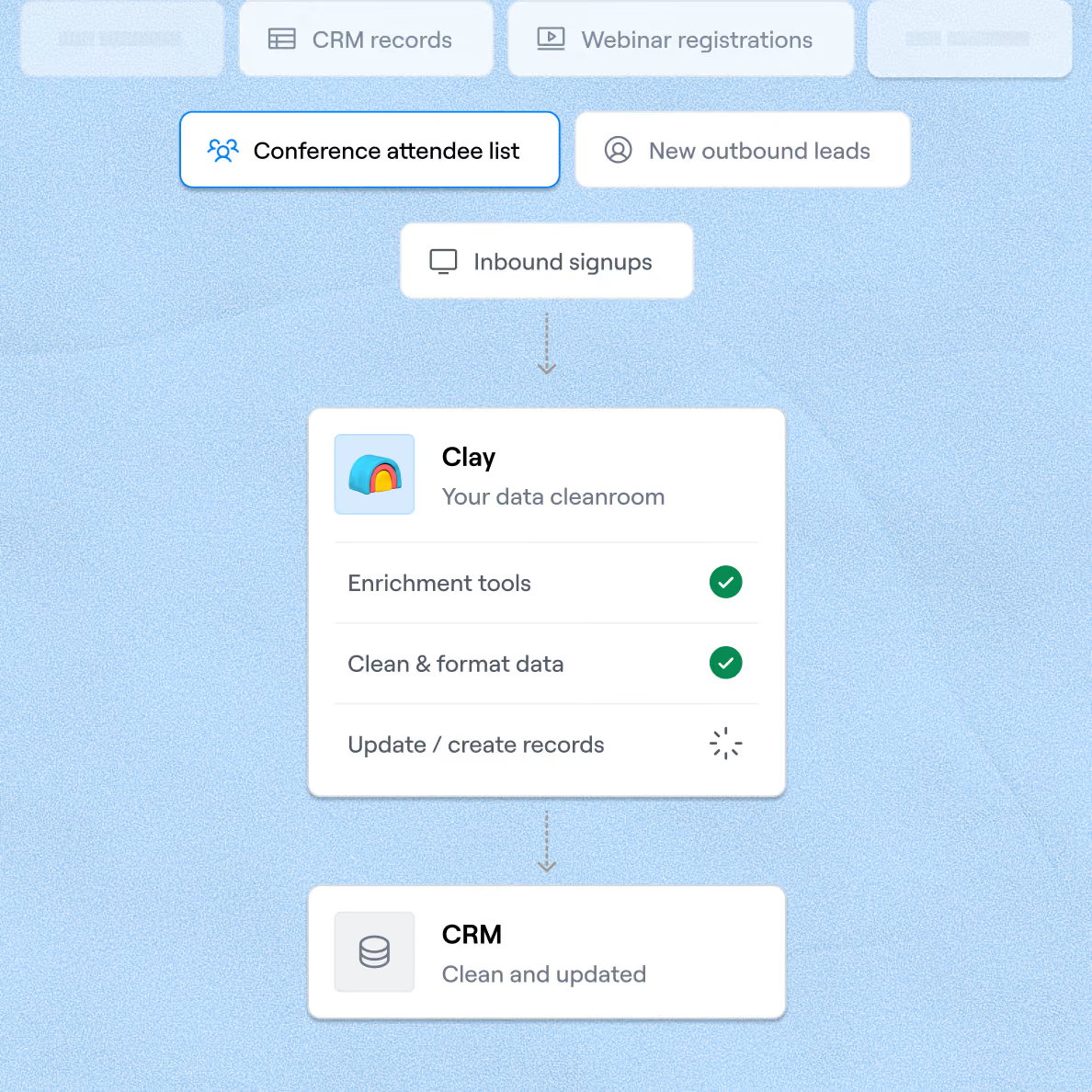
Push verified email status back to HubSpot or Salesforce via bidirectional sync, keyed on the record ID. Invalid and catch-all records are flagged for suppression so reps and sequencers only see clean rows.

Chaining together Clay's data waterfalls helped us translate personal emails to work emails, unlocking the ability to do custom company research with complex logic and display formats. Without Clay, this would've been an incredibly cumbersome process—and we likely wouldn't have bothered trying,
Frequently asked questions
How does Sculptor re-verify stale emails?
Sculptor runs each existing email through a waterfall of verification providers, starting with ZeroBounce as the default engine. If the first provider can't return a confident verdict, Clay moves to the next in the sequence, checking 5+ services total. Each contact row comes back with a validation status so you can flag bounced or risky addresses before they hit your outbound sequences.
How accurate is Clay's email re-verification?
Clay's 2025 non-catch-all verifier benchmark scored ZeroBounce at 99.25% verdict quality with 99.37% coverage. Stacking multiple verifiers in a waterfall pushes usable coverage even higher. You can also toggle "Only mark Safe to Send emails as valid" to exclude catch-all addresses, which Clay tested across 10 providers on 9,500 real campaign emails to rank for catch-all accuracy.
Can I re-verify stale emails for an entire list at once?
Yes. Paste contacts directly, upload a CSV, or pipe records from a Clay table to verify thousands of emails in one run. Once Sculptor returns each verified result, push the clean data back to HubSpot, Salesforce, or Pipedrive in one step, or export as a CSV to update records manually.
Is re-verifying and emailing B2B contacts legally compliant?
The CAN-SPAM Act governs commercial email in the U.S. and allows B2B outreach without prior consent, but every message must include a valid physical address, a clear unsubscribe mechanism, and honest subject lines. Penalties reach $53,088 per non-compliant email. In the EU, GDPR permits B2B cold email under a legitimate-interest basis when the outreach is relevant to the recipient's professional role and you document why contact is justified.
Always honor opt-out requests within 10 business days and check the rules for your jurisdiction before sending.