






































.avif)




























How to build a Sales Nav workflow
Paste your Sales Nav search or ICP filters
Drop in your Sales Navigator search URL or describe your ICP filters, like job title, industry, and headcount. Sculptor sources matching contacts from Clay's people database.
Sculptor matches contacts and verifies emails
Sculptor searches Clay's people database for contacts matching your Sales Navigator filters, then waterfalls through 150+ providers to find a verified work email for the target title you specified. Matched rows get the email; unmatched rows are flagged.
Reviewed table with company name and verified email
The finished table has company name and, for rows the waterfall enriched, a verified email for your target title. Push to Smartlead or Instantly to trigger your outbound campaign.
Why Clay for building a Sales Nav workflow
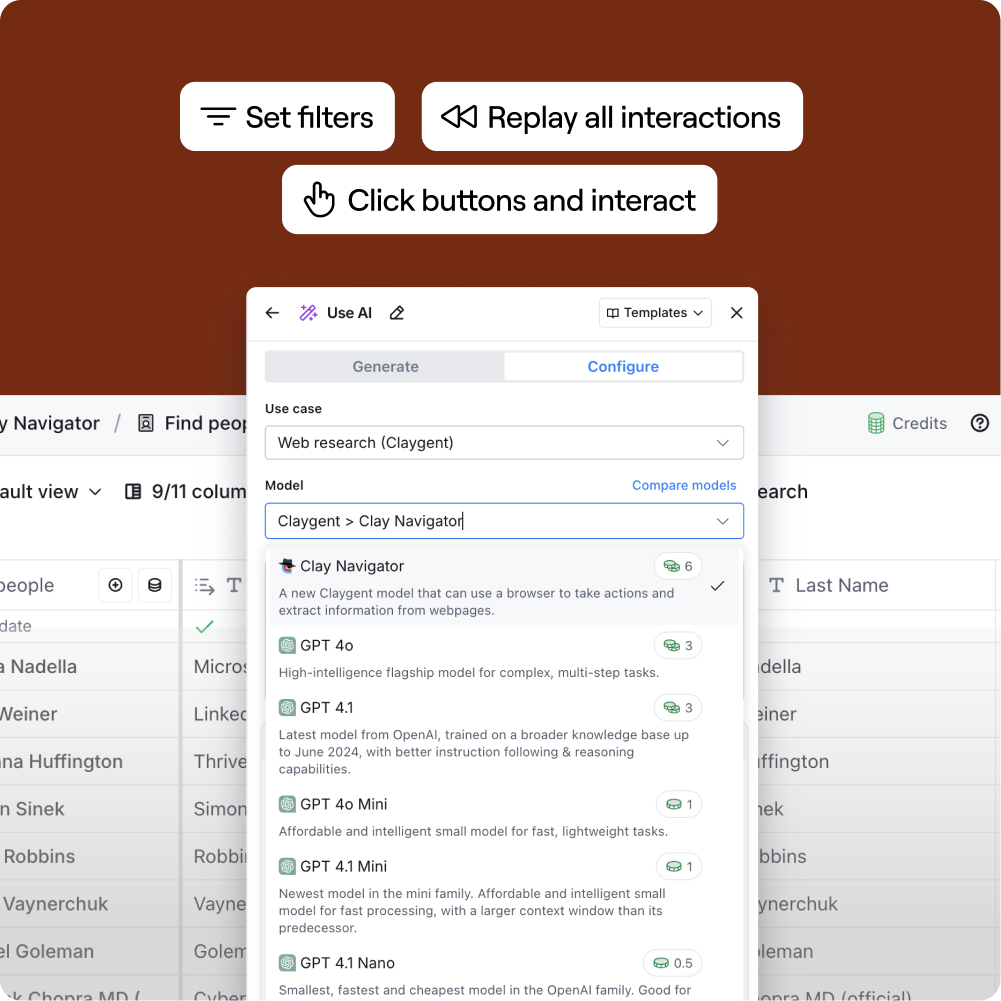
Import Sales Nav searches as a live source
Get a structured Clay table from any Sales Navigator search in minutes, with company name, LinkedIn URL, and target title pre-populated. Claygent reads each LinkedIn profile to extract role details, tenure, and keywords your filters alone can't surface.
Waterfall enrichment for verified work emails
Matched rows get a verified work email via Clay's waterfall across 150+ providers, with credits charged only when a provider returns a hit. Catch-alls and role inboxes are flagged before records leave Clay, keeping your bounce rate low.

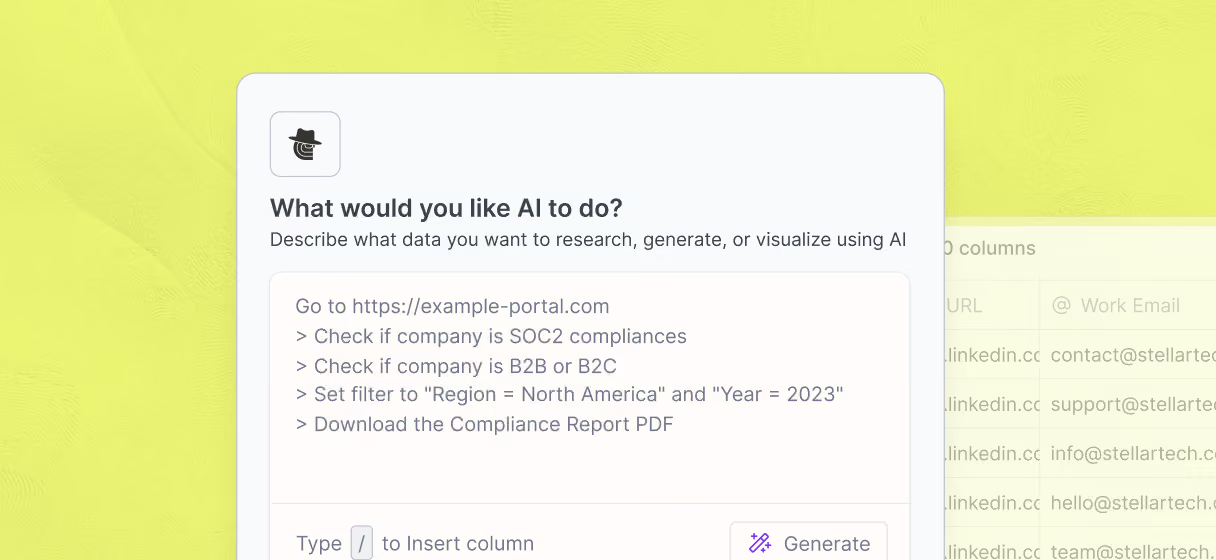
Claygent scrapes company context for personalization
Get funding stage, recent hiring signals, and tech stack for every account without manual research. Claygent browses each company's site, Crunchbase, and BuiltWith to pull fresh data that feeds directly into your outreach copy.
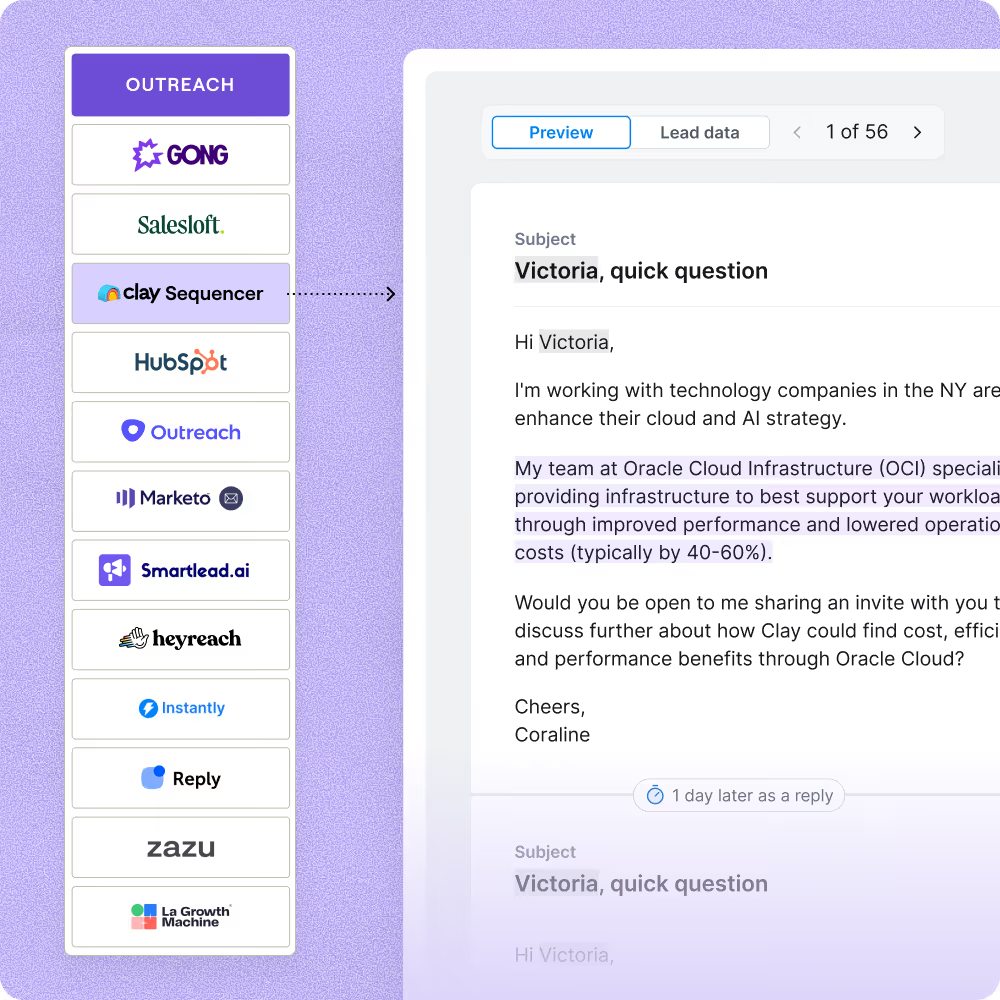
One-click push to Smartlead or Instantly
Enriched, verified rows flow directly into Smartlead or Instantly so your campaign starts without a CSV export. Clay's native sequencer is available as an alternative if you want to consolidate your stack in one place.

Clay is the Rippling marketing team's secret weapon. It has helped us build an experimentation-driven GTM motion that iterates on ideas and scales what works. We've greatly improved our outbound email performance, deeply enriched our customer base with AI, and more.
Frequently asked questions
How does Sculptor build a Sales Nav prospect list?
Paste your Sales Navigator saved list or describe your filter criteria (e.g., "VP of Sales at SaaS companies with 50-500 employees"), and Sculptor pulls matching prospects into a Clay table. It then runs waterfall enrichment across 50+ contact-data providers, querying each source in sequence until it finds a verified email for every row.
How accurate are the emails from a Sales Nav workflow?
Clay tested 12 email providers across 4,700+ contacts and found top providers like Datagma and Hunter score above 97% confidence on verified matches. Because the waterfall queries multiple sources, coverage typically jumps from around 30% with a single provider to 80%+, and you only pay for successful finds.
Can I build Sales Nav prospect lists in bulk?
Yes. Paste an entire Sales Navigator saved list, upload a CSV of prospects, or pipe rows from another Clay table, and Sculptor enriches every contact in a single run. Once the table is ready, push all rows directly to Smartlead, Instantly, HubSpot, or Salesforce to launch sequences without manual handoff.
Is it legal to pull prospect data from Sales Navigator?
The platform's Terms of Service prohibit direct scraping or automated data extraction, and the CFAA (Computer Fraud and Abuse Act) can apply when access methods bypass restrictions. GDPR also requires a lawful basis for processing personal data. Using enrichment providers that resolve contact details from external databases, rather than scraping profile pages, is the compliant path most B2B teams follow.
Always review the platform's current terms and check the data-privacy rules in your jurisdiction before running any workflow.