







































.avif)




























How to generate leads with Sales Navigator
Describe your Sales Navigator ICP filters
Add your ICP filters, such as job title, industry, company size, and geography. Sculptor sources matching contacts from your Sales Navigator search criteria.
Sculptor builds and enriches your lead list
Sculptor searches Clay's B2B contact data against your Sales Navigator criteria, filtered by title, industry, and headcount, then waterfalls through 150+ providers to find a verified work email for each matched contact.
Get your table with company name and verified email
The finished table has company name and, for matched rows, a verified contact email. Push to Smartlead, Instantly, or your sequencer to trigger a campaign the moment a row lands.
Why Clay for generating leads with Sales Navigator
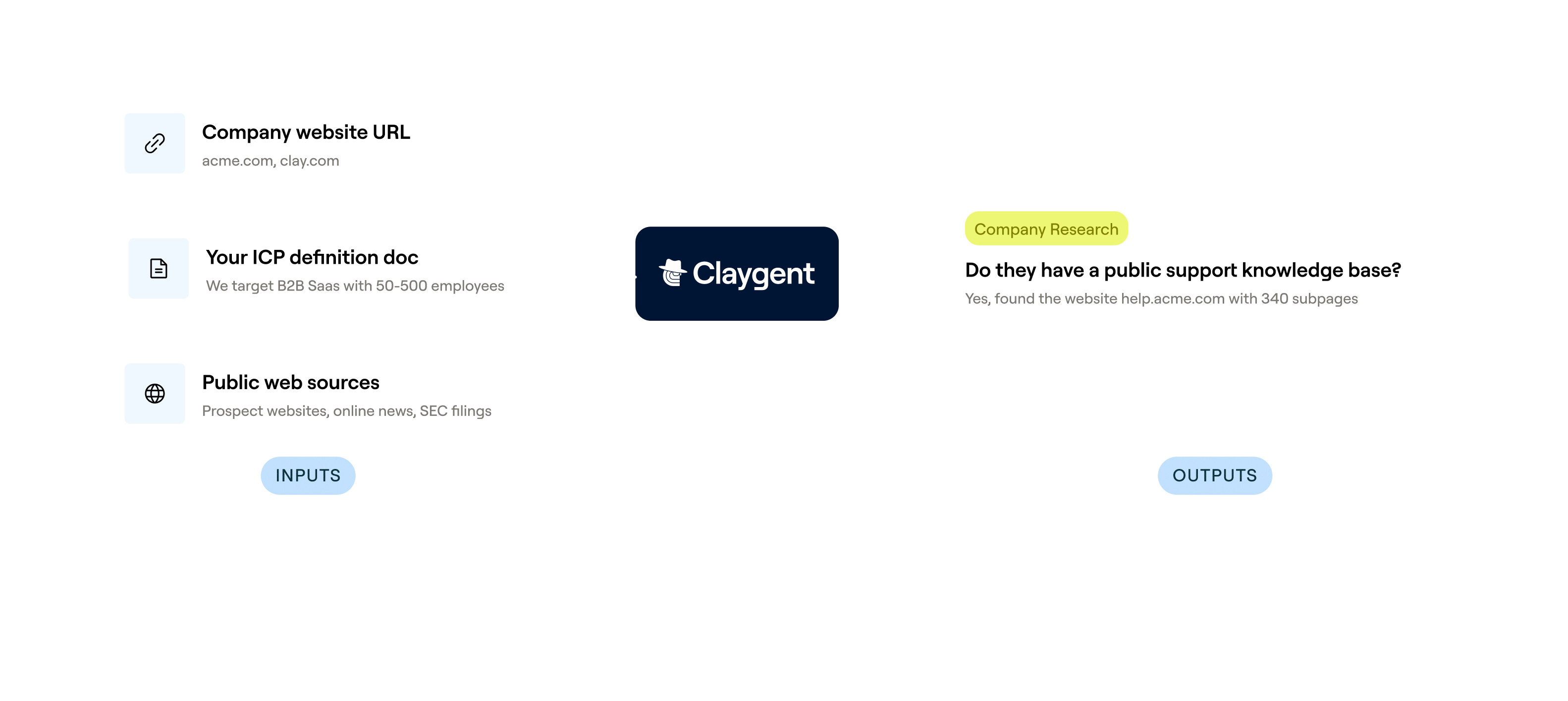
Deeper ICP filtering beyond Sales Navigator
Get a list refined to your exact ICP, not just broad Sales Navigator filters. Claygent browses each company's site to classify type, GTM motion, tech stack, and hiring signals that Sales Navigator cannot surface.
Waterfall enrichment finds verified work emails
Verified work emails land on matched rows across your Sales Navigator contacts. Clay waterfalls through 150+ providers in sequence, only charging credits when a provider returns a hit.

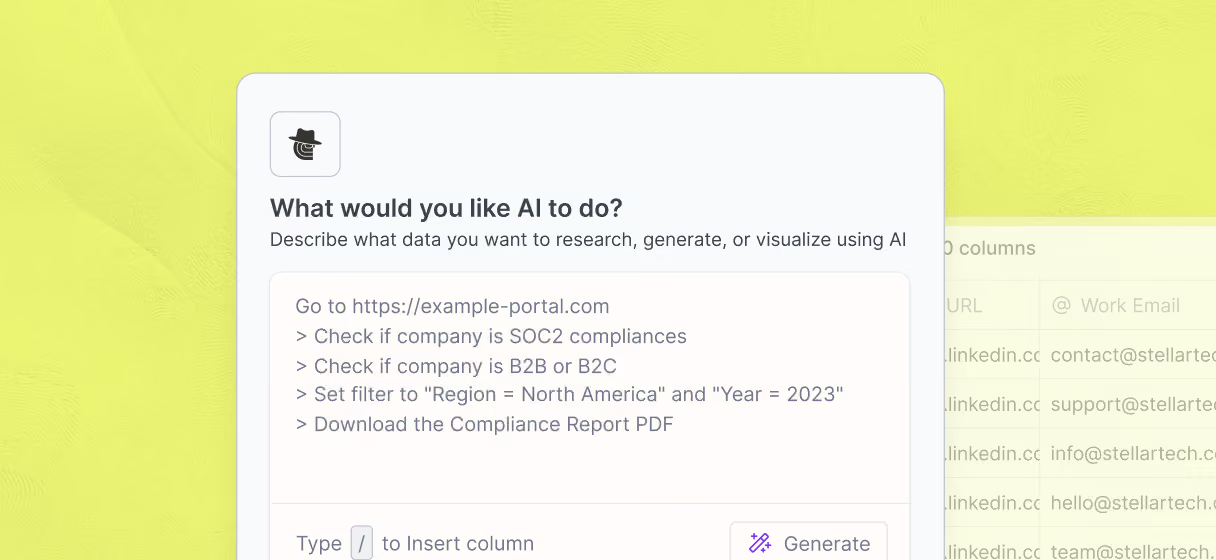
Catch-all and role inbox flagging before send
Each verified row runs through email verification before it reaches your sequencer, flagging catch-alls and undeliverable inboxes so your bounces stay low across the full list.
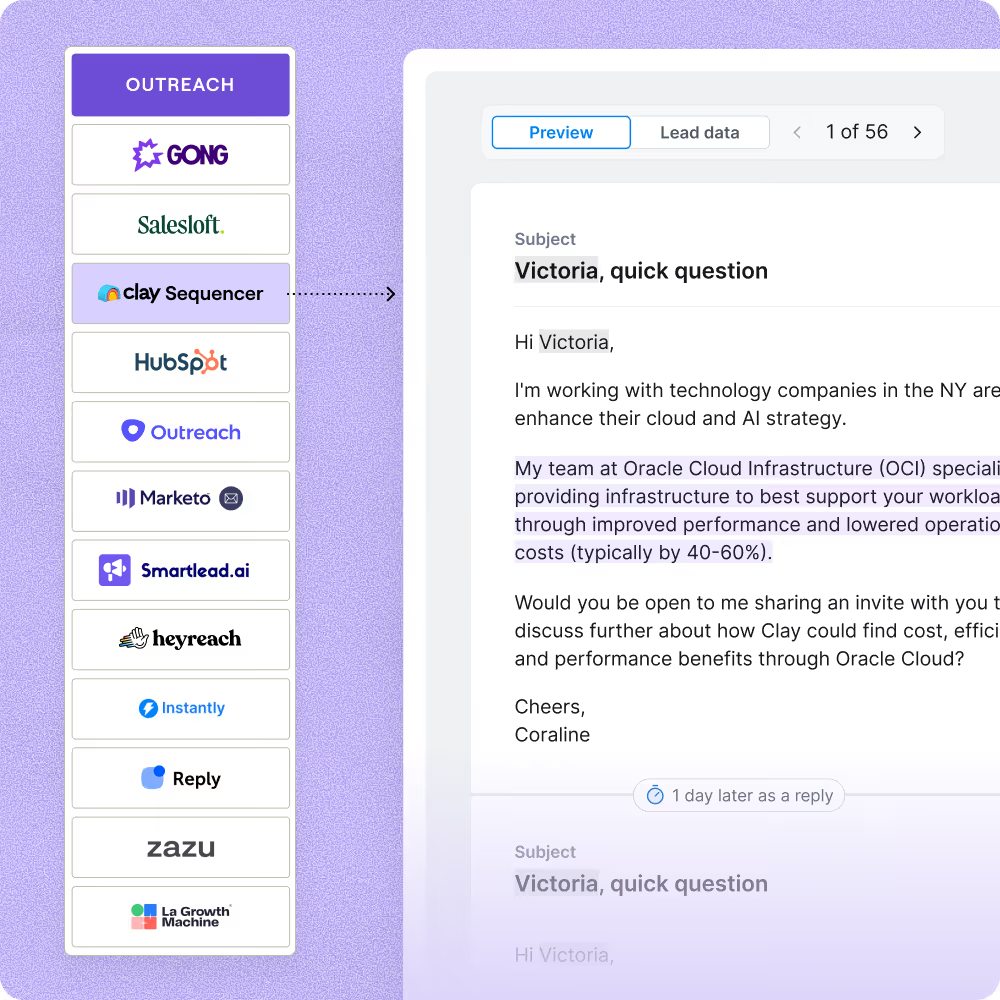
One-click sync to Outreach, Salesloft, or Smartlead
Push your enriched, verified Sales Navigator lead list directly to Outreach, Salesloft, Smartlead, or Instantly with field mapping preserved, triggering a campaign the moment each row is ready.

With Clay, we more than doubled our enrichment coverage from low 40% to high 80%
Frequently asked questions
How does Sculptor find leads from Sales Navigator?
Paste your Sales Navigator search URL or saved list name and click Generate. Sculptor imports every result as a row, then runs waterfall enrichment across up to 10 contact-data providers in sequence to find a verified VP of Sales email for each company. Claygent can also visit company websites to classify accounts by custom ICP criteria that Sales Navigator filters alone cannot capture.
How accurate are the emails Sculptor finds from Sales Navigator?
Waterfall enrichment typically lifts email coverage from roughly 20-30% with a single provider to 80-90% by querying multiple sources like Hunter, Apollo, and ZeroBounce in sequence. Each email is verified before it lands in your table, and you only pay credits when a provider returns a result, so empty lookups cost nothing.
Can I enrich an entire Sales Navigator list at once?
Yes. Paste a Sales Navigator search URL, upload a CSV export, or pipe rows from an existing Clay table, and Sculptor enriches every row in bulk. Once enrichment finishes, push the full list directly to HubSpot, Salesforce, or Lemlist so your outreach sequence starts without manual re-entry.
Is it legal to scrape leads from Sales Navigator?
In the U.S., the hiQ Labs v. LinkedIn ruling found that scraping publicly accessible data does not violate the Computer Fraud and Abuse Act (CFAA). However, bypassing login walls or ignoring robots.txt can shift that analysis. Under GDPR, collecting personal data like names and work emails requires a lawful basis such as legitimate interest, plus clear disclosure and storage safeguards.
Always respect the platform's terms of service, honor robots.txt directives, and check the rules for your jurisdiction before running any automated collection.