







































.avif)




























How to find a company ein
Paste your target account list into Sculptor
Drop in your target company list. Claygent browses each company's registration records to extract the EIN and business registration details row by row.
Claygent researches each company's registration data
Claygent browses public registration sources, such as Secretary of State filings and SEC EDGAR records, for each company on your list. It reads and extracts the EIN and business registration details, returning structured data per row.
Get a table with company name and EIN
The finished table has company name and EIN for rows where registration data was found. Sync to HubSpot or Salesforce, or export to CSV for compliance and sales ops use.
Why Clay for finding company EIN
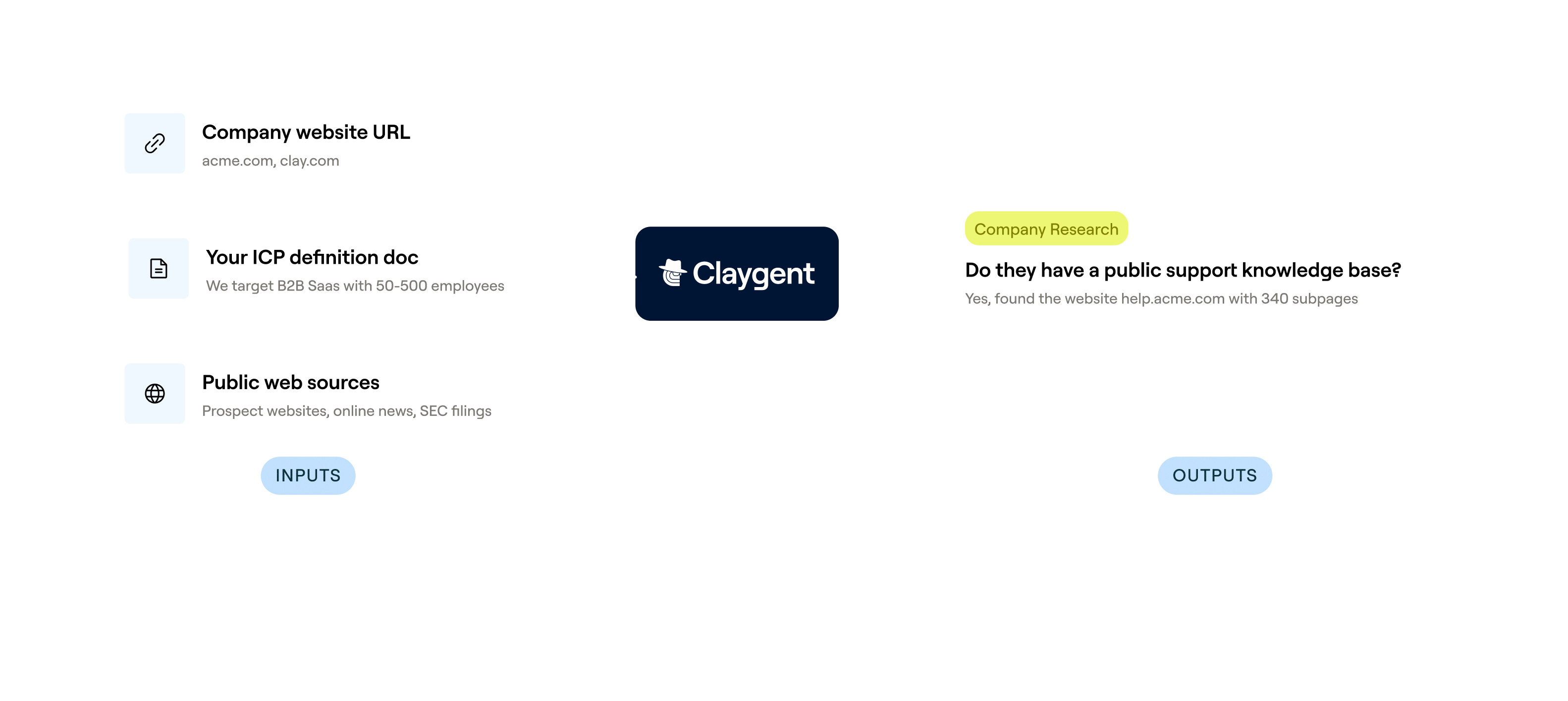
Claygent browses public registries row by row
Get EIN and business registration details for each account on your list. Claygent reads SEC EDGAR filings, Secretary of State portals, and company sites, returning structured data per row without manual lookup.
Claygent Navigator handles interactive government portals
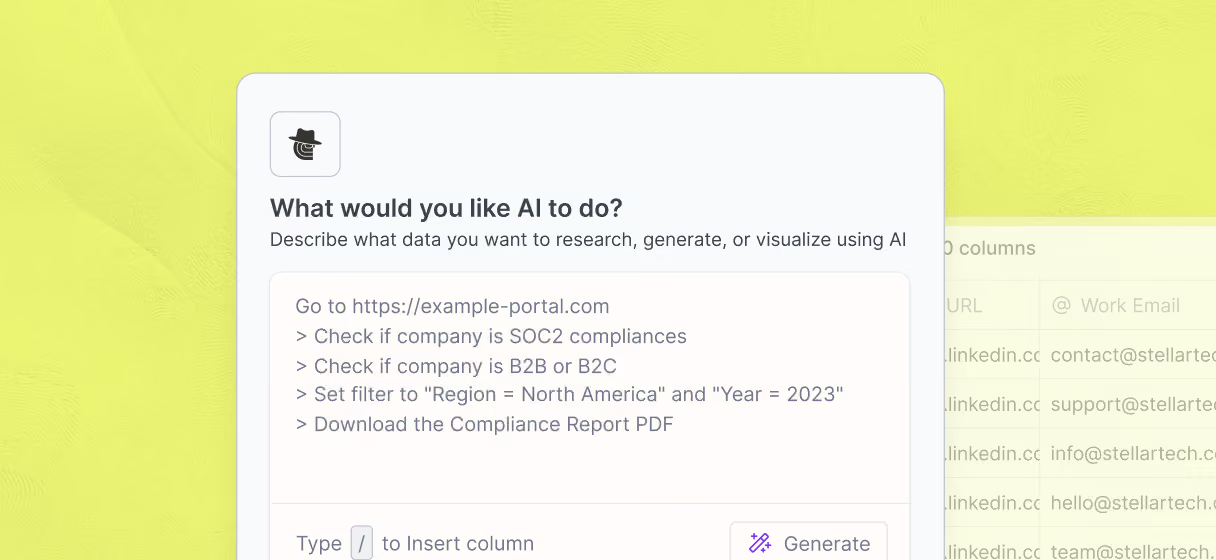
Some EIN sources sit behind search forms and paginated registries. Claygent Navigator fills forms, clicks through results, and extracts the registration record, reaching data that standard web crawlers cannot reach.
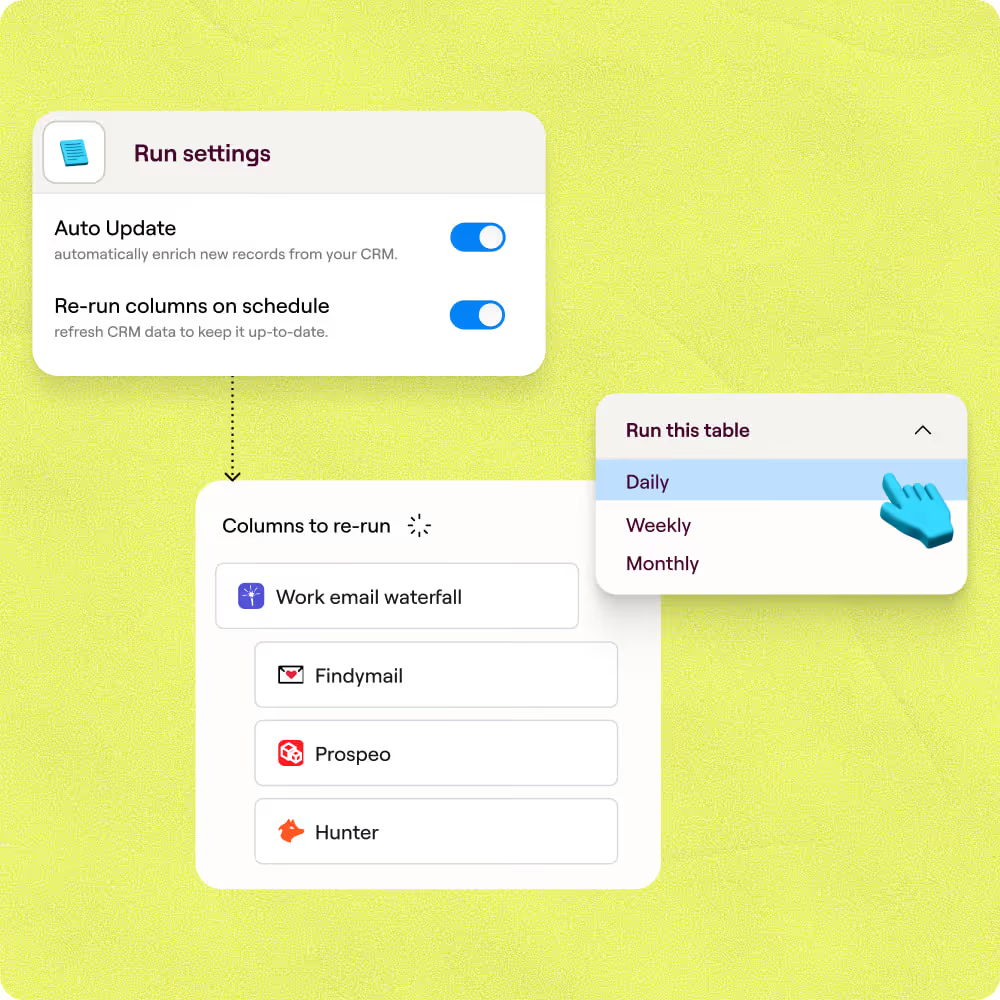
Auto-refresh keeps registration data current
Schedule enrichment columns to re-run daily, weekly, or monthly so registration data stays accurate as records change. Clay flags rows where data was not found so your team can triage gaps in minutes.
Push enriched records to HubSpot or Salesforce
Write company name, EIN, and registration details back to HubSpot or Salesforce using Clay's two-way sync, keyed on the CRM record ID so updates land on existing accounts without duplicates.
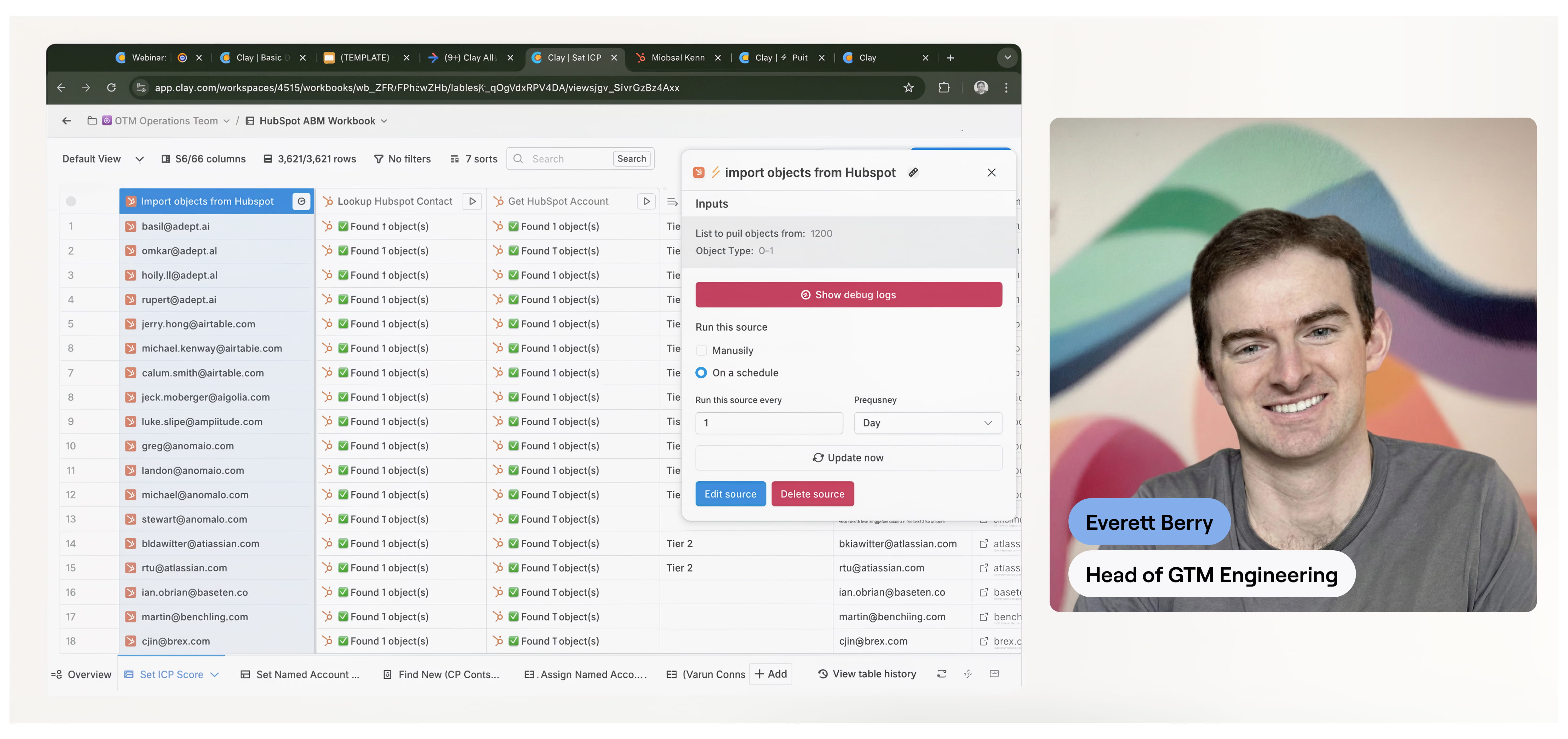

Chaining together Clay's data waterfalls helped us translate personal emails to work emails, unlocking the ability to do custom company research with complex logic and display formats. Without Clay, this would've been an incredibly cumbersome process—and we likely wouldn't have bothered trying,
Frequently asked questions
How does Sculptor find company EIN numbers?
Type a target industry or region (like "construction companies in Ohio") into Sculptor's prompt, and it builds a company table using Clay's Find Companies source, which draws from 100+ data providers. For EINs specifically, Sculptor can add a Claygent column that searches public business and tax registration records, including SEC EDGAR filings and IRS Tax Exempt Organization listings, to locate each company's EIN.
How accurate are the EIN results from Clay?
Coverage depends on company type. Publicly traded companies have EINs listed in SEC EDGAR filings, and nonprofits appear in the IRS Tax Exempt Organization Search, so those categories tend to return high match rates. Private companies are harder because the IRS does not offer a public EIN registry. Claygent fills gaps by scraping state business filings and public registrations, but you should verify each EIN against the original source before using it for compliance or tax purposes.
Can I look up EINs for a whole list at once?
Yes. Paste a list of company names directly into a Clay table, upload a CSV, or let Sculptor generate the full list from a single prompt. Claygent runs the EIN lookup across every row automatically. Once complete, push the results to HubSpot or Salesforce for vendor onboarding, or download the table as a CSV for compliance and due-diligence workflows.
Is it legal to collect company EIN data in bulk?
EINs are federal tax identifiers, and many are available through public records such as SEC EDGAR filings, IRS Tax Exempt Organization filings, and state Secretary of State portals. Collecting publicly available company data is generally permissible in the U.S. If you handle data on EU entities, GDPR Article 6(1)(f) allows processing under legitimate interest with a documented balancing test. U.S. state privacy laws like the CCPA may also apply to certain data points.
Always confirm that each source permits bulk access, respect site terms of service, and check the rules for your jurisdiction before using EIN data for outreach or filing purposes.