







































.avif)




























How to find a company EIN or tax ID
Paste your company names to research
Drop in your company name or a list of companies. Claygent browses public filings, registries, and web sources to surface each EIN or tax ID.
Claygent searches public records for each company
Claygent researches each company row, scanning SEC EDGAR filings, public registries, IRS nonprofit records, and company websites to extract the EIN or tax ID. Verified data is returned as a structured field on each matched row.
Review the table with company name and EIN
The finished table shows company name and EIN where Claygent found a public record. Export to CSV or sync the enriched fields back to HubSpot or Salesforce.
Why Clay for finding a company EIN or tax ID
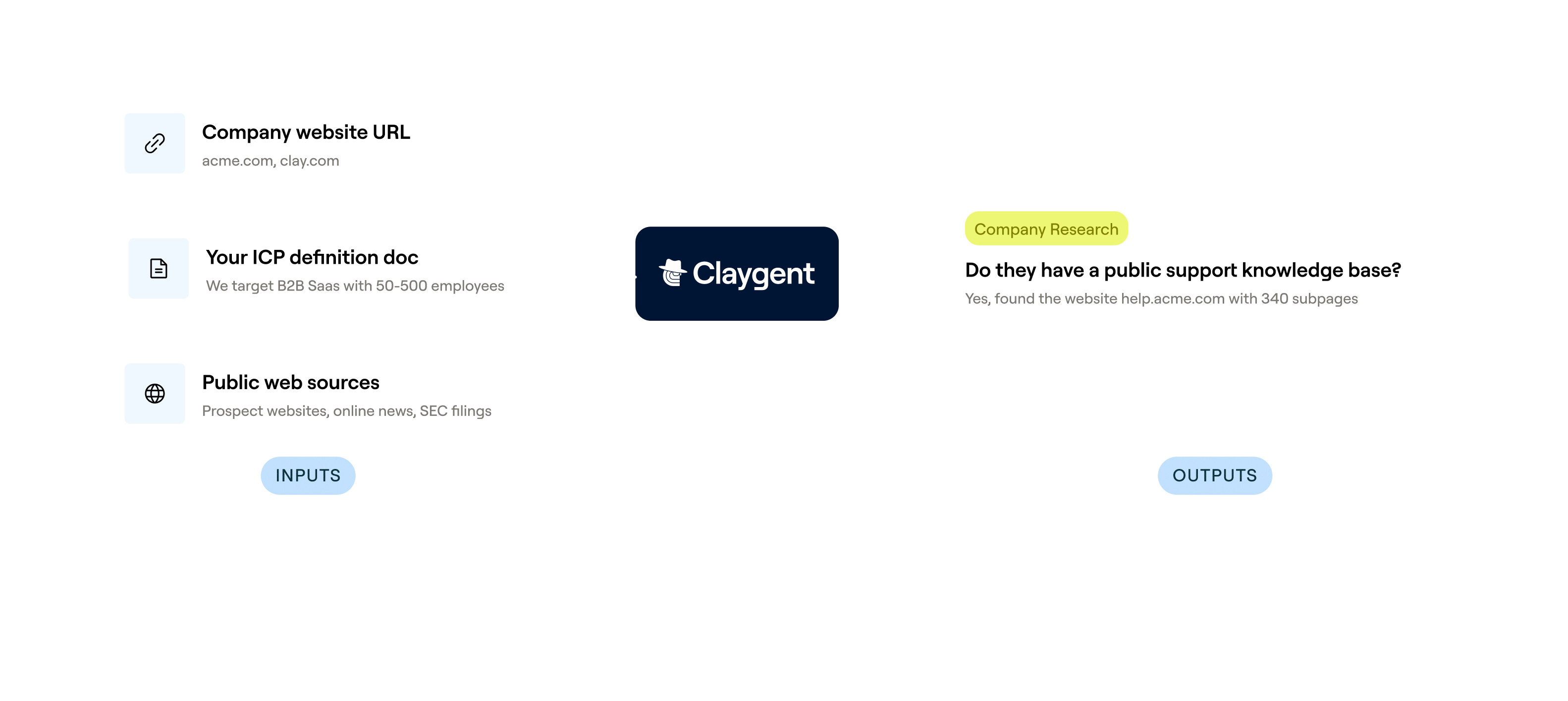
Claygent browses public records at row level
Get the EIN or tax ID returned as a structured field for each company row. Claygent browses SEC EDGAR filings, IRS nonprofit records, and government registries in plain-language prompts with no code required.
Navigator fills forms inside government portals
Access EINs buried behind interactive search portals. Claygent Navigator enters queries, clicks filters, and paginates results on sites like SEC's filing search, surfacing data other models cannot reach.
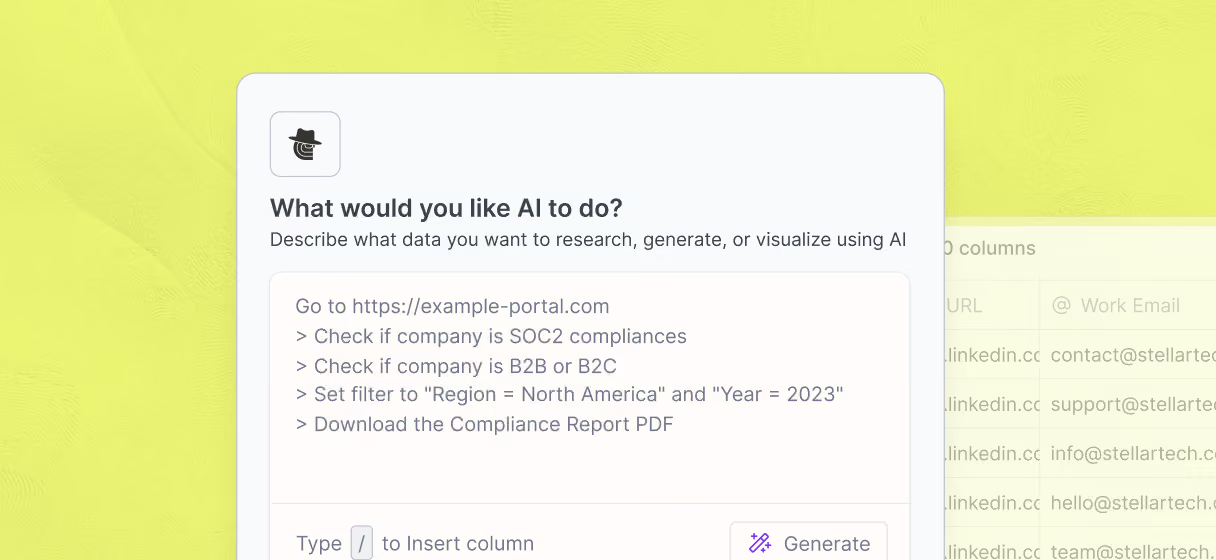

Claygent Replay shows every browsing step
Verify exactly how each EIN was found before committing credits at scale. Every Navigator run produces a step-by-step Claygent Replay showing each source clicked, form filled, and record checked.
Sync enriched EIN data to HubSpot or Salesforce
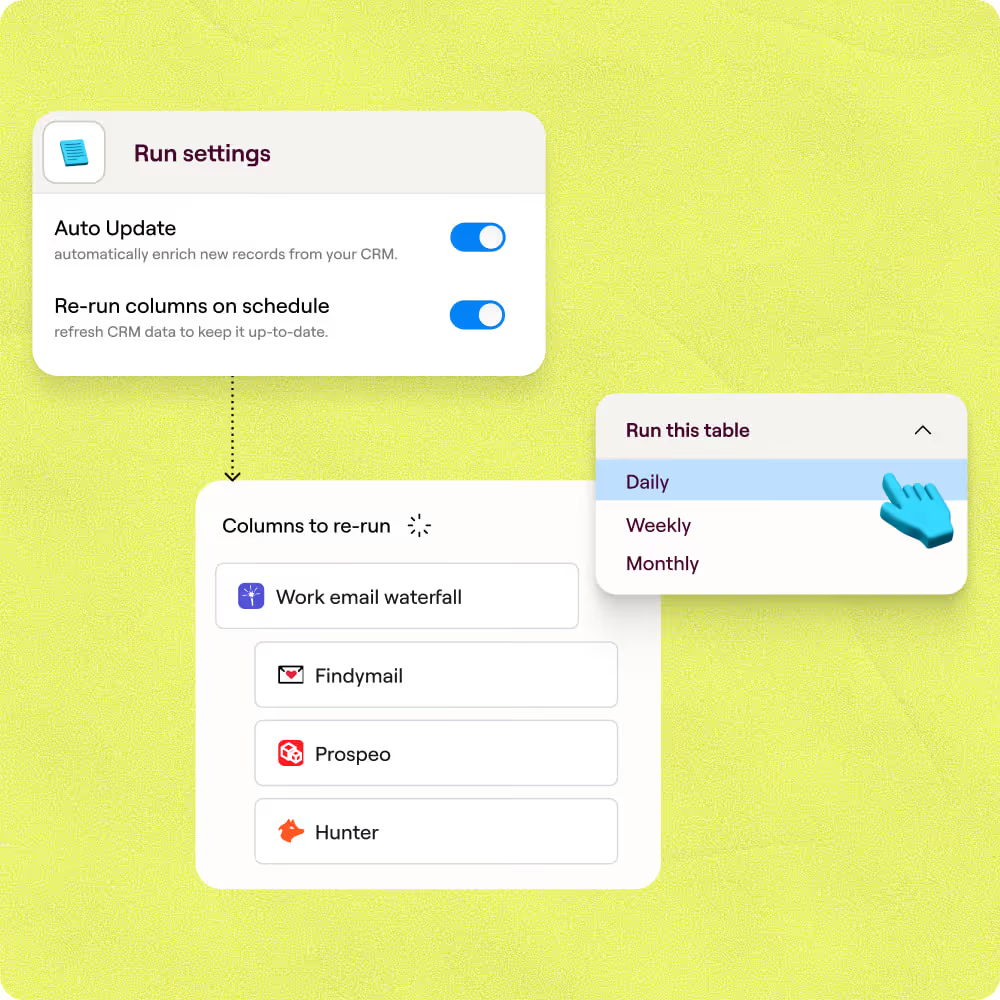
Push the finished table of company names and EINs directly to HubSpot or Salesforce with no manual export. Clay writes enriched fields back to the right CRM record automatically on a schedule you set.

We consolidated three vendors into Clay and started enriching data points that didn't exist in any traditional database. Our reps went from starting every conversation cold to knowing exactly who to call and what to say.
Frequently asked questions
How does Sculptor find a company's EIN or tax ID?
Type your target industry, and Sculptor builds a starting table of U.S. companies using Clay's Find Companies source. It then recommends enrichment steps, including Claygent, which browses public registries like SEC EDGAR and state Secretary of State portals, reads each page, and returns the EIN as a structured column. Waterfall enrichment queries multiple data providers in sequence so each row pulls from the next source only when the previous one returns nothing.
How accurate are the EIN lookup results from Clay?
Accuracy depends on entity type and the public source. SEC EDGAR covers roughly 10,000 to 15,000 publicly traded companies with EINs listed in 10-K and 10-Q filings. State Secretary of State registries cover all entity types across 50 states, while IRS Tax Exempt Organization Search covers nonprofits. Clay's waterfall approach checks multiple sources per row, and Claygent confirms results against the original registry page, so you get the highest-confidence match available from public records.
Can I look up EIN numbers for a whole list at once?
Yes. Paste a list of company names directly into a Clay table, upload a CSV, or pipe records from a CRM integration like HubSpot or Salesforce. Sculptor and Claygent run enrichment across every row automatically. Once complete, export the full company-name-plus-EIN table as a CSV at no extra credit cost, or sync results back to your CRM for vendor onboarding, compliance checks, or financial due diligence.
Is it legal to scrape public records for company EIN data?
Under the Computer Fraud and Abuse Act (CFAA), scraping publicly accessible data without bypassing authentication is generally permitted. The Ninth Circuit confirmed this in hiQ v. LinkedIn (2022), and Meta v. Bright Data (2024) reinforced it. Government registries like SEC EDGAR and state Secretary of State portals publish EIN data as public records, which lowers legal risk further. Always respect each site's robots.txt, avoid bypassing login walls, and check the specific terms of any registry you query.