

























.avif)













.avif)




























How to find construction leads
Describe your target construction market
Add your target city or region and the title you want to reach. Sculptor searches Google Maps for construction companies in that area.
Sculptor sources and enriches every match
Sculptor scans Google Maps for construction companies in your target area, then waterfalls through 150+ providers to find a verified email for the title you specified. Matched rows include a verified work email.
Get your verified construction contact list
The finished table has company name and verified contact email where available. Push to Smartlead, Instantly, or your sequencer to trigger a campaign the moment a row lands.
Why Clay for finding construction leads

Google Maps sourcing by city or trade
Get a targeted list of construction companies in your region in minutes. Clay's Google Maps integration returns business name, address, phone, and website for each match, scoped to the city or trade type you specify.
Waterfall enrichment for verified contact emails
Get a verified work email for your target title on matched rows. Clay waterfalls through 150+ providers in sequence and only charges credits when one returns a confirmed hit, giving you high match rates on common SMB titles.

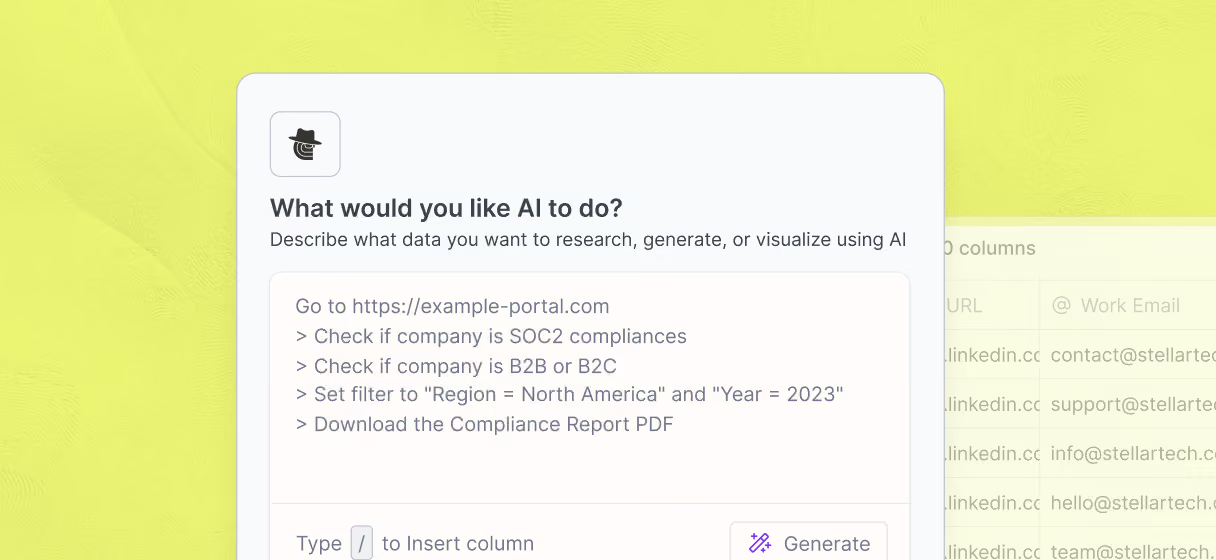
Claygent reads each company site for context
Pull niche details no database carries, such as project types, service areas, or active bids. Claygent browses each construction company's website and returns structured fields that feed your personalization at scale.
One-click push to Smartlead or Instantly
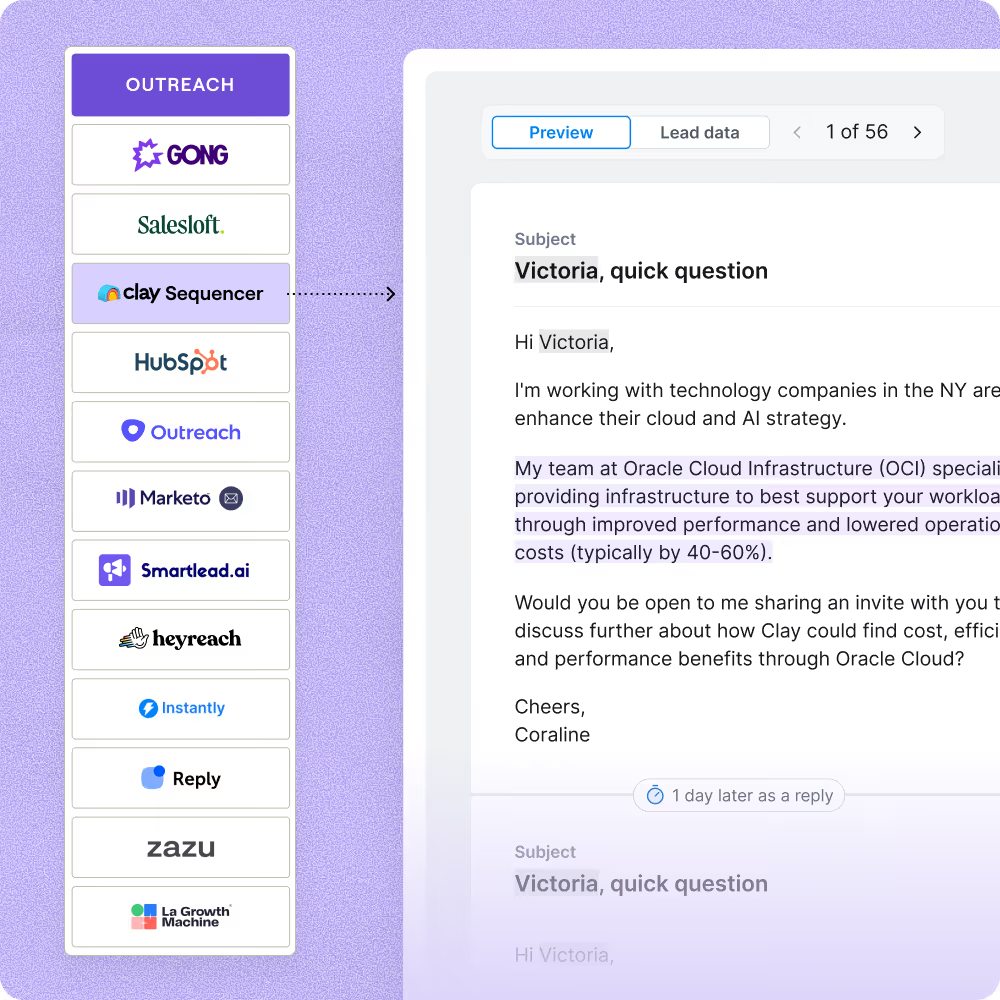
Send your verified construction contact rows straight to Smartlead or Instantly to trigger a campaign the moment enrichment completes. Every email row is verified before it reaches your sequencer, flagging catch-alls and role inboxes to keep your bounces low.

When one provider doesn’t have it, Clay automatically checks the next one. It really helps our inbound and outbound motions because we can leverage the best source of data. I’ve never seen a tool that was so easy to do this process.
Frequently asked questions
How does Sculptor find construction leads by location?
Sculptor searches Google Maps for construction companies in the city or region you enter, returning up to 1,000 results per query. It then runs each company through Clay's SMB enrichment recipe, which waterfalls across 150+ contact-data sources to find and verify the owner's email. Claygent confirms the contact is the current owner before adding the row, so you only get active decision-makers.
How accurate are the owner emails Clay finds for contractors?
Clay's waterfall enrichment lifts email coverage from roughly 20% with a single provider to around 80% across a full list. In Clay's own SMB benchmark, seven providers scored above 96% confidence on verified emails, with the top provider reaching 97.7%. Each email passes validation before it reaches your table, so bounce rates stay low.
Can I find construction leads for a whole list of cities at once?
Yes. Paste a list of cities into a Clay table, then pipe each row through the Google Maps integration to pull construction companies for every location in one run. Clay enriches owner emails automatically across the full list. When the table is complete, push all verified leads to HubSpot, Salesforce, or Pipedrive, or download as a CSV to start outreach.
Is it legal to collect and email construction company owners?
In the U.S., CAN-SPAM allows unsolicited B2B commercial email as long as you include a valid physical address, a clear opt-out link, and honor unsubscribe requests within 10 business days. Penalties reach up to $53,088 per non-compliant message. In the EU, GDPR permits B2B outreach under the legitimate-interest basis when the message is relevant to the recipient's professional role and you document a Legitimate Interest Assessment.
State-level privacy laws like the CCPA may add requirements for contacts in California. Always check the rules for your jurisdiction before launching outreach.