






































.avif)




























How to find a person from an email address
Paste your email list into Sculptor
Drop in your email list, one address per row. Sculptor waterfalls through 150+ providers to resolve each address to a full contact identity.
Sculptor enriches each address in sequence
Sculptor runs waterfall enrichment across Clay's provider network, resolving each email to a name, current job title, company, and LinkedIn profile. Claygent then verifies the current role for rows the waterfall matched.
Get a table with names and verified profiles
The finished table has full name, job title, company, and verified work profile for matched rows. Write enriched fields back to HubSpot or Salesforce automatically as Clay refreshes the data.
Why Clay for finding a person from an email address (reverse)
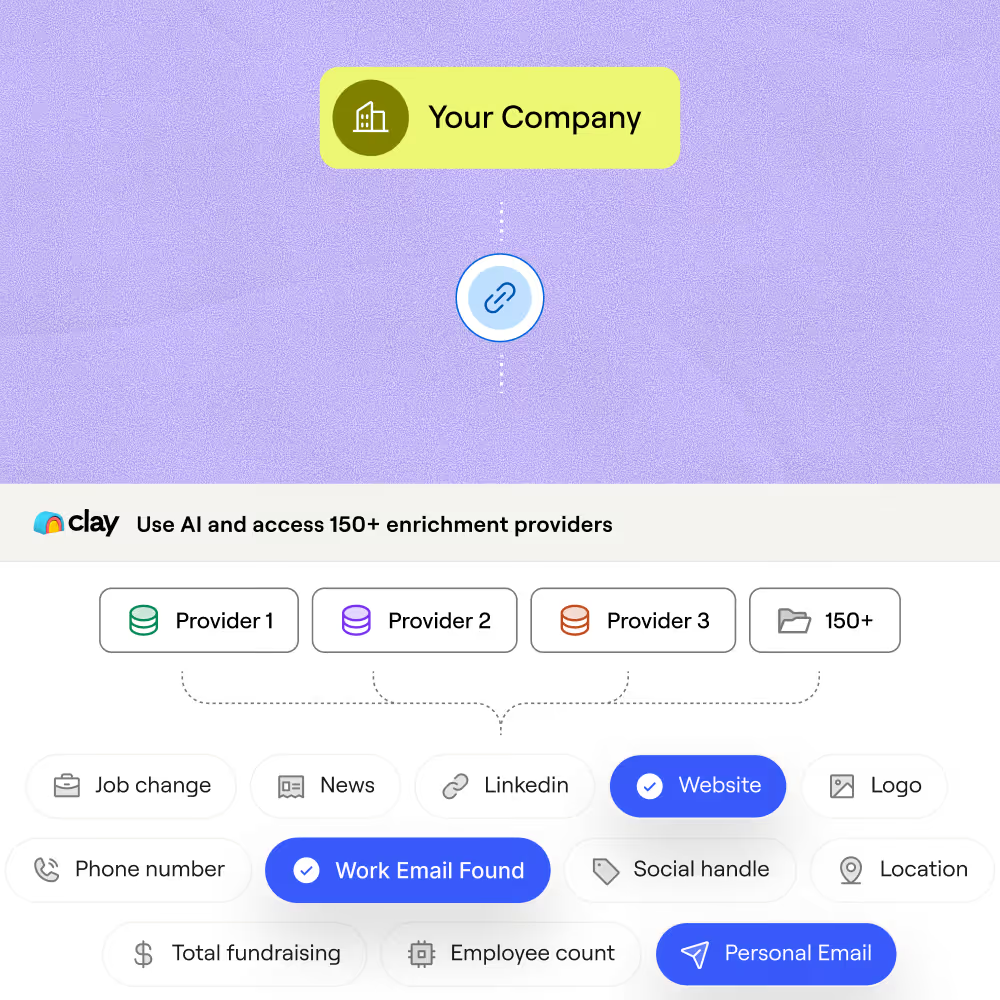
150+ providers waterfall, credits on match only
Get name, title, company, and LinkedIn profile for matched rows in your email list. Clay waterfalls through 150+ providers in sequence and only charges credits when a provider returns a confirmed hit.
Claygent verifies current role last-mile
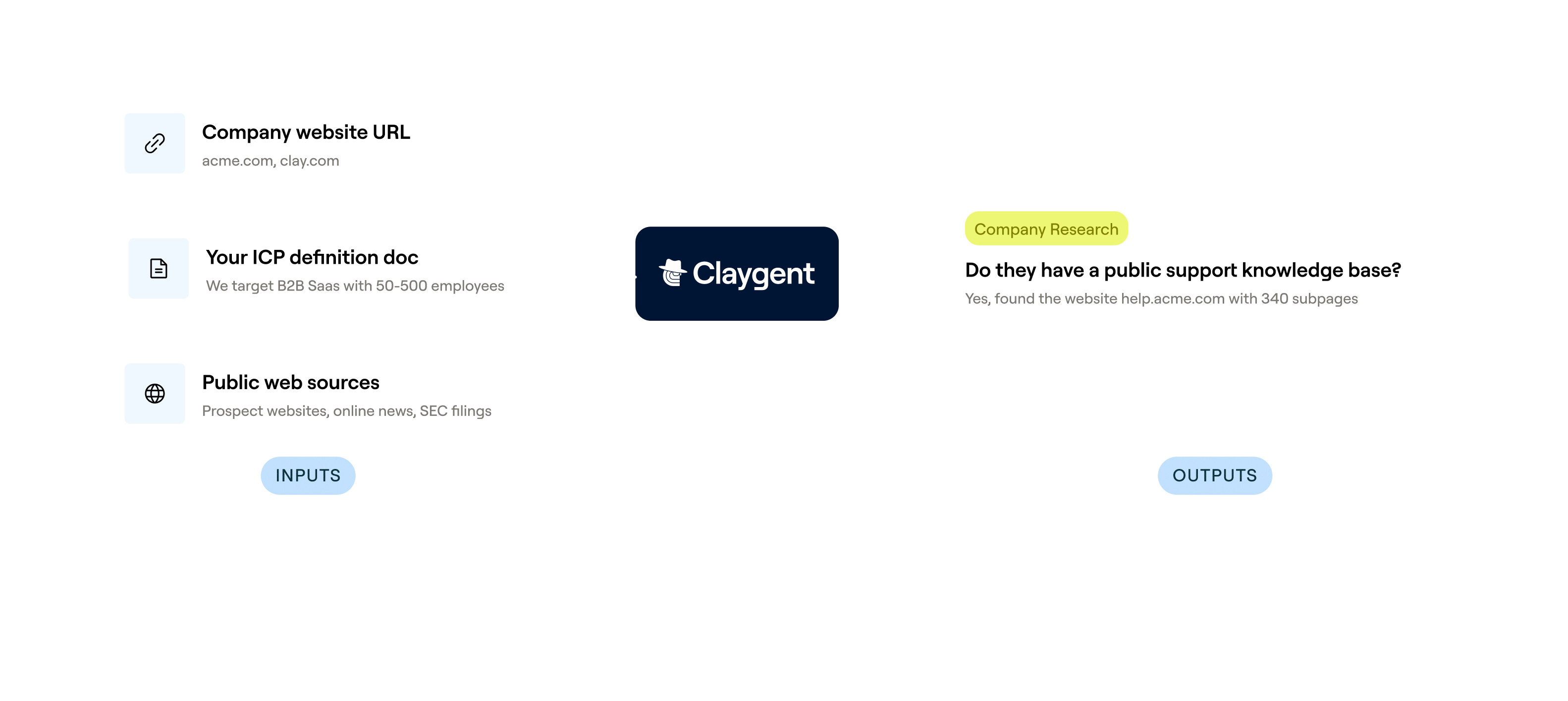
Confirm that each resolved contact still holds their stated role. Claygent browses LinkedIn and the company's public site, returning current title, employment status, and a source URL for every matched row.

Catch-all and role inbox flagging before delivery
Every resolved address runs through email verification before it reaches your sequencer, flagging catch-alls, role inboxes like info@ or support@, and undeliverables so only safe-to-send rows move forward.
Auto-refresh and write-back to HubSpot or Salesforce
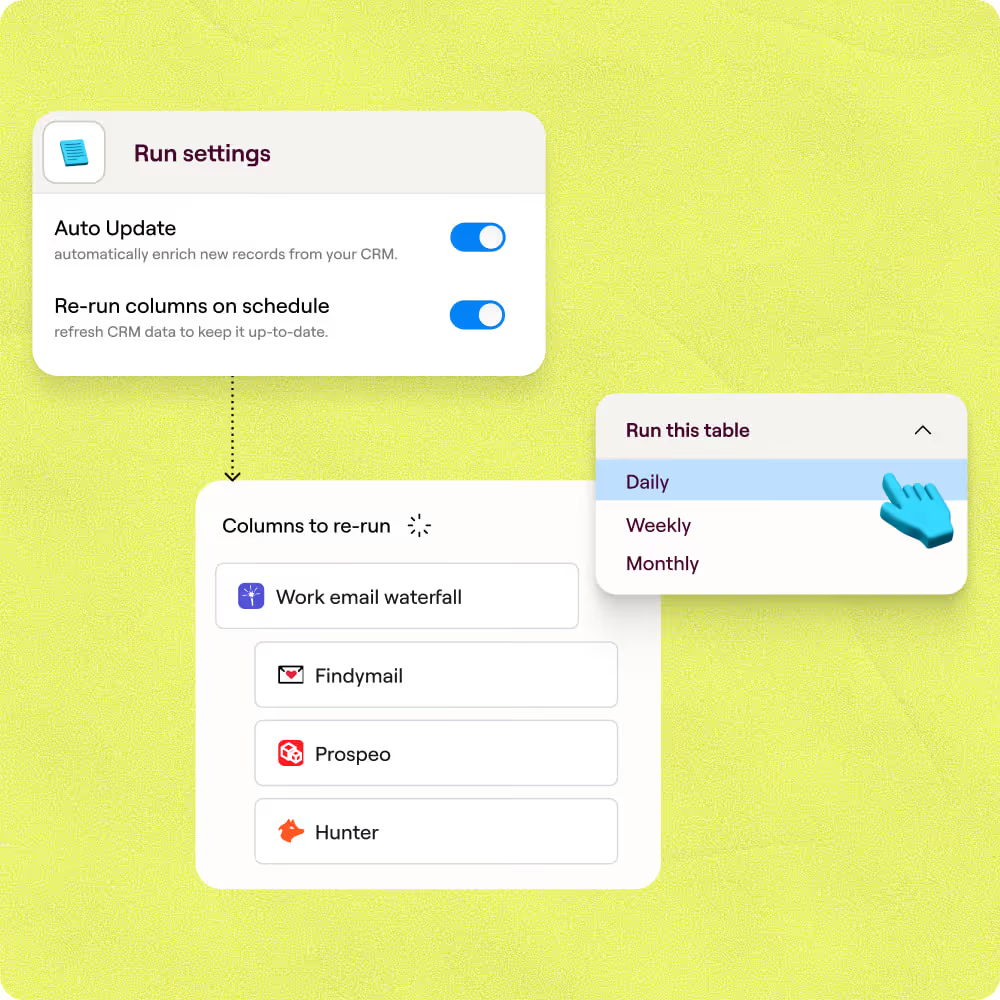
Set a 30-day re-enrichment schedule so stale records re-run the reverse lookup automatically. Enriched fields write back to HubSpot or Salesforce on the existing record ID, no duplicates, no manual exports.

When one provider doesn’t have it, Clay automatically checks the next one. It really helps our inbound and outbound motions because we can leverage the best source of data. I’ve never seen a tool that was so easy to do this process.
Frequently asked questions
How does Sculptor find a person from an email address?
Sculptor runs your email address through a waterfall of 150-plus contact-data providers, starting with People Data Labs and ContactOut. Each provider attempts to resolve the email to a verified identity. The first confident match wins, and Sculptor returns the person's name, verified work title, company, seniority, and department in a single pass.
How accurate is a reverse email lookup for name and title?
People Data Labs returns a 99.2% match quality on work emails, and ContactOut hits 97% match quality with 70 to 86% coverage. Stacking providers in a waterfall raises your overall hit rate because each source fills gaps the previous one missed. You can also add Claygent to confirm whether the person still holds that title and return a source URL for verification.
Can I reverse-lookup a whole list of emails at once?
Yes. Paste your list directly into Sculptor, upload a CSV, or pipe rows from an existing Clay table. Every email resolves in parallel across the same waterfall. Once enriched, push the results to HubSpot, Salesforce, or Pipedrive, or export as a CSV for a quick handoff to your team.
Is it legal to enrich contact data from email addresses?
CAN-SPAM governs commercial email in the U.S. and permits B2B outreach as long as messages include a valid physical address and a working unsubscribe link. Under GDPR, B2B data enrichment is lawful when you rely on legitimate interest (Article 6(1)(f)) and conduct a proper balancing test. CCPA largely exempts B2B contact data processed for business purposes.
Regulations vary by jurisdiction, so always check the rules that apply to your recipients before sending outreach.