







































.avif)




























How to generate staffing and recruiting leads
Describe your target industry and market
Add your target industry or market and the title you want to reach. Sculptor scans Clay's company database for companies actively hiring in that space.
Sculptor sources companies and finds verified contacts
Sculptor builds a matched company list filtered by industry and hiring activity, then waterfalls through 150+ providers to find a verified email for the contact title you specified. Rows where a match is found include the email.
Review your list of companies and verified emails
The finished table has company name and, for matched rows, a verified contact email. Export to CSV, sync to Salesforce, or pipe into your outbound tool of choice.
Why Clay for generating staffing/recruiting leads
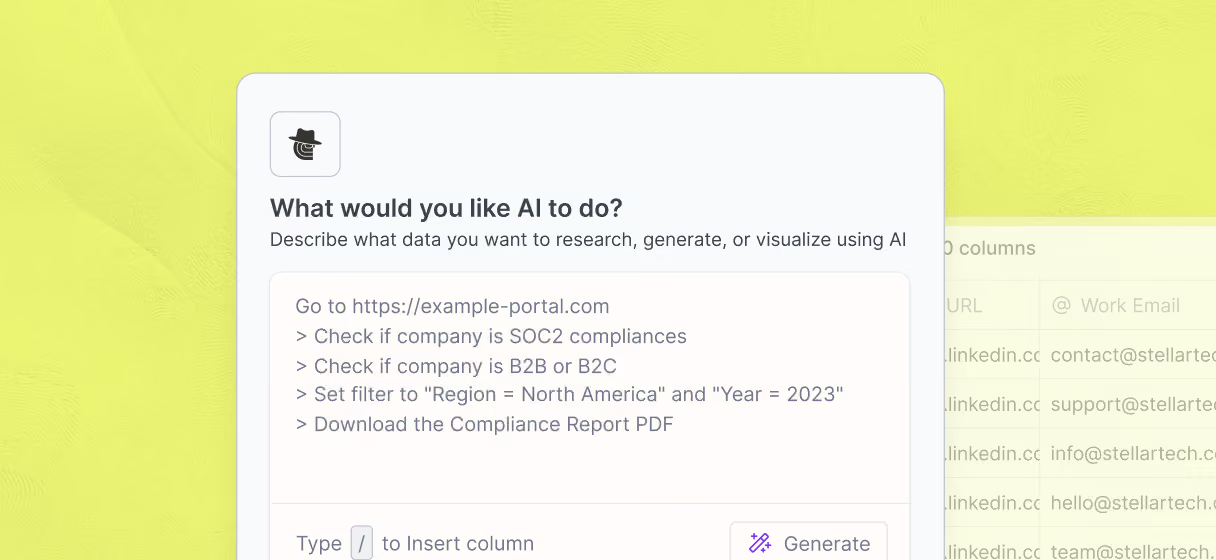
Find companies actively hiring in your market
Pinpoint target accounts with concrete filters: industry, headcount, location, and open job count pulled from Clay's B2B company database. Claygent browses each company's site to confirm hiring activity before the row moves forward.
Waterfall enrichment for verified decision-maker emails
Get a verified email for matched hiring managers and HR leads. Clay waterfalls through 150+ providers and only charges credits when one returns a hit, tripling coverage compared to a single-provider approach.

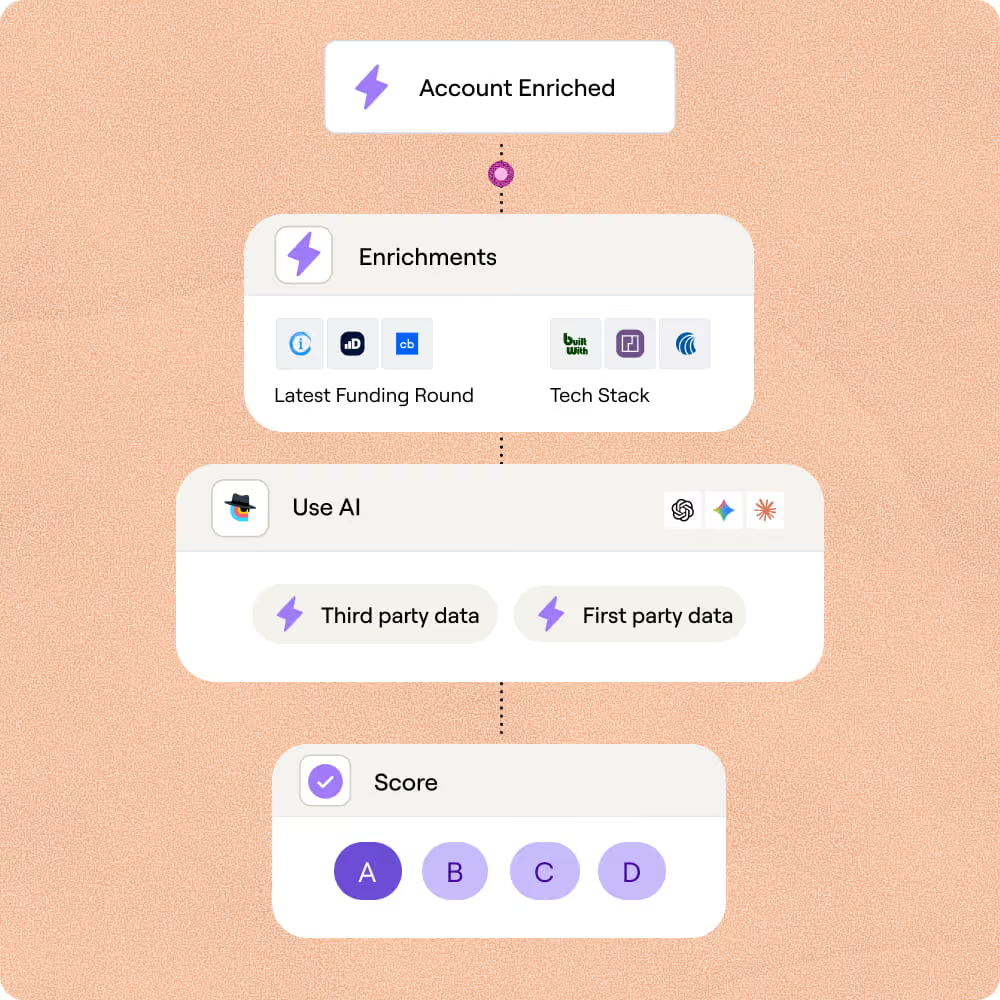
Layer hiring signals to prioritize hot accounts
Score rows by job count, headcount growth, and hiring velocity using Clay's Companies, People, and Jobs integration. The highest-signal accounts surface first so your outreach hits when client need is sharpest.
Push qualified leads to Smartlead or Salesforce
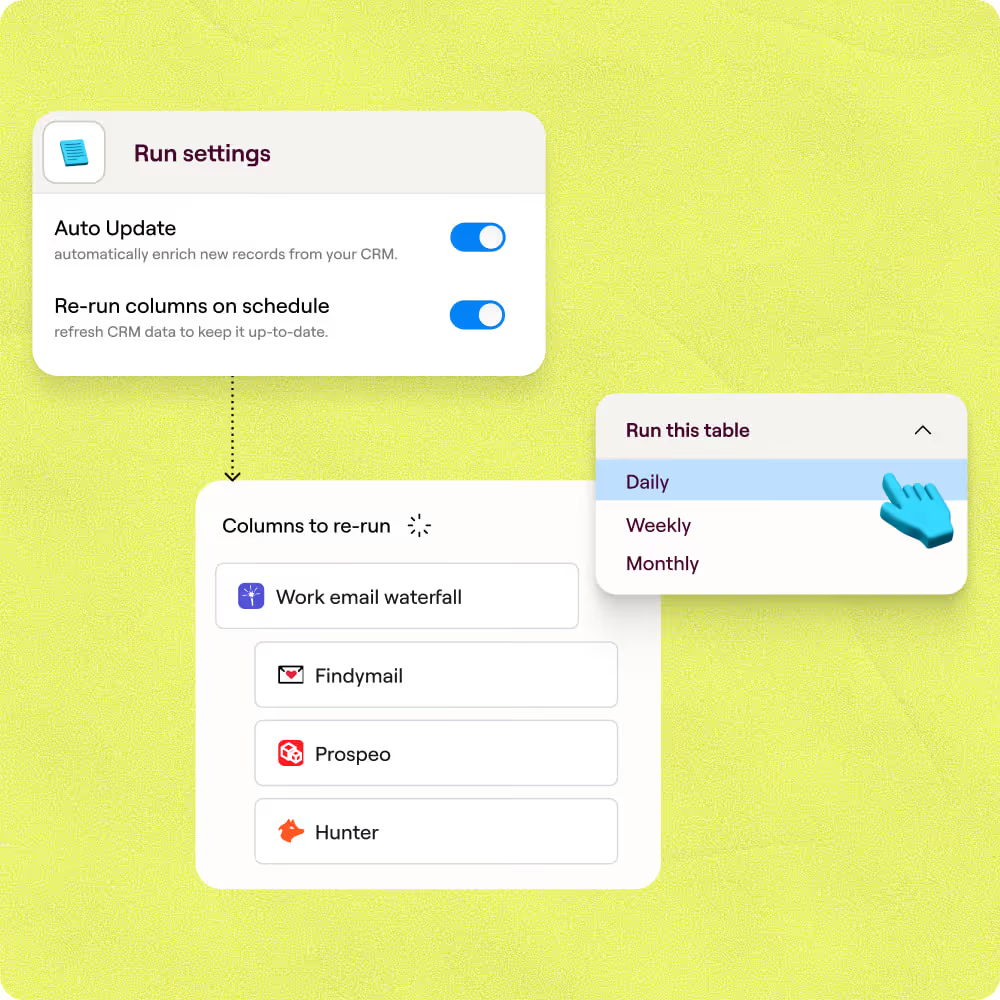
Send enriched, verified rows straight to Smartlead, Outreach, or Salesforce with field mapping preserved. Auto-refresh on schedule keeps contact data current as hiring patterns shift across your target market.

Our most successful campaigns are built on data that doesn’t exist in off-the-shelf tools. Clay helps us find those signals — and transform ambitious ideas into executable, high-performing campaigns.
Frequently asked questions
How does Sculptor find companies actively hiring?
Sculptor queries the Companies, People, and Jobs integration to pull companies with open roles in your target industry or location. It reads each company's job count and headcount growth, then runs waterfall enrichment across 5+ contact-data providers to return a verified Head of Talent email for every row. You review a scored, prioritized table before pushing anything to outreach.
How accurate are the hiring leads and contact emails?
Clay's waterfall enrichment lifts email coverage from roughly 20% with a single provider to around 80% by querying providers like Hunter, Apollo, and Prospeo in sequence. Job posting signals come directly from active listings, so the hiring intent data reflects real, current demand rather than stale firmographic guesses. You can add an email verification step with Debounce or ZeroBounce to catch any remaining invalid addresses.
Can I generate staffing leads in bulk for a whole list?
Yes. Sculptor builds the full table in one prompt, and you can paste additional company names, upload a CSV of target accounts, or pipe rows from another Clay table to enrich at scale. Once every row has a scored, verified contact, push the entire list to HubSpot or Salesforce, or export as a CSV to load into your sequencer and start outreach the same day.
Is it legal to cold email hiring contacts for staffing sales?
CAN-SPAM governs B2B cold email in the U.S. and does not require prior consent, but you must include a valid physical address, an honest subject line, and a working unsubscribe link honored promptly. Under GDPR, outreach to EU contacts can rely on legitimate interest, though you need a documented balancing test showing the message is relevant to the recipient's role. Canada's CASL is stricter and generally requires express or implied consent before sending.
Laws vary by jurisdiction and update frequently, so always check the rules for your region and honor opt-out requests immediately.