

















.png)









.png)









Scale your competitive edge with AI agents for GTM
Claygents research the web, orchestrate workflows, and create content to execute plays – all connected to your first and third party data. Build and refine production-ready agents faster without wasting spend.




















"I was used to only having one data provider. I can run a Claygent prompt or bring in another provider and sync it all with our CRM. And that was new and interesting."
Joel Davidson

Built where your full GTM context lives
Claygent Builder is the easiest way to build, test, and deploy Claygents. Connect tools to give them access to your documents, business context, and people & jobs data.
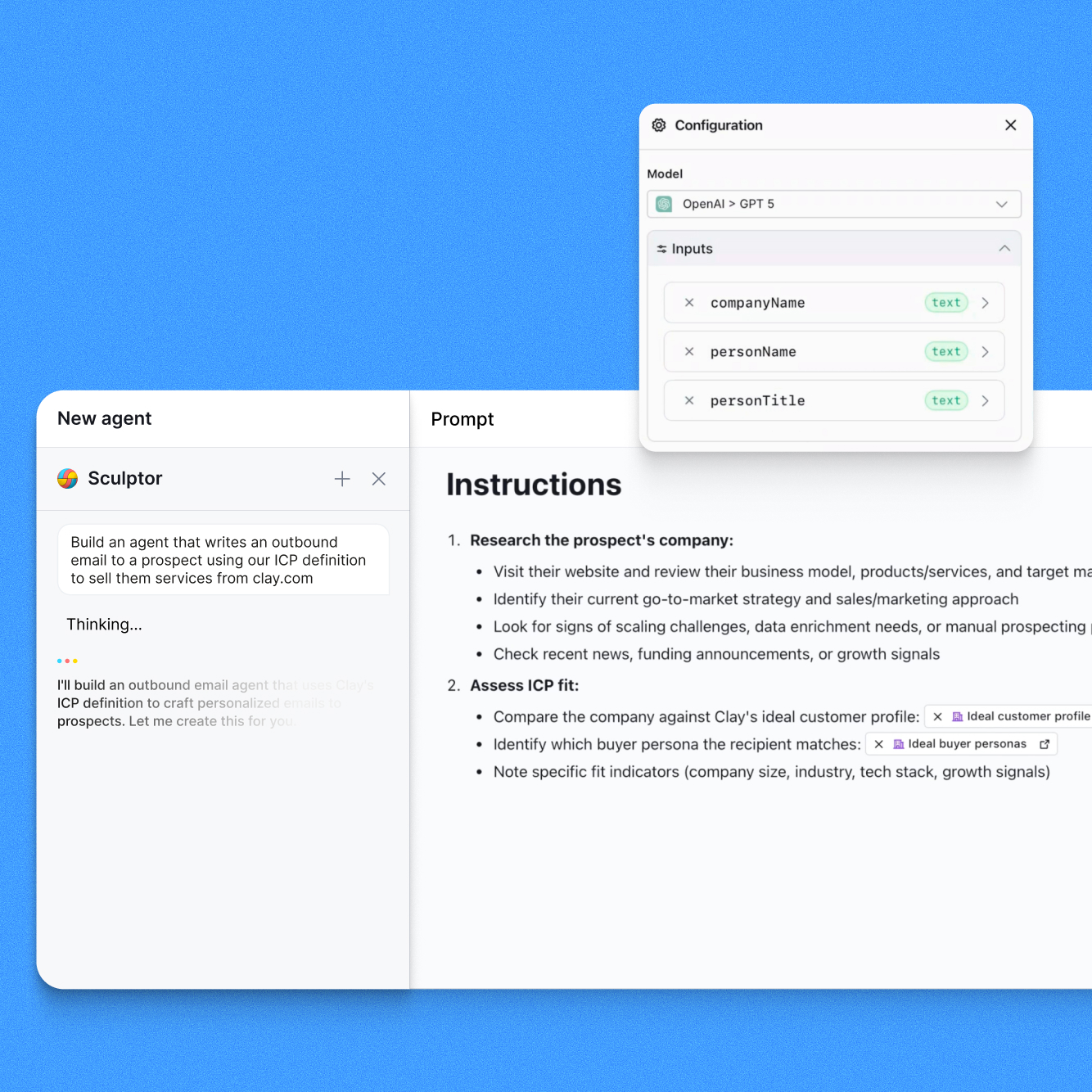

Build and refine Claygents faster
Describe what you want your agent to do in natural language using Sculptor, our AI copilot. Sculptor, Clay's AI copilot, turns it into a production-ready prompt. Refine conversationally, track versions, and revert anytime. No prompt engineering expertise required.

Test for free before you scale
Test your agent on real data without burning credits. Pull samples from existing tables or generate test cases with AI. Test outputs across different model or prompt changes and roll back to any prior version. Know your agent is production-ready before you deploy it at scale.

The data other providers can't find, but Claygent can
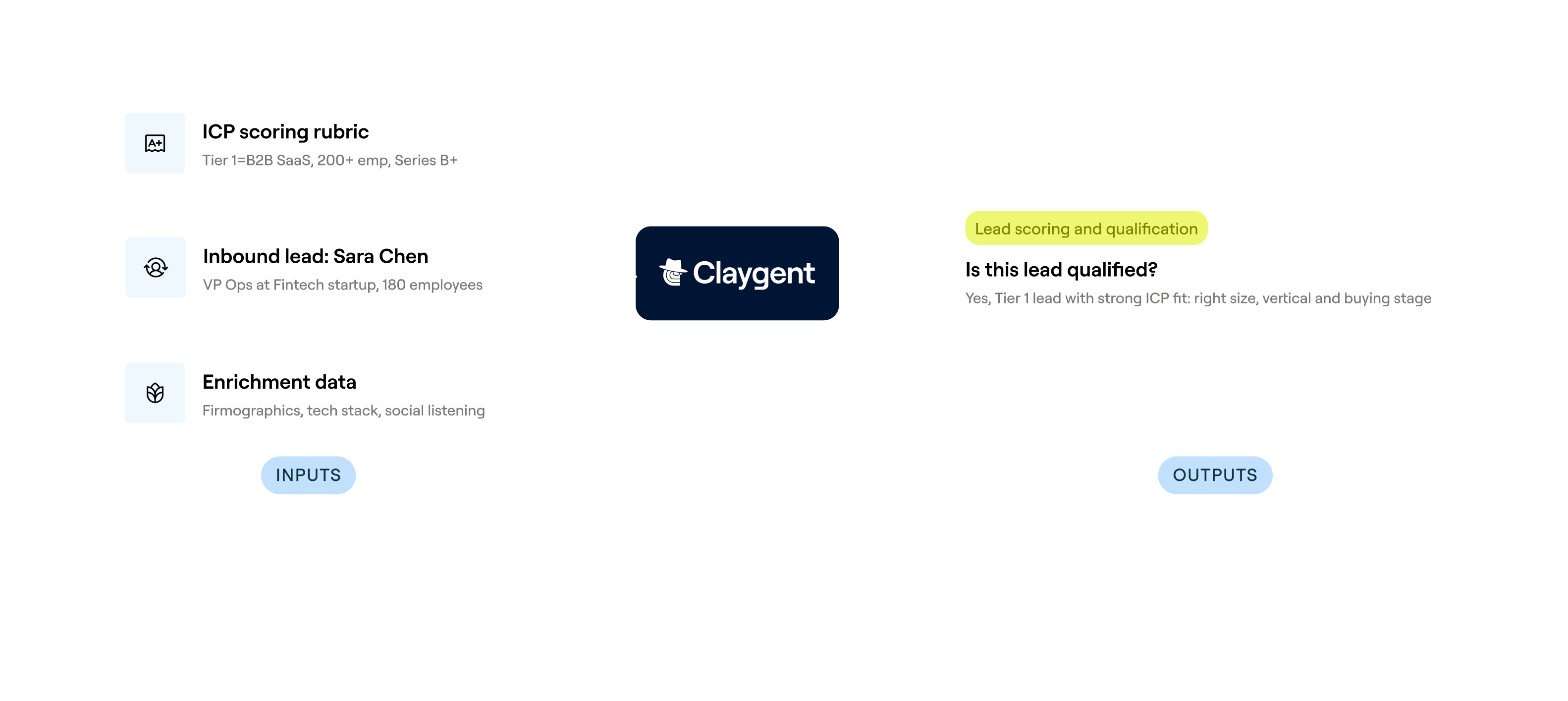
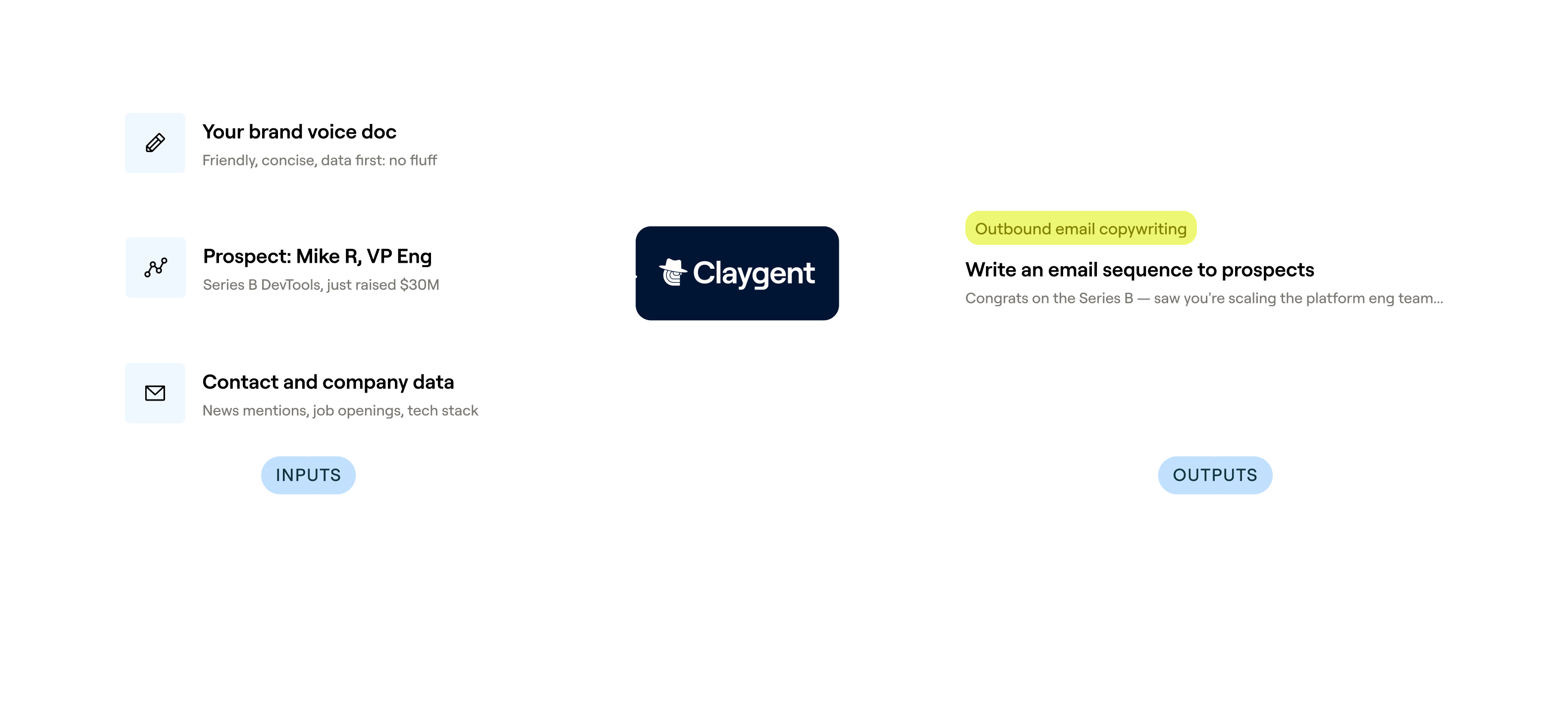
SDRs often spend hours on personalized research to get enough information to qualify leads and write relevant outreach. Claygent automates finding data other providers can’t at scale.
Search the web for unique company or contact data points
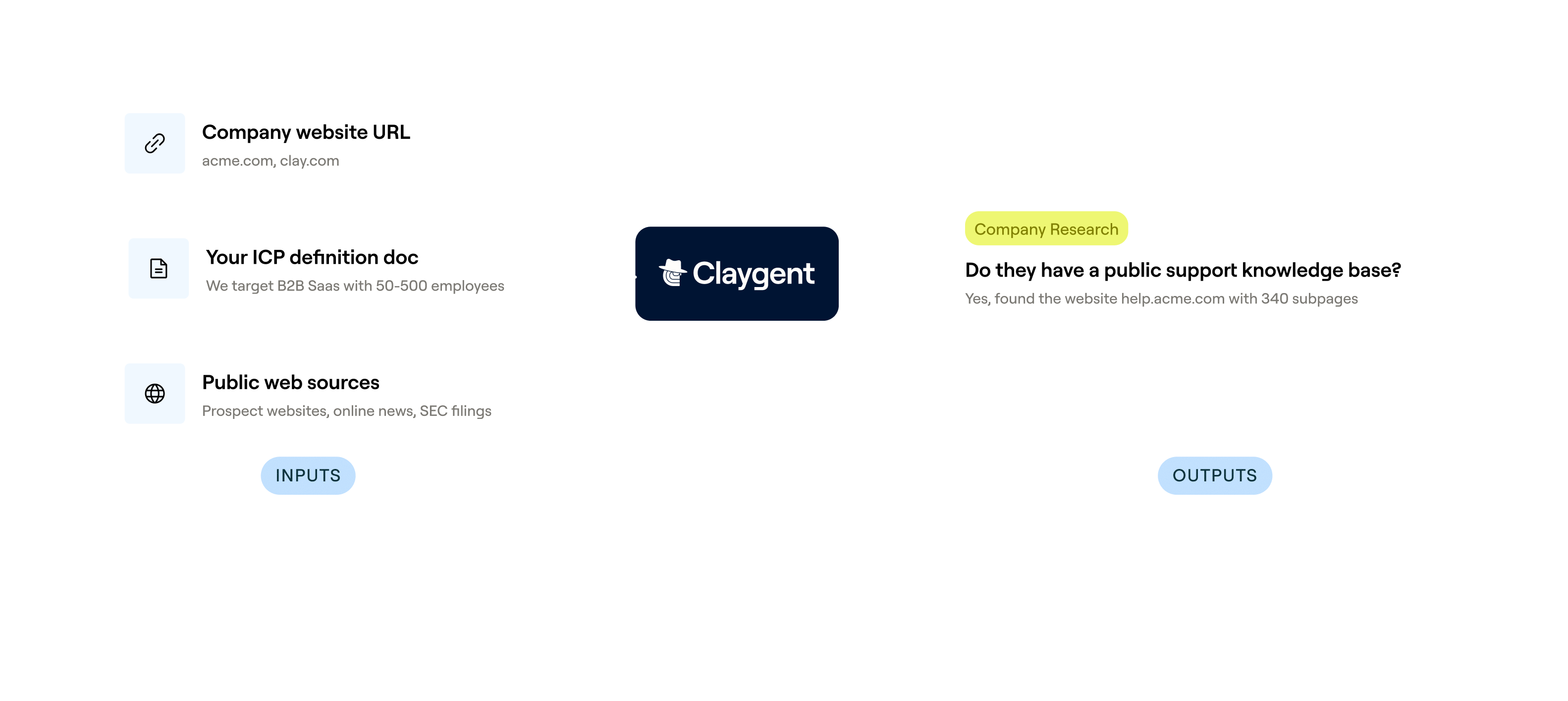
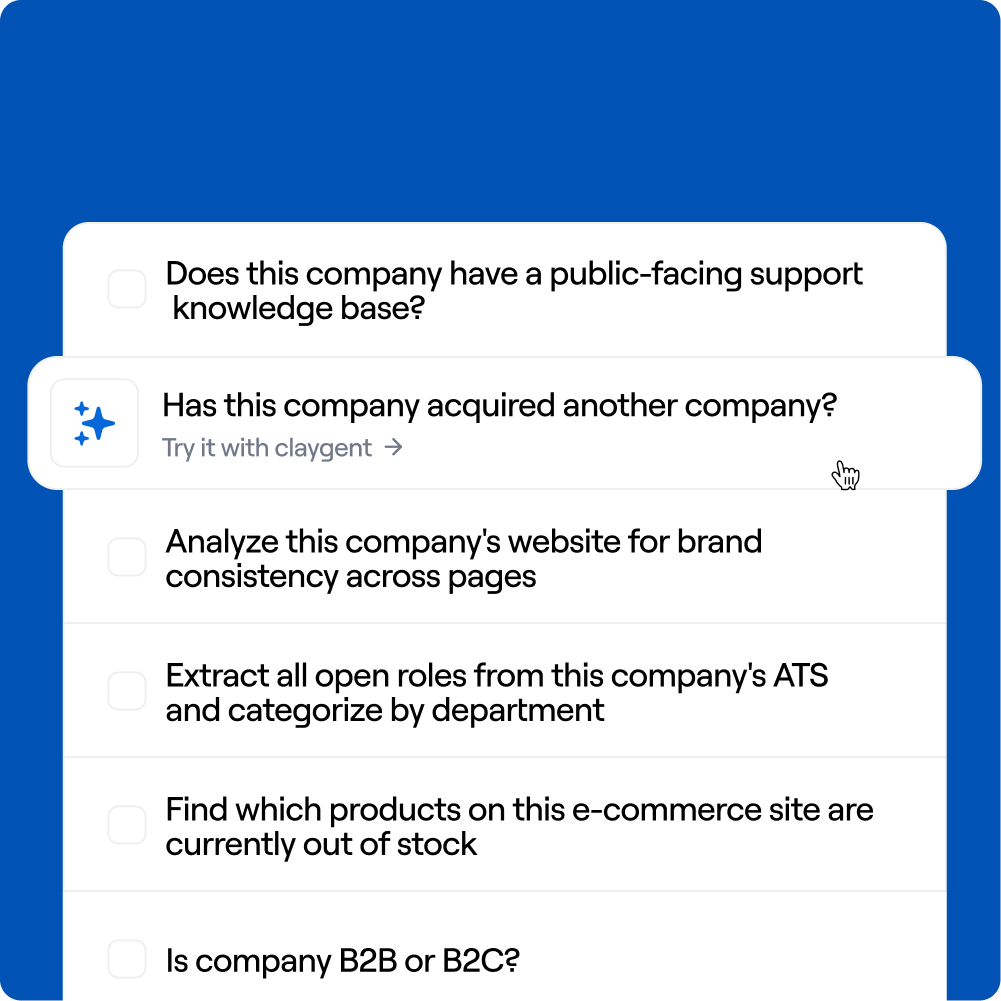
Use Claygent to scale your competitive edge via unique data & custom plays. For example, Intercom uses Claygent to find companies that have a public support database and Canva analyzes brand uniformity of the website of potential prospects.
Take human-like research actions
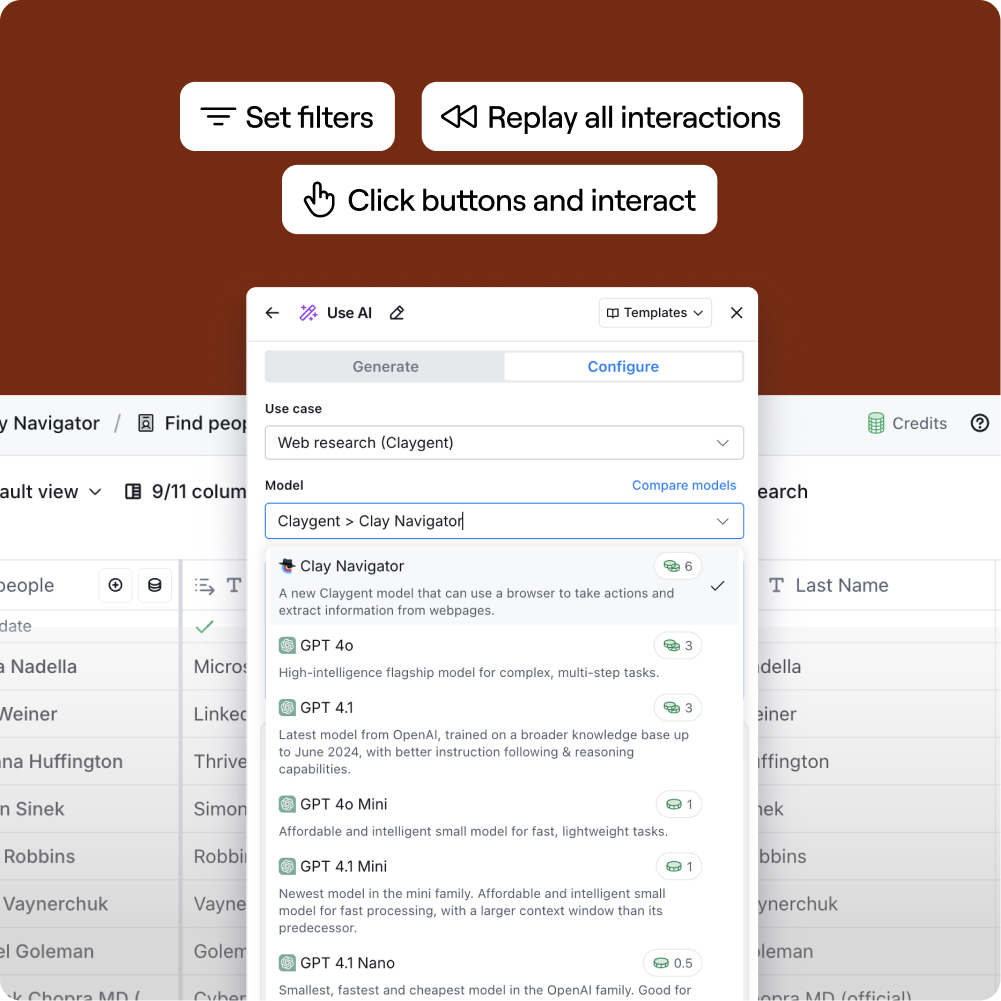
With Navigator, Claygents don't just read pages — they interact with them. Apply filters, fill out search forms, click buttons, and retrieve structured data from sites that don't make it easy to access.
Access all frontier models
Run Claygent on any of the frontier models or on Claygent-tuned models, optimized for high quality output at the best price. Use your own API key or Clay-managed keys.
How it works
[1]
Describe what you want
Tell Sculptor what your agent should do in plain language and iterate conversationally.
[2]
Add your context
Upload documents and connect your business context. Toggle on find contacts & jobs to look up contacts or open roles directly.
[3]
Test and iterate
Import rows from an existing table or generate test data with AI. Evaluate test runs, compare outputs across versions, and iterate until the quality is right.
[4]
Deploy everywhere
Add your Claygent to any table. Make changes to your Claygents centrally and propagate across all deployments.



.avif)





.avif)

.avif)

.avif)

.avif)

.avif)

.avif)