






































.avif)




























How to find a company by email address
Paste your email list to look up
Drop in one email address or a full list. Sculptor searches Clay's contact data network to resolve each address into a company and verified title.
Sculptor resolves each email to a contact record
Sculptor searches Clay's people database against each email address, chaining through multiple verified contact data providers to surface a company name and current job title. Work emails resolve with the highest match rates on common B2B titles.
Get company name and verified contact title
The finished table shows the email input, company name, and verified contact title for matched rows. Sync to HubSpot or Salesforce, or route flagged records to Slack for fast follow-up.
Why Clay for finding company and account by email (reverse)

Waterfall match rate on email-to-contact resolution
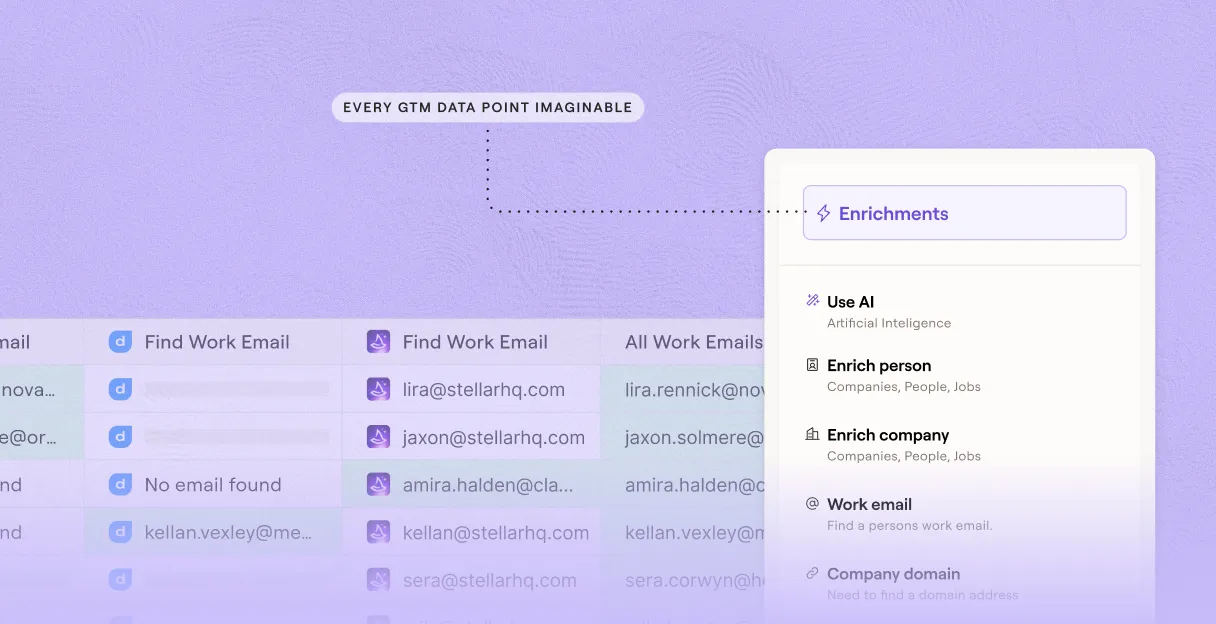
Get company name and verified contact title for matched rows. Clay waterfalls through 150+ providers in sequence, charging credits only when a provider returns a hit, so coverage on common B2B work emails is maximized.
Claygent confirms current role from public sources
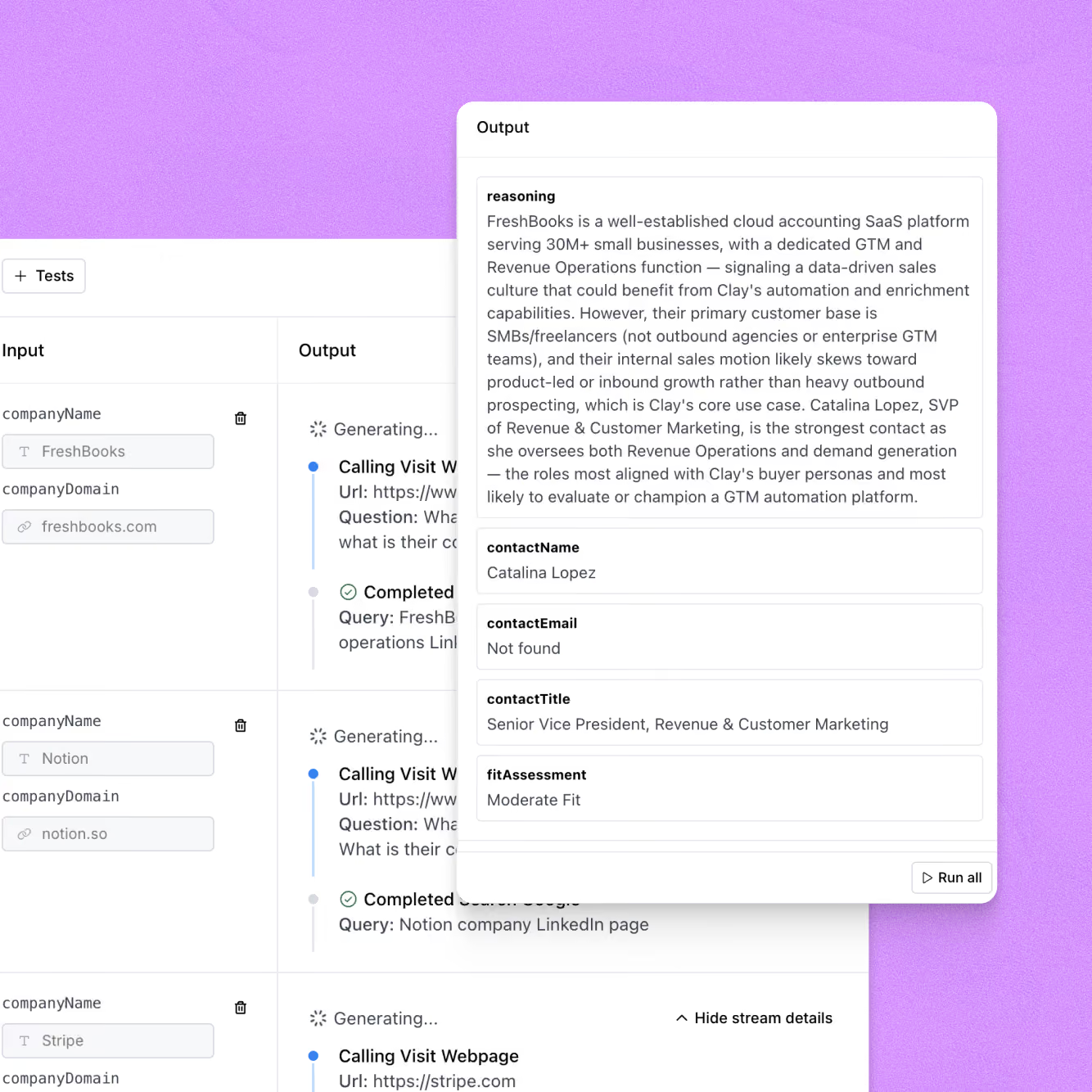
Get a confirmed title and employer for each resolved record. Claygent browses LinkedIn and each company's site to verify the contact is still in that role, catching stale records before they reach your CRM.
Verification flags catch-alls and role inboxes
Every resolved row runs through email verification before leaving Clay, with catch-all domains, role-based addresses, and unknowns labeled separately so your sequencer only receives deliverable contacts.
Auto-refresh and two-way sync to HubSpot or Salesforce
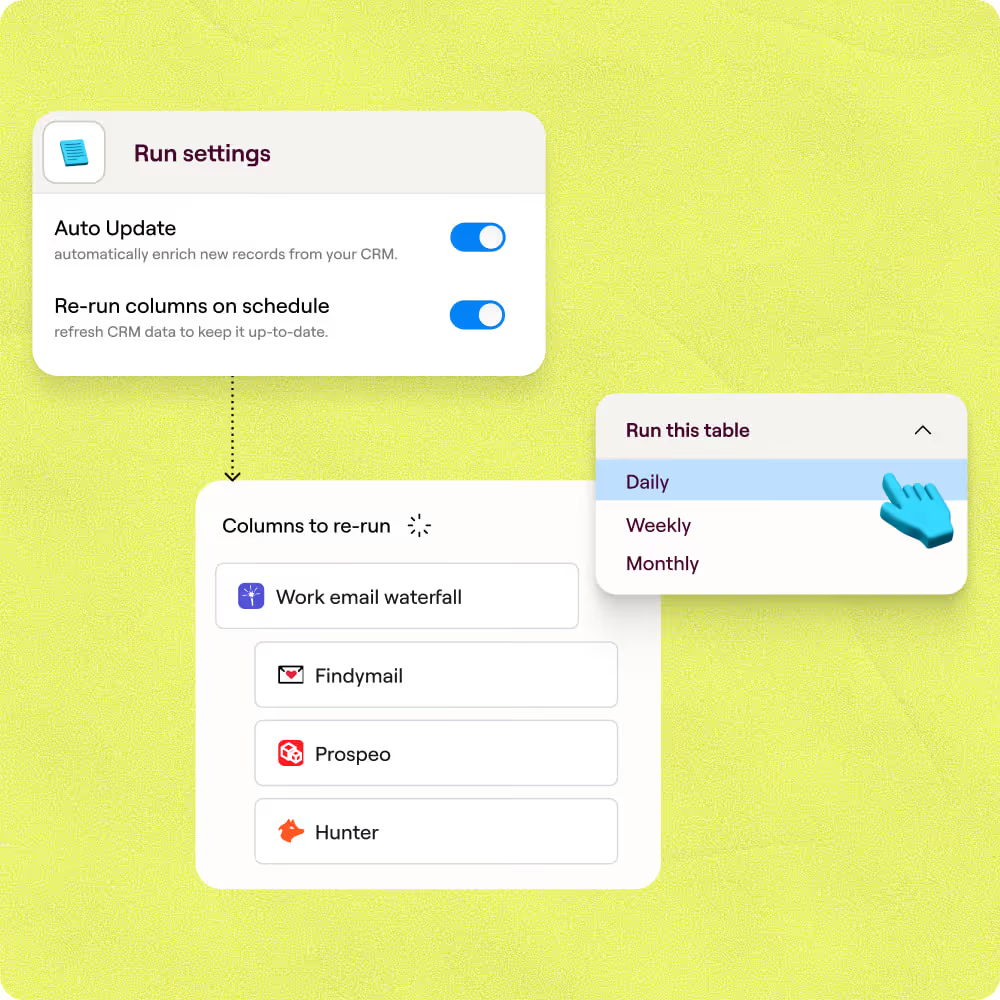
Resolved and verified records sync to HubSpot or Salesforce on a schedule, with stale contacts automatically re-queued for re-enrichment so your CRM stays current without manual exports.

Chaining together Clay's data waterfalls helped us translate personal emails to work emails, unlocking the ability to do custom company research with complex logic and display formats. Without Clay, this would've been an incredibly cumbersome process—and we likely wouldn't have bothered trying,
Frequently asked questions
How does Sculptor find a company from an email address?
Sculptor runs each email address through Clay's waterfall enrichment, querying 5+ contact-data providers in sequence (including People Data Labs and Apollo) until one returns a confident match. It extracts the domain, resolves it to a company record, and pulls the email owner's verified job title in the same pass. If providers disagree on the title, Claygent cross-checks public sources before returning the final result.
How accurate is reverse email-to-company lookup?
For work emails, People Data Labs alone hits 99.2% match quality in Clay's own data tests. Single-provider lookups typically cover 50 to 60 percent of a list, but Clay's waterfall approach pushes coverage to 80% or higher by falling through to the next source whenever the first has no match. Personal or webmail addresses return lower rates, so Sculptor layers on an additional work-email waterfall to recover missing fields.
Can I look up companies for a whole email list at once?
Yes. Paste your full list of email addresses into the Sculptor prompt or upload a CSV, and Clay resolves every row in parallel. Each address returns company name and verified owner title as its own row. When the table is complete, push it directly to HubSpot or Salesforce to route accounts, or export the enriched table as a CSV for any downstream workflow.
Is it legal to enrich and use B2B email data this way?
In the US, CAN-SPAM governs commercial email and allows B2B outreach without prior consent as long as every message includes a valid postal address, an honest sender line, and a working opt-out honored within 10 business days. In the EU, GDPR lets B2B teams process work email addresses under a documented legitimate interest assessment, but you must disclose your data source within one month and honor erasure requests.
Rules vary by jurisdiction, so always check local regulations before acting on enriched contact data.