
























.avif)














.avif)




























How to find email from a website
Paste your target account list into Sculptor
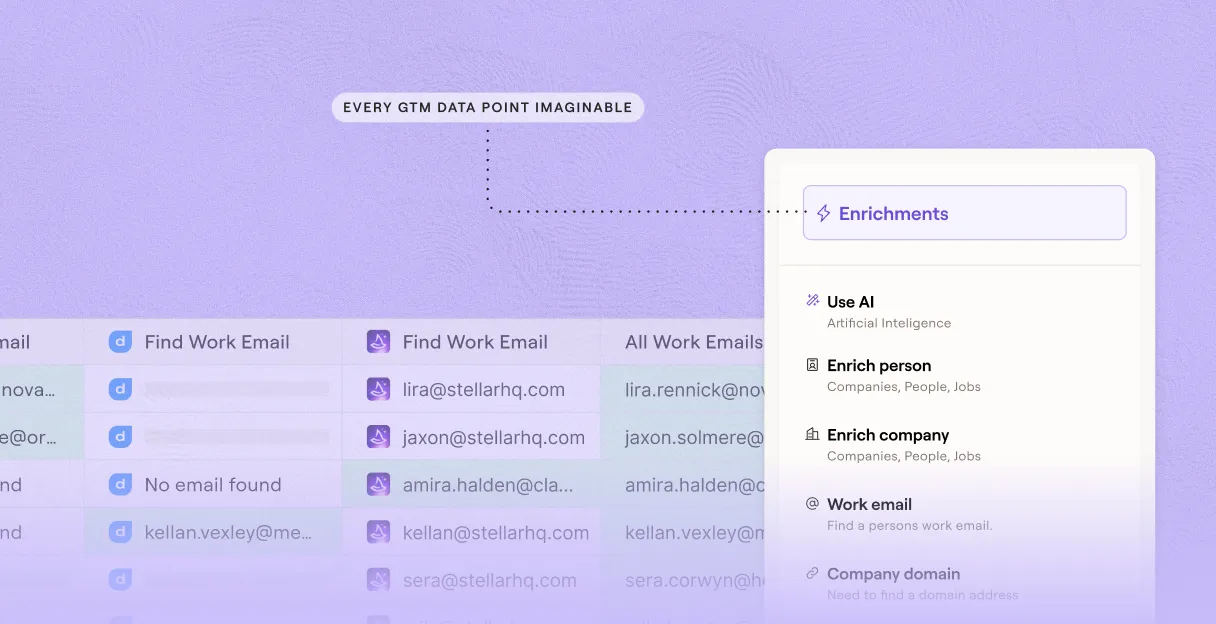
Drop in your target account list. Sculptor searches Clay's people database to match contacts and waterfall-enriches a verified email for each.
Sculptor enriches contacts across 150+ providers
Sculptor searches Clay's people database for contacts at each account, then waterfalls through 150+ providers in sequence to find a verified work email. Credits only apply when a match is found.
Get names and verified emails, ready to send
The finished table has contact name and verified work email for matched rows. Push to Smartlead, Instantly, or your sequencer to trigger a campaign the moment a row lands.
Why Clay for finding email from website

150+ providers in the email waterfall
Get verified work emails for matched rows at high coverage rates. Clay waterfalls through 150+ providers in sequence and only charges credits when a provider returns a hit.
Built-in verification flags catch-all inboxes
Every email found runs through Clay's built-in validation step before it reaches your sequencer. Catch-all and role inboxes are flagged so you can exclude them before sending.
Claygent fills gaps single providers miss
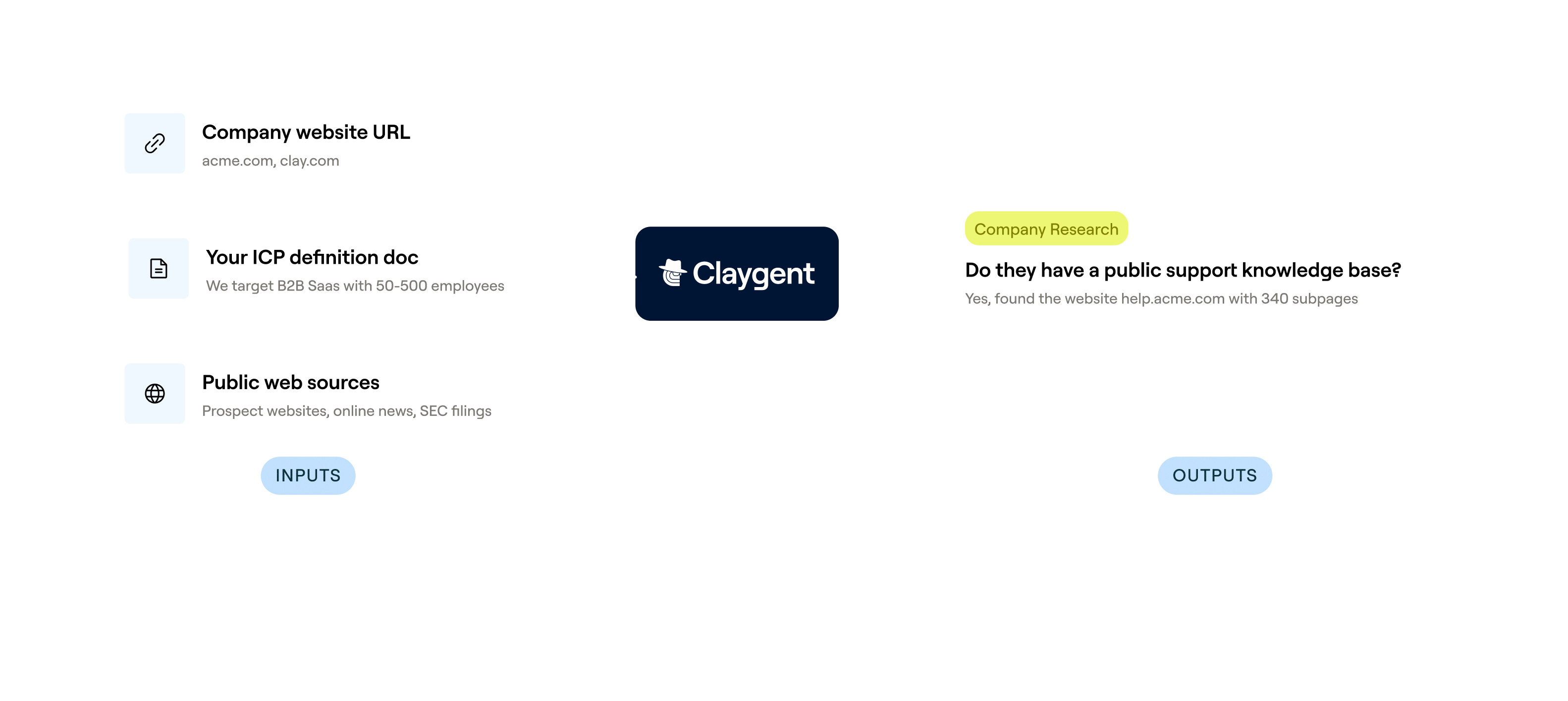
When standard enrichment comes up short, Claygent browses each company's website and LinkedIn profile to surface contact details no single database carries.
Push validated emails to Smartlead or Instantly
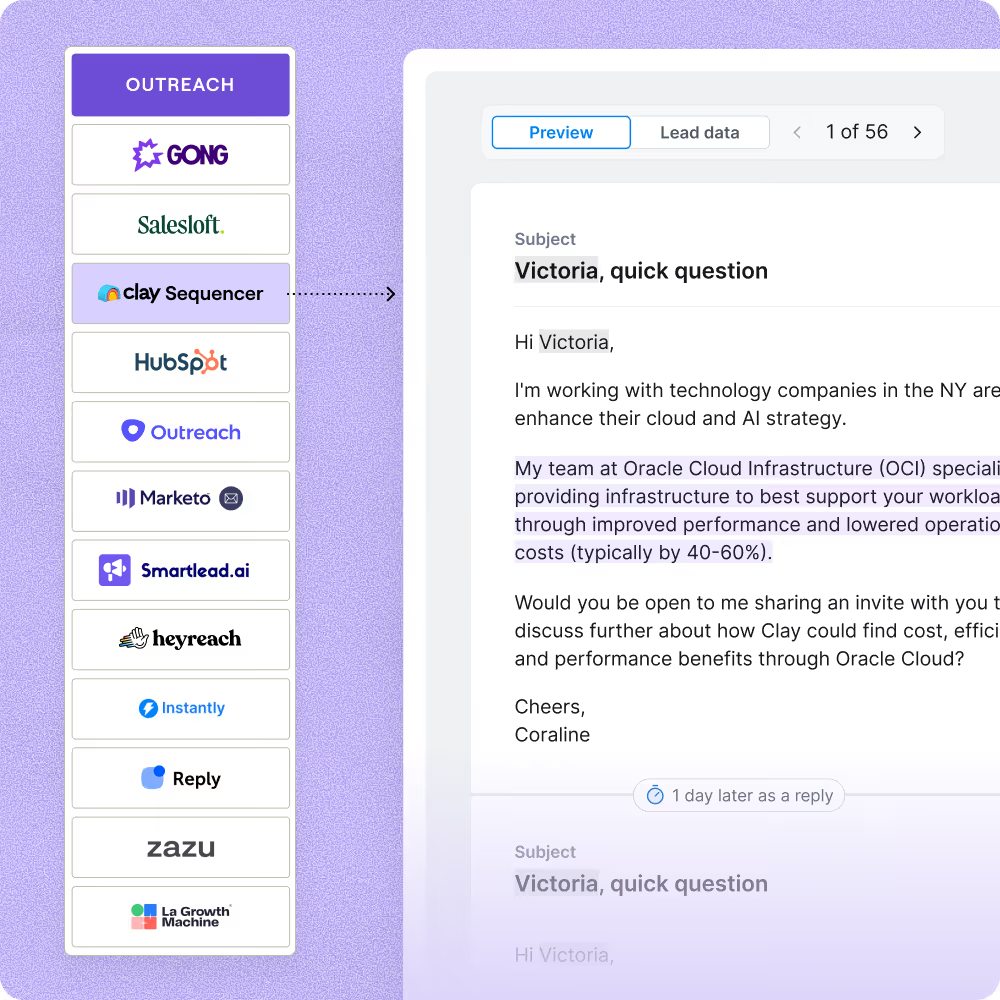
Clay maps the validated work email column directly into Smartlead, Instantly, Outreach, or Salesloft. Leads flow into your campaign the moment a verified row is ready.

When one provider doesn’t have it, Clay automatically checks the next one. It really helps our inbound and outbound motions because we can leverage the best source of data. I’ve never seen a tool that was so easy to do this process.
Frequently asked questions
How does Sculptor find emails from a website?
Sculptor takes the website or company URL you enter and scans the site for listed contacts. It then runs each contact through Clay's waterfall enrichment, querying 50+ email data providers like Hunter, Prospeo, and Snov.io in sequence until one returns a verified hit. ZeroBounce validates every email by default, so you receive only deliverable addresses alongside the company name.
How accurate are the emails found from a website?
Coverage typically lands between 30% and 80% depending on the domain, according to Clay's own testing across 4,700+ contacts and 12 email providers. Waterfall enrichment can triple coverage compared to a single provider because each miss triggers the next source automatically. ZeroBounce validation flags catch-all and risky addresses before they reach your list, and you can toggle "Safe to Send only" to exclude them entirely.
Can I find emails from multiple websites at once?
Yes. Paste a list of URLs, upload a CSV of target domains, or pipe rows from an existing Clay table. Sculptor processes every row through the same waterfall enrichment in parallel, returning company name and verified email for each contact it finds. Push the full list directly to HubSpot, Salesforce, or Pipedrive, or export as a CSV for your outreach sequences.
Is it legal to collect and email contacts found on websites?
In the U.S., the CAN-SPAM Act allows unsolicited B2B commercial email but requires a valid physical address, a clear opt-out mechanism you honor within 10 business days, and accurate sender information. Penalties reach up to $53,088 per non-compliant message. In the EU, GDPR Article 6(1)(f) lets you process business contact data under a legitimate interest basis, but you must document a Legitimate Interest Assessment and offer an easy way to object.
Always check the rules for your jurisdiction before launching outreach, and respect each website's terms of use when collecting contact information.