
























.avif)






.avif)








Trusted by the world’s best GTM Ops and RevOps teams


















How to find emails from profiles at scale
Paste Your Profile URLs Into Sculptor
Enter your profile URL or a list of profile URLs directly into Sculptor. Include the return fields: name, title, company, and work email.
Sculptor Assembles Your Starting Table
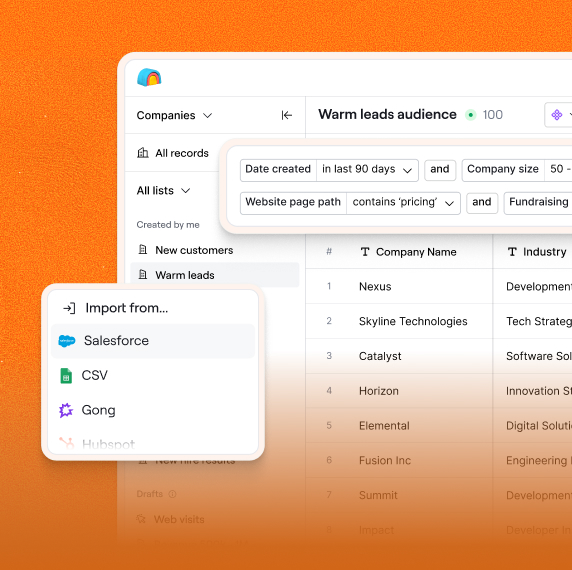
Sculptor pulls each profile into a structured table with columns for name, title, company, location, and social profile. Review the preview and click Continue to move forward.
Run Email Waterfall, Sync to CRM
Chain an email waterfall across providers (Hunter, Apollo, Datagma, Prospeo, DropContact) to fill verified work emails for every row. Push the completed table to HubSpot, Salesforce, Outreach, or Smartlead.
Why Clay for Finding Email from LinkedIn Profile
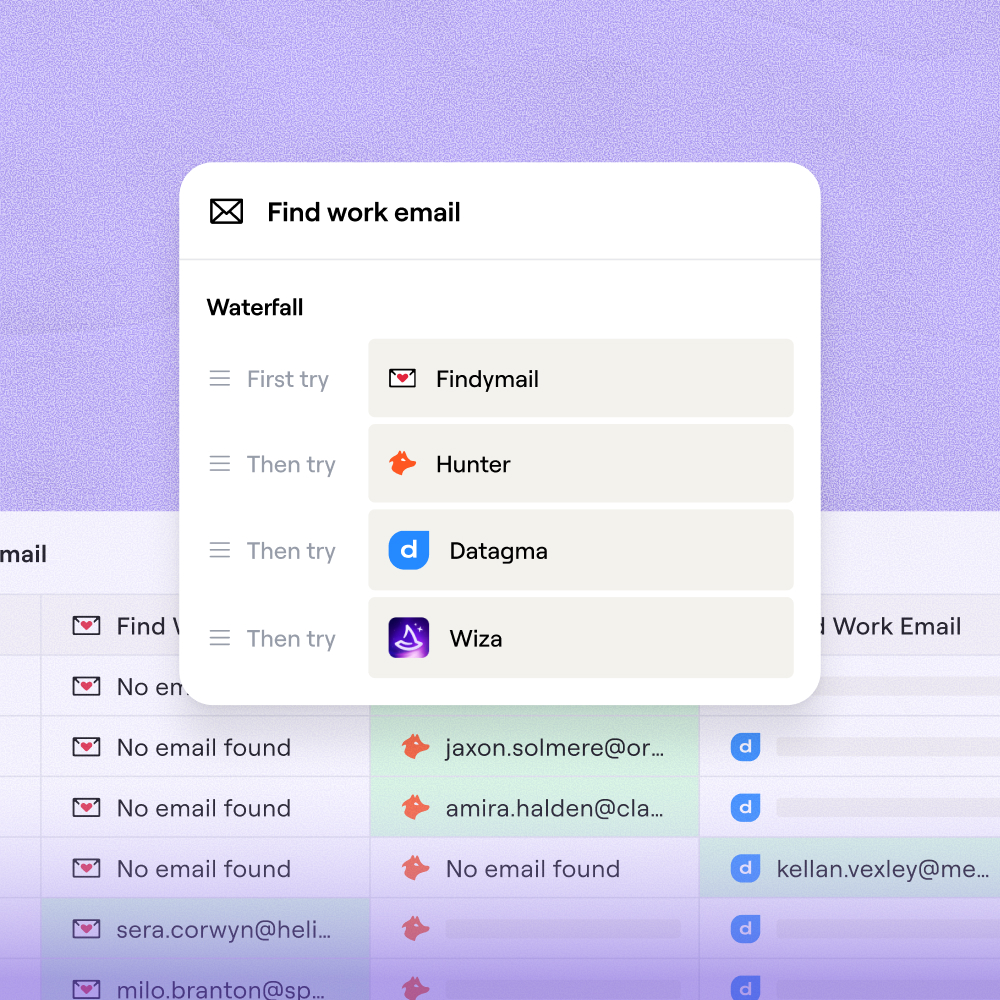
Waterfall Coverage Across Email Providers
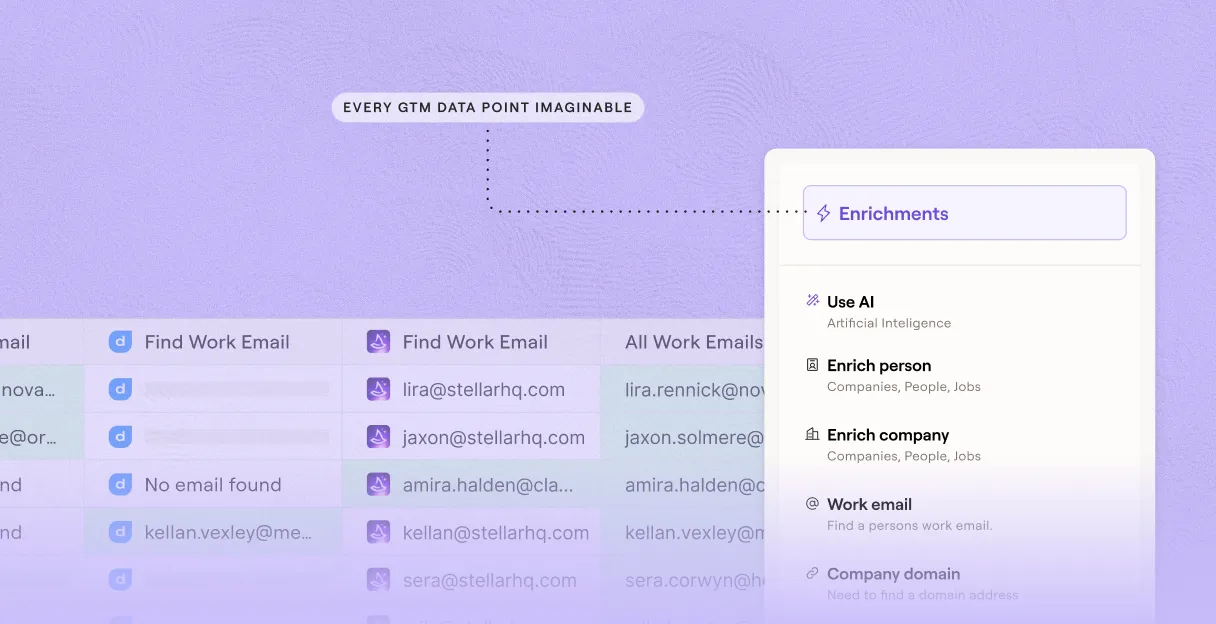
Clay sequences through 9+ email providers, including Hunter, Apollo, and Findymail, to maximize match rates per profile. If one provider returns no result, the next fires automatically so no contact leaves without an attempt.
Built-In Email Verification at Delivery
Every returned address runs through NeverBounce or ZeroBounce before it lands in your table. Verification status is written as a column so you act only on addresses that pass.
Catch-All and Free Domain Detection
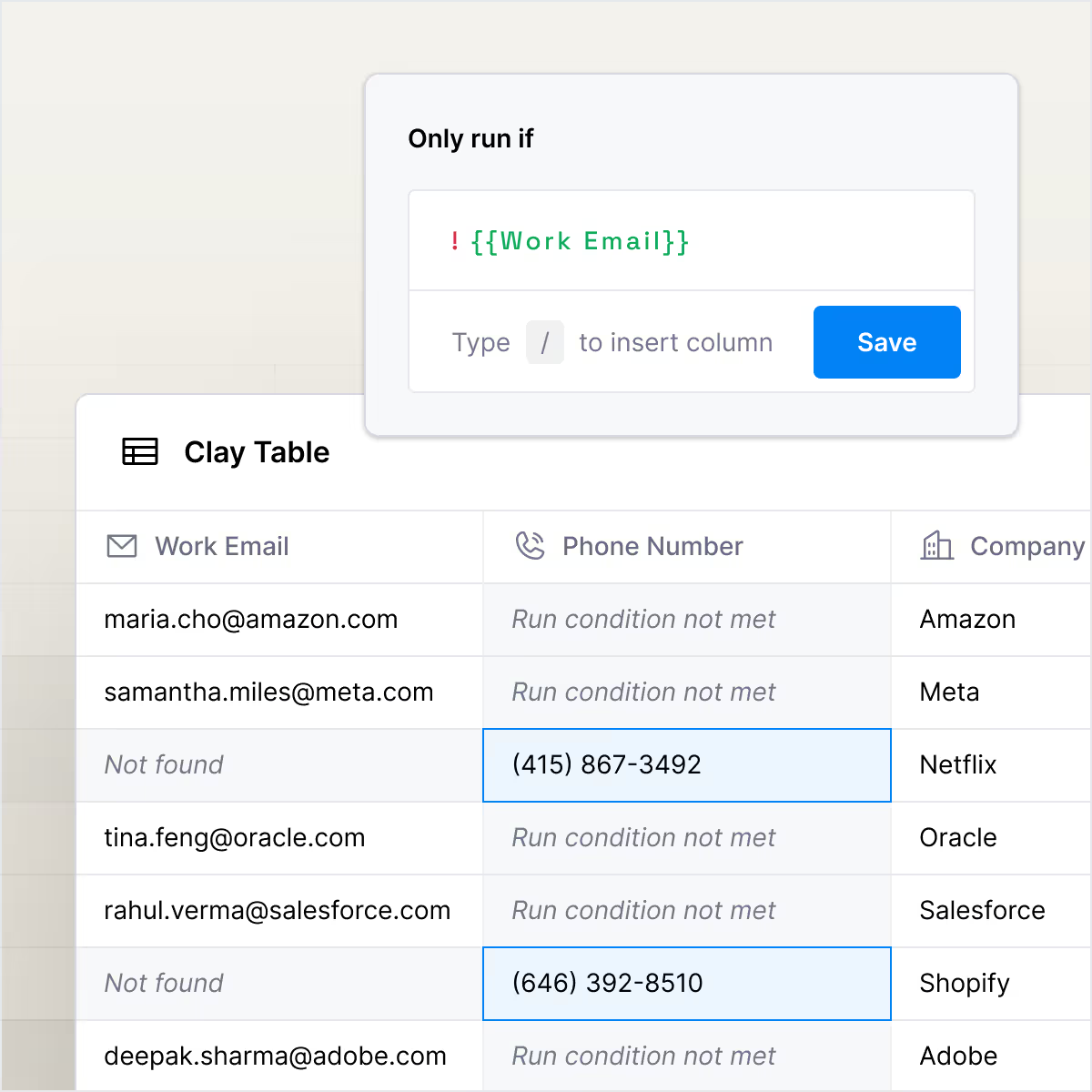
Clay flags catch-all domains and free providers like Gmail so risky addresses never mix with verified work emails. Separate those records into a review queue before any send goes out.
One-Click Sync to Your Sequencer
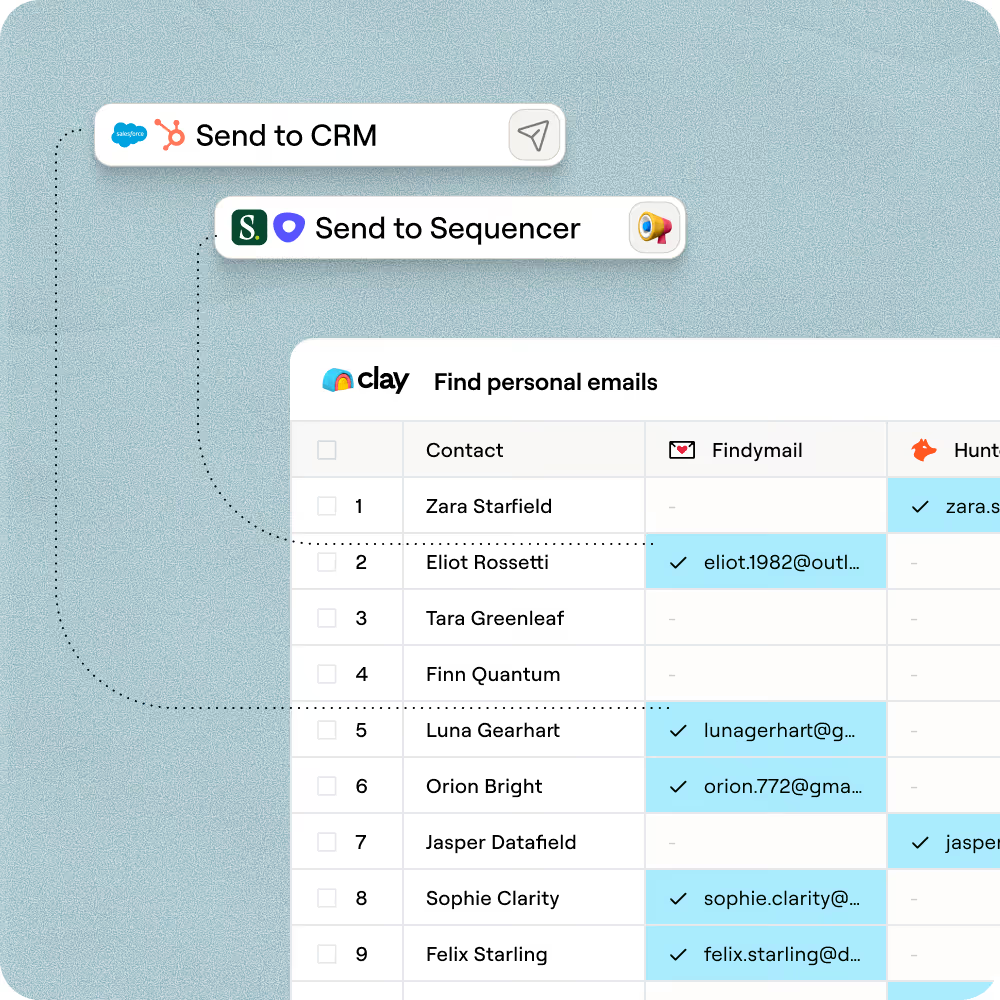
Push verified contacts directly to Outreach, Salesloft, Smartlead, or Instantly with field mapping preserved on every sync. Trigger the export only for records that cleared verification to keep bounce rates below 2%.

With Clay, we more than doubled our enrichment coverage from low 40% to high 80%