





















.avif)

.avif)





.avif)









Trusted by the world’s best GTM Ops and RevOps teams




















How to find a person from an email address
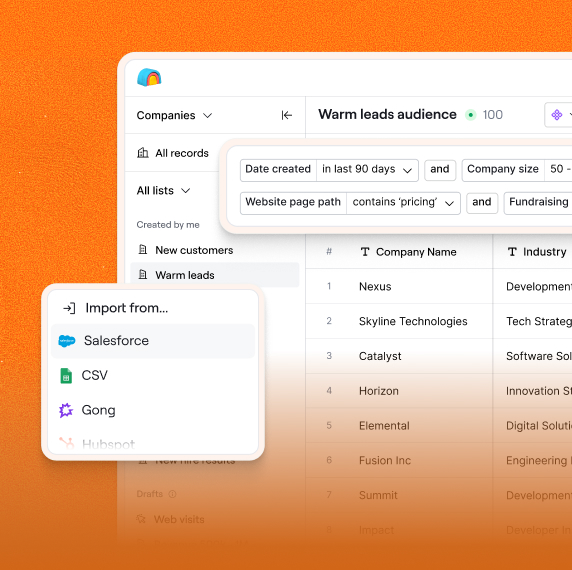
Paste Your Email List Into Sculptor
Type or paste your list of email addresses from your prospect list or CRM export into Sculptor's input fields, then specify full name, job title, and company name as your return fields.
Sculptor Resolves Each Email to a Person
Sculptor runs each address against providers like Clearbit and People Data Labs simultaneously, matching the email to a verified contact record and pulling the requested identity and firmographic fields.
Get Name, Title, and Company Back
You receive a populated table with full name, job title, and company name for each email. Push the enriched rows directly into your CRM or export as a CSV to feed your next outreach sequence.
Why Clay for finding a person from an email address
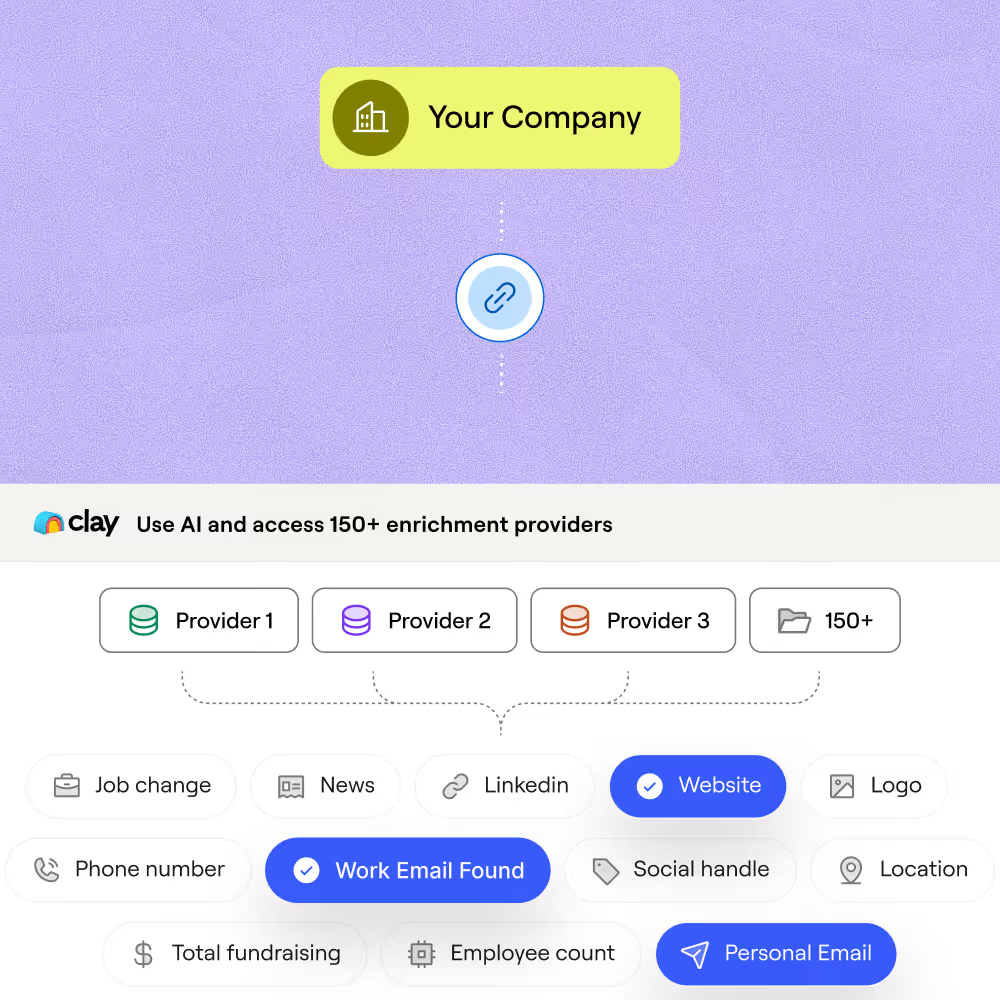
150+ providers resolve each email instantly
Submit an email address and Clay queries Clearbit, People Data Labs, Apollo, and 150+ other providers to match it to a verified contact record. Get full name, job title, and company name back in one pass.
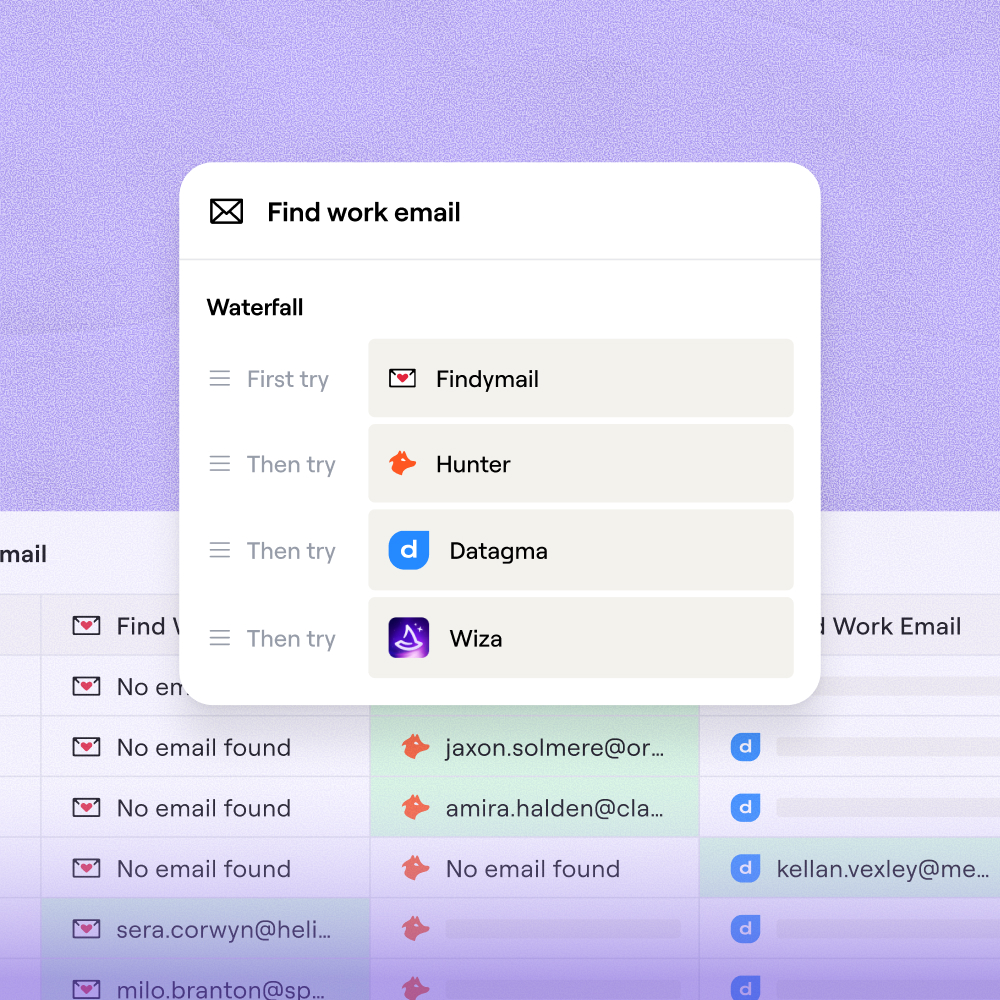
Waterfall enrichment maximizes match rate
If one provider misses, the next runs automatically. This sequential waterfall lifts coverage from roughly 30% with a single provider to 80% or higher, and you only pay for successful matches.
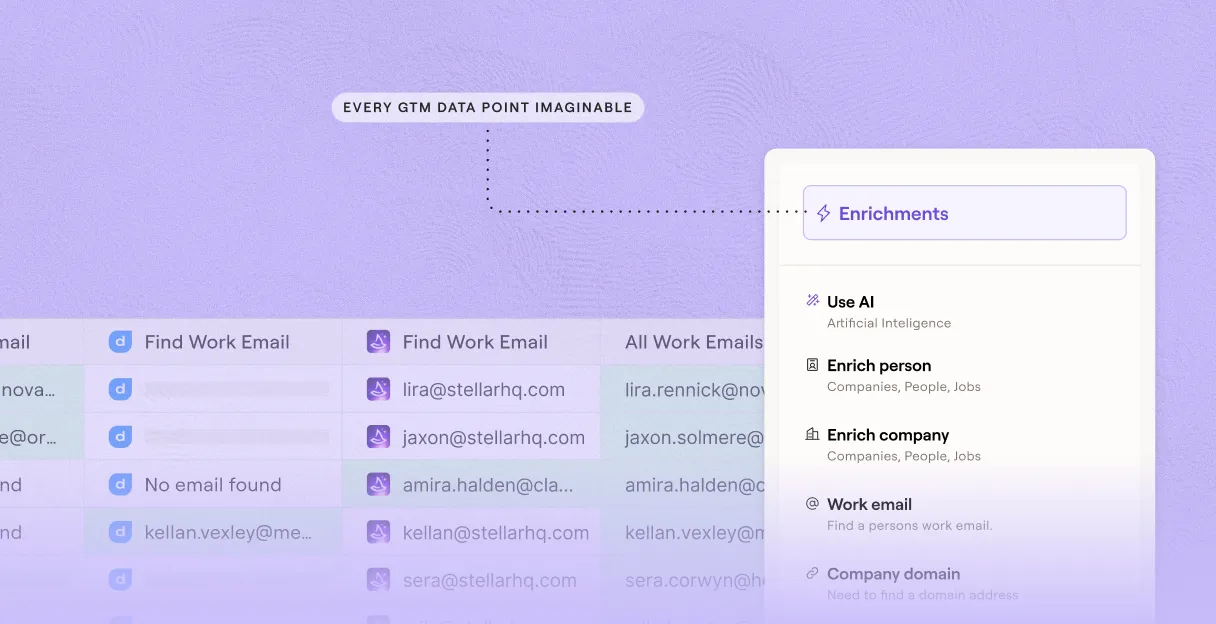
Built-in email verification before you act
Validate every resolved address with NeverBounce, MillionVerifier, or ZeroBounce inside the same table. Flag catch-alls and invalid inboxes before the list leaves Clay.
Push enriched records straight to your CRM
Map name, title, and company directly to HubSpot, Salesforce, or Pipedrive once enrichment finishes. Or export as CSV to feed any downstream workflow.
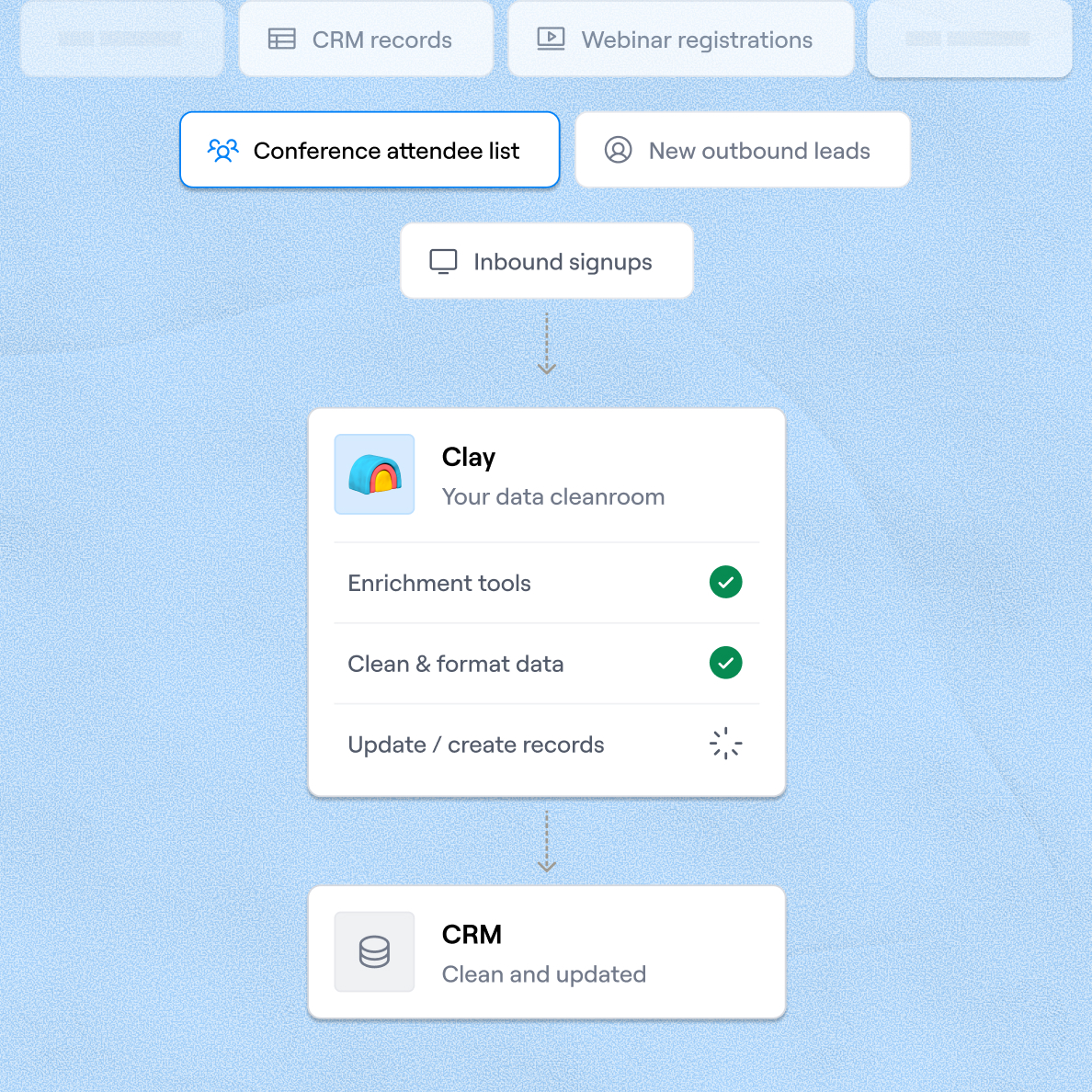

When one provider doesn’t have it, Clay automatically checks the next one. It really helps our inbound and outbound motions because we can leverage the best source of data. I’ve never seen a tool that was so easy to do this process.
Frequently asked questions
How does Sculptor find a person from an email address?
Sculptor sends each email address through providers like Clearbit, People Data Labs, and Apollo simultaneously, matching it against verified contact records. It returns full name, job title, and company name in a single pass. If the first provider misses, Clay's waterfall logic automatically queries the next provider until it finds a match, so you get the highest possible fill rate without manual retries.
How accurate are reverse email enrichment results?
Coverage typically lands between 30% with a single provider and 80% or higher when Clay's waterfall runs across multiple sources like Clearbit and People Data Labs. Clay's own benchmarks show waterfall enrichment can triple match rates compared to relying on one provider alone. You can add a verification step with NeverBounce or ZeroBounce inside the same table to flag invalid or catch-all addresses before you act on the data.
Can I reverse-lookup a whole list of emails at once?
Yes. Paste your full list of email addresses into Sculptor, upload a CSV, or pipe rows from an existing Clay table. Sculptor enriches every row in parallel, returning name, title, and company for each address. Once the table populates, push the enriched records directly to HubSpot, Salesforce, or Pipedrive, or export as a CSV to feed your next outreach sequence.
Is it legal to enrich B2B contacts from email addresses?
In the US, CAN-SPAM governs commercial email and requires a valid physical address, clear sender identity, and a working unsubscribe link, but it does not restrict enriching publicly available B2B data. In the EU, GDPR allows processing business contact data under a legitimate interest basis (Article 6(1)(f)) when you document a proportionality assessment and provide an opt-out path. Canada's CASL requires implied or express consent before sending commercial messages.
Regulations vary by jurisdiction, so always check the rules that apply to your recipients and respect each provider's terms of service.