







































.avif)




























How to track competitors
Paste your target account list to monitor
Drop in your target account list and name the competitors you want to track. Claygent browses each account's web presence and social activity for fresh competitor signals.
Sculptor scans accounts for competitor signals
Sculptor monitors each account across social platforms, news sources, and public web content, detecting competitor mentions and changes. Claygent reads each signal, confirms relevance, and logs the date it surfaced.
Review competitor signals, date, and route alerts
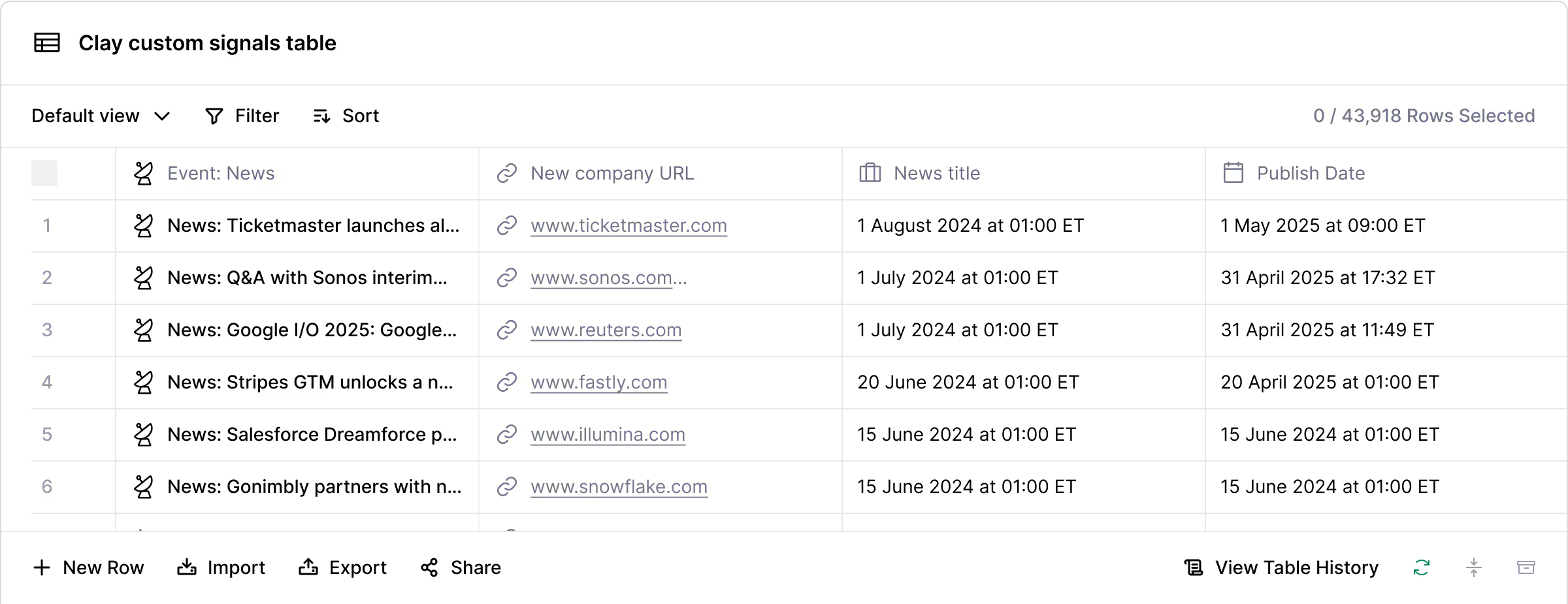
The finished table shows company name and competitor signal with date. Send new signal matches to Slack and log the account in your CRM so your team acts within minutes.
Why Clay for tracking competitors
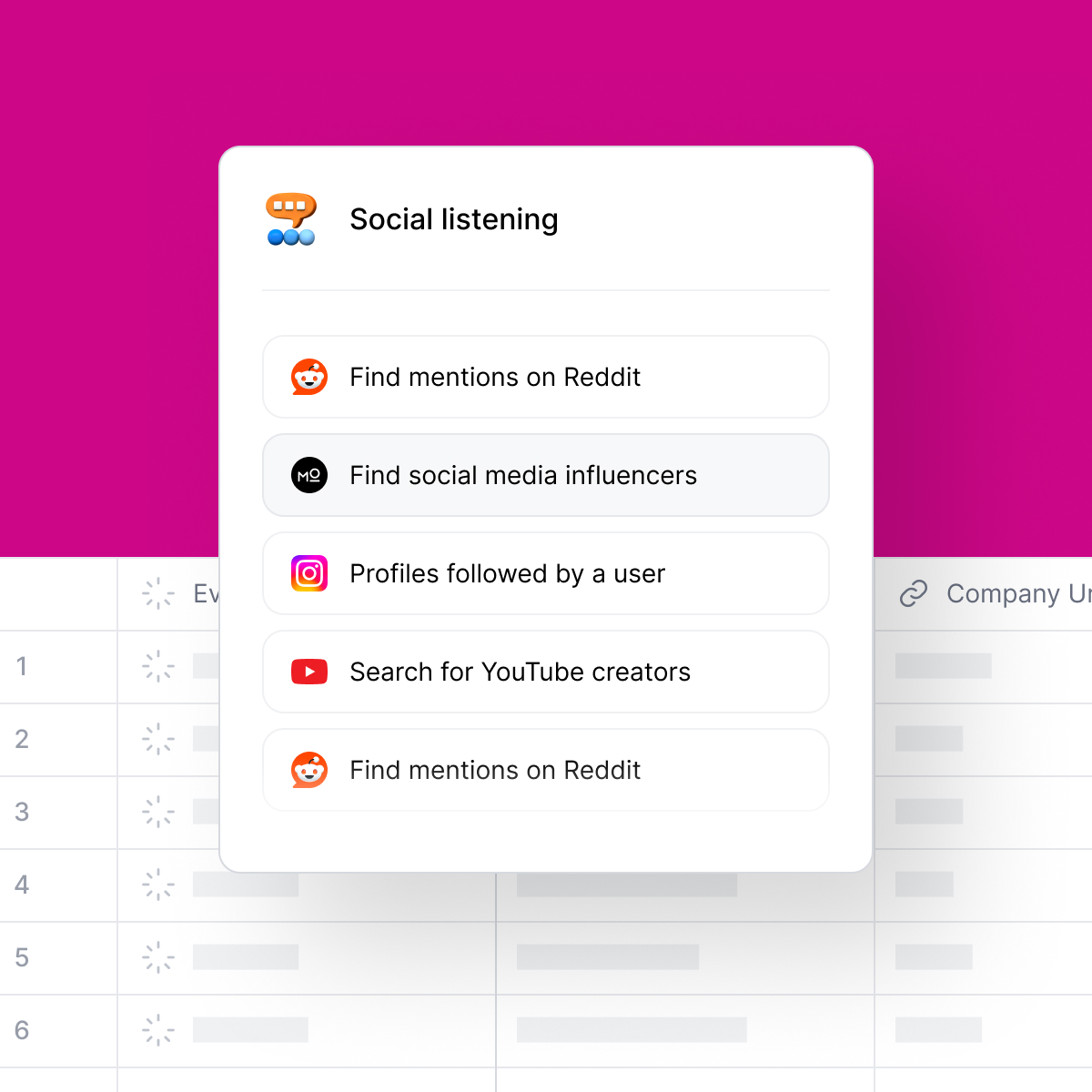
Real-time competitor mentions across channels
Know when a target account discusses your competitors on LinkedIn, Reddit, or YouTube. Clay's social listening signals monitor keyword content across those platforms and surface each mention with a timestamp, so you act before a deal moves.
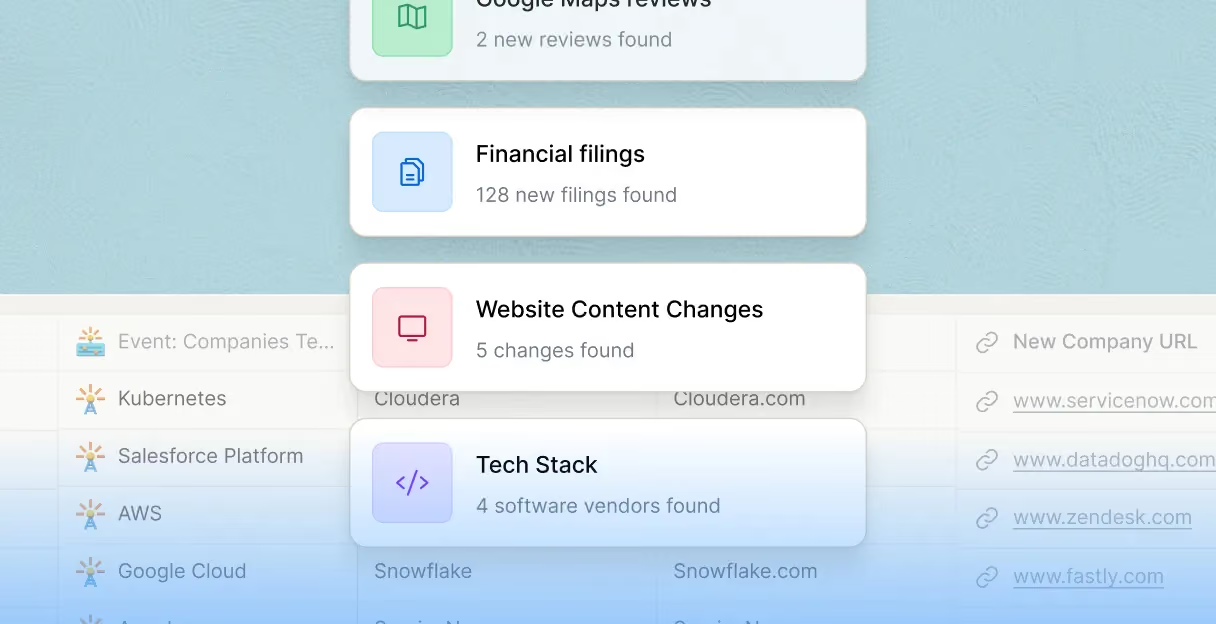
Multi-source competitor signal stacking
Layer competitor mention signals with funding news, tech stack changes, and job postings from a single Clay table. Claygent reads each account's web presence, pricing pages, and blog themes to confirm signal relevance in seconds.
Gong transcript and review site monitoring
Extract competitor mentions from Gong call transcripts and G2 or Capterra reviews without manual research. Claygent reads each transcript or review, confirms the competitor named, and logs the signal date automatically.
Route competitor alerts to Slack and CRM
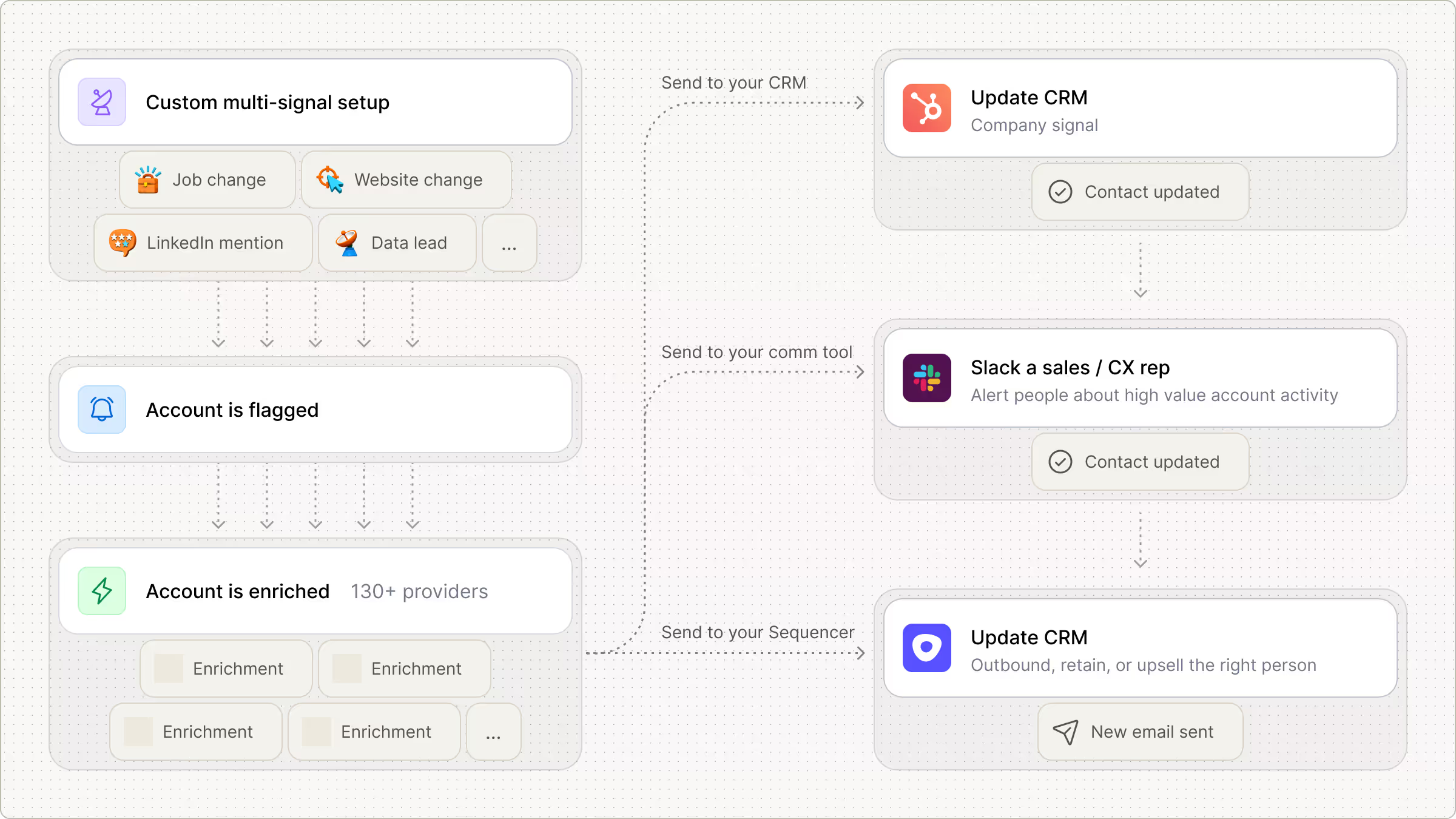
Send bundled competitor signal summaries to Slack by account and push enriched rows to Salesforce or HubSpot, so reps see company name, competitor signal, and date without leaving their existing workflow.

Clay allowed us to consolidate our workflows and eliminate the need for multiple tools. It’s streamlined everything, saving us time and money while improving our ability to act on key signals
Frequently asked questions
How does Sculptor identify and track competitor companies?
Sculptor uses HG Insights tech stack data to find companies running a competitor's product, then filters by industry, headcount, or utilization score to prioritize displacement targets. It also runs a people waterfall across 150+ contact-data sources to recover a verified VP of Sales email for each account, so you get a ready-to-use competitor list in one step.
How accurate is competitor tracking and VP email coverage?
HG Insights tracks over 20 million companies and 20,000 products, giving broad tech stack coverage for identifying competitor accounts. For VP of Sales emails, Clay's waterfall enrichment pushes coverage from the 40-60% a single provider returns up toward 80-95% by querying sources like Prospeo, Hunter, Apollo, and Lusha in sequence until a verified match is found.
Can I track competitors and pull VP emails in bulk?
Yes. Paste a list of competitor product domains, upload a CSV of target companies, or let HG Insights generate the full list inside a Clay table. Sculptor enriches every row with VP of Sales email automatically. Export the finished table to HubSpot, Salesforce, or a sequencer like Outreach or Smartlead to launch displacement campaigns at scale.
Is it legal to use intent and tech stack data for outreach?
GDPR permits B2B outreach under a legitimate interest basis (Article 6(1)(f), Recital 47), but you must complete a Legitimate Interest Assessment and provide an Article 14 notice when data comes from third-party sources like tech stack or intent providers. In the US, CAN-SPAM governs commercial email and requires a working unsubscribe link, while CCPA/CPRA (with the B2B carve-out expired since January 2023) gives California contacts full consumer rights including deletion requests.
Always check the rules for your jurisdiction and honor opt-out requests promptly.