







































.avif)




























How to find company revenue
Paste in your list of company names
Drop in a list of company names. Sculptor waterfalls through Clay's provider network to build a firmographic profile for each one.
Sculptor enriches each company row
Sculptor queries Clay's B2B company data across multiple enrichment providers in sequence, surfacing estimated annual revenue and headcount for each matched company. Only rows where a match is found return enriched values.
Get revenue and headcount per company
The finished table has company name, estimated annual revenue, and headcount where the waterfall found a match. Write enriched fields back to HubSpot or Salesforce automatically as Clay refreshes the data.
Why Clay for finding company revenue
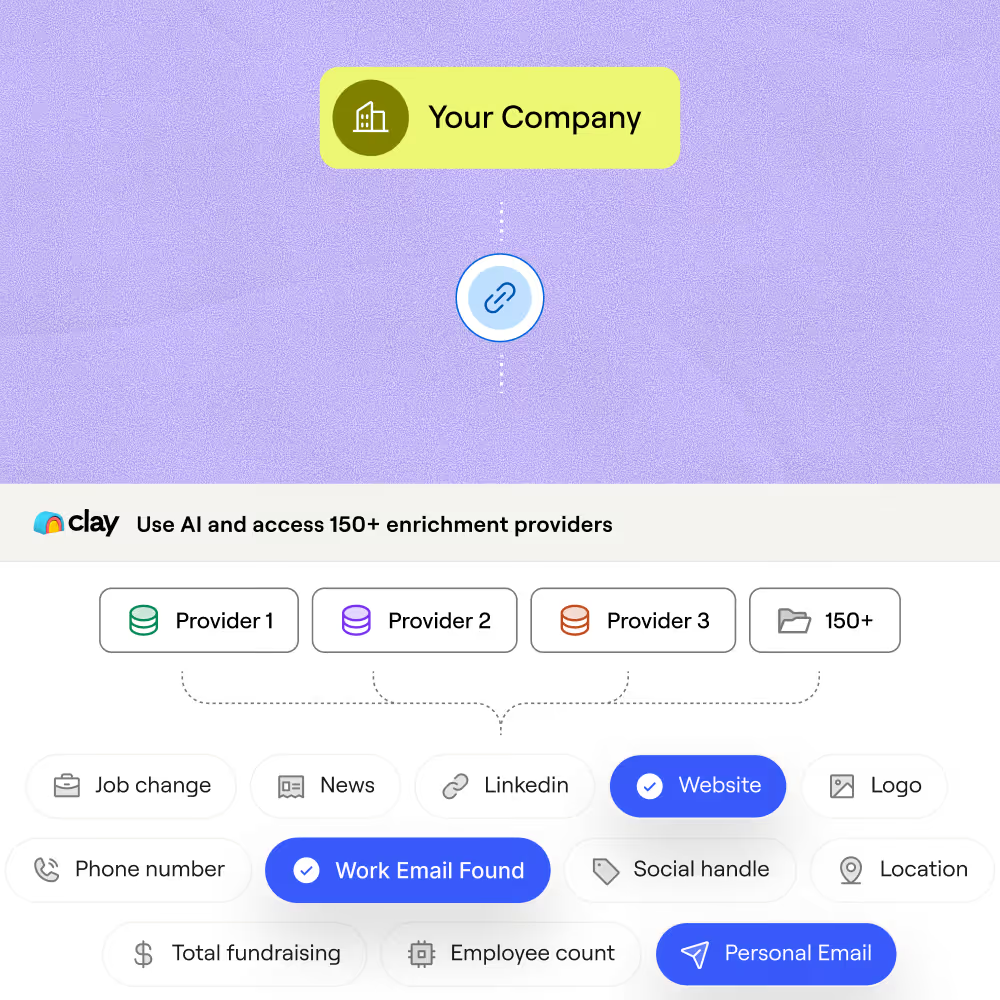
Multi-provider waterfall for revenue data
Get estimated annual revenue on matched rows without relying on a single source. Clay runs a sequential waterfall across multiple providers, stopping at the first confident result and charging credits only when one returns a hit.
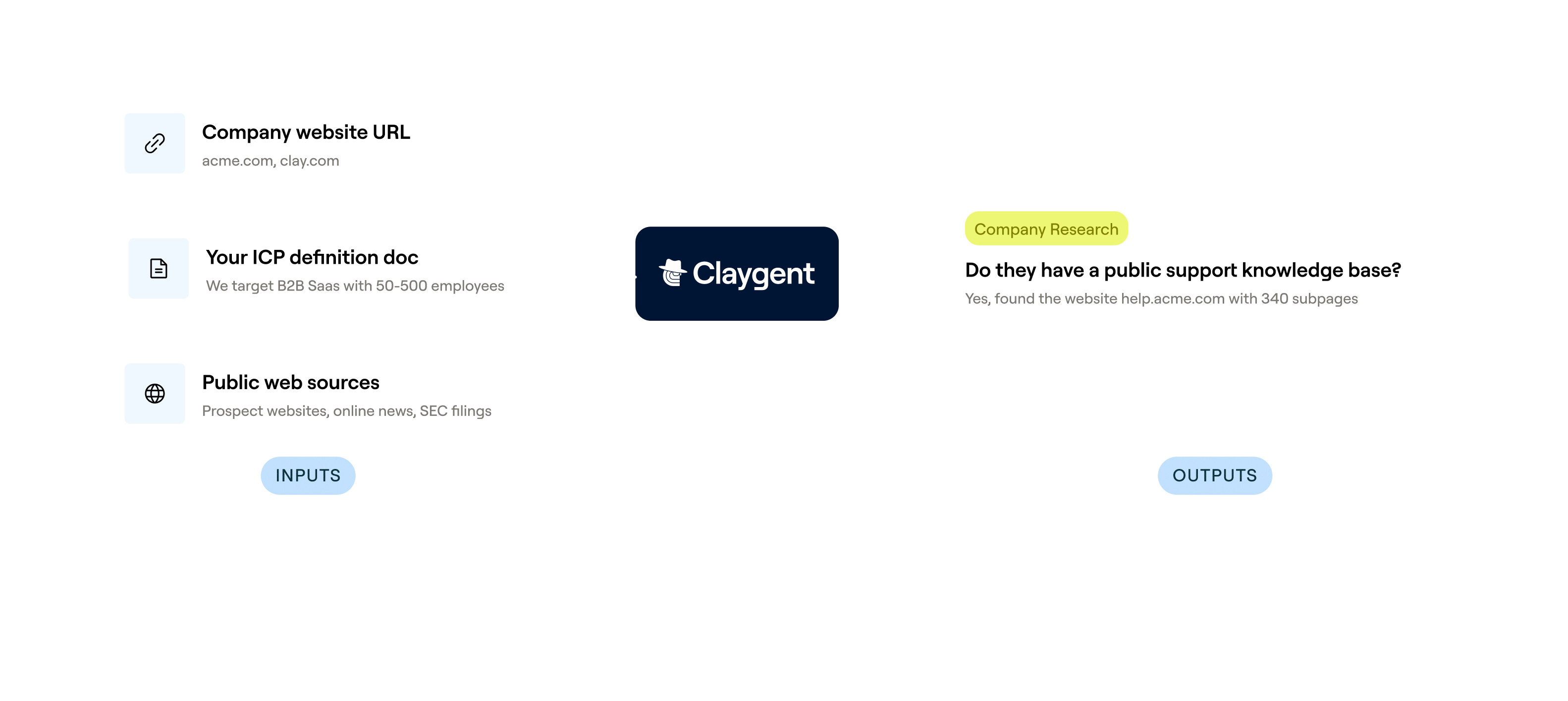
Claygent fills gaps no database covers
Revenue estimates for private, early-stage, or regional companies often sit outside standard databases. Claygent browses Crunchbase, PitchBook, and each company's own site to surface the freshest available figure.
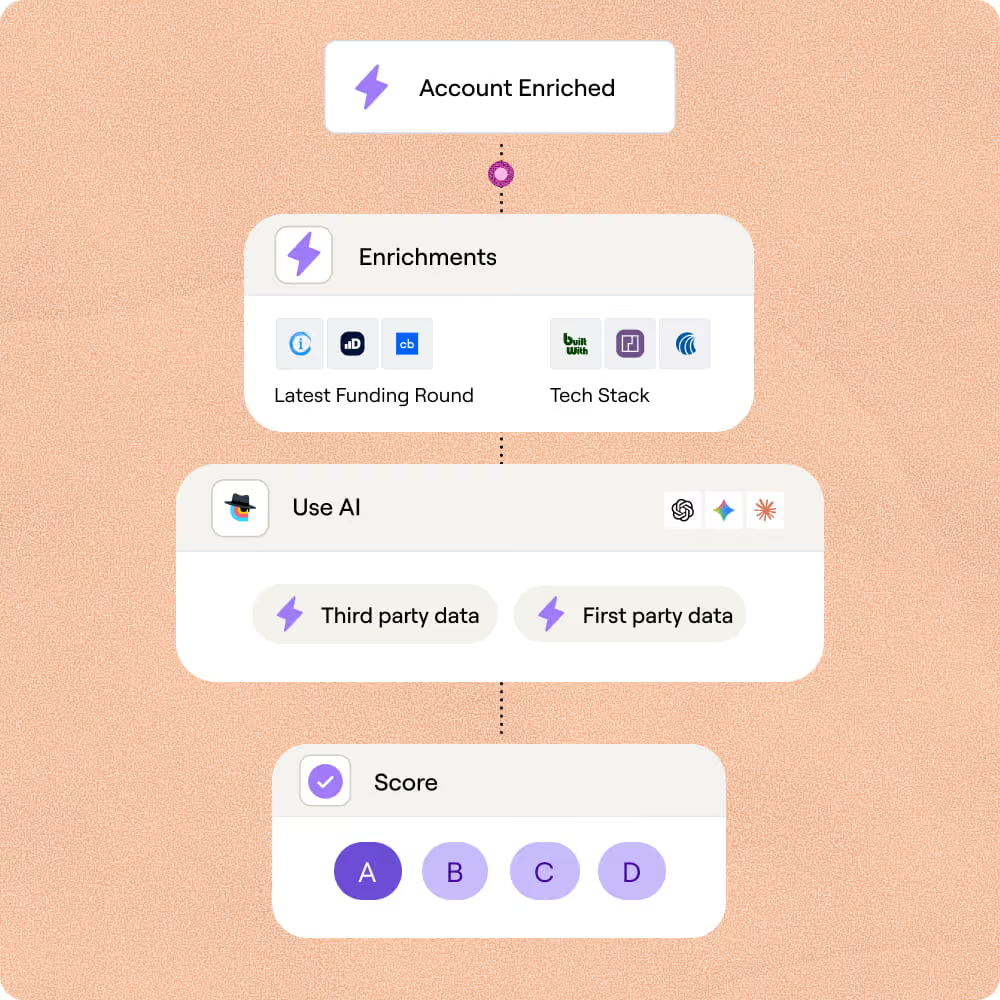
Revenue plus headcount in one enrichment pass
Pull estimated annual revenue and headcount together in a single workflow using Clay's firmographic enrichment. Add filters like industry, funding stage, and tech stack to score and segment matched rows before they leave the table.
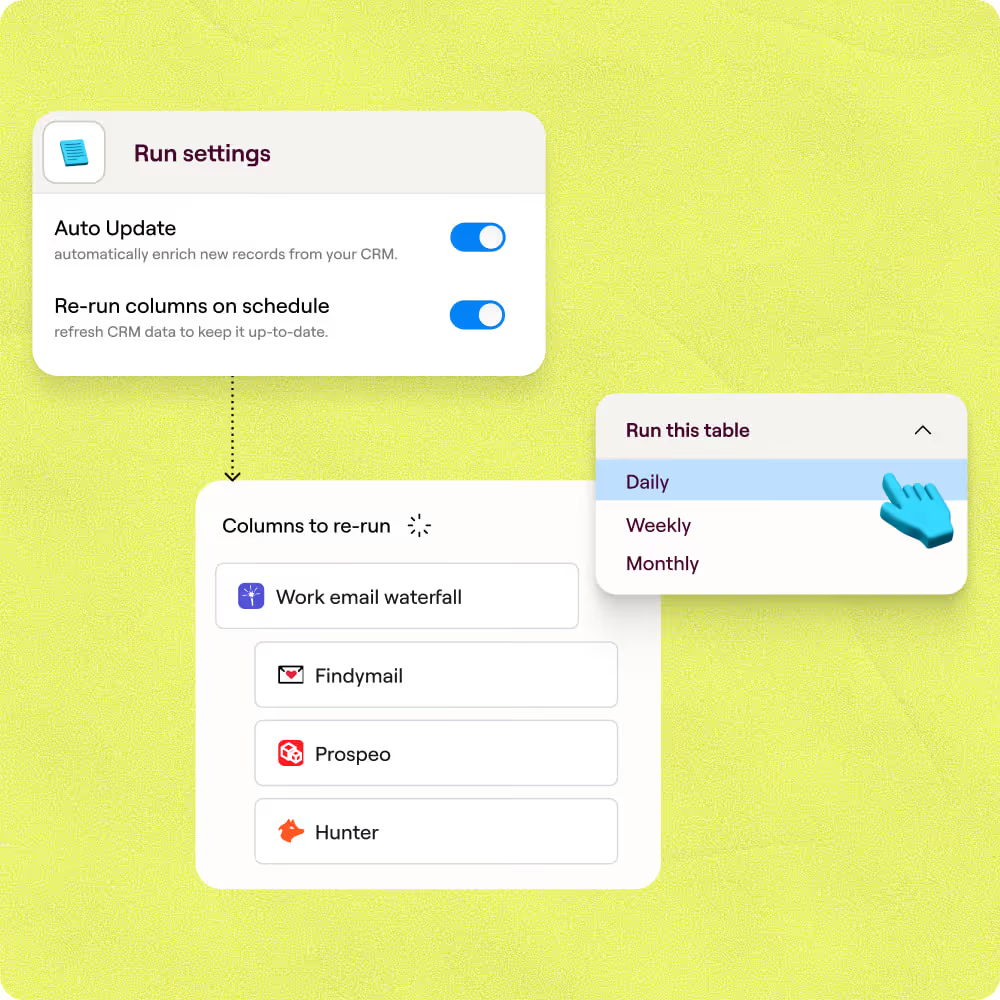
Auto-refresh and Salesforce write-back
Revenue figures go stale fast. Clay refreshes enriched rows on a schedule and writes updated values back to Salesforce or HubSpot automatically, so your CRM stays current without manual re-uploads.

Clay gave us the ability to define what a great customer looks like on our terms. Not just industry and title, but the signals that actually predict who will buy. Our reps are working better lists, closing faster, and generating 19% more revenue per head.
Frequently asked questions
How does Sculptor find companies by revenue range?
Sculptor uses Clay's Find Companies source, which includes annual revenue range filters from $0–$500K up to $100B+. You type your target industry or region into the bracketed field, click Generate, and Sculptor pulls only companies that match both your revenue bracket and your industry criteria. It then runs a work email waterfall across multiple contact-data providers to locate a verified VP of Sales email for each company.
How accurate is the company revenue and contact data?
Revenue filters rely on data from providers like CB Insights, Crunchbase, and PitchBook. Public company figures come from audited filings, while private company revenue is typically modeled into ranges, so expect directional accuracy within broad bands rather than exact figures. For VP of Sales emails, Clay's waterfall queries multiple providers in sequence and pushes coverage from roughly 30% (single provider) to 80% or higher, stopping as soon as one returns a verified result.
Can I find revenue-filtered companies in bulk at once?
Yes. Sculptor generates up to 10,000 companies per run based on your revenue and industry filters. You can also paste a list of domains or upload a CSV into a Clay table and enrich each row with revenue data via CB Insights or Crunchbase. Once enriched, push the full list to HubSpot, Salesforce, or Pipedrive with auto-dedupe enabled, or export as a CSV to load into a sequencer like Instantly or Outreach.
Is it legal to collect company revenue data for outreach?
Publicly available company financials, such as SEC filings, are generally fair to use. For private company revenue estimates sourced from third-party providers, GDPR's legitimate interest basis (Article 6(1)(f)) can support B2B prospecting when you document a balancing test and offer an opt-out. In the U.S., the CFAA governs unauthorized access to computer systems, though courts have ruled that scraping public data does not violate it (hiQ v. LinkedIn). CAN-SPAM applies once you send outreach emails.
Always check the rules for your jurisdiction and respect each data provider's terms of service before using revenue data in outbound campaigns.