























.avif)







.avif)









Trusted by the world’s best GTM Ops and RevOps teams



















How to generate leads in sales
Describe Your Ideal Decision-Maker and Target Account
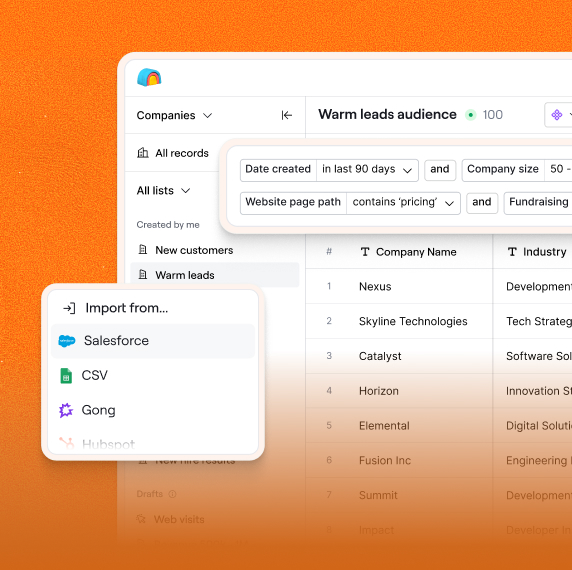
Type the decision-maker titles, target company type and size, and the return fields (company name, verified work email, headcount) directly into the Sculptor prompt.
Sculptor Builds Your Contact List Immediately
Sculptor sources matching contacts across providers like Apollo, People Data Labs, and Hunter, then waterfalls email verification tools like Debounce or ZeroBounce to confirm each work email and pulls headcount data per account.
Review Contacts with Verified Emails and Headcount
Your table returns company name, verified work email, and headcount for every matched contact, ready to push into your CRM or export as a CSV for sequencing or manual outreach prioritization.
Why Clay for generate leads (general)
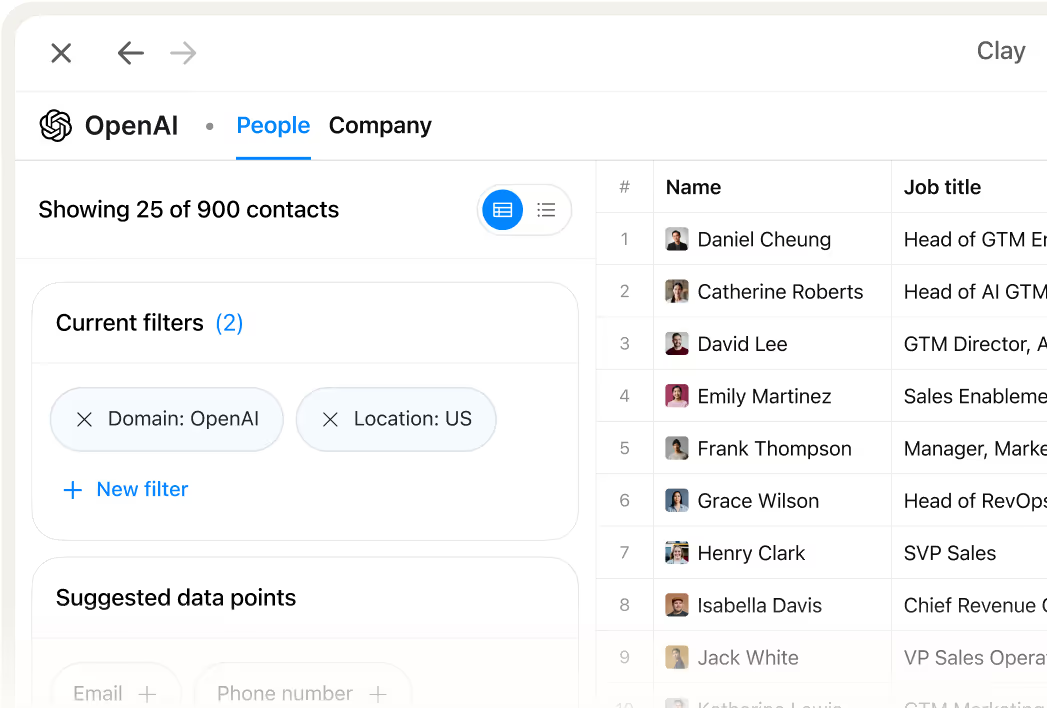
Filter Decision-Makers by Title, Seniority, and Department
Target by job title, seniority, department, time in role, and location in one search. Pull verified contacts across Apollo, People Data Labs, and Hunter without touching each tool separately.
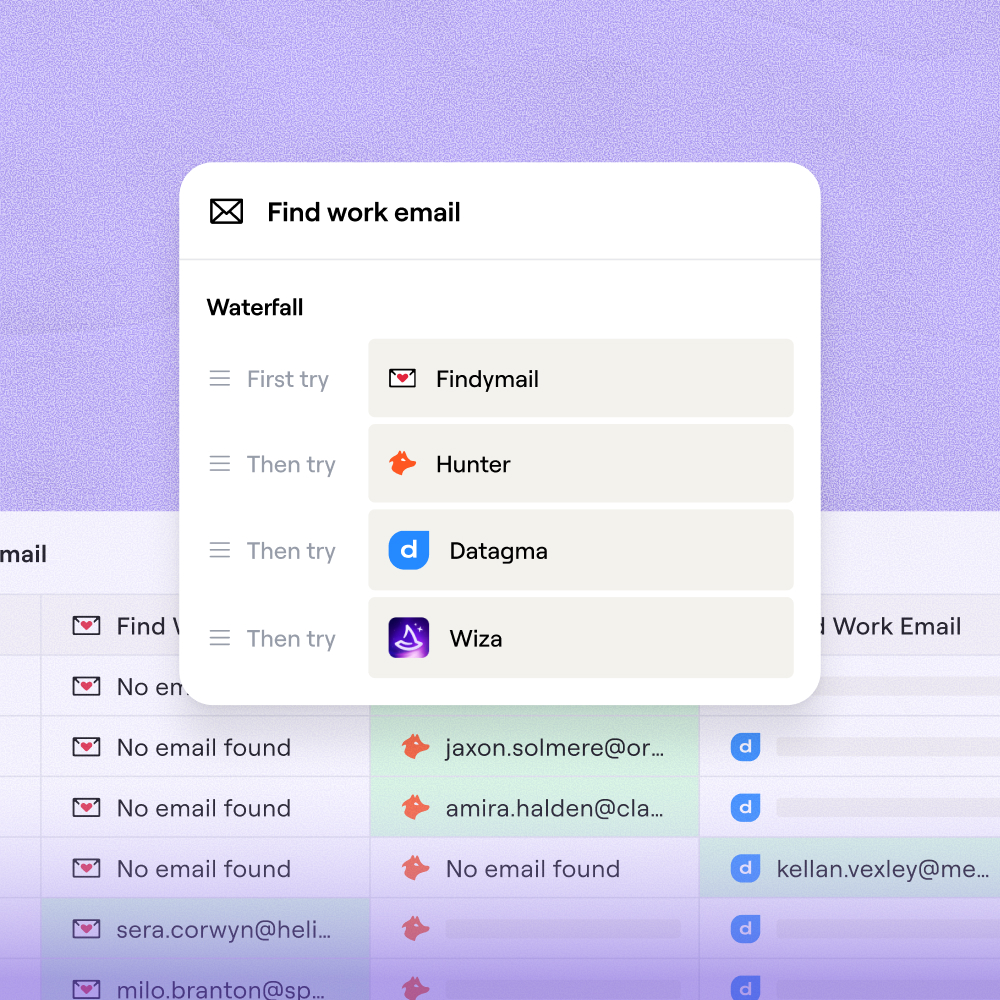
Waterfall Enrichment Lifts Email Coverage to 80%+
Waterfall enrichment sequences 12+ providers, lifting work email coverage from roughly 30% with a single provider to 80% or higher. Every email is then validated by Debounce or ZeroBounce before export.
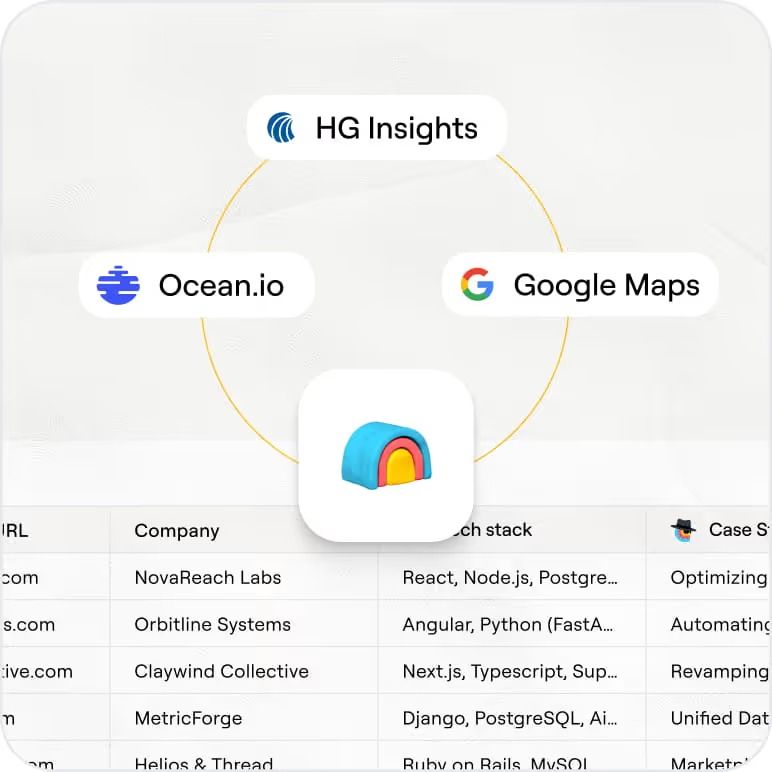
Pull Headcount and Firmographics Alongside Contacts
Headcount, company name, and tech stack pull automatically alongside each contact via 150+ providers. No separate company enrichment step needed.
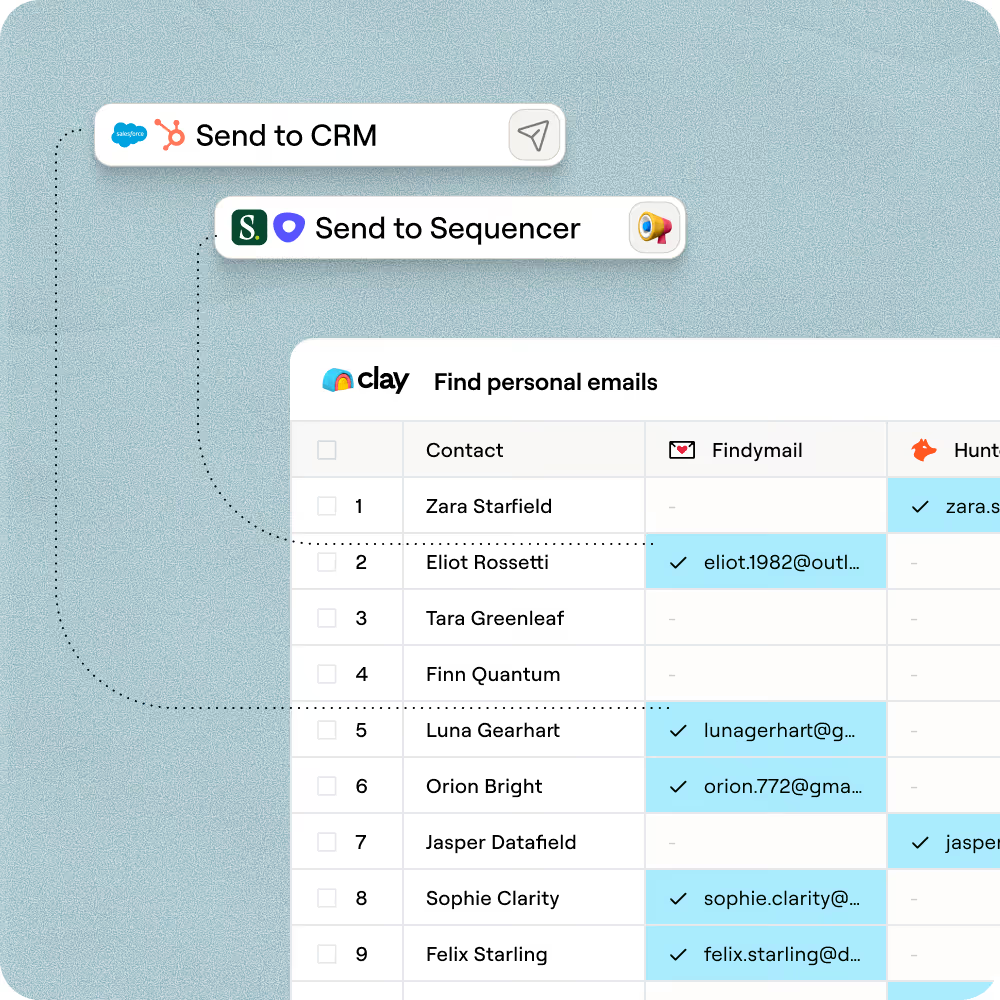
Push Verified Leads Directly to Your CRM
Send every matched contact, verified work email, and headcount field directly to HubSpot, Salesforce, or Pipedrive. Or export as CSV for manual outreach prioritization.

Our most successful campaigns are built on data that doesn’t exist in off-the-shelf tools. Clay helps us find those signals — and transform ambitious ideas into executable, high-performing campaigns.
Frequently asked questions
How does Sculptor generate leads for my target accounts?
Sculptor takes the decision-maker titles, company type, and size you describe in the prompt and searches across providers like Apollo, People Data Labs, and Hunter to find matching contacts. It then waterfalls email verification tools such as Debounce and ZeroBounce to confirm each work email and pulls headcount data per account, returning a ready-to-use table of company name, verified work email, and headcount.
How accurate are the leads and emails Sculptor returns?
Waterfall enrichment lifts verified work email coverage from roughly 30% with a single provider to 80% or higher by sequencing 12+ providers like Apollo, Hunter, and People Data Labs. Every email then passes through a verification step via Debounce or ZeroBounce before it lands in your table, so bounced or invalid addresses get flagged before you export or push to your CRM.
Can I generate leads for a whole list of accounts at once?
Yes. Sculptor builds your entire contact list in one pass based on your prompt criteria. You can also paste a list of target companies, upload a CSV, or pipe data from an existing Clay table to enrich in bulk. Once complete, push every matched contact directly to HubSpot, Salesforce, or Pipedrive, or export as a CSV for manual outreach prioritization.
Is it legal to collect and use B2B lead data this way?
CAN-SPAM requires an opt-out mechanism in every outbound email. Under GDPR, B2B prospecting is generally permitted via legitimate interest (Article 6(1)(f)) as long as the message is relevant to the recipient's role and you provide a clear unsubscribe option. CCPA's B2B exemption expired in 2023, so California residents' work contact data now carries full privacy obligations, including honoring opt-out-of-sale requests within 15 business days.
Twenty US states have comprehensive privacy laws in effect as of 2026, though most exclude B2B context data. Always check the rules for your jurisdiction and maintain a centralized suppression list synced across your CRM and outreach tools.