







































.avif)




























How to find company growth rate
Describe your target industry or market
Paste your target industry or market into the prompt field. Sculptor scans Clay's company database for fast-growing matches, ranked by headcount growth over the last six months.
Sculptor surfaces fast-growing companies by signal
Sculptor sources companies from Clay's B2B company data filtered by your industry, then calculates headcount growth rate over the past six months using Clay's growth signal data. Only companies with meaningful growth activity surface as rows.
Get company name and headcount growth rate
The finished table shows company name and six-month headcount growth rate per row. Sync target accounts to HubSpot or Salesforce and route hot signals to Slack so reps act in real time.
Why Clay for finding company growth rate
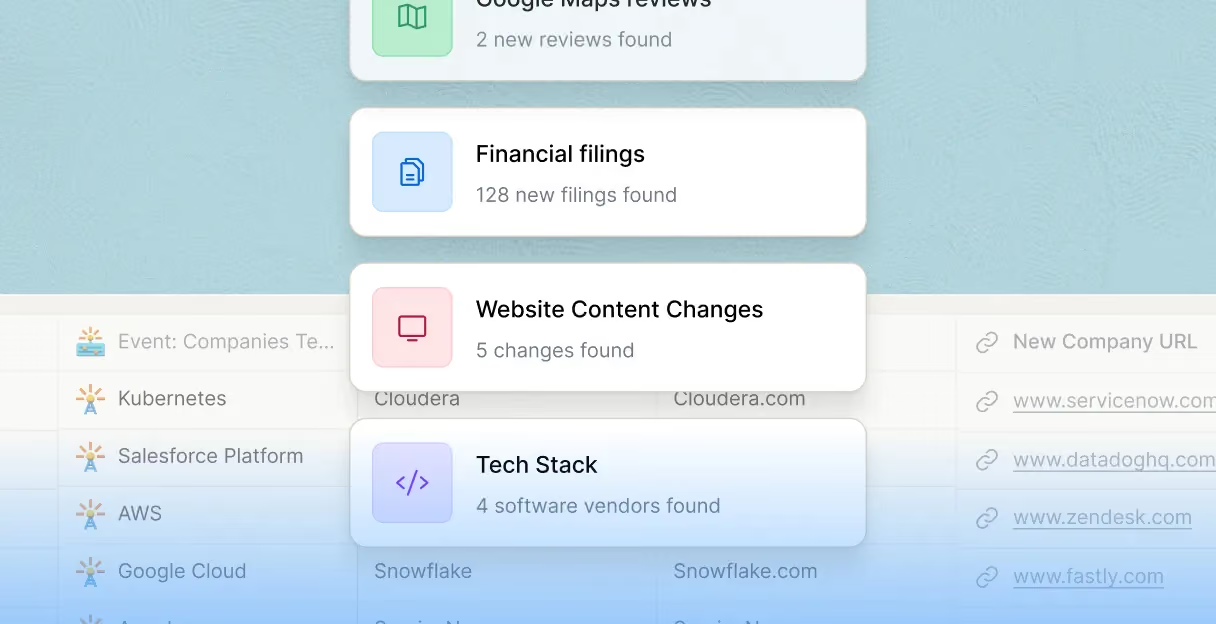
Real-time headcount growth signal detection
Surface companies growing fastest in your target market. Clay's Find Company Headcount Growth action returns employee count, six-month growth rate, and company domain in one structured row.
Claygent browses careers pages for custom signals
Validate and extend growth signals beyond static headcount numbers. Claygent browses each company's careers page and recent news to extract hiring momentum, open role count, and department-level growth evidence.

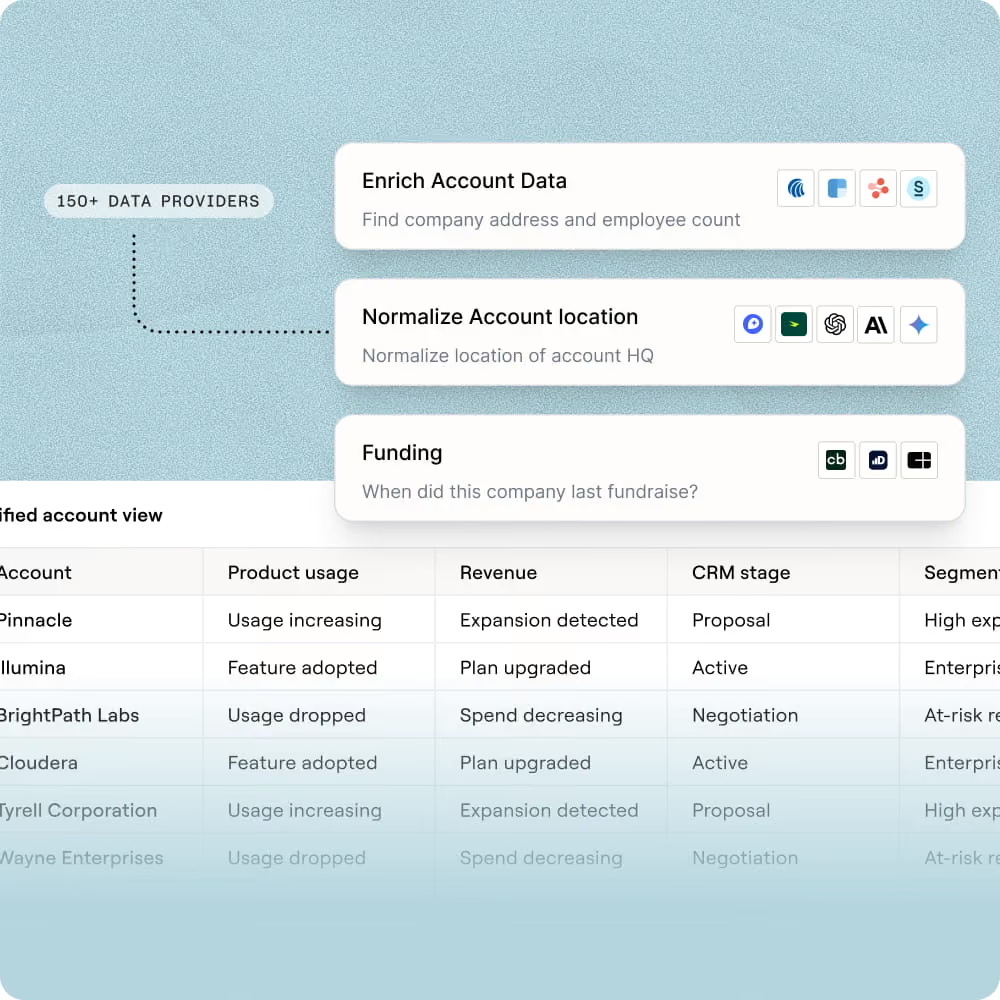
Layer signals: funding, hiring, and tech stack
Score accounts against multiple growth dimensions in one table. Combine headcount growth rate with funding stage, hiring activity, and tech stack from Clay's B2B company database to prioritize the highest-fit accounts.
Auto-refresh signals and route to Slack or HubSpot
Keep your growth signal list current without manual re-runs. Clay's scheduled columns re-run the headcount growth check on a weekly or monthly cadence, then push updated accounts to HubSpot or send a Slack alert to reps the same day.
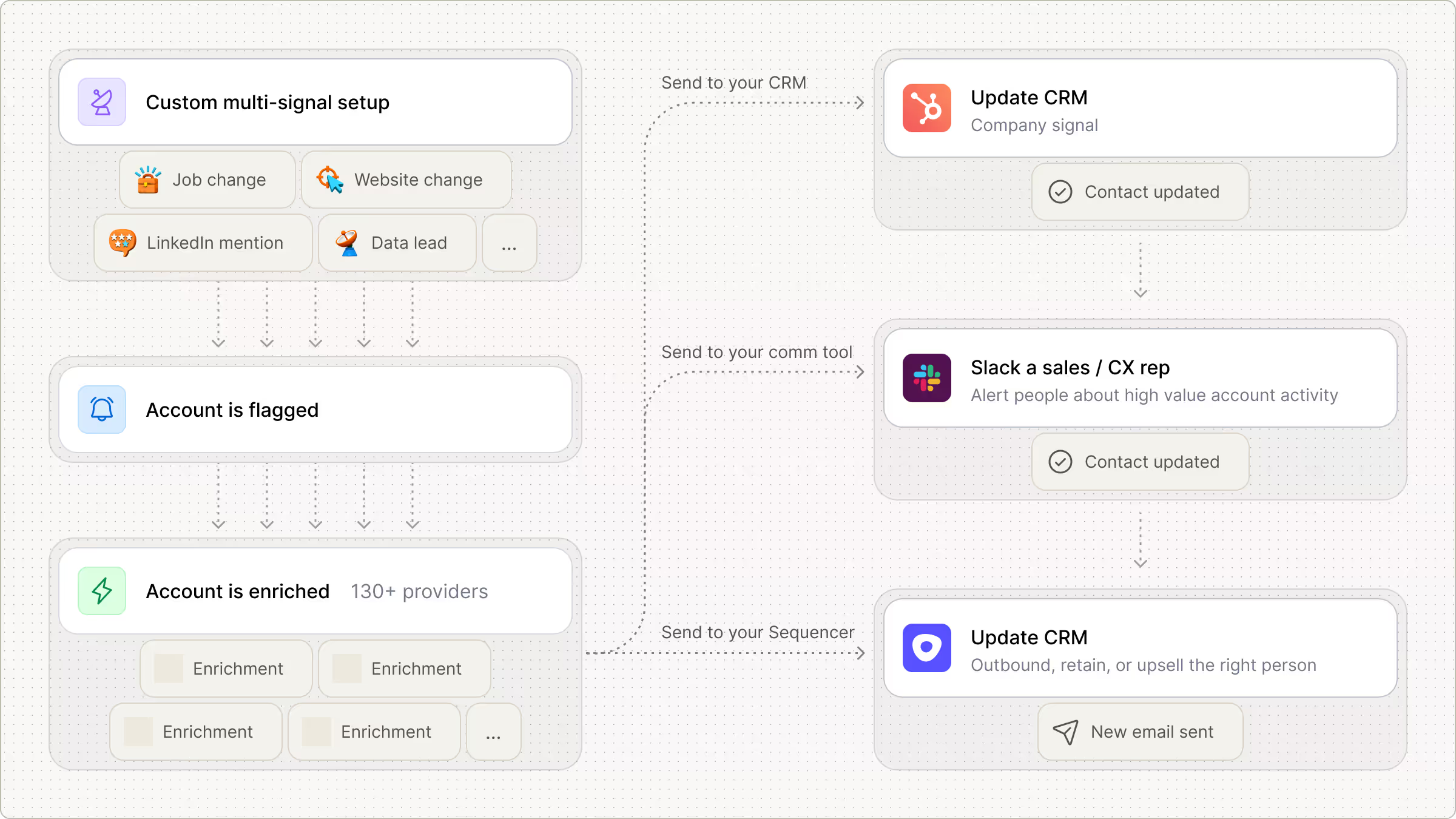

Every lead is pre-qualified, scored on unique signals, and routed automatically through Clay. We're now generating pipeline from segments we weren't even touching before.
Frequently asked questions
How does Sculptor find company growth rate data?
Sculptor uses Clay's Find Companies source filtered by your target industry or CRM segment, then layers on the Company Headcount Growth enrichment to score each account by growth rate. It also pulls Lusha's Find Company Jobs Growth signal, which returns department-level hiring surges, job change rate percentages, and new postings over time. Finally, it waterfalls across multiple contact-data providers to attach a verified VP of Sales email to every growing account.
How accurate are Clay's company growth rate results?
Clay compares current employee counts against historical headcount to calculate actual growth rates rather than relying on static snapshots. Lusha's jobs growth signal adds department-level granularity, returning metrics like job change rate percentage and new postings in the last four weeks. For VP of Sales emails, Clay's waterfall enrichment queries 150+ providers in sequence, lifting contact coverage from roughly 20% with a single source to around 80%.
Can I find company growth rates for a whole list at once?
Yes. Paste a list of companies, upload a CSV, or pipe accounts from an existing Clay table, and Sculptor enriches every row with headcount growth data and VP of Sales contacts in one run. Once results populate, push the growth-scored list directly to HubSpot, Salesforce, or a sequencer like Outreach without any manual export step.
Is it legal to use headcount growth signals for B2B outreach?
Headcount growth data is aggregated company-level information and carries minimal privacy risk on its own. When you pair it with individual contact emails, CAN-SPAM requires accurate sender info, a physical address, and a working unsubscribe link in every message. Under GDPR, B2B outreach can rely on legitimate interest (Recital 47), but you must provide notice under Article 14 when using third-party data and honor opt-out requests immediately under Article 21.
State laws like CCPA/CPRA may also apply to contacts in California. Always check the rules for your jurisdiction before launching campaigns.