





















.avif)



.avif)





.avif)









Trusted by the world’s best GTM Ops and RevOps teams



















How to build an ICP
Define Your Target Company Criteria
Paste your prompt into Sculptor with your target company type, and the exact industry, headcount, and revenue thresholds that define a qualified account for your team.
Sculptor Builds and Scores Your ICP List
Sculptor queries Clay's 50M+ company database, filters by your specified criteria, and runs waterfall enrichment across providers like Apollo, Crunchbase, and Clearbit to populate ICP fit scores and decision-maker emails immediately.
Get a Scored Account Table, Ready to Act On
Your table returns company name, ICP fit criteria match, and verified decision-maker email for every account. Push it directly to Salesforce or HubSpot, or export as a CSV for your next planning cycle.
Why Clay for building an ICP
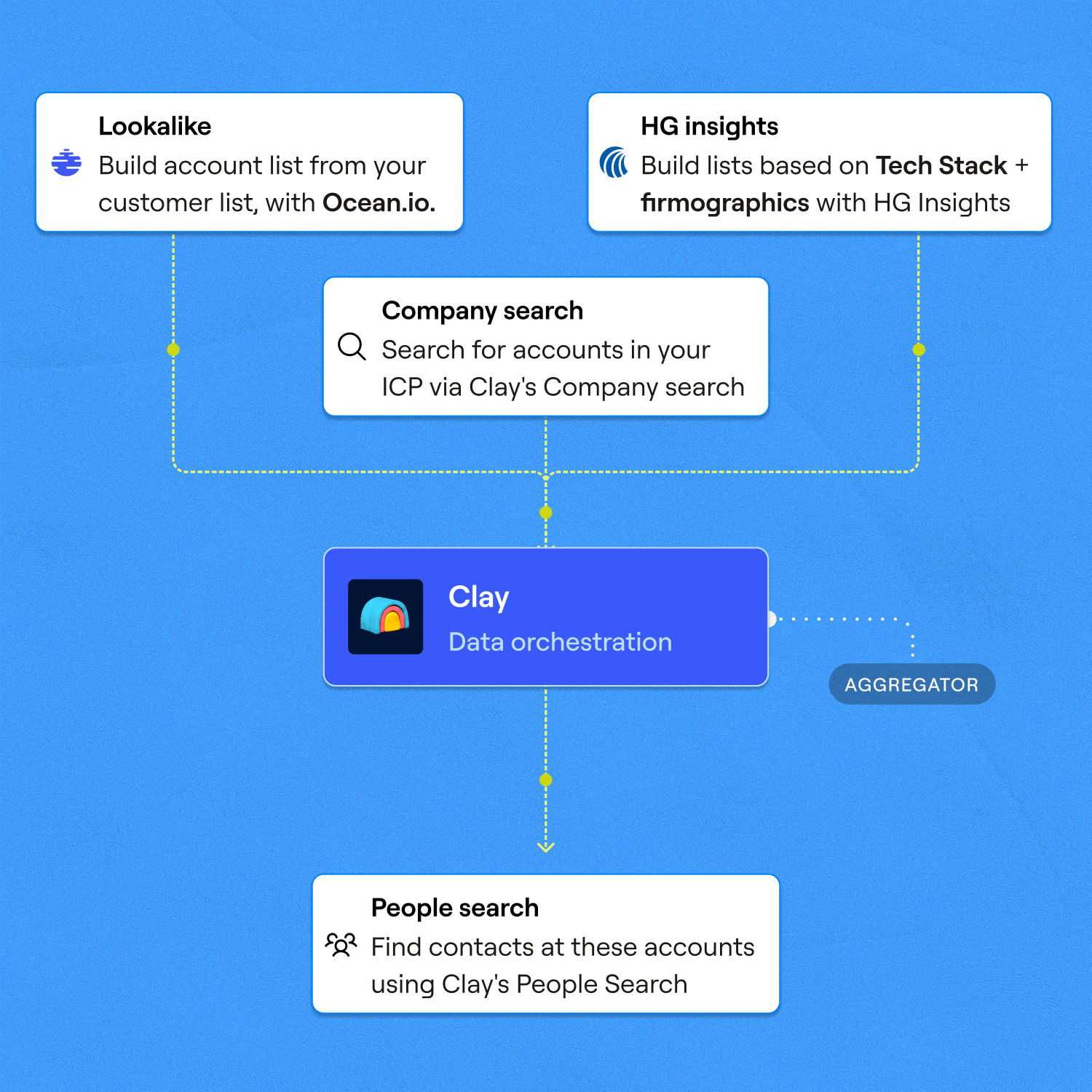
Find Companies Across 150+ Providers
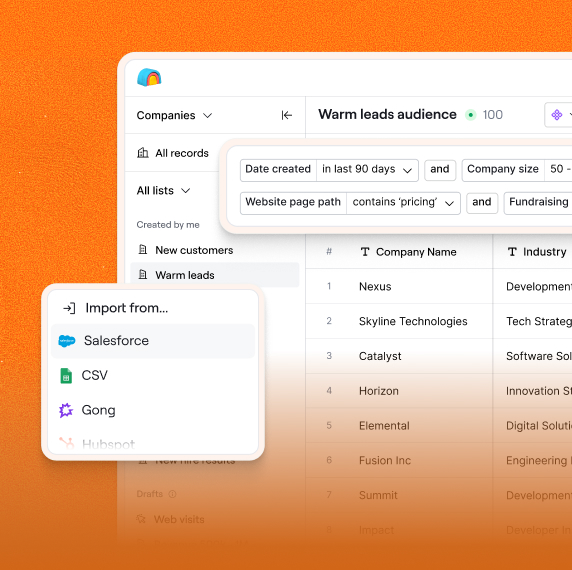
Clay's Find Companies search pulls from a dataset built across 100+ providers, filterable by industry, headcount, and geography. Ocean.io lookalike search adds accounts that match your best existing customers.
AI Scores Every Account Against Your ICP
Claygent visits each company's website and classifies it against your exact criteria, including GTM motion, business model, and hiring signals. Scoring formulas then rank accounts automatically so your highest-fit targets rise to the top.
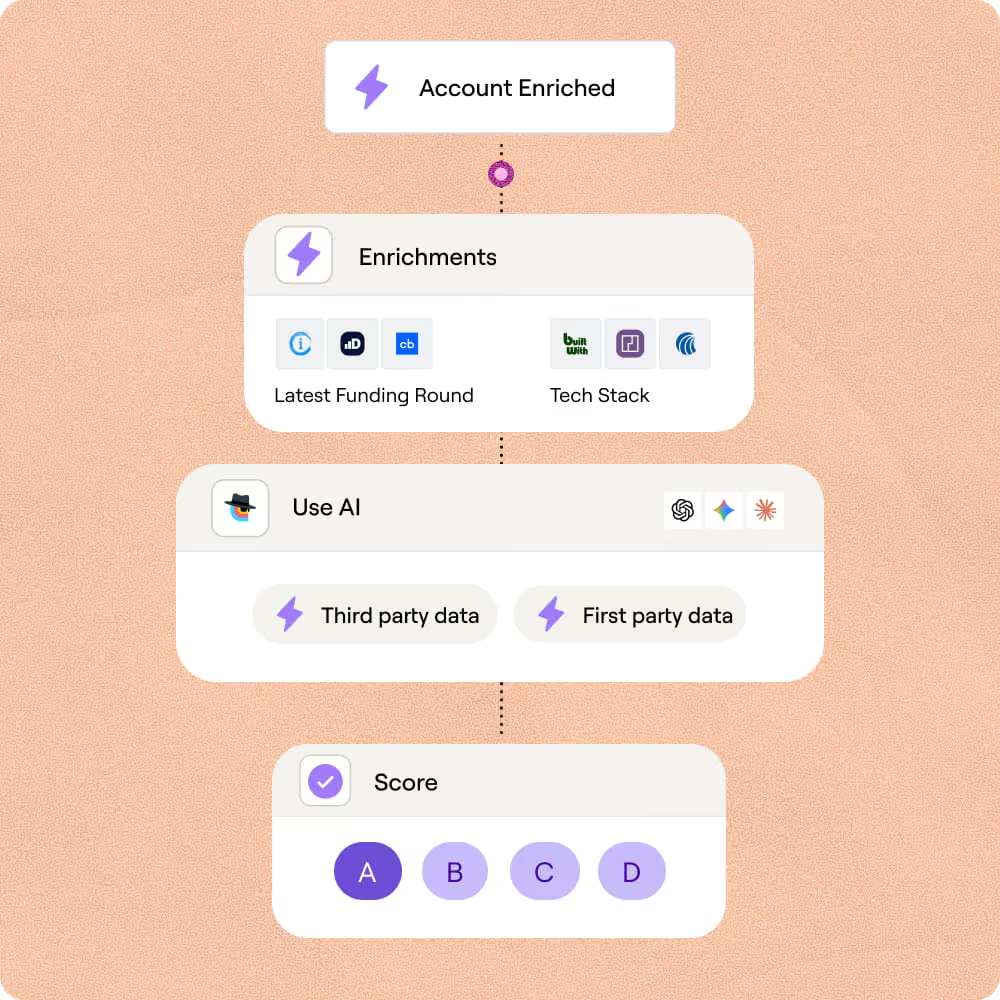
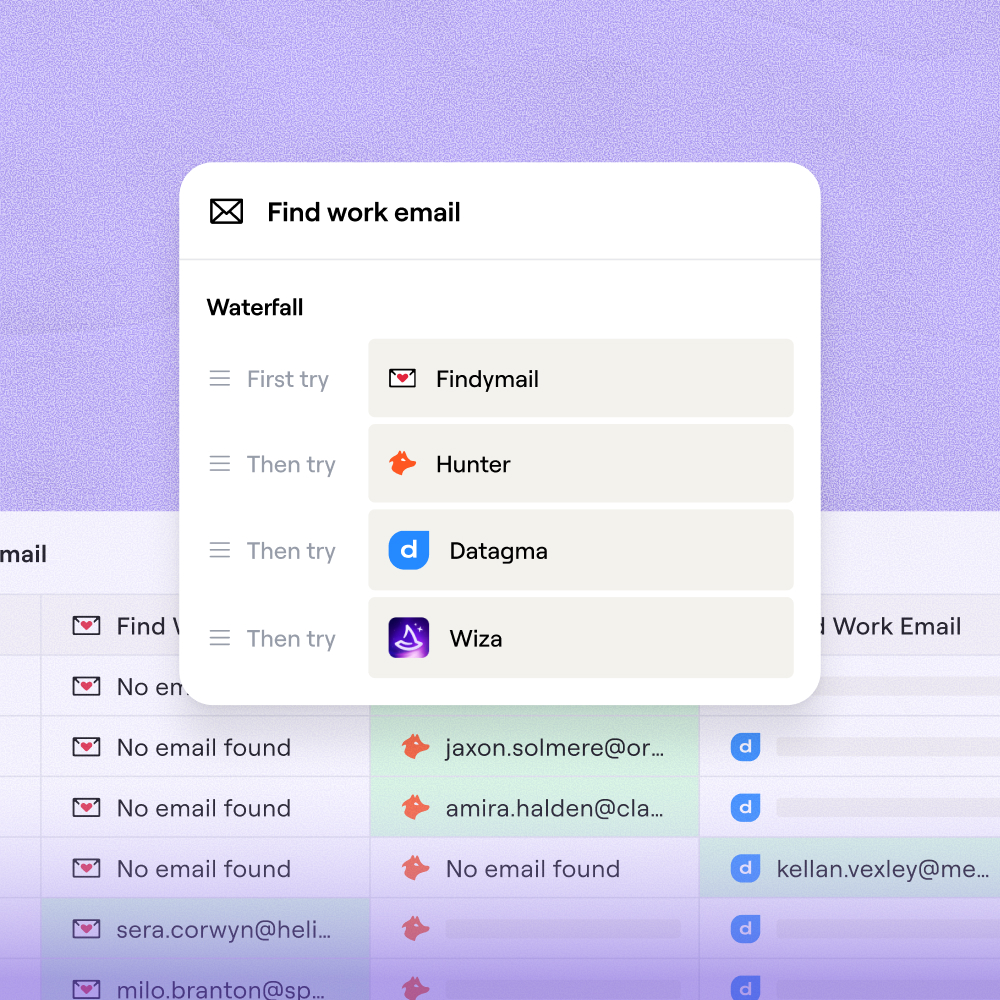
Waterfall Enrichment Lifts Email Coverage to 80%+
Waterfall enrichment queries Prospeo, Datagma, Hunter, Apollo, and more in sequence, lifting decision-maker email coverage from 30% with a single provider to 80%+. You only pay when a match is found.
Push Scored Accounts Directly to Your CRM
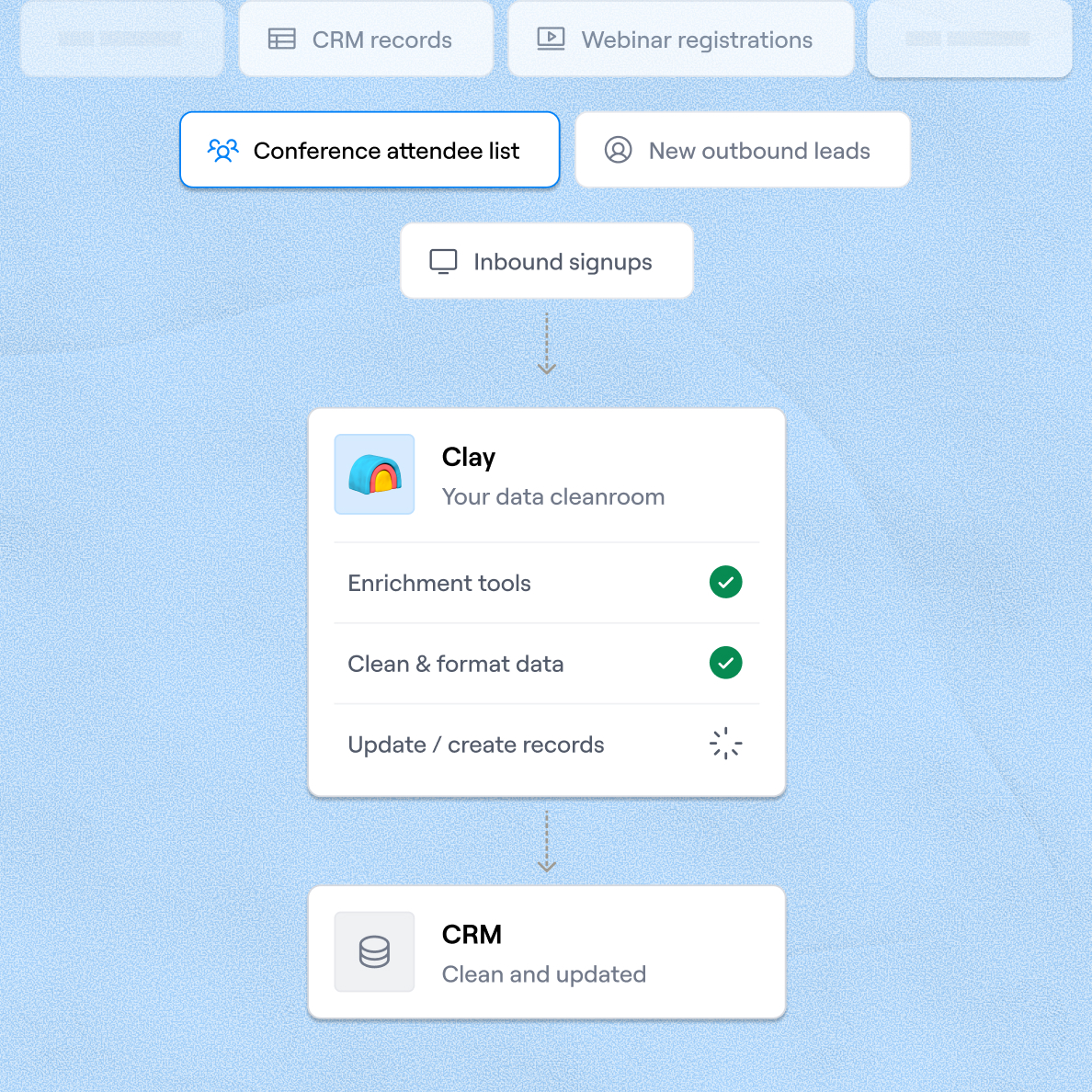
Sync enriched accounts and ICP fit scores to Salesforce or HubSpot as net-new records, with entity resolution automatically excluding companies already in your CRM. Export as CSV if preferred.

Clay gave us the ability to define what a great customer looks like on our terms. Not just industry and title, but the signals that actually predict who will buy. Our reps are working better lists, closing faster, and generating 19% more revenue per head.
Frequently asked questions
How does Sculptor build an ICP list?
Sculptor takes your target company type, industry, headcount, and revenue criteria and queries Clay's Find Companies dataset, which pulls from 100+ providers. It then runs waterfall enrichment through Prospeo, Hunter, Apollo, and others to attach decision-maker emails and applies Claygent-powered scoring to rank every account against your ICP definition. You get a scored table with company name, ICP fit match, and verified contacts in one step.
How accurate are the ICP fit scores and contact data?
Waterfall enrichment lifts decision-maker email coverage from roughly 30% with a single provider to 80% or higher, based on Clay's published benchmarks. Claygent visits each company's website and classifies it against your exact criteria, so ICP fit scores reflect real firmographic and behavioral signals rather than static database tags. You only pay per successful match, which keeps costs aligned with actual coverage.
Can I build an ICP list for thousands of companies at once?
Yes. Sculptor builds the full table in one shot, so you can generate hundreds or thousands of scored accounts from a single prompt. You can also paste a list of domains, upload a CSV, or pipe companies from an existing Clay table for enrichment. Push the finished list directly to Salesforce or HubSpot, with entity resolution automatically excluding accounts already in your CRM.
Is it legal to collect B2B company data for ICP building?
In the US, CAN-SPAM permits unsolicited B2B email as long as you include a physical address, honest subject lines, and a working unsubscribe link. Under GDPR, most B2B prospecting relies on legitimate interest (Article 6(1)(f)), which requires a documented Legitimate Interest Assessment and a clear opt-out path. California's CCPA no longer exempts B2B contact data, so opt-out-of-sale requests must be honored within 15 business days.
Laws vary by jurisdiction and change frequently. Always check the rules that apply in your region before launching outreach.