






































.avif)




























How to look up domain ownership
Describe your target industry or market
Add your target industry or market. Sculptor sources matching companies and queues up a WHOIS lookup for each domain.
Sculptor sources companies and looks up each domain
Sculptor assembles a list of companies filtered by your target industry, then queries WHOIS records for each company domain to surface the registrant email where available.
Review your table of company names and registrant emails
The finished table has company name and registrant email for rows where WHOIS returned ownership data. Export to CSV or pipe into HubSpot or Salesforce for follow-up.
Why Clay for looking up domain ownership
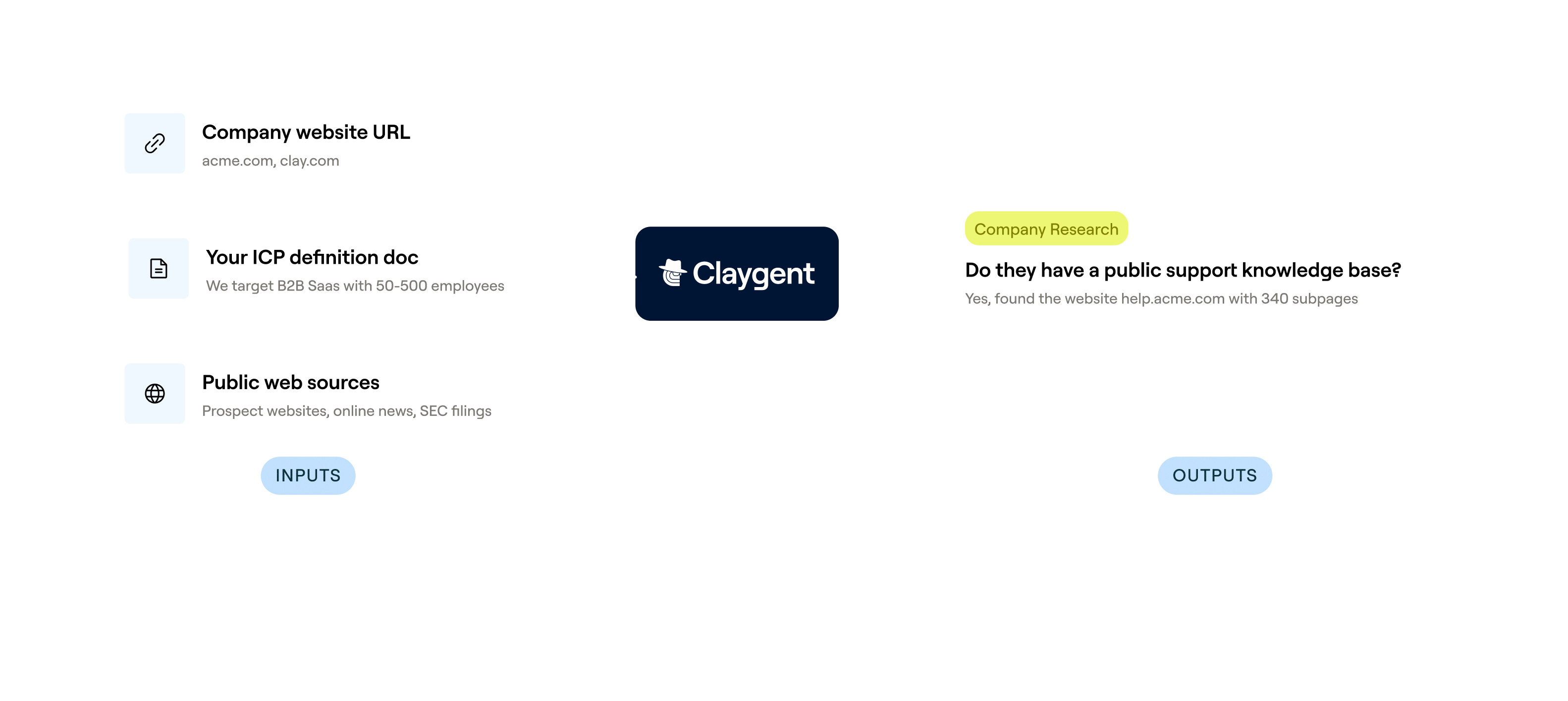
Source companies from Clay's B2B database
Get a filtered list of companies in your target market in minutes. Clay's B2B company database lets you narrow by industry, headcount, location, and tech stack so every domain lookup is scoped to the right accounts.
WHOIS enrichment on every company domain
Pull registrant contact information, registrar details, registration dates, and expiration data for each domain row. Clay's built-in WHOIS lookup queries domain registration records and returns structured ownership fields where public data is available.
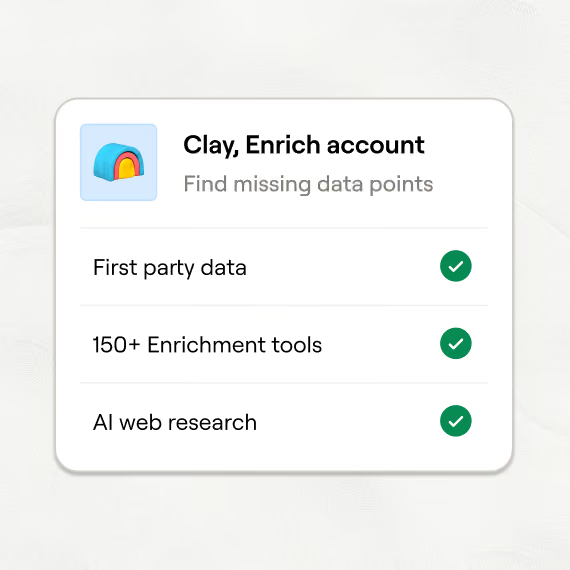
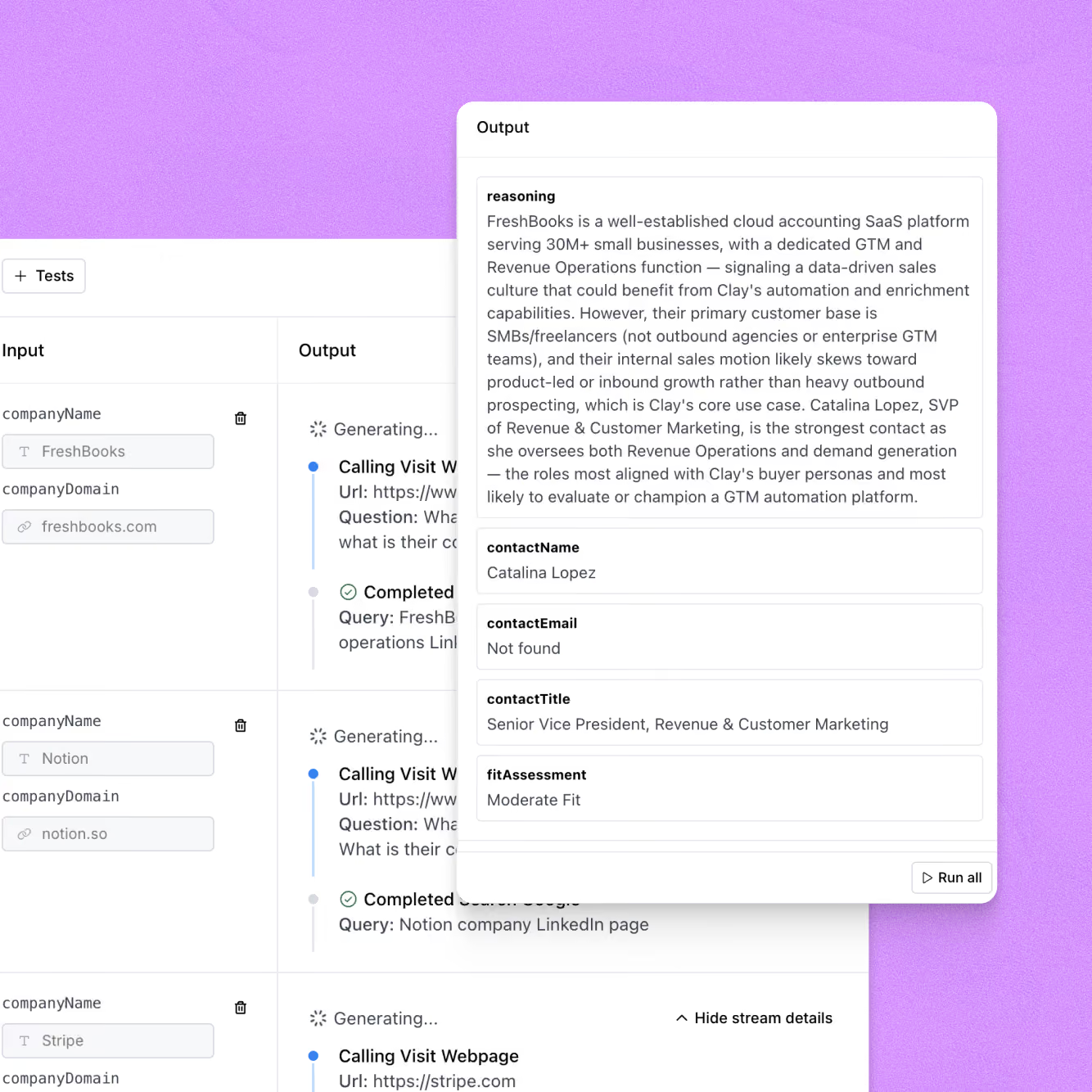
Claygent reads the web where WHOIS falls short
When privacy protection hides registrant data, Claygent browses each company's site, LinkedIn page, and public filings to surface the likely owner or decision-maker. It returns cited findings for every row it researches.
Sync enriched ownership data to HubSpot or Salesforce
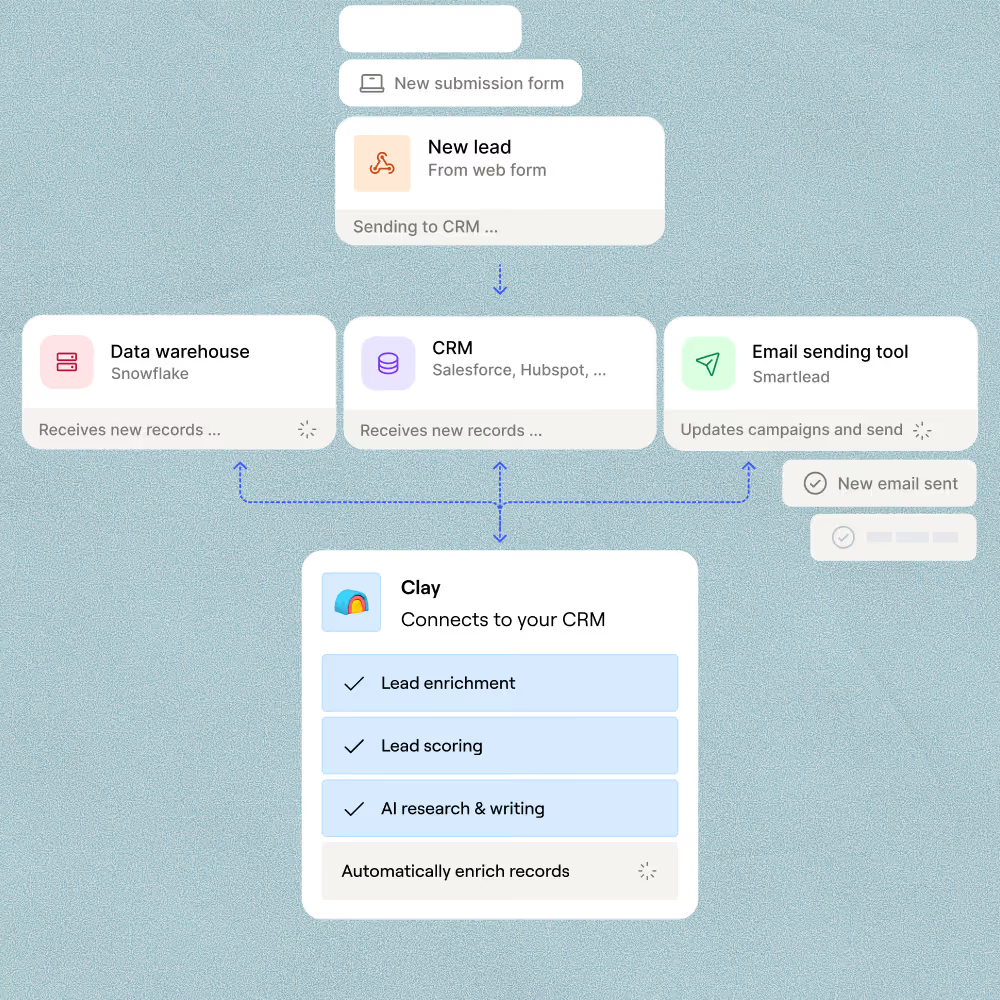
Push the finished table of company names, domains, and registrant data directly into HubSpot or Salesforce. Clay maps each column to the right CRM field so your team can act on ownership insights without a manual export.

When one provider doesn’t have it, Clay automatically checks the next one. It really helps our inbound and outbound motions because we can leverage the best source of data. I’ve never seen a tool that was so easy to do this process.
Frequently asked questions
How does Sculptor look up domain ownership?
Sculptor runs a WHOIS lookup on every domain in your list, pulling the registrant name, registrar details, and registration dates from public WHOIS records. When registrant data is redacted behind privacy protection, waterfall enrichment sequences 10+ providers, including Hunter, Prospeo, and Datagma, to locate a verified email for each domain owner. Claygent can also browse each domain's live website to surface contact details that no structured database holds.
How accurate are WHOIS domain ownership results?
Roughly 89% of gTLD WHOIS records now show redacted or privacy-protected registrant data, according to a 2024 Interisle Consulting study, so a single WHOIS query alone often returns incomplete contact info. Clay compensates by waterfalling across 10+ email providers, which routinely triples coverage compared to a single source and can push email find rates from around 20% to 80%. Results depend on TLD, registrar privacy policies, and whether the domain belongs to an individual or a business entity.
Can I look up domain ownership for a whole list at once?
Yes. Paste your domains directly into Sculptor, upload a CSV of target or expired domains, or pipe rows from an existing Clay table. Every domain runs through WHOIS lookup and waterfall enrichment in parallel, returning registrant name and verified email per row. From there, push enriched records to HubSpot or Salesforce, or export as CSV to start domain acquisition outreach immediately.
Is it legal to look up and use WHOIS domain ownership data?
WHOIS records are publicly accessible under ICANN policy, and U.S. courts (hiQ v. LinkedIn, Ninth Circuit 2022) have held that scraping publicly available data does not violate the Computer Fraud and Abuse Act. However, GDPR requires registrars to redact personal registrant data for EU domains, and most registrar acceptable-use policies prohibit using WHOIS data for unsolicited marketing or exceeding query rate limits.
If you plan to email domain owners, CAN-SPAM requires a physical address and opt-out link in commercial messages. Always check registrar terms of service and the rules for your jurisdiction before launching outreach.