







































.avif)




























How to find and append technographic data
Paste your target account list into Sculptor
Drop in your list of target companies, and Sculptor enriches each row with technographic data to reveal the tools they already use.
Sculptor appends tech stack data to every account
Sculptor enriches each company through Clay's provider network, detecting installed products and software categories per account. Where providers fall short, Claygent browses the company's site, careers pages, and engineering blog to surface tool mentions and fill gaps.
Review company names and full tech stack results
The finished table shows company name and tech stack per row. Sync enriched accounts to HubSpot or Salesforce, or push warm matches to your sequencer to trigger a campaign.
Why Clay for finding / appending technographic data
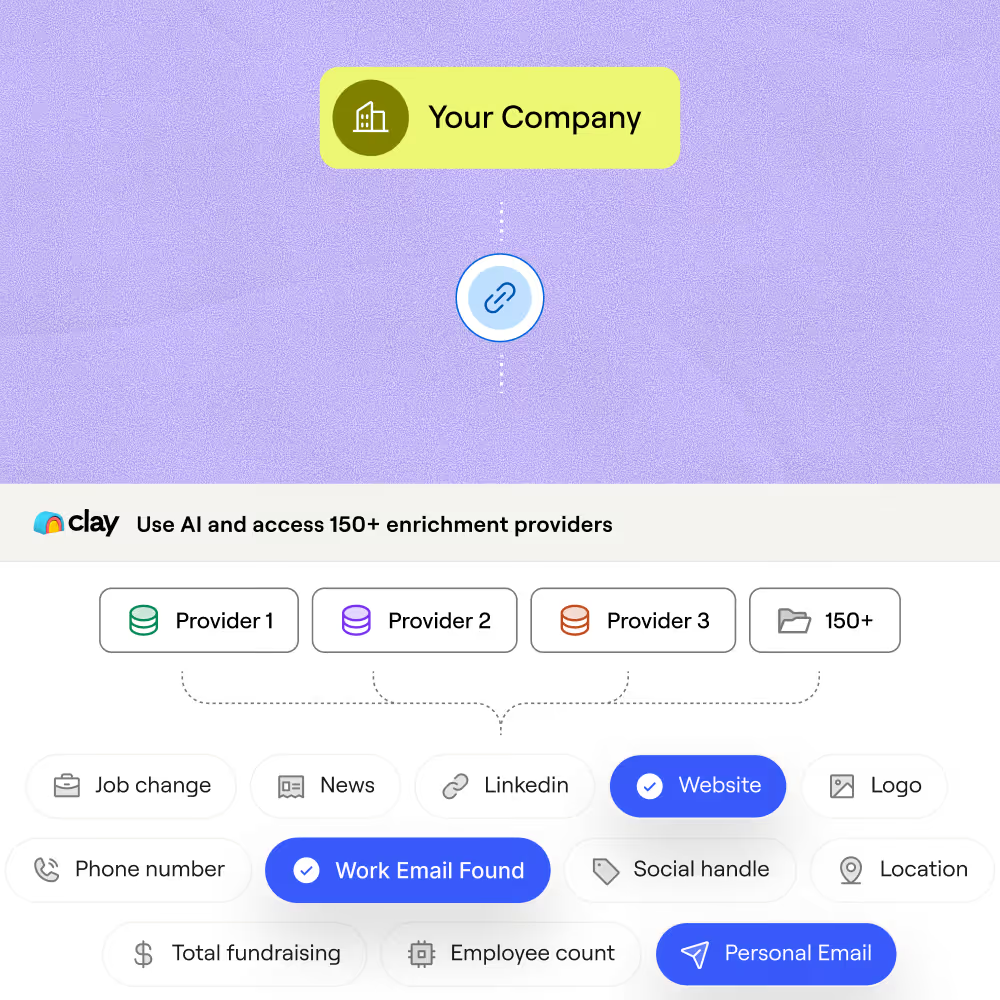
Multi-source waterfall lifts tech stack coverage
Get verified tech stack data on matched accounts across your list. Clay waterfalls through providers in sequence, charging credits only when a match is returned, so coverage climbs without inflating costs.
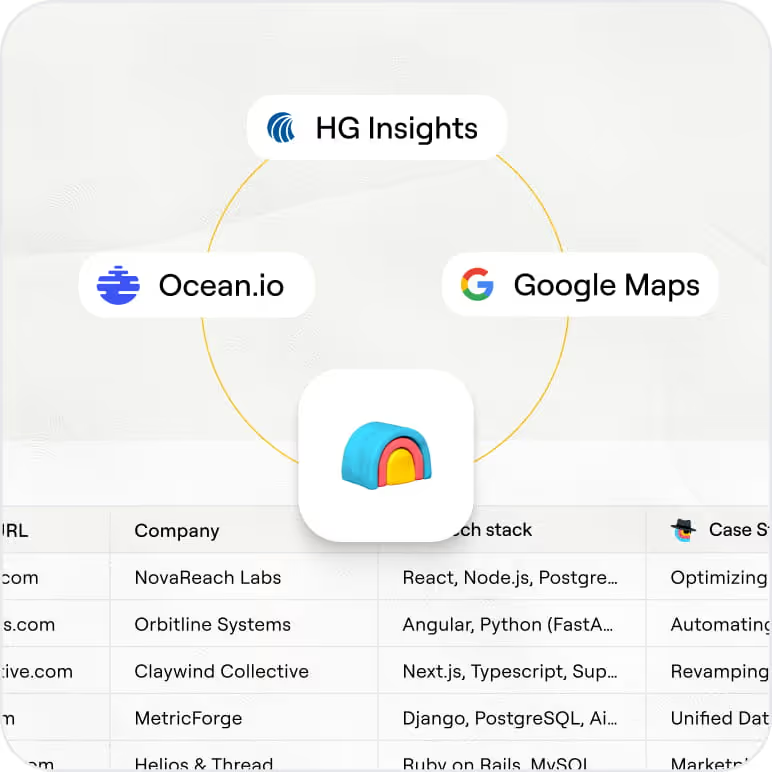
HG Insights surfaces hidden mission-critical tools
Uncover installed ERP, HR, and cloud infrastructure tools companies never publish publicly. HG Insights analyzes billions of documents, including job postings, contracts, and case studies, covering 22,000+ technologies across 12 million companies.
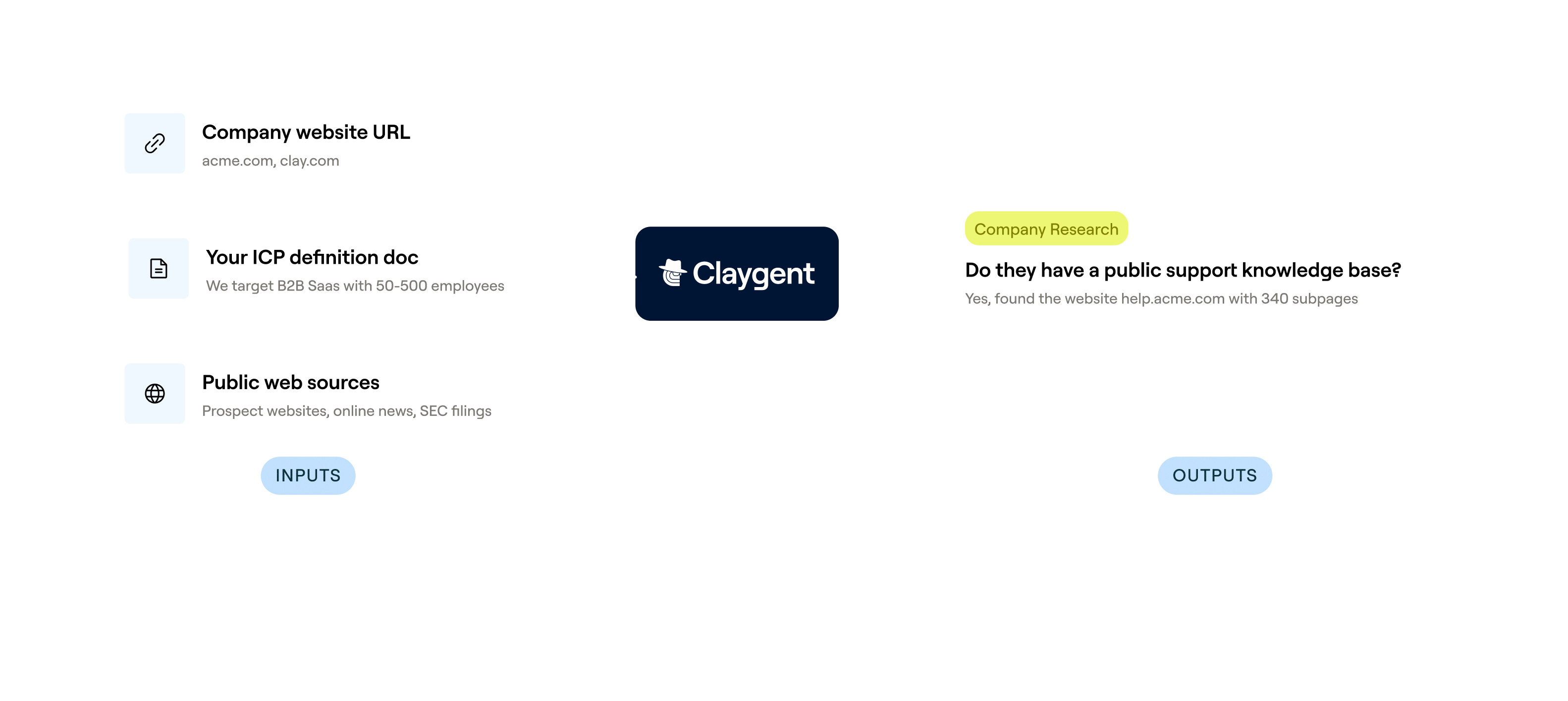
Claygent fills gaps other providers miss
Where provider databases fall short, Claygent browses each company's site, careers pages, and engineering blog to extract tool mentions and fill coverage gaps in minutes.
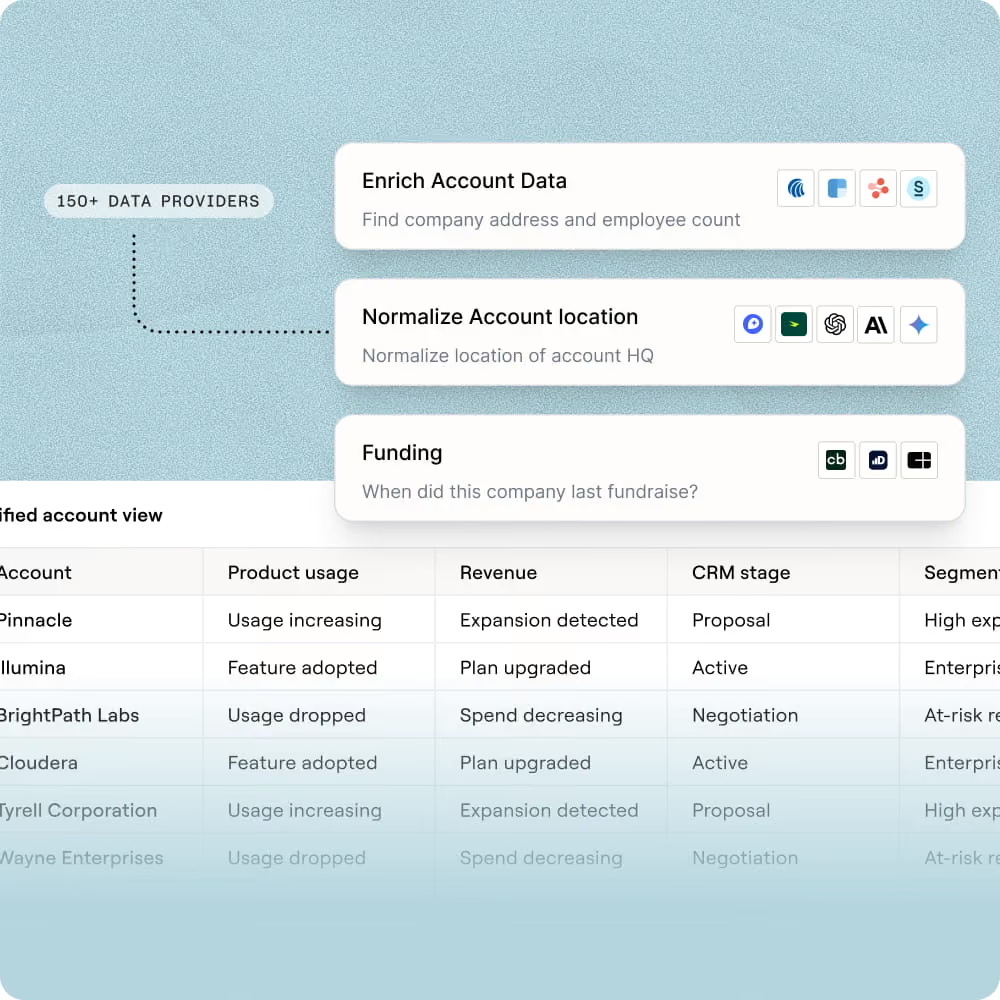
Push enriched tech stack data to your CRM
Sync enriched accounts with tech stack fields directly to HubSpot or Salesforce, or route matched rows to Outreach or Salesloft to trigger a displacement or integration-focused campaign.

When one provider doesn’t have it, Clay automatically checks the next one. It really helps our inbound and outbound motions because we can leverage the best source of data. I’ve never seen a tool that was so easy to do this process.
Frequently asked questions
How does Sculptor find companies by tech stack?
Sculptor queries multiple technographic providers, including HG Insights, BuiltWith, and BuyerCaddy, in a single waterfall. You type the target technology (for example, Salesforce or HubSpot), and Clay checks each source in sequence until it finds matching companies. Once it builds the account list, it appends a verified VP of Sales email to every row so you can move straight to outreach.
How accurate is Clay's technographic data for targeting?
HG Insights, one of Clay's primary technographic providers, reports 90% accuracy across 20,000+ tracked products and 13.2M+ companies. Clay's waterfall approach improves overall coverage by querying the next provider when one returns no result, pushing usable match rates from roughly 30% with a single source to 80% or higher. BuyerCaddy adds a verification step covering 90,000+ technology providers for extra confidence.
Can I find technographic data for a whole list at once?
Yes. Paste a list of target technologies or upload a CSV of company domains, and Clay enriches every row in parallel through the technographic waterfall. Once enrichment finishes, push the results directly into HubSpot, Salesforce, or Pipedrive, or export as a CSV to load into your sequencer. No manual reformatting needed between enrichment and outreach.
Is it legal to cold email contacts found through tech stack data?
In the U.S., the CAN-SPAM Act permits unsolicited B2B commercial email as long as you include a valid physical address, honor opt-out requests within 10 business days, and avoid deceptive subject lines or headers. Penalties reach up to $53,088 per non-compliant message. In the EU, GDPR allows B2B outreach under a legitimate interest basis, but you must document why the contact is relevant and provide a clear way to object.
Rules vary by jurisdiction, so check local regulations before launching any campaign.