







































.avif)




























How to find company info
Paste your company name or list
Drop in a company name or paste a list of companies. Claygent browses each company to extract headcount, funding stage, and tech stack.
Claygent researches each company automatically
Claygent browses company websites, LinkedIn pages, and public data sources for each row, then waterfalls through Clay's provider network to fill in headcount, funding stage, and tech stack with the best available match.
Get a table with headcount, funding, and tech stack
The finished table has company name, headcount, funding stage, and tech stack per row. Sync enriched records to HubSpot or Salesforce, or attach each brief to a CRM record for your team.
Why Clay for finding company info (general research)
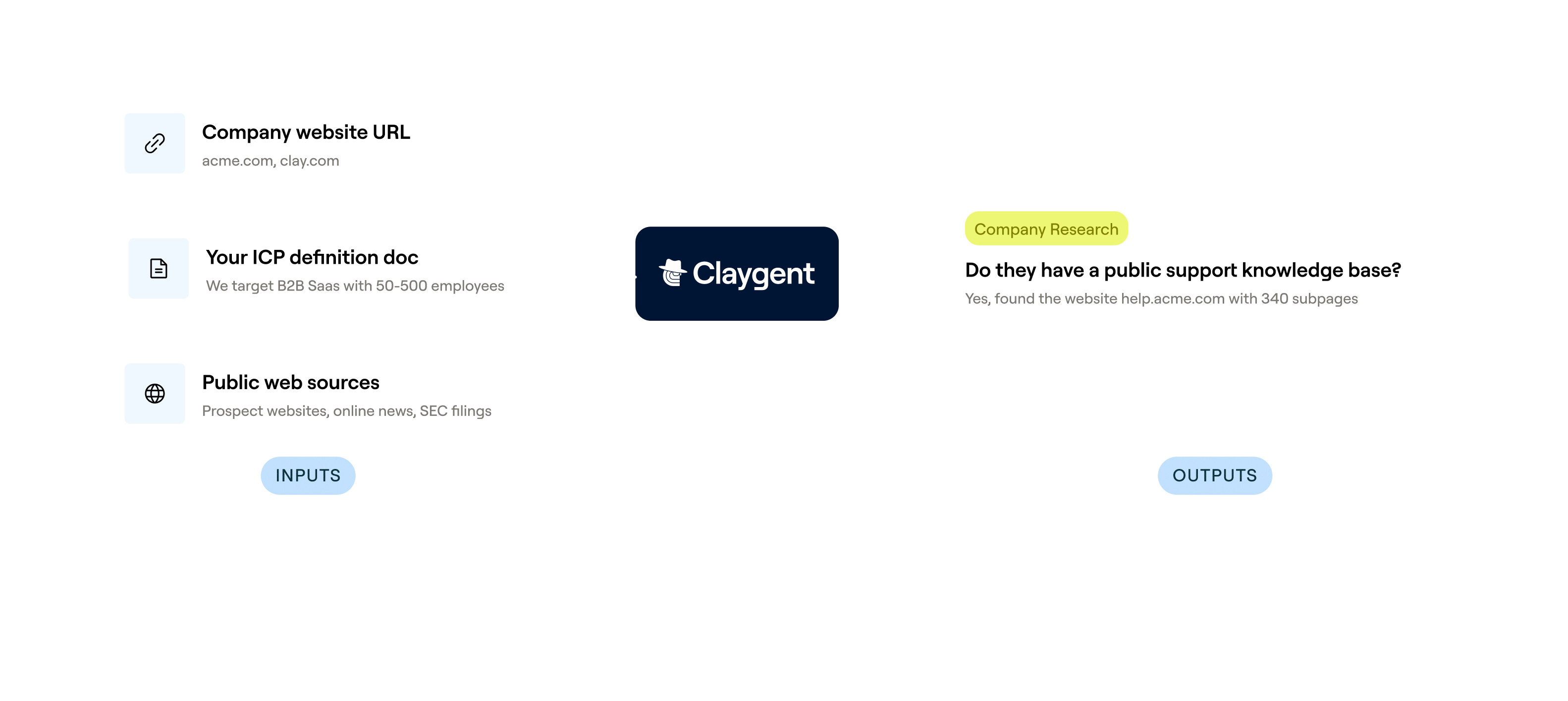
Claygent browses and extracts structured company data
Get headcount, funding stage, and tech stack for each company without manual research. Claygent browses company websites, LinkedIn pages, Crunchbase, and public sources to extract and structure the data per row.
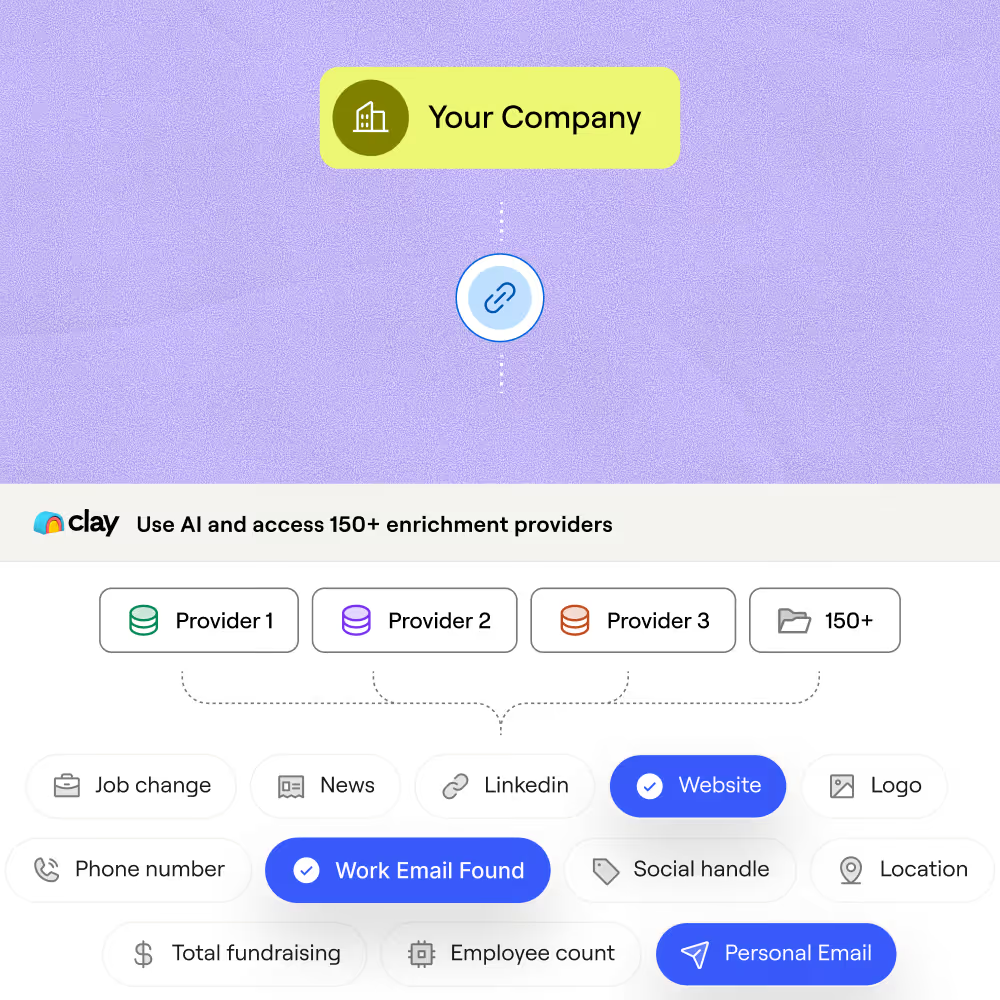
Waterfall enrichment maximizes coverage on every field
Reach higher coverage on firmographic fields by waterfalling across multiple providers in sequence, stopping once a match is found. Credits are charged only on successful hits, so you pay for results, not attempts.
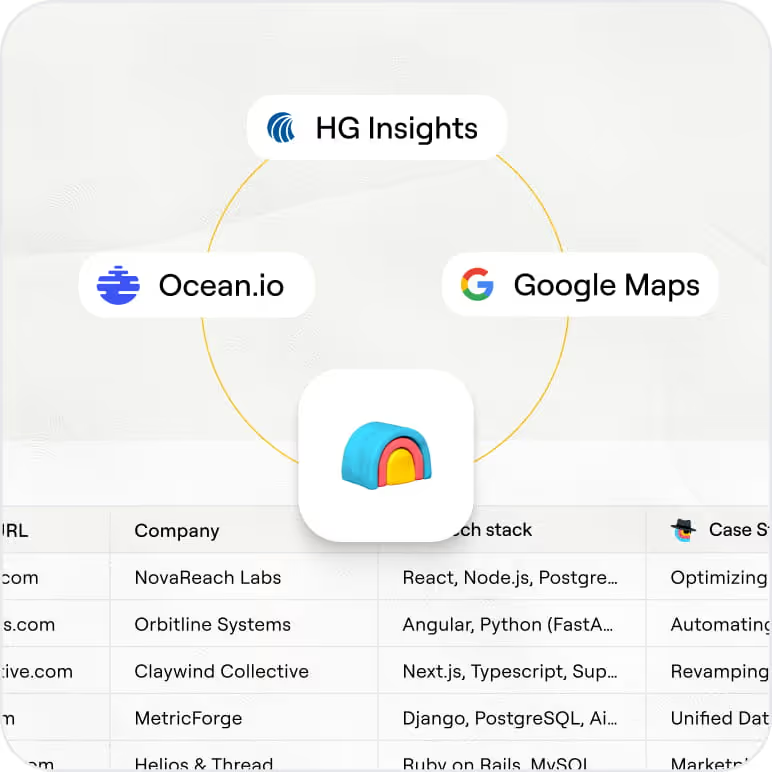
Deep tech stack data from BuiltWith and HG Insights
Identify the tools each company actually runs, including mission-critical systems not visible on their website. HG Insights analyzes job postings, contracts, and case studies to surface tech stack data across 22,000+ technologies.
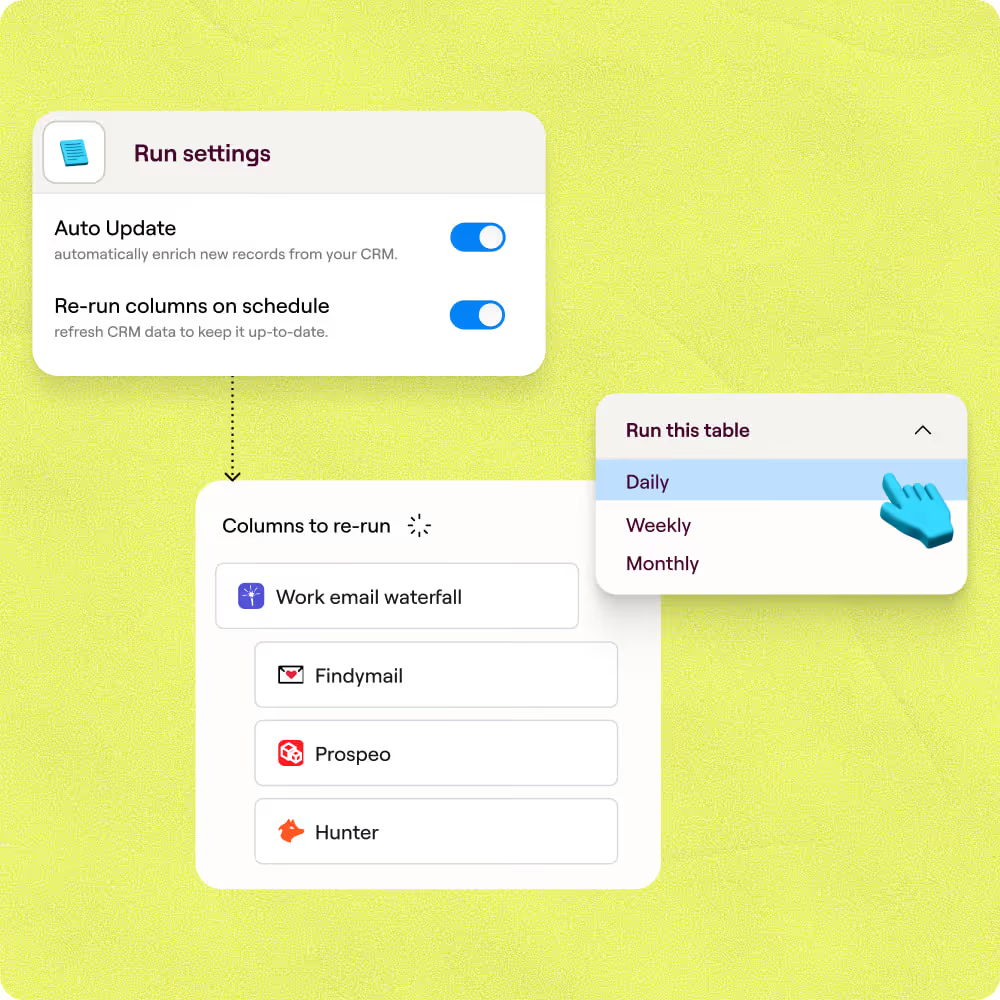
Auto-refresh and sync enriched records to Salesforce
Keep company records current with scheduled refreshes that catch headcount growth, new funding rounds, and tech stack changes. Enriched rows sync directly back to Salesforce or HubSpot without manual exports.

Chaining together Clay's data waterfalls helped us translate personal emails to work emails, unlocking the ability to do custom company research with complex logic and display formats. Without Clay, this would've been an incredibly cumbersome process—and we likely wouldn't have bothered trying,
Frequently asked questions
How does Sculptor find company info for research?
Type your target industry or market into Sculptor and hit Generate. Sculptor queries Clay's proprietary company database using filters like industry, revenue range, location, and technographics, then runs waterfall enrichment across multiple contact-data providers to attach a verified email to each company. Results land in a ready-to-use table you can enrich further with Claygent for custom fields like business model or tech stack.
How accurate is the company data Clay returns?
Waterfall enrichment lifts email coverage from roughly 30% with a single provider to 80% or higher by querying multiple sources in sequence. Clay tested 12 email-finding providers across 4,700+ contacts and found seven exceeded 96% accuracy on verified work emails. You only spend credits when a provider returns a match, so coverage scales without wasted lookups.
Can I research companies in bulk for a whole list?
Yes. Sculptor builds lists of up to 10,000 companies per import. You can also paste a list of company names or domains, upload a CSV, or pipe rows from an existing Clay table to enrich them all at once. When the table is ready, push enriched records directly to HubSpot, Salesforce, or Pipedrive, or export as a CSV for offline use.
Is scraping public company data legal for B2B research?
U.S. courts have generally held that scraping publicly available data does not violate the Computer Fraud and Abuse Act (CFAA), as established in hiQ v. LinkedIn and reinforced by Meta v. Bright Data in 2024. In the EU, GDPR applies when personal data is involved, so a legitimate-interest basis and data-minimization practices matter. Terms-of-service violations remain the most common legal risk.
Always respect each site's robots.txt, review the terms of use, and check the rules for your jurisdiction before collecting data at scale.