Every GTM team has more plays it wants to run than time to build them. A new signal shows up, a segment starts converting or a territory changes, and each one is a reason to launch something new.
The hard part is the gap between knowing what you want and having it running. The context you need is spread across your CRM, call notes, enrichment providers and last quarter's campaigns. Wiring it into search, enrichment, scoring, and sequencing can take days before the first email goes out. Then the next play starts from scratch, and what the last campaign taught you rarely shapes it.
Your team should be able to go live while the signal is still fresh, build on everything it already knows, and get sharper with every run. GTM engineers have started building plays this way through the Clay CLI. Today, we’re bringing it to everyone in Clay with our new global agent in open beta: an agent inside Clay that plans, runs and improves your plays.
An agent-first way to build in Clay
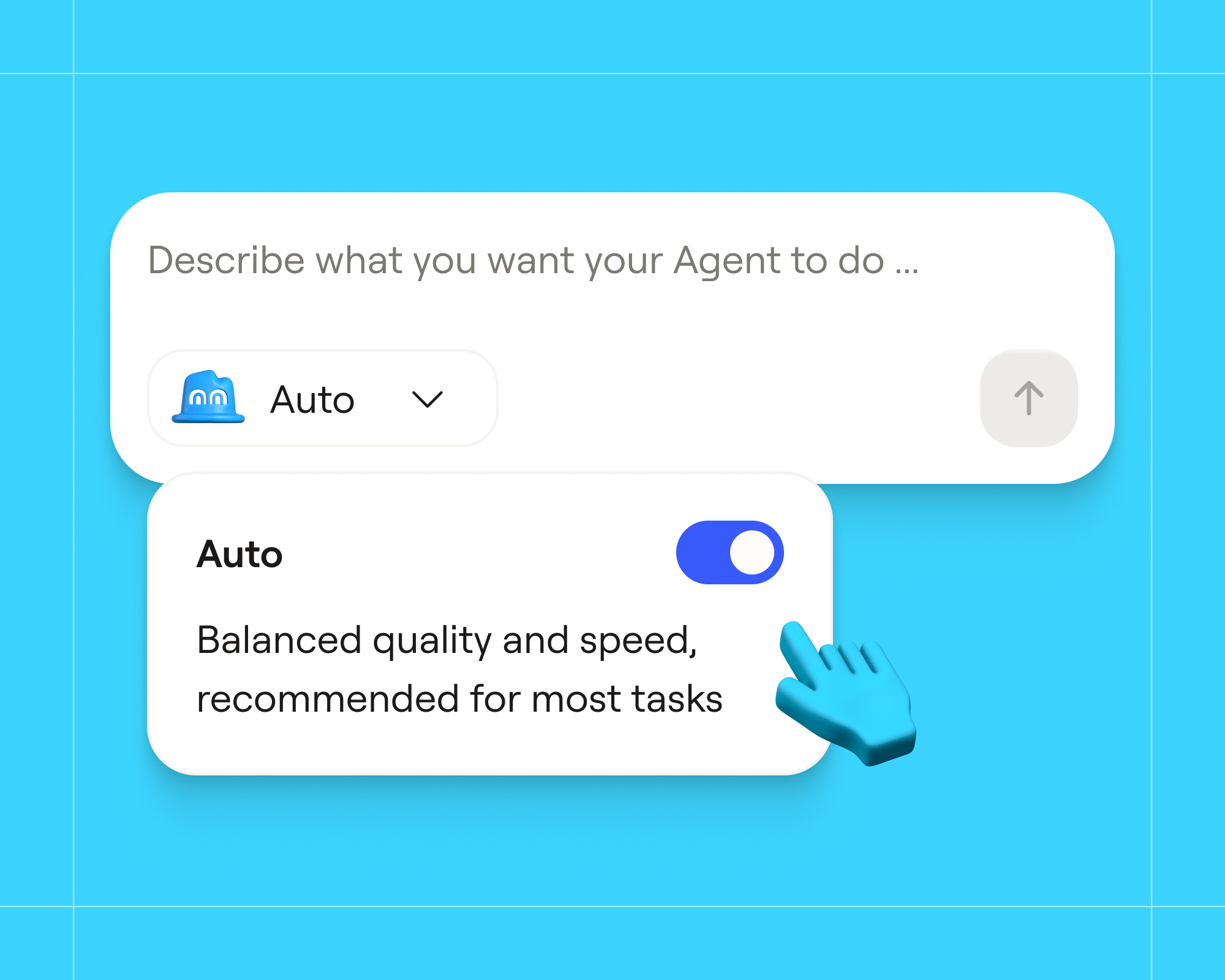
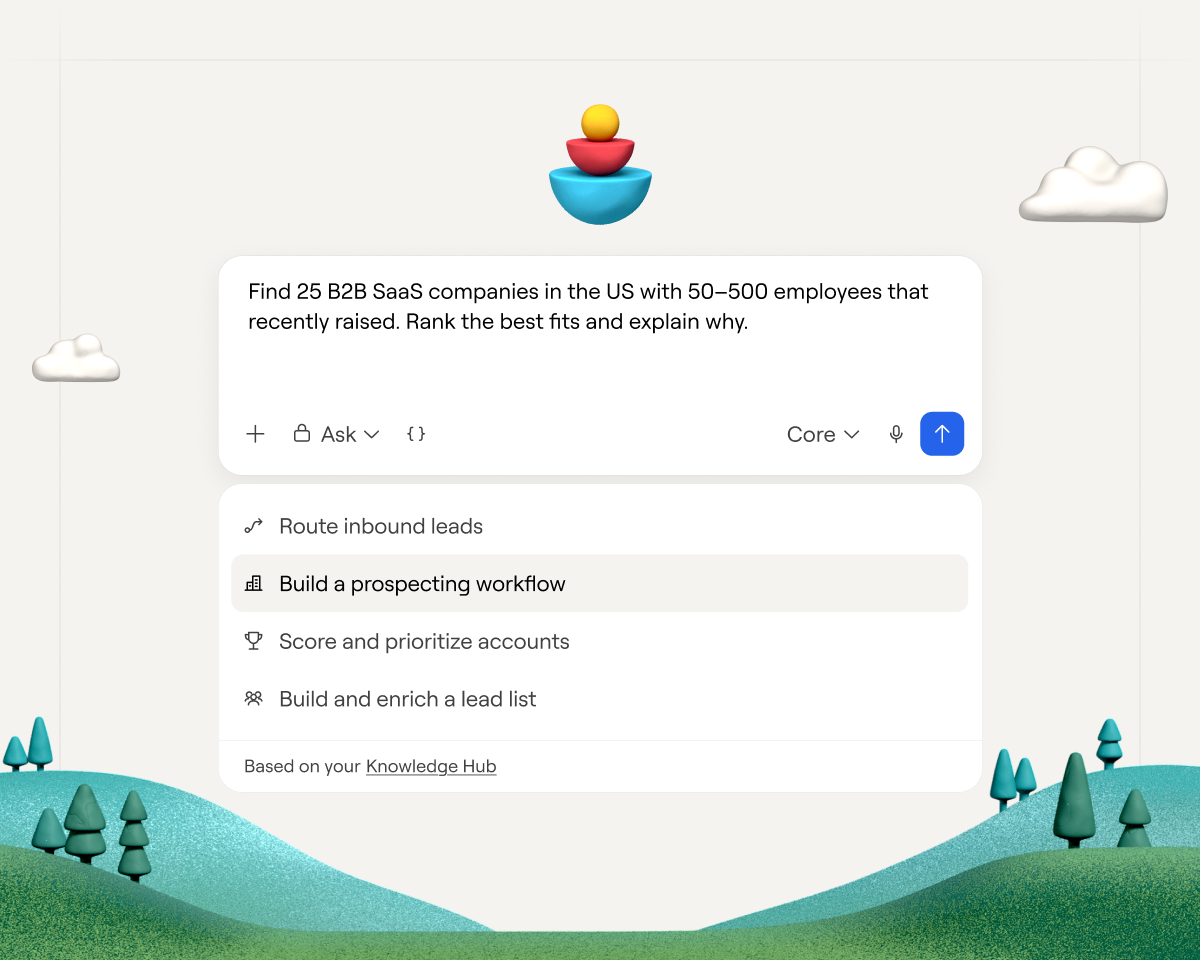
Clay, our global agent, helps build end-to-end GTM plays. You chat with it in the Agent tab, and it plans and builds across Search, Audiences, Workflows and Sequencer. It reads your business context in Knowledge Hub before it plans. It also tests on real records before anything runs at volume.
Here's how a play comes together with the agent:
- Describe the outcome. For example: "Find ICP contacts at high-intent health tech companies and build a campaign to prospect into them."
- Review the plan. Clay asks clarifying questions and lays out the steps it will take.
- Watch it build. Clay sources companies and contacts, saves them to an Audiences segment, sets up the signals and drafts a sequence for you to review.
- Test, then scale. Clay runs the play on a sample of real records and shows the estimated cost on an approval card. When you’re ready, you can run it at scale.
- Learn from the results. Review how the play performed with Clay, like how an email sequence is performing or which signals led to booked meetings. It suggests updates to your business context based on what worked. Once you approve, every play after starts from the updated version.
What's available in beta
- Artifacts: Everything Clay builds is something you can open in Clay – like a segment, a search, a workflow canvas, or a campaign draft – that you can refine in chat or by hand.
- Skills: Reusable instructions, such as how your team writes a first-touch email, that the agent reuses the next time a play needs it. You can also see skills built by peer GTM operators in the marketplace.
- Approvals: Approval cards show what Clay is about to do and an estimated cost. You can see total spend by user under Settings → Usage → Agent.
Ground every step in data you trust
An agent can make dozens of decisions in every play, from which accounts to include to what each email says. Each decision is only as good as the context behind it. Clay, our global agent, reads what your team knows about how you sell and what’s true about each account before it takes action.
The global agent reads from and writes to Knowledge Hub, which holds your unique business context including ICP segments, buyer personas, products, and competitors. It also reads from each account’s activity in Clay’s data layer, Audiences, which contains activity from your CRM, data warehouse, Gong calls, and emails. That’s how it knows to skip accounts you already own when it builds a list, or which closed-lost deals are worth reopening.
On top of that context, the global agent runs on a harness built specifically for Clay. It follows best practices our team has refined from working deeply with GTM operators, and it’s designed to choose enrichments carefully so your credits go further. A general-purpose agent connected to Clay has to be briefed on your business and taught how Clay fits together. The global agent has all of that in place before it builds anything, so each play starts from your strategy, your accounts and what works in Clay.
Four plays you can build with the global agent
During the alpha, teams often used the global agent to learn Workflows faster, asking it to rebuild an existing table as a workflow or to explain a build before they changed it. Watching Clay build each step also helped teams trust a play before they ran it at volume.
Here are four plays users have been building with the global agent, with a prompt to try each one:
Build prospecting lists. Clay builds the search, removes accounts you already own in Audiences and returns a sample with the reason each company matched. It then finds and verifies contacts and saves a segment.
Sample prompt: "Find me 25 B2B SaaS companies with 50–500 employees that raised a round in the last 6 months. Build me a company segment with verified emails for the VP of Sales at each."
Score and prioritize accounts. Clay proposes a starter model from the ICP in Knowledge Hub and builds it as a workflow. Rules handle the clear cases and AI handles the edge cases. Clay explains which signals drove each score, so you can adjust the model and rerun it. Teams can score prospects without writing out their ICP first, since Clay already reads it from Knowledge Hub.
Sample prompt: "Score my accounts against our closed-won customers and route the top tier to Slack."
Signal-based outbound. Clay creates a signal on an Audiences segment, like a job change, new hire or funding round. It then builds the workflow that researches and qualifies each account the signal fires on.
Sample prompt: "Create a new-hire signal on my Tier 1 accounts segment for when a company hires a new VP of Sales, then research the account, check fit and draft outreach to the new hire."
Account intelligence. Clay builds a workflow that runs a Claygent on every account for web research, adding in account context when the question needs information that lives in Gong calls, emails, or your CRM. Structured results write back to each record, so every account gets the same depth of research.
Sample prompt: "For every account in my Tier 1 segment, research recent funding, leadership changes and sales hiring, and write a short summary to each account."
The global agent uses data credits, and every workspace gets a one-time bonus credit grant to use towards the agent while in beta. See pricing details.
Get started
GTM teams grow faster when each play makes the next one better. We’re building towards a self-learning revenue engine, where Clay proactively recommends the best play for each account.
Clay, our global agent, is in open beta on paid Enterprise, Growth and Launch plans. Before your first play, check that your Knowledge Hub is set up and connect your CRM to Audiences, so the agent starts with knowledge of your ICP and accounts.
Try the global agent and learn more in our documentation.