Why this matters
With the Bedrock connection, Clay’s AI inference runs under the same security controls as the rest of your AWS workloads. If your AI policy requires Amazon Bedrock, you can now run supported Clay AI actions through it.
Your admins decide what Clay can do in your AWS account. The IAM role sets which Bedrock models Clay can call, and removing the role ends Clay’s access.
Clay signs in with short-lived credentials tied to one workspace and connection. Your security team has one fewer secret to store and rotate.
Inference goes to Amazon Bedrock in your account, under your existing AWS agreement. Your security and legal teams already approved AWS as the AI provider for those requests.
Your GTM team can research every target account with Clay’s AI, under your own AWS controls.
Bring your existing inference setup into your workflows
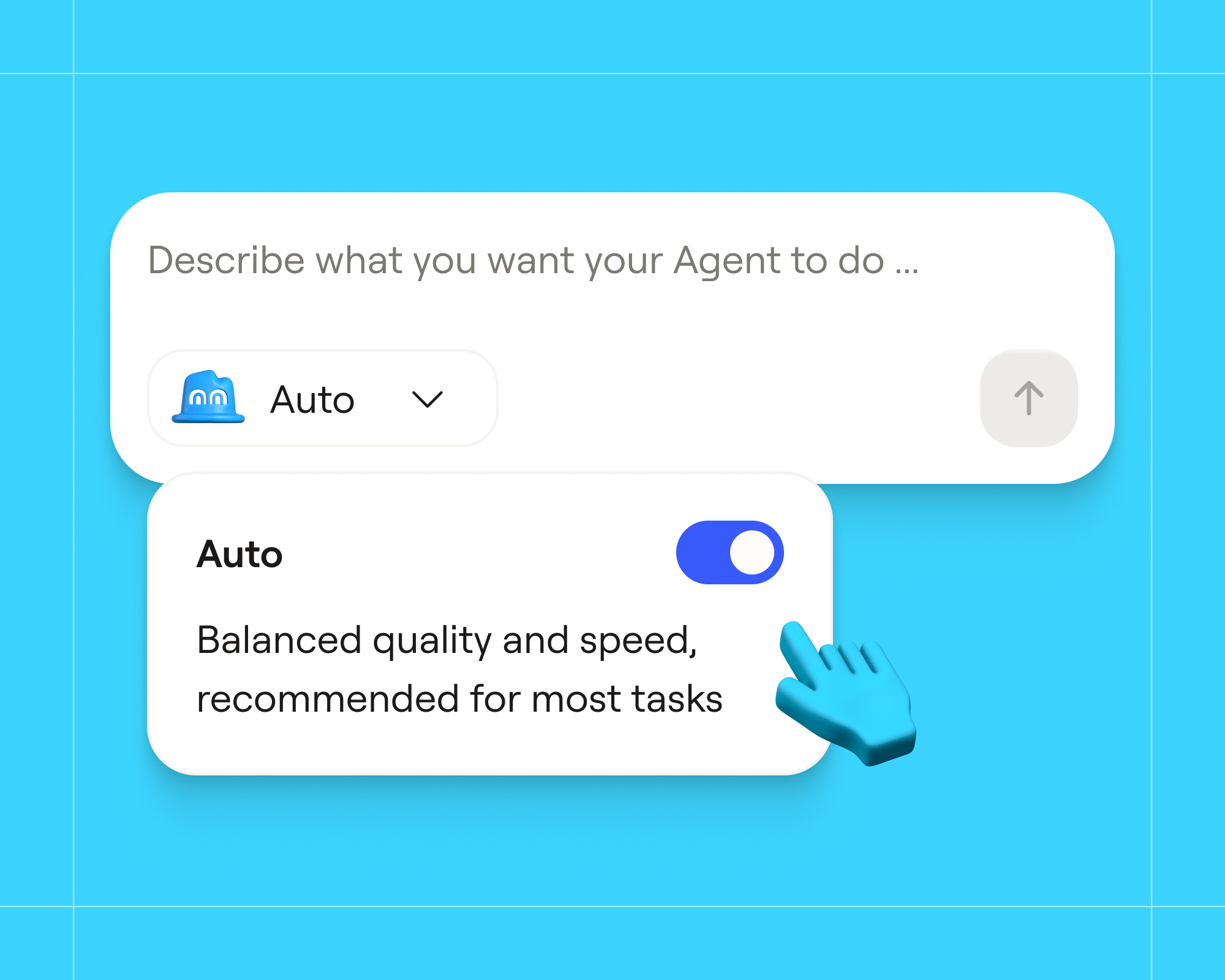
Clay’s AI actions include model calls and AI-powered research on prospects and target companies. Once the Bedrock connection is configured, you can select it for any model supported by both Clay and Amazon Bedrock, and Clay invokes Bedrock on your behalf.
Builders get a connection they can use in their workflows. Administrators get a defined way to authorize it.
Authorize access through IAM roles
The integration uses workload identity federation through OpenID Connect, an open authentication standard that lets one service verify another’s identity with signed tokens rather than shared passwords or keys. An AWS administrator configures an identity provider and an IAM role that trusts the identity associated with the Clay connection. Clay uses that role to obtain temporary AWS credentials for Bedrock inference.
As a result, you never give Clay a long-lived AWS access key. Clay’s documented setup binds the role’s trust policy to a specific Clay workspace and connection, and the role’s permissions define the Bedrock access Clay receives.
Clay remains a SaaS application. The connection authorizes Bedrock inference through your AWS account, but it does not deploy Clay into that account.
More control over the inference path
The integration helps enterprise teams align their Clay workflows with their organization’s AI policies. You manage the AWS account, enable model access, and authorize the IAM role used for the connection. For supported actions, inference requests go through Amazon Bedrock rather than directly to the model provider.
Economics depend on your AWS terms, models, and workload.
Start with your Clay Growth Strategist and AWS administrator
Setup requires Amazon Bedrock connections to be enabled in your Clay workspace, model access to be enabled in AWS, and permissions to configure the IAM identity provider, role, and policy. Your AWS administrator will typically need to be involved.
If your organization uses Amazon Bedrock and wants to connect it to Clay, contact your Clay Growth Strategist to discuss access and setup requirements.