
If you have enough GTM plays in motion, you’re inundated with leads coming from all directions. Between demo requests, newsletter signups, and pricing page visits, the problem isn’t getting leads, but what to do with them. That’s where lead scoring comes in.
Without it, sales reps reach out to leads based on gut instinct or tackle the queue on a first-in, first-served basis. Instead of focusing on the most qualified leads, reps waste time on buyers who may not actually be a good fit. A good scoring process is a better way to power your GTM operation. In this guide, we’ll cover how to think about scoring, the ways it usually goes wrong, and how to build a scoring workflow with Clay.
Watch the replay of our Build an Account and Lead Scoring Model in Clay livestream. This episode shows how Clay organizes your prospects so you can prioritize your next move. See how to build a workflow and hear from Clay’s GTM Engineer Sabrina Glaser and GTM Solutions Engineer Greyson Lampley.
Why scoring is worth doing
To pursue a lead, you need to answer three questions:
- Is it the right company?
- Is it the right person?
- Are they signaling interest?
When these three factors line up, sales and marketing should act. Scoring is the best way to turn those three questions into actionable data.
You probably know who your ideal buyer is, for example, a sales or RevOps leader at a midsize B2B company with high intent. The problem is reps aren’t getting a clear view of the leads coming in. When best-fit accounts sit in the same queue as everyone else, sales spends time on the wrong people. On your marketing team, money gets spent on the wrong audience, and ad budget lands on people who were never going to buy.
Lead scoring helps solve this, but it’s also critical that your scoring is accurate. When it’s wrong, you risk marketing sourcing the wrong leads, which sales then disqualifies.
Score every lead on two axes: fit and engagement
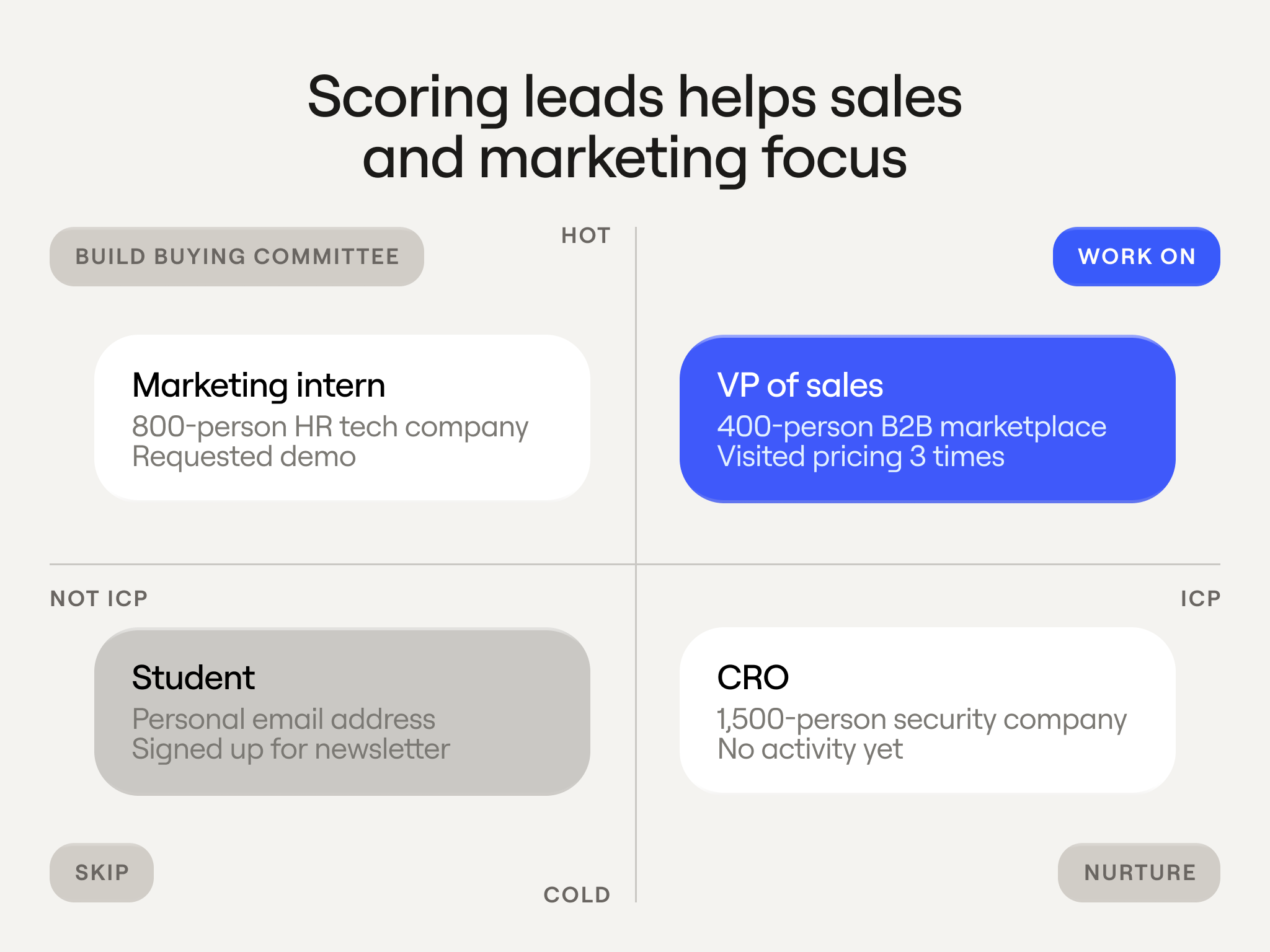
The four quadrants
These quadrants fall along two axes. First is fit—are they your ICP or not? The vertical axis is engagement, running from hot to cold. Sort and score your leads into four distinct quadrants:
- Work now: These are leads with the right person and the right company, and that are showing intent. These are the ones to send straight to a sales rep.
- Nurture: These are a good fit, but the intent signals are quiet. Marketing can help keep these leads warm.
- Build buying committee: These leads are active, but you haven’t found the right buyer yet.
- Skip: The wrong company, wrong person, no activity. Your reps don’t need to see these.
Two scores add up to one decision
Figuring out which leads to prioritize comes down to the combination of two scores: account fit and lead engagement.
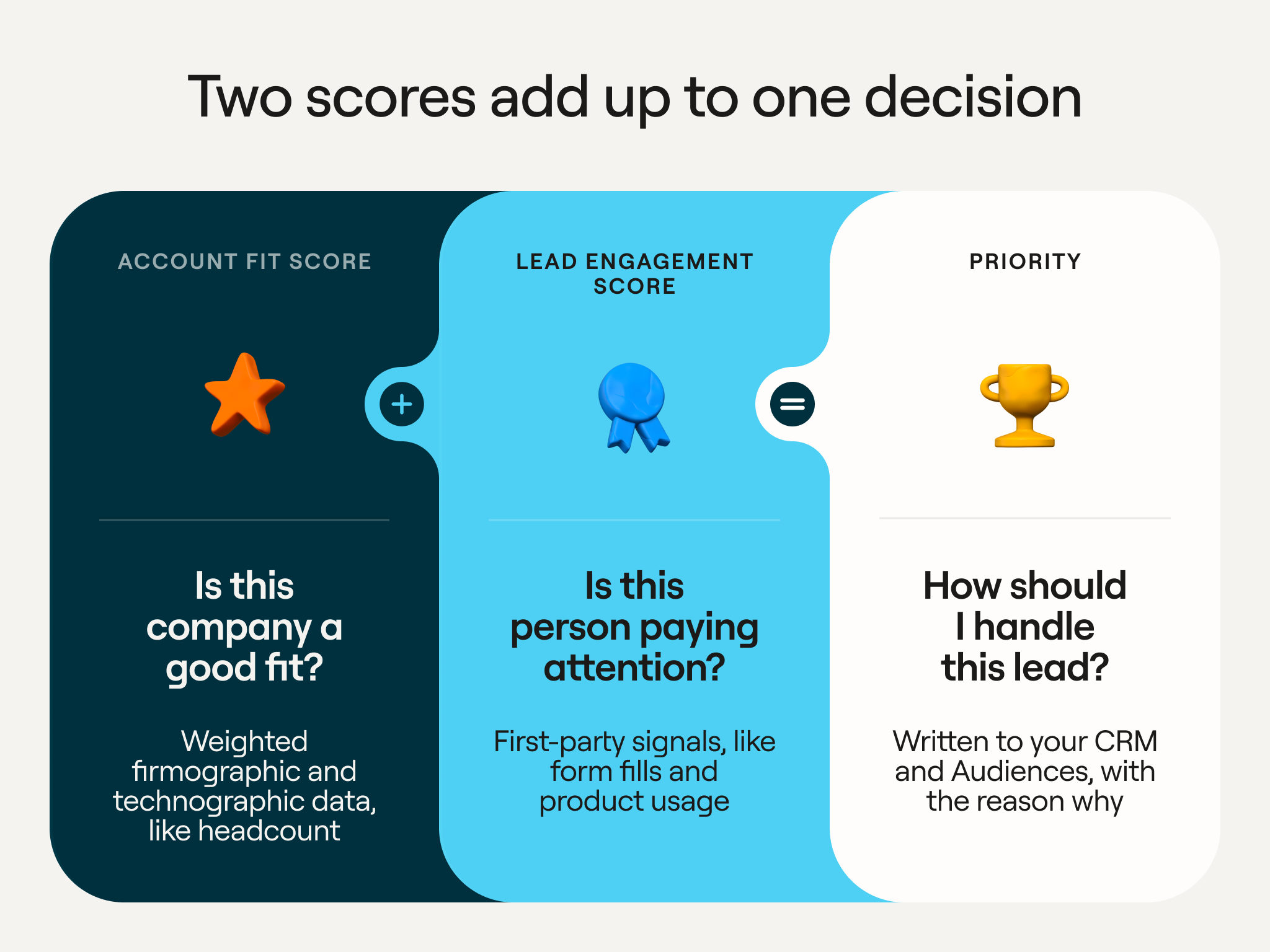
- Account fit is a score built from third-party data such as headcount, revenue, funding, and technographics. This is the crucial data that determines if a prospect fits within your ICP, and it’s available to you within Clay. This data can also change. For example, if a company raises a Series B round, their account fit score could increase.
- The lead engagement score is built with your first-party data, such as demo requests and page visits. This shows the leads are already paying attention to your offerings.
Either of these scores being high means a lead is worth acting on. If both are high, you know you may have a winner. Lead engagement is especially useful because it shows whether an account already has interest. Account fit still comes first; if the fit score is low, don’t spend time mapping the buying committee.
When an account scores well, go one level deeper and score the people there, too. That gives reps a ranked buying committee list for an account, including who to contact, why, how to reach them, and in what order.
You also need to consider timing. For every account, Clay thinks about three whys:
- Why do anything?
- Why do it with Clay?
- Why now?
A high fit score answers the first two questions. A recent signal, such as raising headcount or a pricing page visit, answers the third.
Five common scoring fails
Although scoring can seem straightforward, there are factors that can make scoring inaccurate. This can lead to reps not trusting the scores in your system and wasted outreach that could have gone to true-fit accounts.
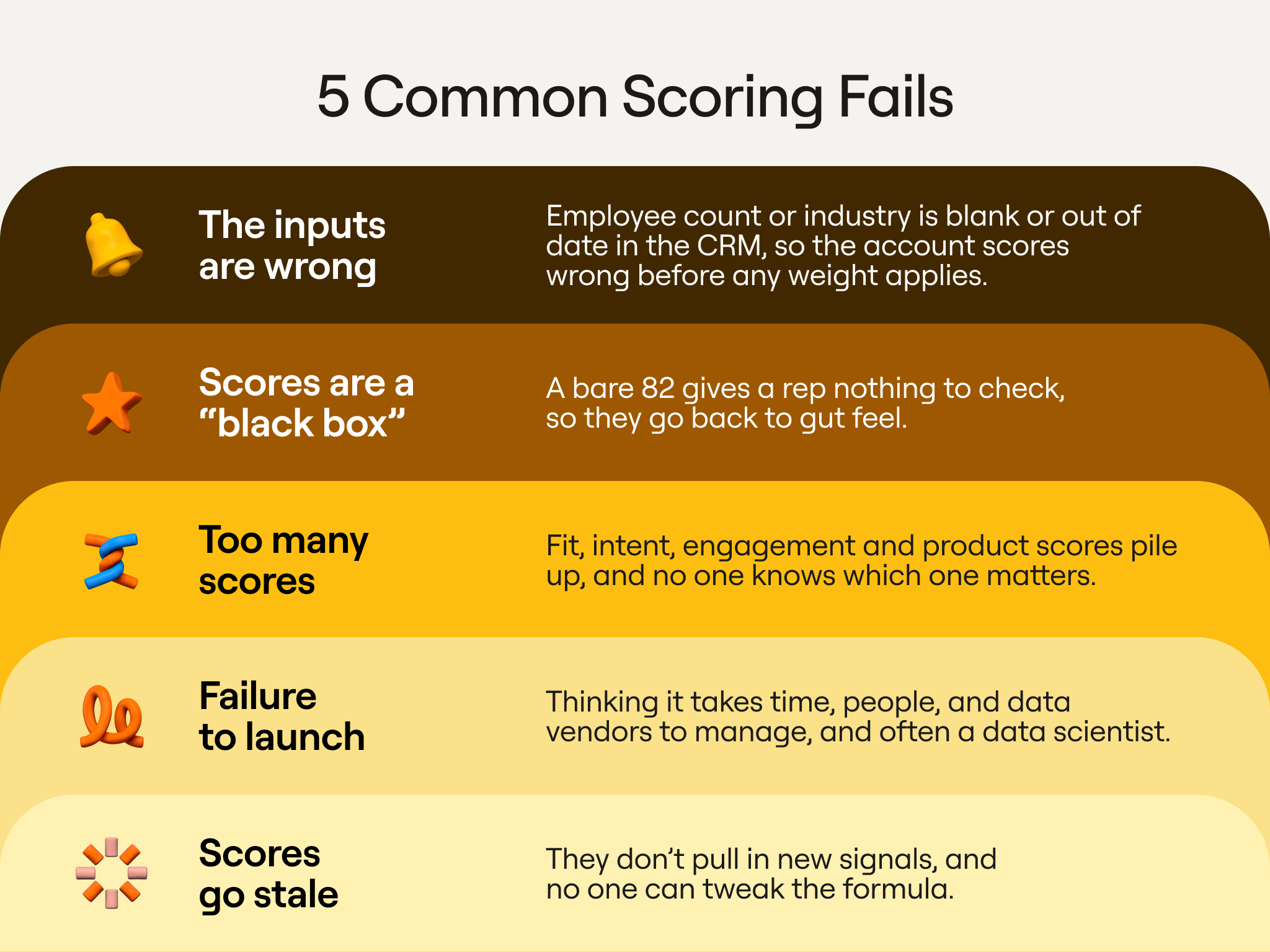
1. The inputs are wrong
A common problem is that data—like employee count or industry—are out of date or just blank. Without up-to-date data, lead scores tend to be wrong. Scoring workflows only work if they have the right data.
2. Scores are a black box
Lead scores need context. If an account scores an 82 without additional context, your reps have nothing to check. That means they’ll fall back on gut feelings instead of data-driven decisions. And without an explanation, reps stop trusting the scores.
3. Too many scores
Too many scores can be as big a problem as having no scores. If you have numbers for fit, engagement, product, and other factors, those numbers pile up at the account and contact level. In the end, reps don’t know which one matters or where to start.
4. Failure to launch
Figuring out lead scores can be intimidating. You might assume scoring needs a lot of time, people, and data vendors, or even a data scientist. If that’s how you’re looking at lead scoring, you may just never get started. What matters most is getting a first version running and fine-tuning from there.
5. Scores go stale
Lead scoring isn’t a one-and-done exercise. Your team should always pull in new data and adjust the formula accordingly. Inputs also need to stay fresh so reps don’t miss new signals. Even better is if those new signals trigger an automated alert to reps.
How we approach scoring at Clay
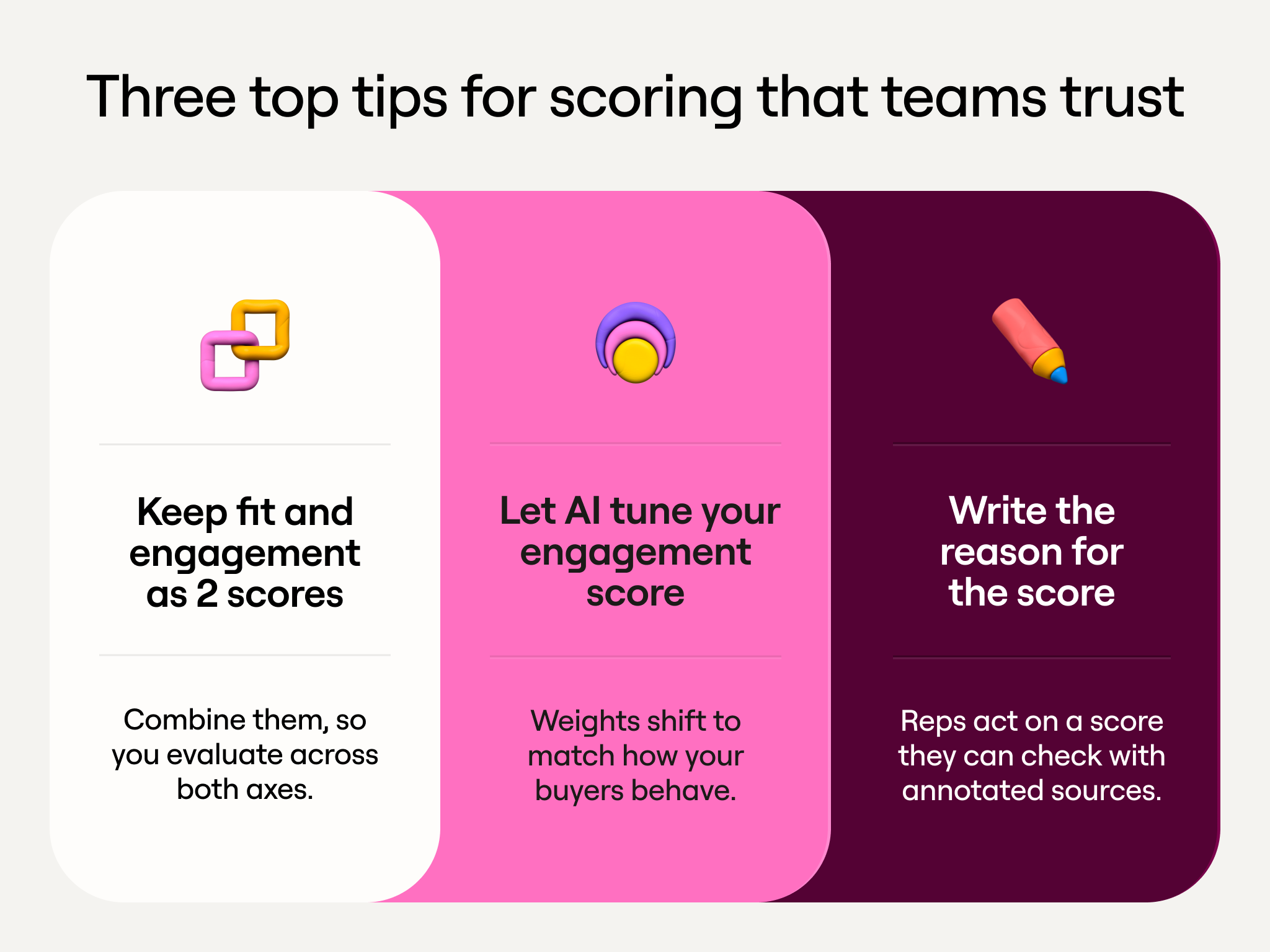
Keep fit and engagement as two scores
When you combine fit and engagement scores into one number, nobody can tell whether a lead scored high because the company is a good fit or because someone at that company opened an email.
We keep fit and engagement separate the whole way through and then combine them at the end when it’s time to decide what to do next. This ensures that every account is scored on both. For example, an account that scores high on both fit and engagement lets reps know to work it right away. The key here is only having these two scores to avoid the “too many scores” problem.
Write the reason for every score
Aim for two things: transparency and explainability. Transparency means you can see every input that went into a model. Explainability means the score comes with the reasons for it.
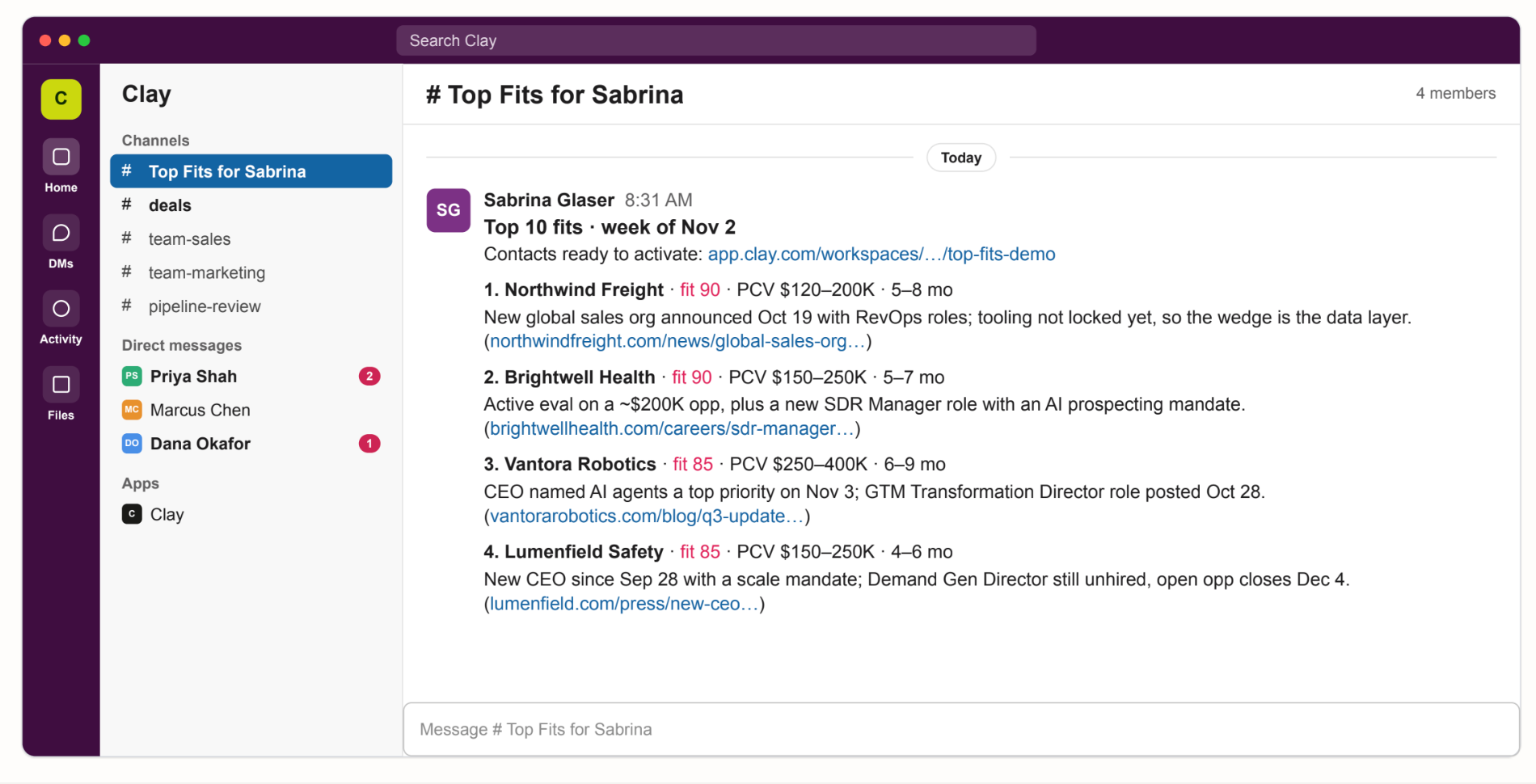
With Clay, you can determine how much (or how little) reasoning comes with each score. For example, an account scoring an 86 might break down to the employee count, the fact that they’ve asked about pricing on a call, and that they’re on that quarter’s target account list. Each of those data points should link to a source so that reps can dig deeper before acting on the score.
Let AI tune your engagement weights
Engagement weights won’t stay static over time. As your reps close deals, they’ll learn which signals are the strongest, and weights should change accordingly.
With built-in AI, Clay can re-weight your engagement score based on your actual history of closed-won deals. This means the signals your real buyers showed count more than others. If, for example, “product seats added” historically lead to closed deals, Clay can make sure that signal is weighted higher.
Rep feedback should also go back into the model. If, for example, a rep gets a job-change alert that turns out to be just noise, you can use that feedback to change how alerts work next time. This means your system is constantly improving instead of just repeating.
The scoring workflow in Clay
The lead scoring workflow in Clay is built in our node-based canvas, Clay Workflows. If you’re familiar with using Clay in tables, this will look a little different. Here, a record comes in through a trigger and moves through a series of steps—called nodes—where it’s enriched, scored, prioritized, and acted on.
Several of those nodes read from or write to Audiences, Clay’s single data layer for first- and third-party data. Audiences brings together data from your CRM, your data warehouse, and Clay into one consistent record for each company and person. Clay holds the current version of each record, so you don’t have to keep moving data between systems and watching them drift out of sync.
There are two ways a record can enter the workflow:
- From the account. For example, a company has a successful funding round. It’s now time to re-score the account and find the right people there to reach out to.
- From a person. In this case, someone may have requested a demo. Now you want to score that person and their account together.
Both paths feed into the same scoring model, and each new signal on an account or contact triggers a re-score, ensuring your scores stay fresh.
Stage 1: Trigger
In a real-life scenario, the trigger could be a job change, a new hire, product activity, or repeat visits to the pricing page. When testing, use a manual trigger with a few example records.
Stage 2: Enrich
Before scoring, you want a complete picture of the account and person. You’ll start with what you already have. Audiences checks your existing first-party data, such as product usage, firmographics, and past activity.
Next, Clay fills in what’s missing. Our company, people, and jobs data enrich the workflow with what you need to create accurate scores.
Finally, add intent data at both the account and contact level. You can use providers like Bombora and Intentsify to show when a company is researching topics relevant to your product. All of this feeds directly into the engagement score.
Stage 3: Score
The account fit score runs a code node that checks values against thresholds and calculates a score from 0 to 100.
If the fit score lands in a borderline range, an AI agent steps in to do extra qualification and push the score one way or the other. The goal is to have a score that places the account or person firmly in one of the four quadrants so no one is guessing what to do next.
This is just one approach. You can give the agent a rubric to follow, or use rules only instead of AI. Choose what works best for your team. From there, the engagement score is calculated based on usage, visits, and intent.
Stage 4: Prioritize and write back
Each lead can be placed into a tier based on their scores and your thresholds. This stage shows why it’s important to keep fit and engagement as two distinct scores. For example, for you, a Tier 1 lead may need at least 60 for fit and 35 for engagement. That means a fit of 85 and an engagement of 40 would be a Tier 1 lead, as would a lead with 100 for fit and 25 for engagement.
From here, you can update the Audience record (or create one) so the scores, tier, status, and reasons can carry over to the next signal or play. If you’re not ready to send the record over to your CRM for the sales team, you can use Audiences as a holding area.
Stage 5: Route to the right play
Once your leads are sorted into tiers, the Clay workflow sends them to their matching plays.
Each tier gets its own next step:
- Target accounts (high fit, high engagement) go straight to your Sales team, typically through an automated sequence.
- Marketing nurture (high fit, but not yet engaged) stays with marketing to keep the account warm.
- Opportunistic (lower fit, but active engagement) can take a product-led path.
- Deprioritize leads to no action.
For priority accounts, Clay uses an approach we call “surround sound” that reaches out through several channels at once. That could be a combination of CRM sync, rep alerts, Sequencer, and ad campaigns. It’s up to you to decide how automated each play is.
Build and adjust the model with Clay’s global agent
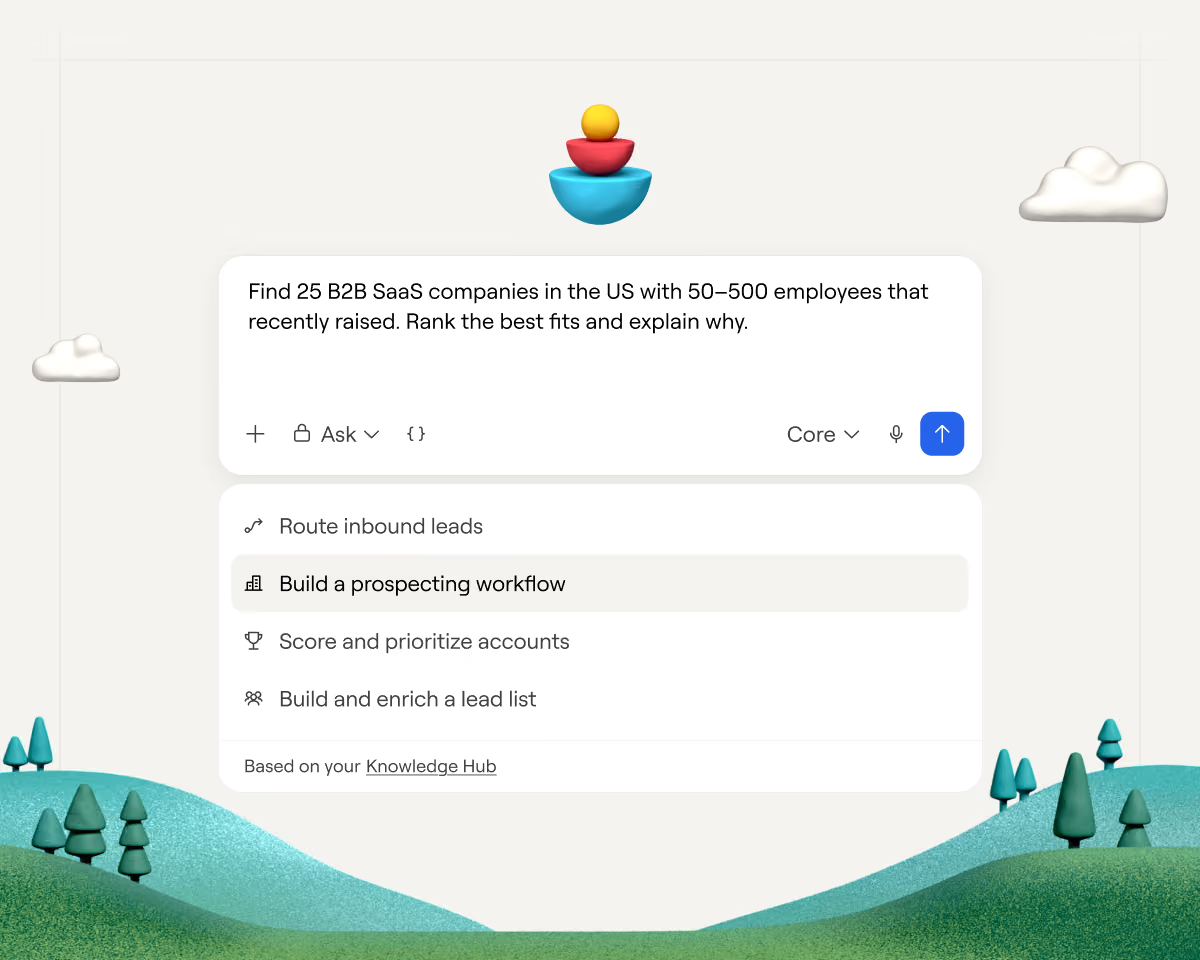
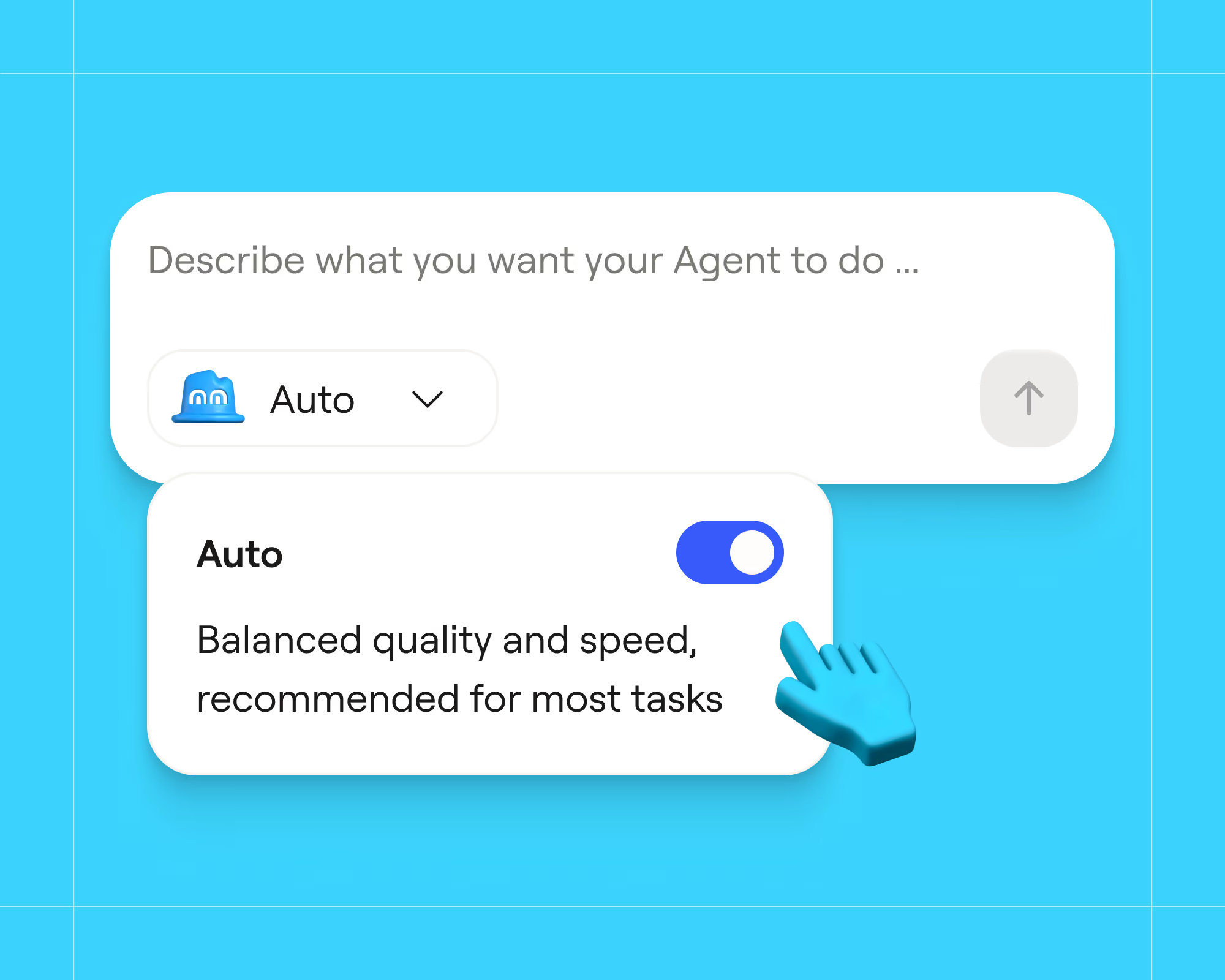
All those nodes in Workflows don’t need to be added manually. With Clay’s global agent (currently in beta), you can describe the desired workflow and have the agent build it.
For example, with the global agent, you could:
- Change the account fit threshold
- Get advice such as how to pick your first weights
- Adjust the template for your business and tech stack
- Ask what inputs the model is missing
- Get suggestions based on a specific group of closed deals
You don’t need prompt engineering skills to use the global agent: just talk to it the way you’d explain something to a colleague.
Start scoring in Clay
You don’t need a data scientist to start scoring. With Clay, you can quickly build a first version and then improve it as you learn more about what your customers have in common. Start with our account and lead scoring skill. You’ll be able to see the full workflow in your own workspace with the scoring model already built. Check out each node to make sure it’s connected to the right data.


To get the full build from start to finish, watch the livestream replay.