Most B2B companies waste half their paid ad budget showing ads to the wrong people like existing customers, open opportunities, or agencies who can't buy.
Every marketer knows to exclude these groups. The execution is where things fall apart. Manually uploading exclusion lists to LinkedIn and Meta takes hours, and those lists go stale in days. By the time you export a fresh CSV from Salesforce, new customers have signed up and old opportunities have closed. So you pull the list again, clean it up, re-upload it, and hope nothing changed while you were doing that. It's a bad use of your time, and it's a bad use of your ops team's time.
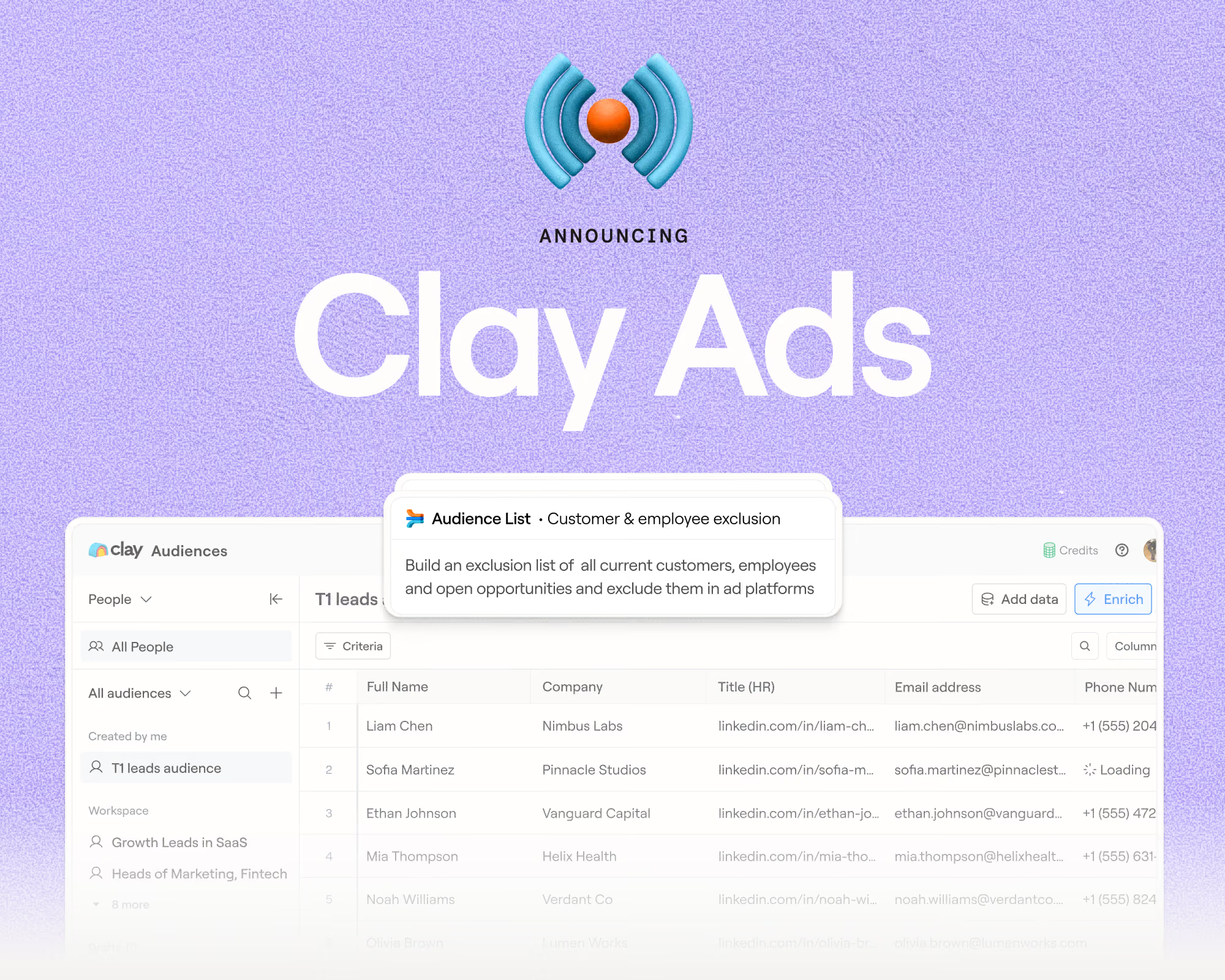
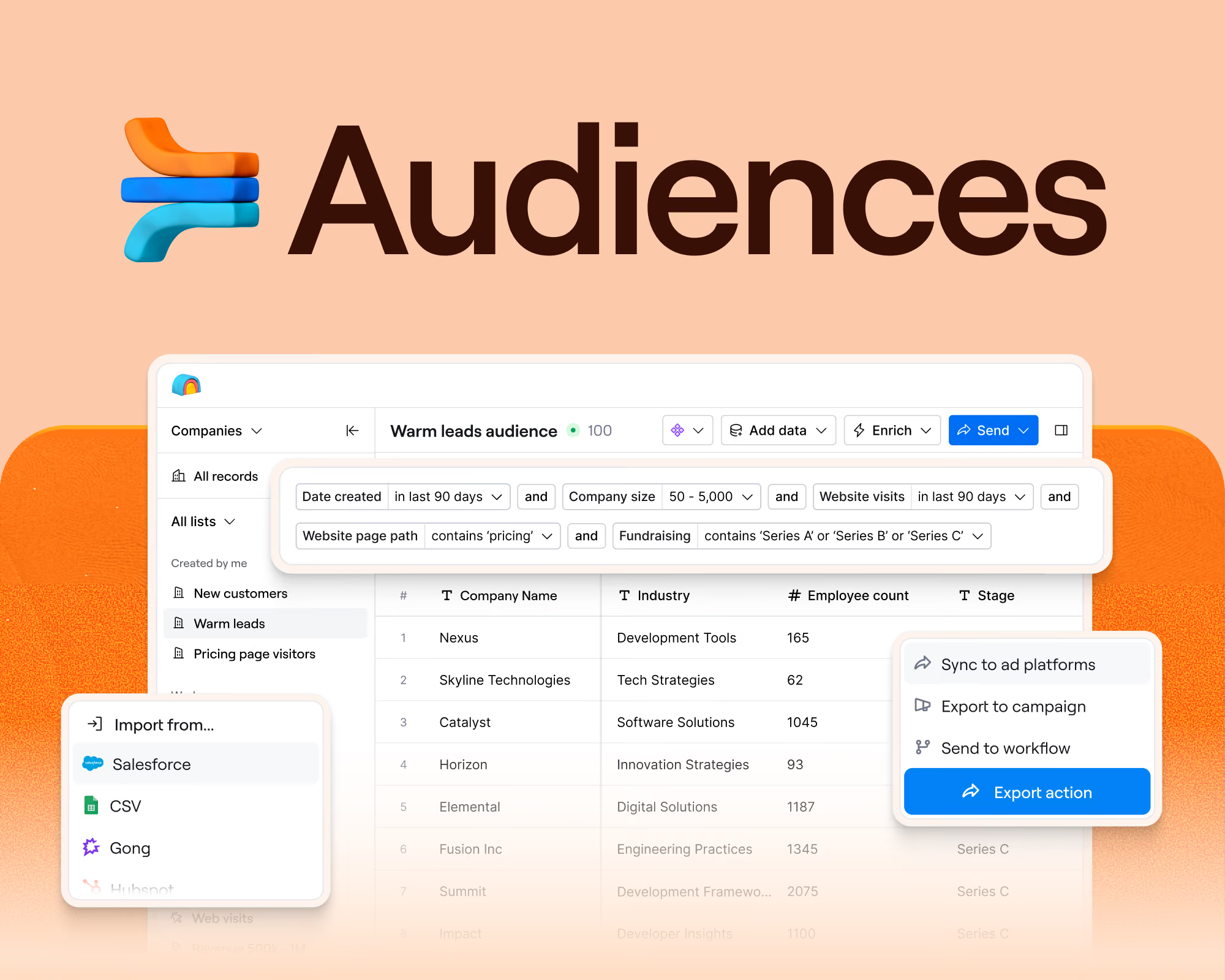
At Clay, we built our Ads feature to give marketing teams direct control over who sees their ads, pulling from CRM data, buying signals, and enrichment to build audiences that stay accurate without manual work.
We use this feature extensively internally! We sync continuously from Salesforce to both LinkedIn and Meta to maintain fresh exclusion lists, build retargeting audiences from first-party data, and create lookalike campaigns, all without manual CSV uploads.
Our cost-per-lead has dropped from $250 to $25 on LinkedIn. We even went from not being able to effectively target on Meta to getting a $10 CPL on Facebook.
Here's what we built and how other teams can do the same.
TL;DR
- Clay's Ads feature syncs CRM data continuously to LinkedIn and Meta, keeping exclusion and targeting audiences fresh without manual CSV uploads.
- Dynamic exclusion lists stop wasted spend on existing customers, open opportunities, and partners automatically.
- Enriching customer lists with personal emails and phone numbers raises Meta match rates from ~30% to 70%+, making lookalike campaigns viable for B2B.
- Clay dropped its own LinkedIn CPL from $250 to $25 and achieved a $10 CPL on Meta using these three workflows.
The problem: stale CRM data kills ad performance
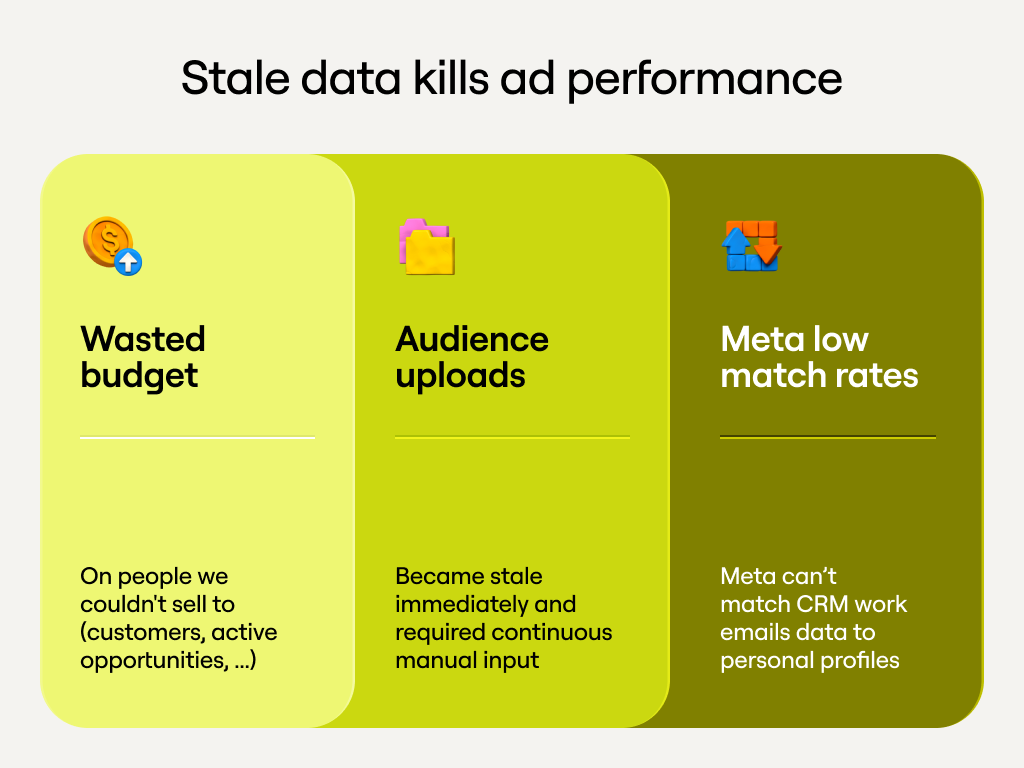
Before automation, Clay's paid strategy had three issues most B2B teams will recognize.
- We wasted budget on people we couldn't sell to. Existing customers, active opportunities, and agency partners clicked on Clay's ads every day, burning budget on people who would never convert.
- Manual audience uploads became stale immediately. Exporting lists from Salesforce and uploading them as exclusions works, but only for about 48 hours. Then new customers sign up, opportunities move through stages, and your exclusion list is outdated. "You'd have to keep uploading exclusion lists and then removing them from the previous campaign, adding the new one," says Talia Schliefer, on the demand generation team at Clay. "They become stale so fast."
- Meta was unusable due to low match rates. Most B2B marketers struggle with Meta's ad platform because their CRM data uses work emails, which Meta can't match to personal profiles. The typical match rate is around 30%. This meant Clay was essentially locked out of Facebook and Instagram, where prospects spend significantly more time than on LinkedIn.
Three automated audience plays that work
Clay built three core workflows that run continuously, syncing fresh data from Salesforce to both LinkedIn and Meta.
1. Dynamic exclusion lists that update automatically
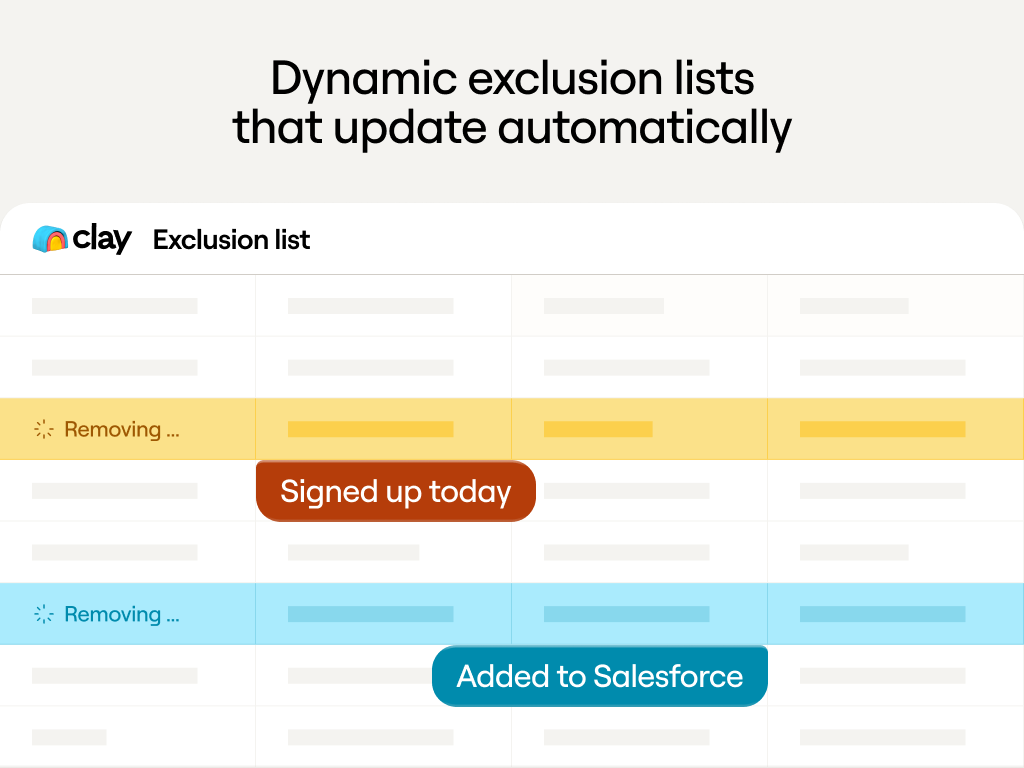
Clay's exclusion workflow continuously syncs anyone who shouldn't see ads: current customers, open opportunities in Salesforce, agencies and partners, and recent inbound leads already being worked.
These exclusions update automatically. When a lead becomes an opportunity, they're immediately excluded. When someone signs up as a customer, ads stop showing them the next day.
Talia, our SLG growth lead, estimates this prevents wasting "50% of your budget on accounts that are going to generate zero percent of your pipeline."
2. Retarget high-intent visitors using first-party data
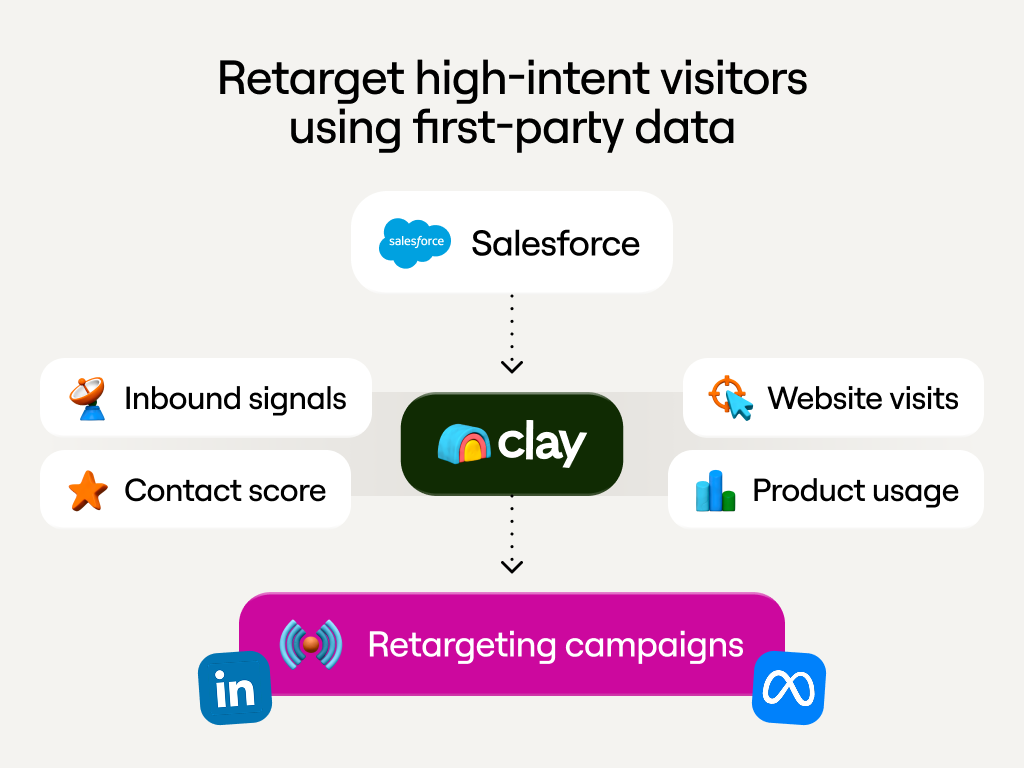
Website retargeting audiences consistently outperform cold prospecting. But for PLG companies and B2B businesses, website pixels only capture a fraction of high-intent behavior.
Clay expanded retargeting beyond website visits to include product usage data, inbound interactions, contact scores, and lead scores all pulled directly from Salesforce.
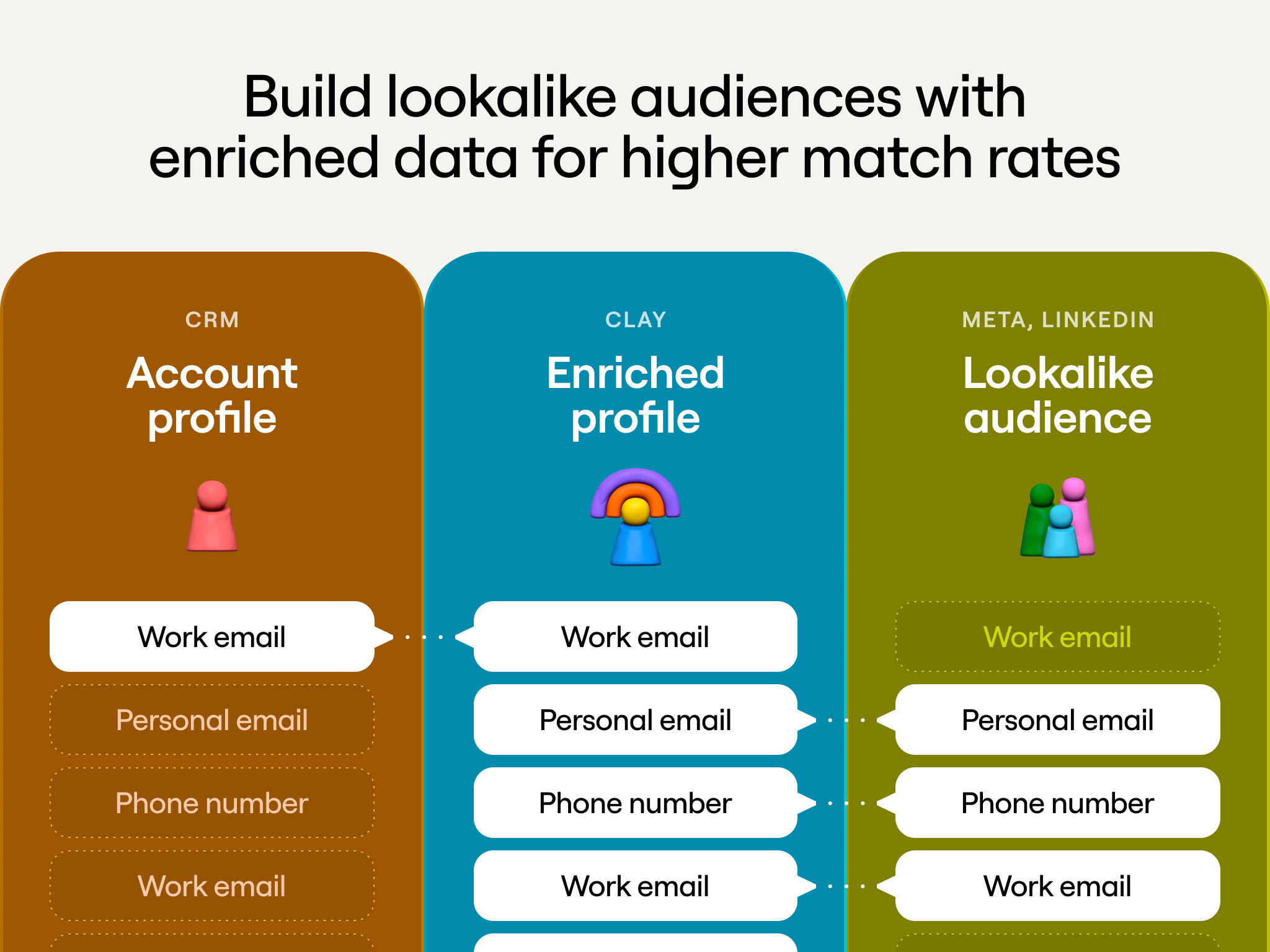
3. Build lookalike audiences with enriched data for higher match rates
Meta excels at finding people similar to your best customers through 1% lookalike audiences. But most B2B companies can't use this effectively because Meta can't match work emails to personal profiles.
Clay solves this by automatically enriching customer lists with personal emails, phone numbers, and other data points that Meta can match. This increases match rates from the typical 30% to 70%+, making lookalike campaigns actually work for B2B.
With proper enrichment and exclusion, Meta transformed from unusable to one of Clay's most efficient channels. One recent Meta campaign using enriched lookalike audiences with proper exclusions generated 200 leads at $10 each within 24 hours.
How to build this workflow in Clay
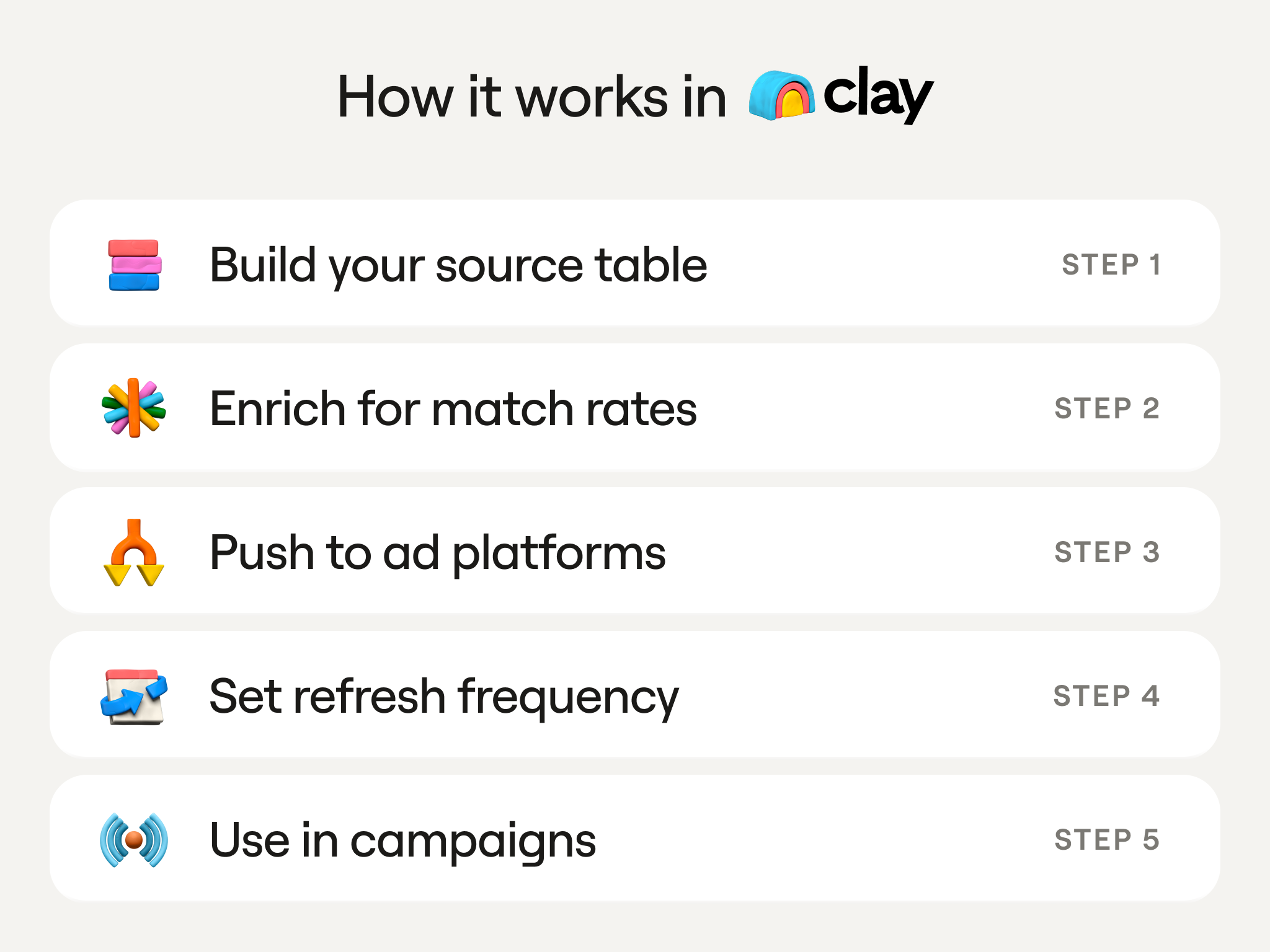
The basic workflow is straightforward:
- Build your source table: Create a Clay table that pulls accounts or contacts from Salesforce based on specific criteria (customer status, lead score, opportunity stage)
- Enrich for match rates: For Meta audiences, enrich with personal emails and phone numbers
- Push to ad platforms: Sync the table as a matched audience to LinkedIn and/or Meta
- Set refresh frequency: Configure how often the audience updates (daily, every two days)
- Use in campaigns: The audience appears in your ad platform and updates automatically
"It is ridiculously fast to run a matched audience," says Talia. "Maybe a few minutes to set up and then I can scale that out multiple times."
The critical advantage: one table in Clay feeds multiple ad platforms. Build once, push to both. Manny explains: "You set it up to run every two days and then it's set and forget it."
Real impact
LinkedIn: CPL dropped from $250 to $25 (10x improvement)
Meta: From unable to target to $10 CPL
Operations: No manual CSV uploads, audiences update automatically every 2 days
Getting started with Clay ads automation
Start with exclusion lists. Build a Clay table that pulls current customers, open opportunities, recent inbound leads, and partners from your CRM. Set it to refresh daily and push to both LinkedIn and Meta. This prevents waste before you build sophisticated targeting.
Then add retargeting audiences using first-party behavioral signals: product usage, lead scores, content engagement. Finally, create enriched lookalike audiences for Meta by enriching your best customers with personal contact data.
Most B2B companies still manually export CSVs and upload them to ad platforms. Their audiences go stale within days, they can't effectively use Meta, and they waste budget on people they shouldn't target.
Automated audiences solve all three problems. The result isn't just lower cost-per-lead. It's campaigns that actually reach target accounts and budget spent on people who can actually buy.
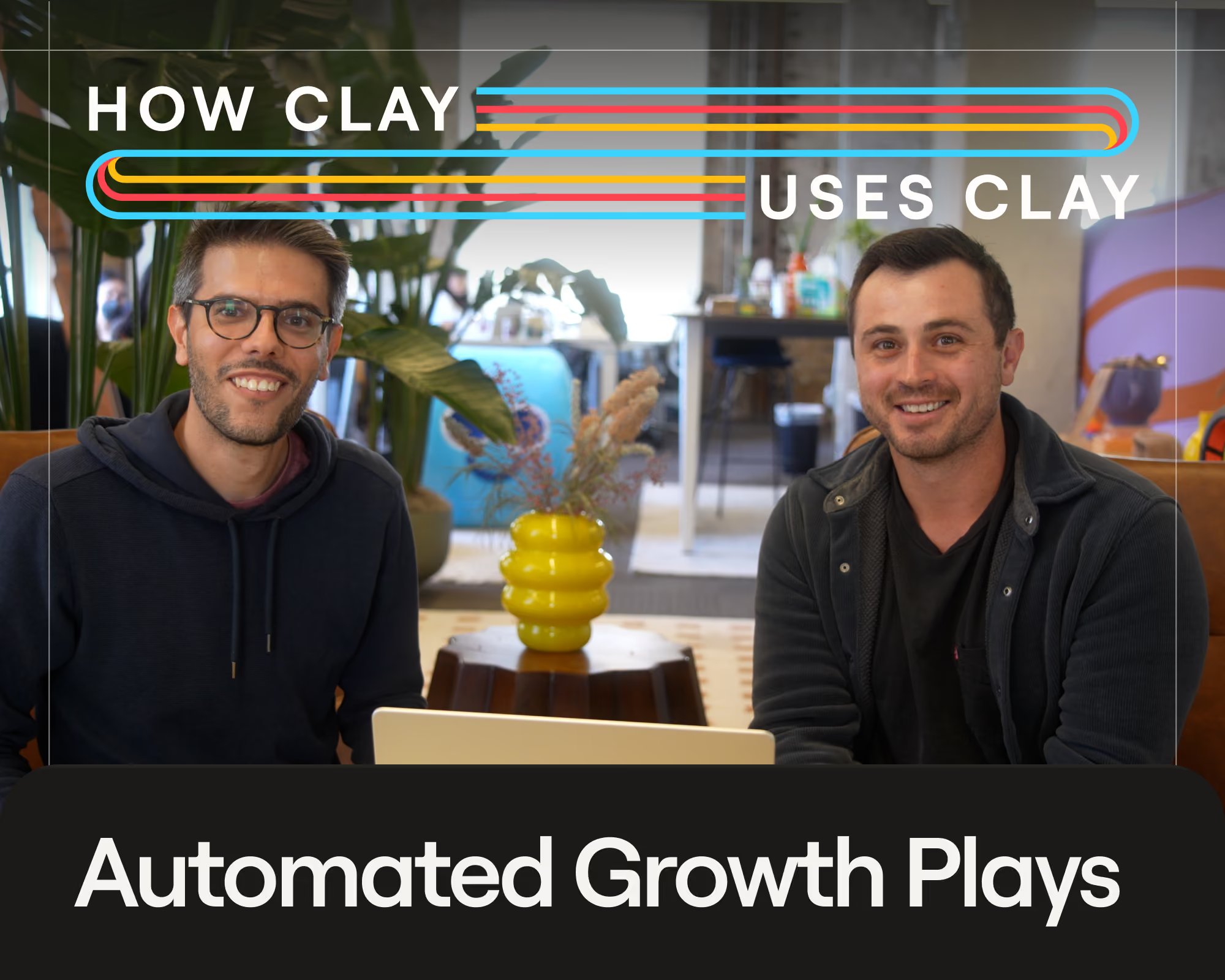
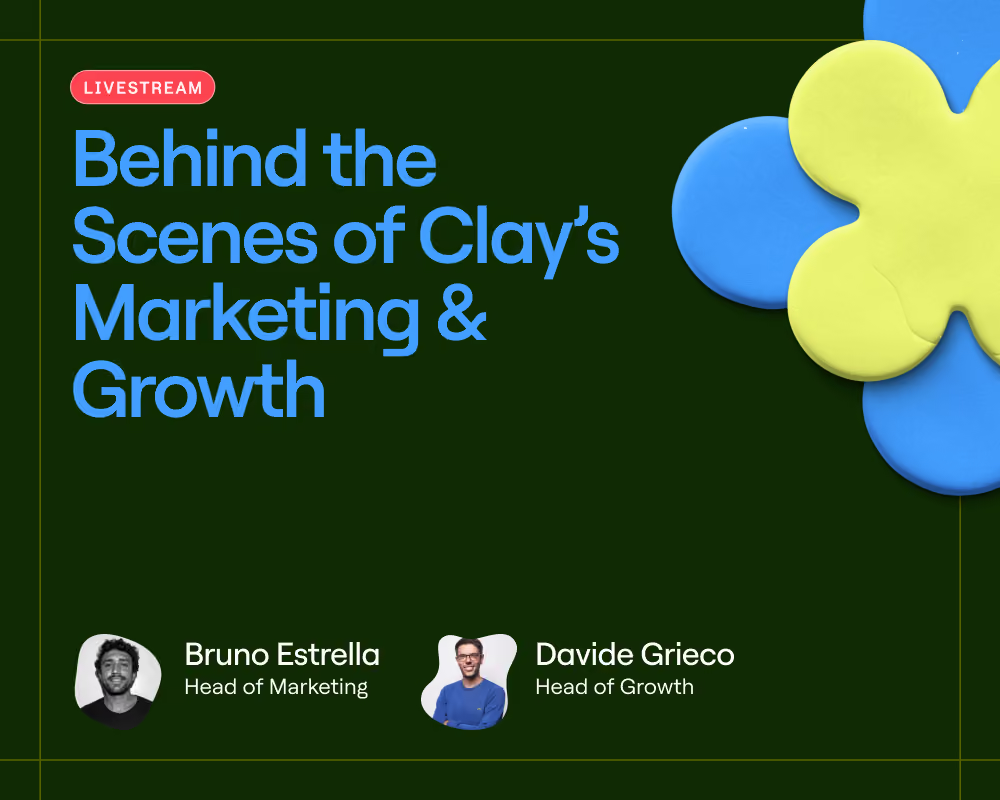
Want to build this yourself? Watch our workshop where Talia Schleifer, Davide Grieco, and Alex Reznik walk you through our favorite Clay Plays.
Frequently Asked Questions
What does Clay's Ads feature actually do?
Clay's Ads feature lets marketing teams sync CRM data directly to LinkedIn and Meta as matched audiences, without manual CSV exports. You build a Clay table from Salesforce data, configure a refresh schedule, and Clay keeps the audience current automatically.
How does Clay improve Meta match rates for B2B companies?
Most B2B CRM data uses work emails, which Meta can't reliably match to personal profiles. Clay enriches customer and prospect lists with personal emails and phone numbers before syncing to Meta, raising match rates from the typical 30% to 70%+.
What CRM data can I use to build audiences in Clay?
You can pull any Salesforce data into a Clay table: customer status, opportunity stage, lead score, contact score, product usage data, and inbound interaction history. Any field available in your CRM can be used to define audience membership or exclusion criteria.
How often do Clay audiences refresh on LinkedIn and Meta?
You configure the refresh frequency yourself. Clay supports daily refreshes or every two days. Once set up, the audience updates automatically on that schedule with no manual intervention required.
.png)

.avif)
.png)





.avif)


.avif)












.avif)













.avif)