



















.avif)














.avif)









A production-ready GTM agent isn't a one-shot prompt. It's dozens of iterations on real data — rewriting prompts, swapping models, comparing outputs, tweaking guardrails, doing it again. That's the work that turns a clever instruction into an agent you can actually run at scale across your entire top of funnel.
Until now, that work was scattered across multiple places. Some prompts were still drafted externally. Pasted into Claygent. Tested on a live row. The most important part of building an agent — the iteration that makes it production-ready — was disconnected from the data the agent was supposed to act on.
We're closing that gap today.
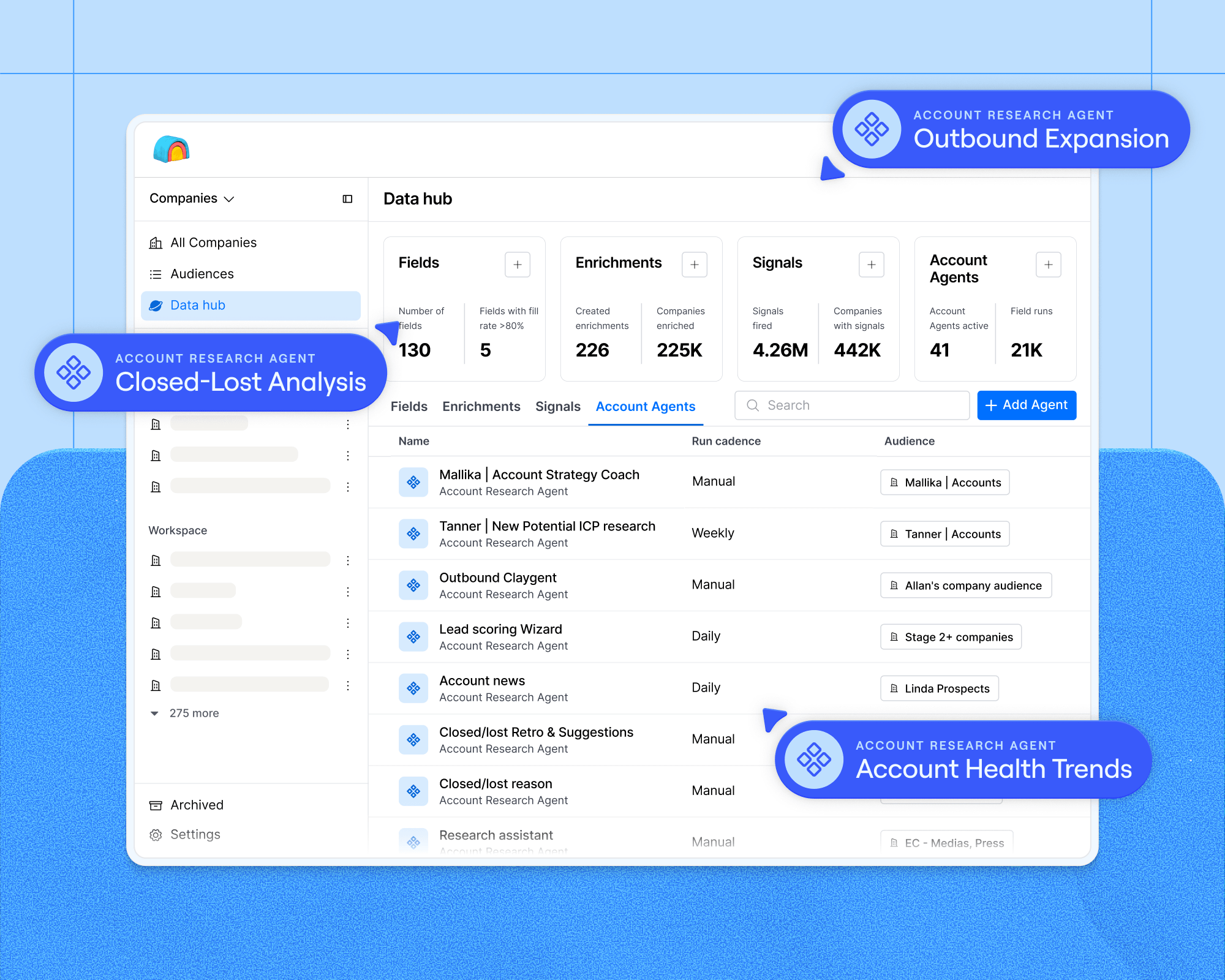
Claygent Builder is the easiest way to build, test, and deploy Claygents — Clay's GTM agents — without leaving Clay.
What's in Builder
Describe what you want your agent to do in natural language. Refine it conversationally with Sculptor. Run free tests on production data. Version every change, roll back if a tweak makes things worse, and deploy to any table from one place. Update the agent in Builder, and every deployment updates with it.
Four capabilities make Builder a different kind of agent platform:
Build and refine faster. Describe what you want in natural language. Sculptor turns it into a working prompt. Edit it, push back on the output, change a guardrail — all in one conversation. No more abandoning prompts because rewriting is painful. No more copy-pasting between Claude, ChatGPT, and Clay.
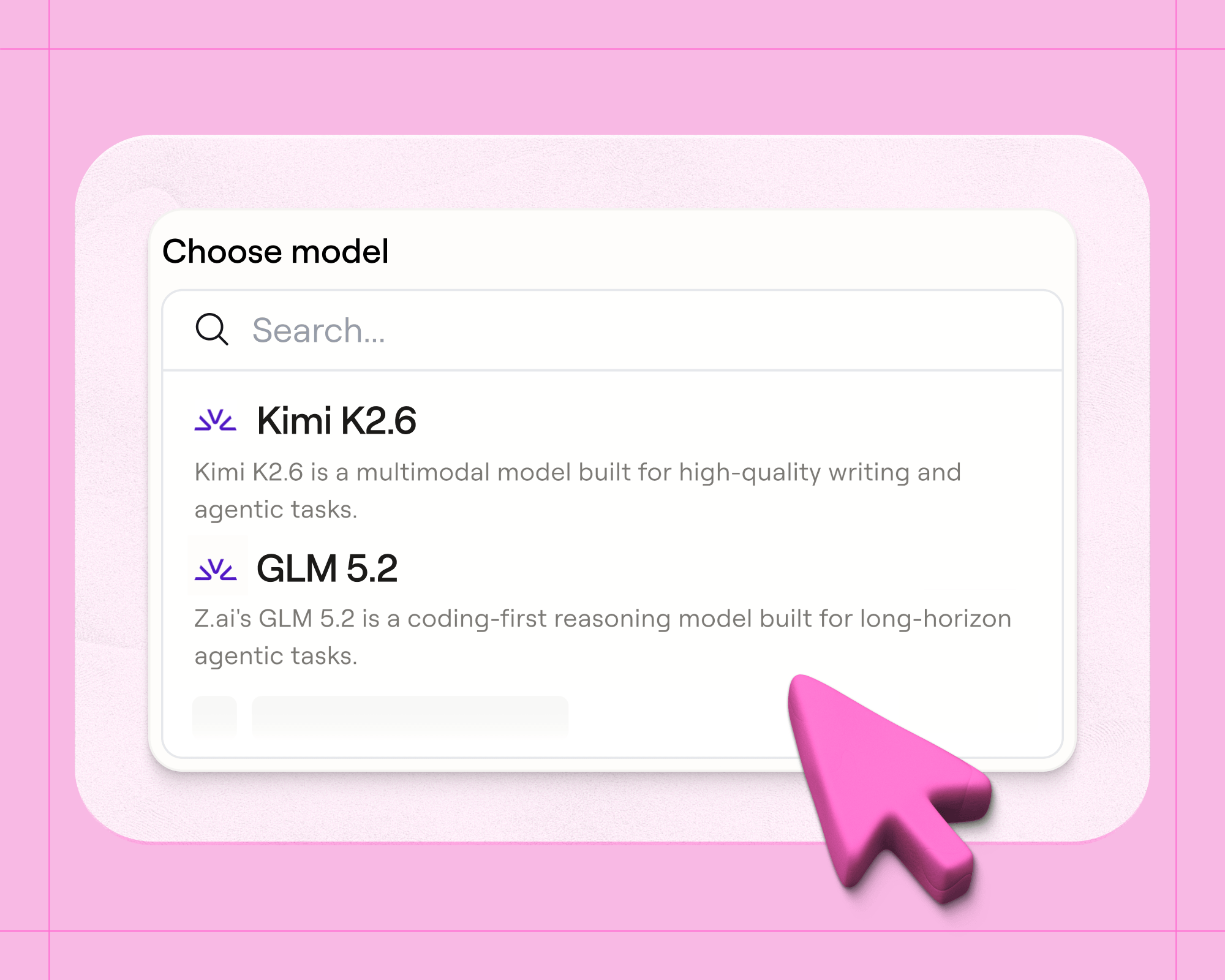
Test before you scale. Pull test data from a real table or generate it with AI. Run across different models. Save reusable test suites you can use across other Claygents. See exactly what the agent produces — before you spend a credit running it at scale.
Centralize your agent logic. Build once, deploy to every table that needs it. Update the prompt once, and every deployment updates with it. No more recreating the same Claygent across ten tables and hoping nobody touches the wrong one.
Add context quickly. Upload PDFs, CSVs, or images directly into the prompt. Connect your saved business context. Give your agent access to find people & jobs data as a tool. Your Claygent knows your ICP, your playbook, and your criteria from the first run.
What customers are building
The thread across our beta users: production-ready agents only emerge after real iteration on real data. Builder is where that iteration finally lives in one place.
RemoteClip: outbound copywriting at quality, in a tight market.
Justin runs RemoteClip, a B2B outbound agency in Germany, and has built 20–30 Claygents across his clients almost entirely in Builder. EMEA lead pools are smaller than the US (by his count, roughly 18× smaller), so personalization quality matters more than volume. His pipeline is consistent: an ICP qualifier Claygent screens whether a company fits the brief, a second enriches the right decision-maker, and a third writes the personalized snippet that drops into the email template. Across his book of clients, RemoteClip runs 500–1,500 first contacts a month and lands roughly one positive reply per 50 companies. Justin is blunt about what makes the economics work:
"There have been days where I've worked on one personalization for three or four hours. But once it's perfect, the workbook is set up — and every month we can charge our clients a good amount of money. Because we put in the time to set up the agents in a way that creates great output," said Justin.
Outbound is now a six-figure annual revenue line for the agency, sold in $10–20K engagements, all built and iterated inside Builder. He's also constantly testing models to find the best output-to-cost ratio:
"I always look for the model that has the biggest output for the least amount of money. Different models have huge impact on the output," said Justin.
Ziik: one template for a thousand people becomes a thousand templates.
Finnian is on the growth team at Ziik, a European SMB intranet platform. Before Builder, Ziik's outbound was a single static template with name swaps. Now: ICP-filtered Claygents qualify the company, classify the sector, surface relevant case studies, and assemble a personalized email per lead. Finnian builds prompts conversationally with Sculptor and runs multi-country campaigns by himself. Lead quality is up. Lead volume is up.
Clay's growth team: research at scale for ABM.
Talia Schleifer, Growth Marketer at Clay, sends personalized ABM notecards to marketing leaders at every target account for true surprise and delight campaigns. Using Claygent Builder, she created a Corporate Address Tracer Claygent to dynamically find the best fit contacts and their likely offices. This Claygent finds the most senior marketing or growth leader at a target company, filters to U.S.-based candidates, ranks by seniority (C-suite, VP, Head of, Director, Manager), finds the closest corporate office, and calculates the distance from the candidate's LinkedIn location. It runs across ten tables.
When Talia tunes the seniority logic, she tunes it once in Builder — and it applies across every campaign.
"This Claygent has been through probably twenty rounds of iteration in Builder. We're sending physical notecards, so the cost of getting the wrong contact or wrong address isn't a deleted email — it's an actual piece of mail going to the wrong person. Builder lets me test copy on real production accounts before I commit, and when I want to tighten the seniority logic, I tune it once and every campaign picks it up. I'm not editing ten tables and hoping they stay in sync," said Talia.
What separates a prompt from a production-ready agent
Three things separate a one-shot prompt from an agent you can actually run at scale: context, iteration, and reuse. Builder makes all three easy.
Context. An agent is only as smart as what it knows. The CRM data, enrichments, business context, and uploaded docs that make a GTM agent useful already live in Clay. Build here and they're already connected.
Iteration. Production-ready agents take dozens of small tweaks before they're ready to run across 10,000 rows. The platform you build on has to make that iteration cheap, fast, and safe — free testing, version history, easy model switching, and a conversational UI that doesn't punish experimentation.
Reuse. A great Claygent for ICP scoring, persona classification, or outbound copy shouldn't get rebuilt three times. Build it once, deploy it everywhere, update it from a single place. That's how agent logic becomes infrastructure instead of duplicated work.
This is how Clay should work for the agentic era: a centralized place where GTM agents are built, tested, and deployed natively — with full access to your first and third party data, and visibility into what an agent will do before it ever runs at scale.
Start building today
Claygent Builder is available on every plan, legacy and modern, at no additional cost. Same pricing as existing Claygents: one action per run plus data credits. If you've ever copy-pasted a prompt from a chat tab, you should start using Builder. Start using it in your workspace here.





.png)



.avif)











.avif)












.avif)